
Connect Your Apps.
Bring Your Work Together.
Connect AnyDB to the tools your business already uses. Automate tasks, keep information connected, and give AI Teammates access to the systems they need through apps, connectors, MCP, and integrations.
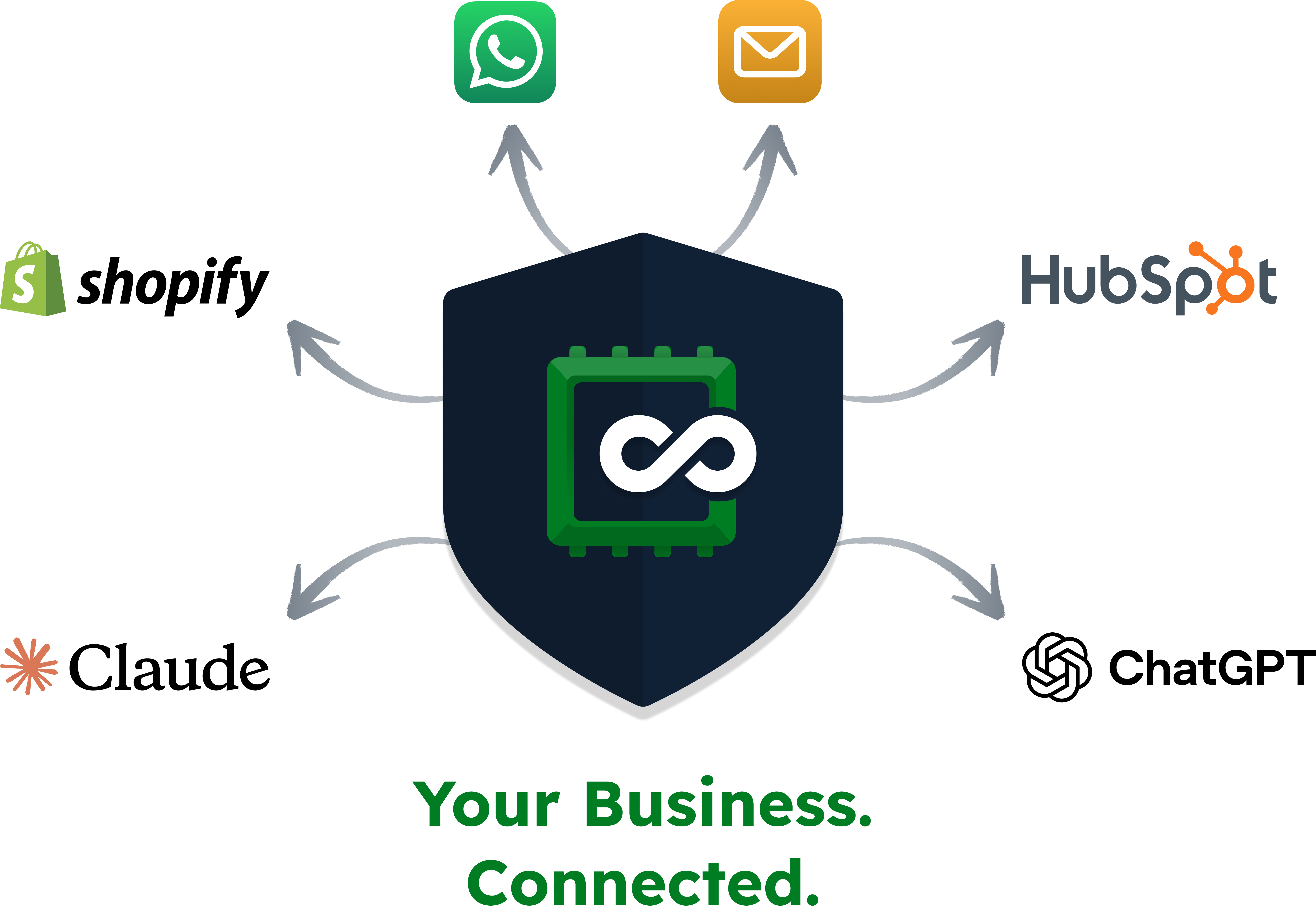
Find your next connection.
Explore the apps, Teammate connectors, and integration options that bring your business tools together.
All integrations
24 integrations
Automation & APIs
A2A
Connect another agent and let a Teammate hand it work.
Explore integrationAutomation & APIs
AnyDB API
Build custom integrations around your AnyDB data.
Explore integrationAI assistants
AnyDB MCP
Let external AI assistants access permitted AnyDB records through the hosted MCP server.
Explore integration
ChatGPT
Work with AnyDB through the ChatGPT plugin or a compatible MCP connection.
Explore integration
Claude
Connect Claude to your permitted AnyDB records, files, and workflows.
Explore integrationTeammate connectors
Custom MCP connector
Give an AnyDB Teammate access to an external MCP server and its supported tools.
Explore integrationCommunications
Email inbox
Connect a business mailbox to receive and reply to conversations inside AnyDB.
Explore integration
GitHub
Connect development work to your Teammates through the connector catalog.
Explore integration
Gmail
Connect Gmail tools to a Teammate; manage a shared mailbox separately through Email inbox.
Explore integration
Google Chat
Mention a Teammate in a Google Chat space or direct message, and receive its replies in the thread.
Explore integration
HubSpot
Connect your CRM to the Teammates that work with customer relationships.
Explore integrationAnyDB Apps
Inventory
Manage stock, purchasing, and replenishment for a Shopify-connected workspace.
Explore integration

Jira & Confluence
Grant Teammates a connection to your Atlassian tools.
Explore integration
Connect your LinkedIn account to a Teammate with approval boundaries.
Explore integration
MailerLite
Connect your marketing tools to the Teammates that need them.
Explore integration
Make
Connect AnyDB to other apps through Make scenarios.
Explore integration
QuickBooks Online
Connect accounting data and invoice workflows to your workspace.
Explore integrationAnyDB Apps
Scan Station
Scan a barcode to look up an item and check stock in or out.
Explore integration
Shopify
Connect your store’s customers, products, locations, and orders to AnyDB.
Explore integration
Stripe
Give selected Teammates access to a configured Stripe connection.
Explore integrationAutomation & APIs
Webhooks
Send workflow data to external systems or receive signed submissions.
Explore integration
Bring WhatsApp Business conversations into AnyDB through the Meta Cloud API.
Explore integration
X
Connect your X account through its hosted MCP server.
Explore integration
Zapier
Connect AnyDB triggers and actions to your Zaps.
Explore integrationNo integrations found
Try a different search or explore all connections.
More Teammate connectors are coming. Setup and availability depend on the connection you choose.
Let AI Teammates work across your other business systems
Connect supported external tools through MCP, then grant individual AI Teammates access to the connectors they need. They can work with information and prepare actions across your existing systems while continuing to follow their AnyDB instructions, permissions, and approval boundaries.
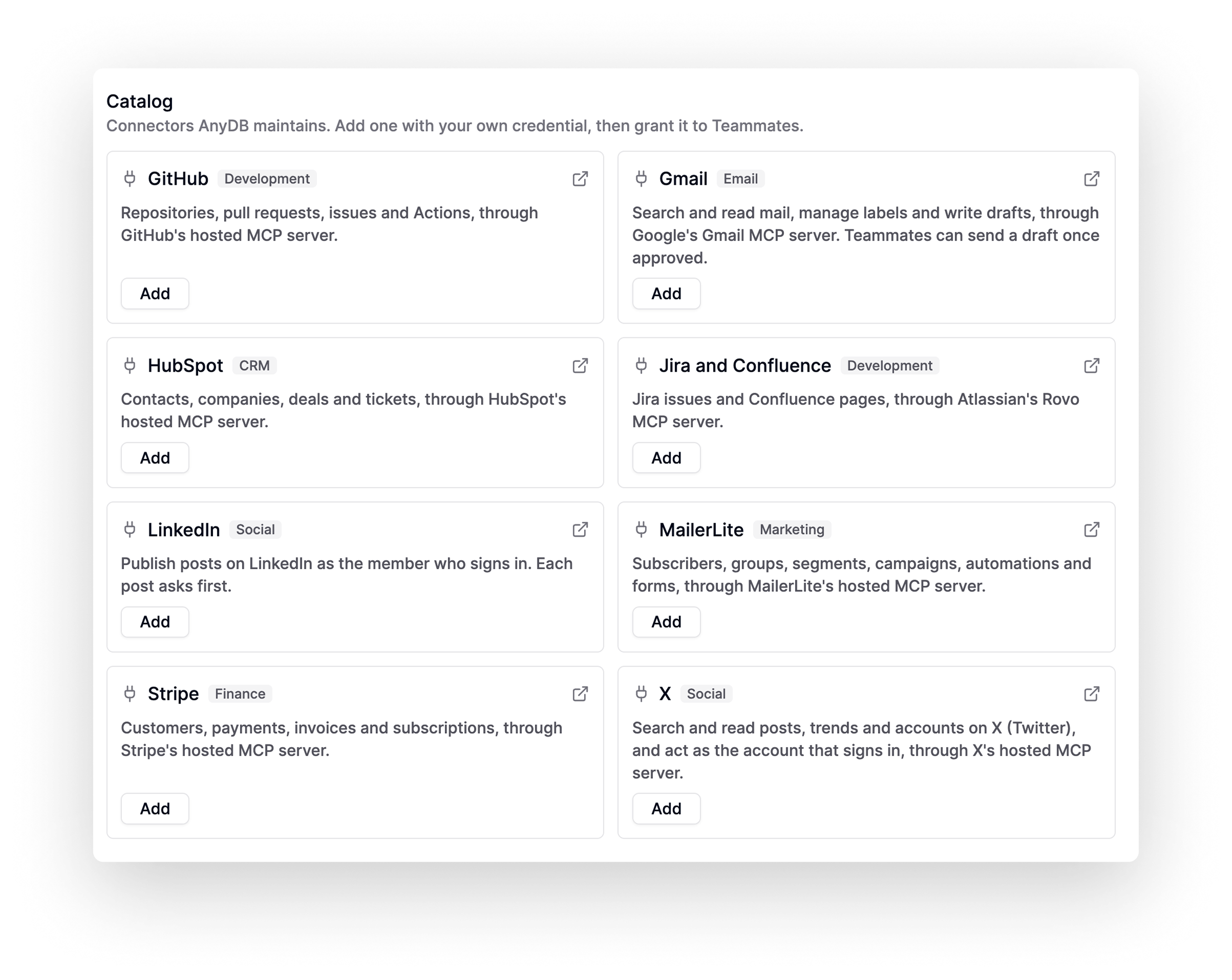
More connectors are coming.
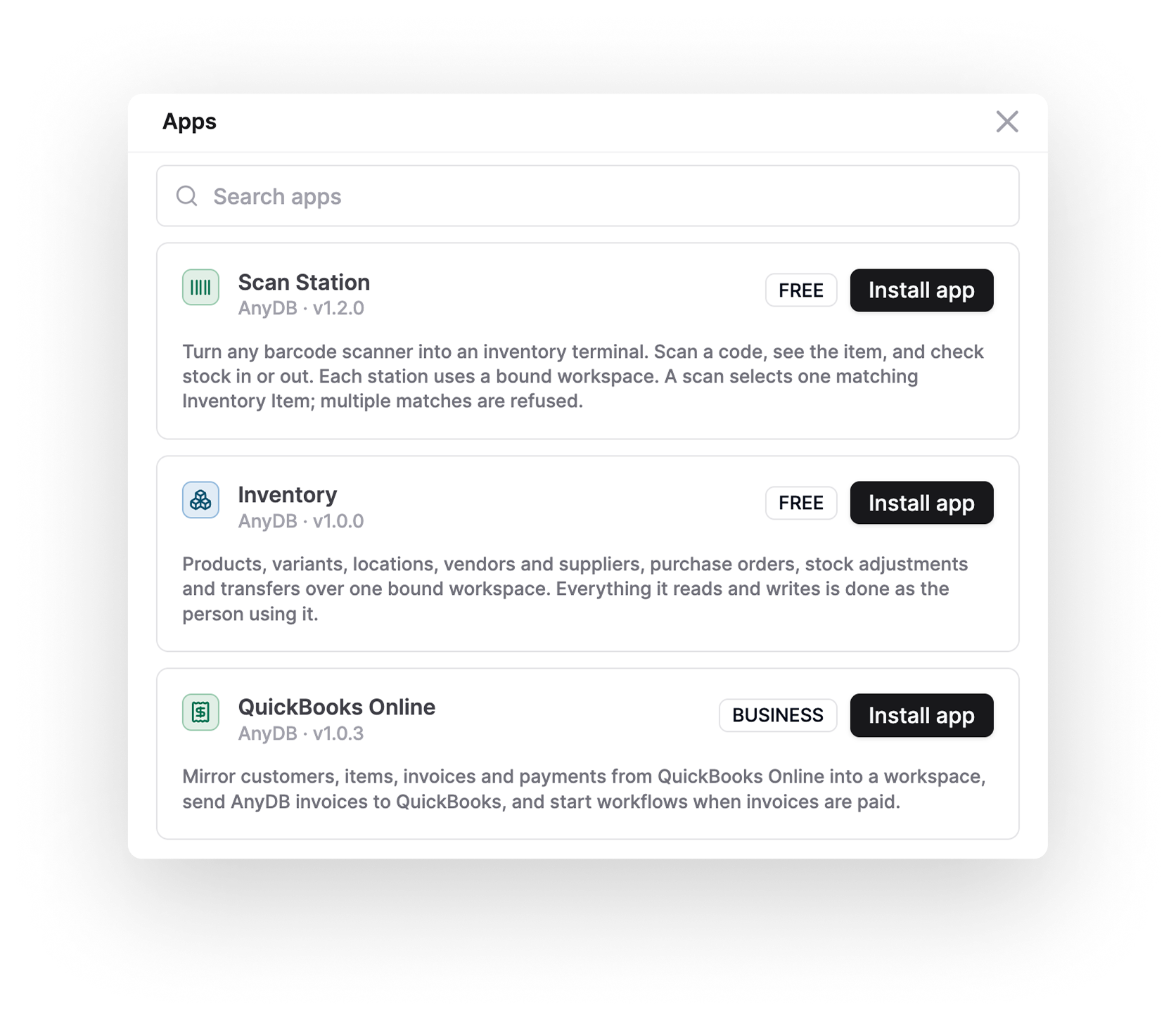
Extend Your Operations With Apps Inside AnyDB
Add apps inside AnyDB to support specific business processes and connect external services to your workspace. Bring scanning, inventory, and accounting workflows closer to the records your team already uses.
Work With AnyDB in ChatGPT and Claude
Connect AnyDB to the AI assistant you already use. Install the AnyDB plugin for ChatGPT or Claude to work with your business information through conversation.
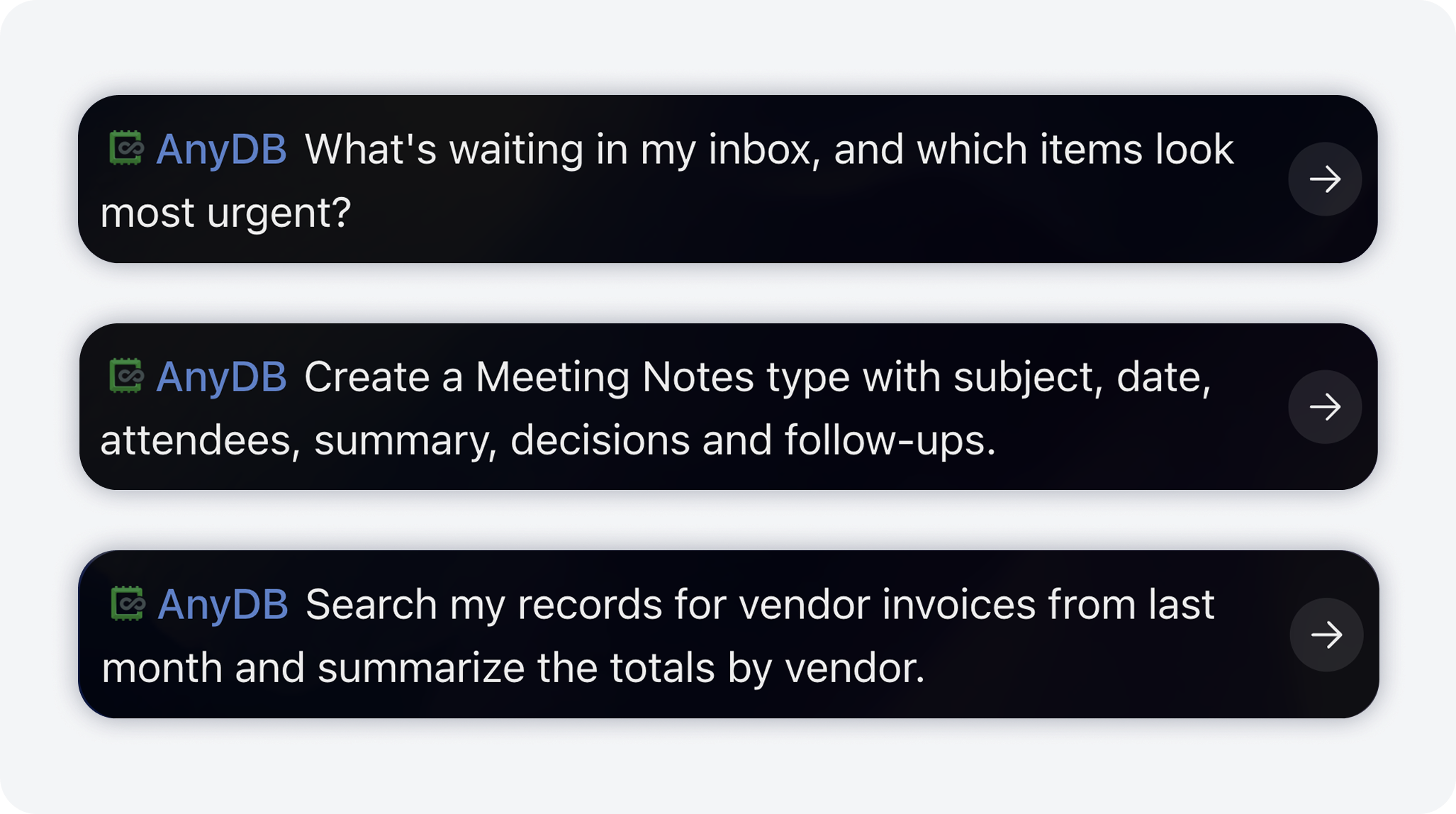
Connect AI Assistants Through MCP
Let AI work with your AnyDB records and files through official connectors, or connect any MCP-compatible AI to your workspace.
https://mcp.anydb.comAutomate Your Workflows
Create automations that keep your operations moving without manual work or follow-ups.
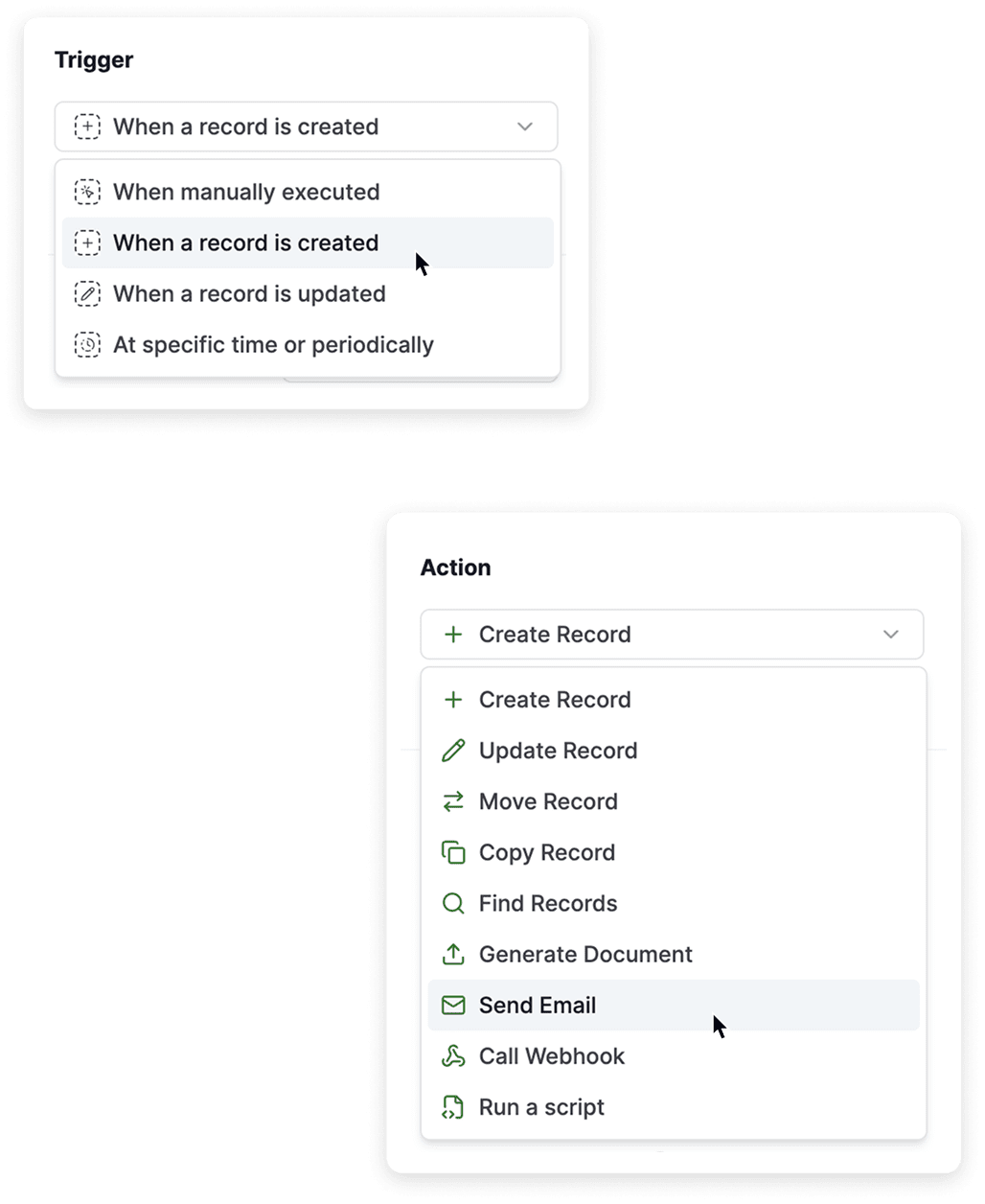
Let your system run the routine work so your team can focus on what matters.
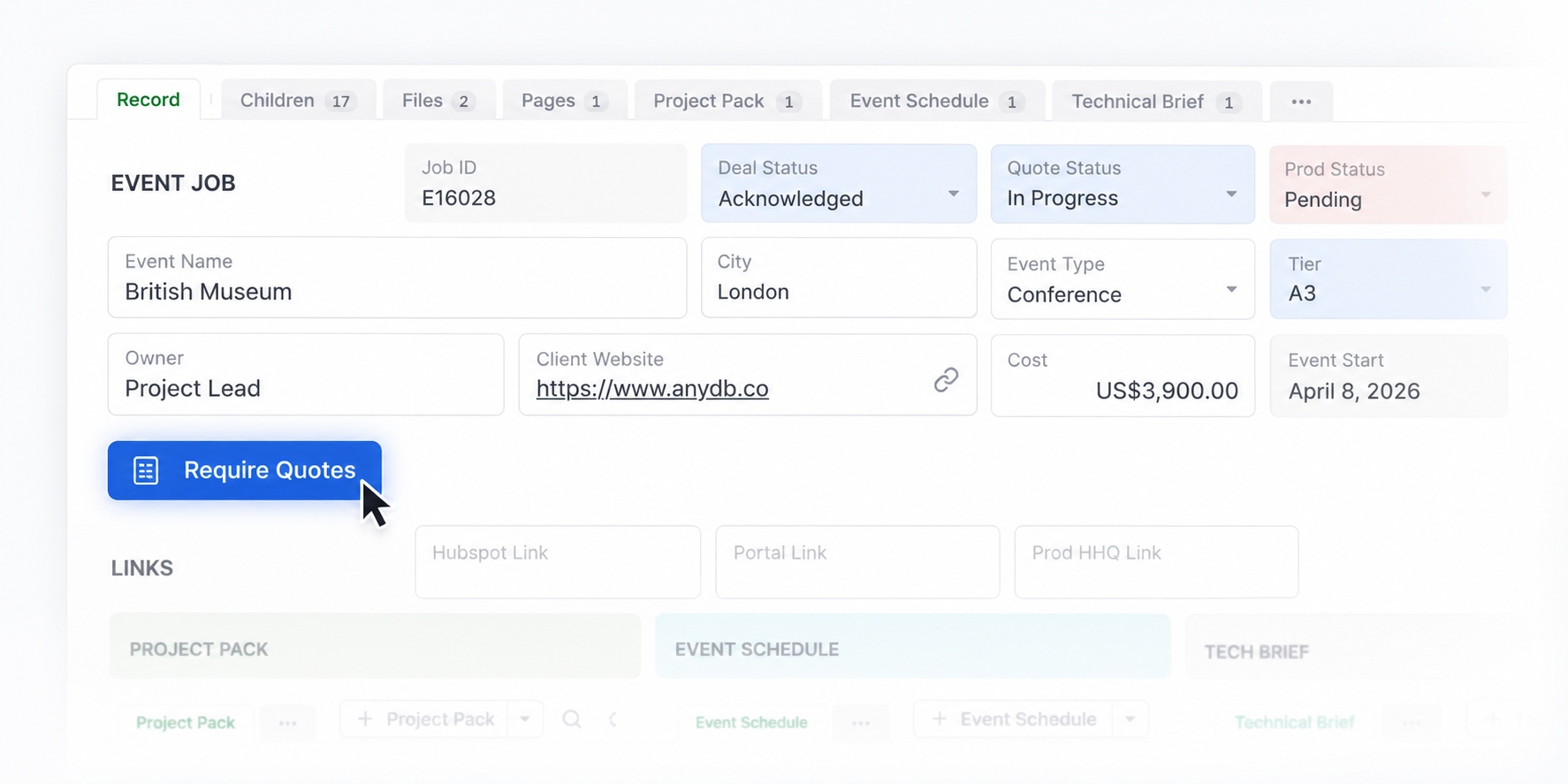
Use the API for Custom Integrations
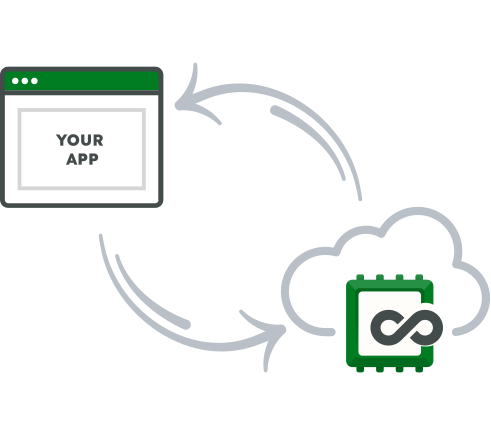
For advanced or development-led setups, connect AnyDB directly through the API.
Built for Real Operations Workflows
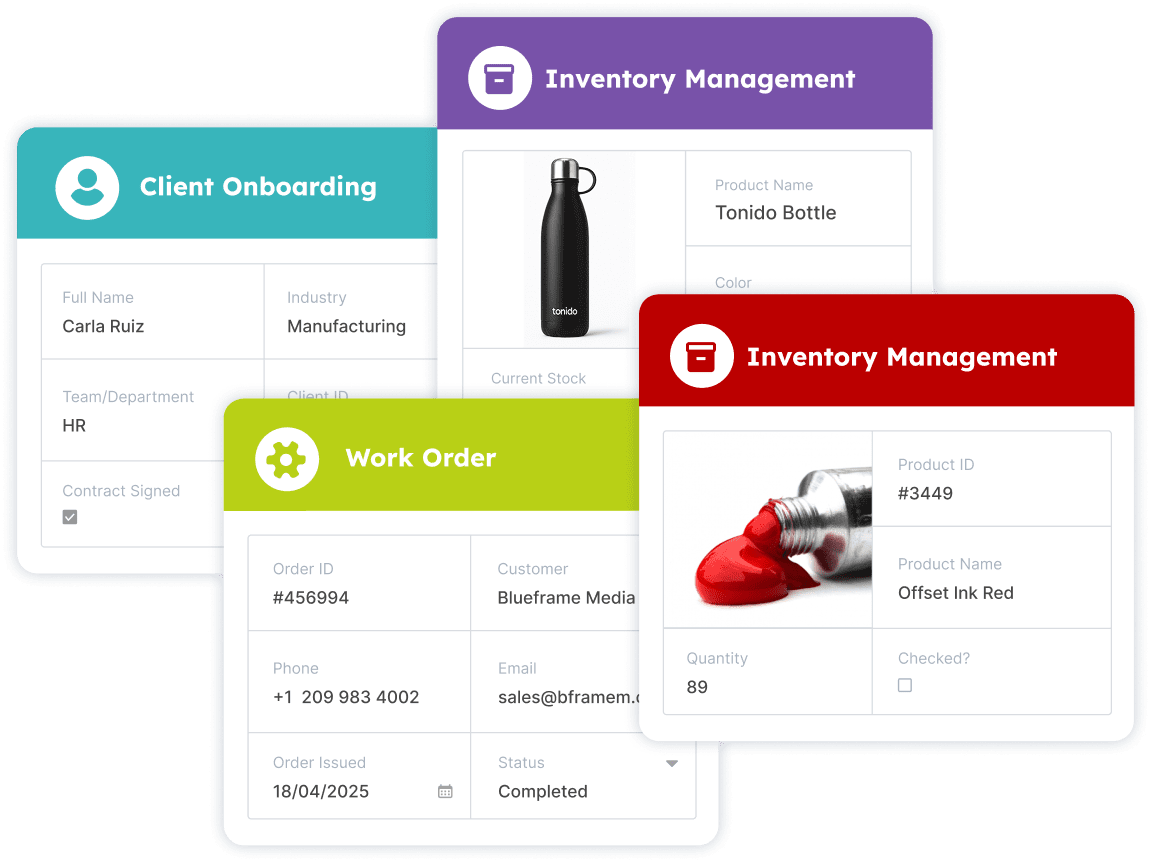
Integrations support the day-to-day business processes that keep operations running.
Use for:
Make AnyDB the center of your operations
Connect AnyDB once and automate workflows across every tool you use.


