
Requests Get Missed
Capture issues through structured forms and route them to the right person.
Manage maintenance requests, work orders, assets, technicians, preventive schedules, inspections, parts, costs, and service history in one connected system.
Build the system around your assets, facilities, teams, safety requirements, approvals, and maintenance process.
Need help getting started? We can help you build a Work Order and Maintenance system around your operation.





Replace scattered requests, paper work orders, spreadsheets, and follow-up messages with connected maintenance records.
Capture issues through structured forms and route them to the right person.
Assign every work order to a technician, team, or contractor with a due date and status.
Schedule recurring maintenance and notify teams before work becomes overdue.
Connect repairs, inspections, parts, costs, downtime, and documents to each asset.
Connect stock availability, purchasing, required approvals, and parts to the work order.
Start free, build the system yourself, or have our team build and manage it for you.
Connect every stage and adapt the structure to your assets, facilities, teams, and approval requirements.
Capture issues, prioritize work, assign owners, schedule jobs, and track progress.
2Keep repairs, inspections, manuals, warranties, costs, and service history together.
3Schedule recurring work using dates, intervals, meter readings, and thresholds.
4Connect parts, technician time, suppliers, purchasing, and job costs.
5Change fields, forms, views, permissions, reports, approvals, and automations.
Give maintenance teams the tools to plan, complete, and review work.
Create, prioritize, assign, schedule, and track maintenance work through completion.
Plan recurring work and surface tasks approaching their next service date or meter threshold.
Keep repairs, inspections, parts, downtime, costs, manuals, and files connected to each asset.
Scan assets, open work orders, complete forms, upload photos, and update progress in the field.
Monitor open work, completion times, downtime, costs, and recurring asset problems.
Collect the issue, asset, location, urgency, photos, and requester details. Review the scope, set the priority, assign an owner, schedule the job, and track it through closure.
Collect issue details, photos, asset, location, priority, category, safety requirements, due date, and estimated duration.
Assign technicians, teams, contractors, or service providers and track approval, scheduling, progress, inspection, and closure.
Keep questions, decisions, comments, links, files, and updates connected to the job.
Connect specifications, condition, location, manuals, warranties, inspections, repairs, parts, labor, costs, downtime, and technician notes to each asset.
Store serial numbers, models, manufacturers, specifications, purchase details, ownership, condition, and location.
Review completed work, inspections, parts, labor, costs, downtime, readings, files, and record changes.
Give each asset a unique code so technicians can scan it with the AnyDB mobile app and open the correct record.
Create maintenance schedules around how each asset needs to be inspected, serviced, calibrated, tested, or replaced.
Schedule work by date, interval, operating hours, mileage, cycles, readings, or maintenance threshold.
Connect instructions, checklists, safety requirements, tools, parts, notes, readings, photos, and required results.
See maintenance and shutdowns by date, then use automations to create work orders, assign owners, and notify teams.
Record parts issued, technician time, contractor services, supplier activity, purchase orders, receipts, and costs while the work is performed.
Track parts issued, quantities used, storage locations, minimum levels, availability, and work-order consumption.
Record technicians, hours, rates, completion notes, contractors, suppliers, purchase orders, and receiving.
Review labor, parts, contractor, and other expenses by job, asset, location, category, or period.
Adapt asset classes, failure types, meter readings, safety requirements, warranties, permits, compliance details, statuses, approvals, and responsibilities.
Create statuses and approval routes for requests, expensive repairs, parts, contractors, shutdowns, completion, and closure.
Give requesters, technicians, managers, contractors, and finance teams focused access to assigned records and forms.
Use customizable Work Request, Inventory Item, Purchase Order, Vendor, and Employee objects, plus webhooks and APIs.
Keep the complete work-order process connected without copying information between tools.
Record the issue, asset, location, urgency, photos, scope, impact, and approval needs.
Define the work, owner, due date, parts, procedures, safety requirements, and downtime.
Place the job on the calendar and coordinate technicians, parts, asset access, and shutdowns.
Record work, labor, parts, readings, notes, photos, inspection results, and approval.
Update asset history and evaluate costs, downtime, repeated failures, and future needs.
Keep teams and assets connected across facilities, branches, warehouses, job sites, and customer locations.
Review assets, open work, schedules, technicians, and exceptions by location.
Use consistent work-order structures, priorities, checklists, procedures, and completion requirements.
Assign location-specific managers, technicians, contractors, and approval routes.
Plan technicians, asset access, shutdowns, and preventive work across sites.
Compare workload, completion times, costs, downtime, and asset performance across locations.
Use the AnyDB mobile app to access and update maintenance information beside the asset.
Use barcode or QR scanning to open the correct asset or work order.
See the issue, priority, instructions, checklist, files, and relevant maintenance history.
Update status, add notes, complete forms, and document finished work.
Attach condition, damage, repair, and completion photos directly to the record.
Keep technicians informed about assignments, deadlines, approvals, and important updates.
You can set automation to evaluate conditions and notify the right person when action is required.
Route work based on asset, location, category, priority, or responsibility.
Notify technicians or managers before scheduled work is due.
Alert managers when a work order remains open after its due date.
Notify purchasing or maintenance teams when critical stock reaches its minimum.
Generate an inspection or approval step after maintenance work is completed.
Use reports and dashboards to review workload, asset performance, costs, and delays.
Monitor demand by priority, status, technician, location, category, or due date.
Compare how long different types of work take from request to closure.
Review downtime by asset, category, location, or failure type.
Compare labor, parts, and contractor expenses across the operation.
Find assets with repeated work orders, failures, downtime, or high maintenance costs.
Reports can be filtered, grouped, summarized, displayed as charts, and exported as CSV or XLSX.
Use asset and work-order information stored in AnyDB to create consistent operational documents.
Generate job sheets containing the asset, issue, instructions, technician, parts, and due date.
Create structured reports from completed inspections and checklists.
Document completed work, parts, labor, findings, readings, and completion details.
Generate summaries containing specifications, condition, maintenance activity, and costs.
Create Word or Excel files, export PDFs, and send documents through automated email actions.
Keep every role working from connected records while showing each person the information relevant to their work.
Submit issues and review the current status of their requests.
See assigned work, schedules, priorities, instructions, parts, and asset information.
Plan work, balance assignments, review overdue jobs, and monitor asset performance.
Track spare parts, stock requirements, suppliers, orders, and receipts.
Review downtime, costs, recurring failures, completion rates, and workload.
Dynamic views can show records based on the signed-in user, location, assignment, or responsibility.
Connect a compatible AI assistant to AnyDB through MCP and work with permitted maintenance records and files using natural-language instructions.
Review current work orders, priorities, owners, blockers, and due dates.
Identify repeated failures, high-cost assets, and related maintenance history.
Find preventive work, inspections, shutdowns, and service deadlines.
Create or update records while following permissions defined in AnyDB.
Find, upload, download, and use permitted documents connected to maintenance work.
Keep the working record of your maintenance operation in one connected system.



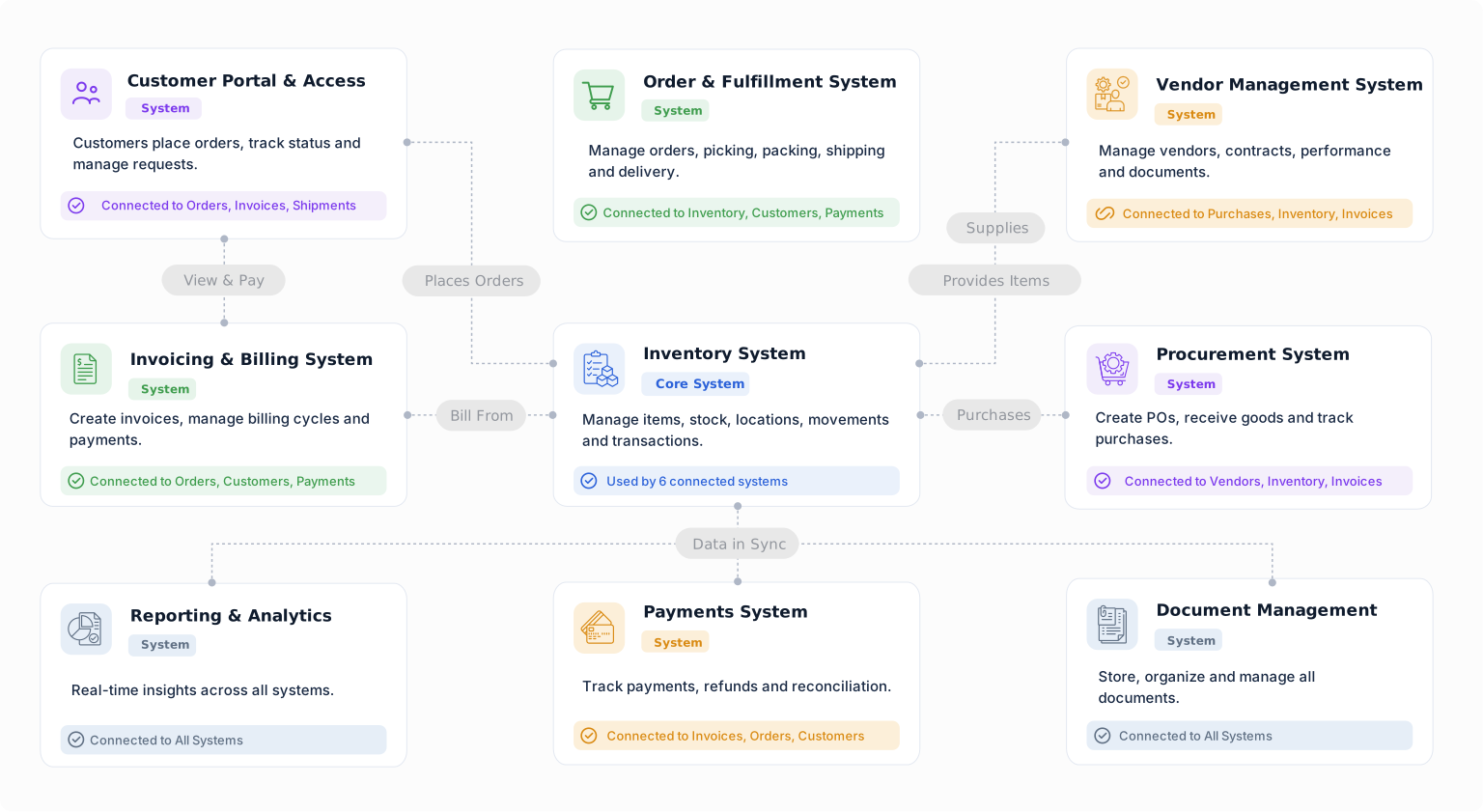
Build a starting point for maintenance and service work with objects from the Business Object Library. Customize their fields, relationships, forms, views, and workflows around the way your team works.
Capture requests for service or support and connect them to follow-up work.
Coordinate maintenance, repair, installation, or service work with clear ownership.
Keep owned or managed assets connected to locations, documents, and service history.
Connect employees to their responsibilities, tasks, and operational records.
Track an item at a location, warehouse, bin, or condition.
Record inspection findings and connect them to assets, items, or work.
Manage requests, work orders, assets, schedules, technicians, parts, costs, and maintenance records using a system you can change as your operation evolves.


