Frequently Asked Questions
How is AnyDB different from Google Sheets?
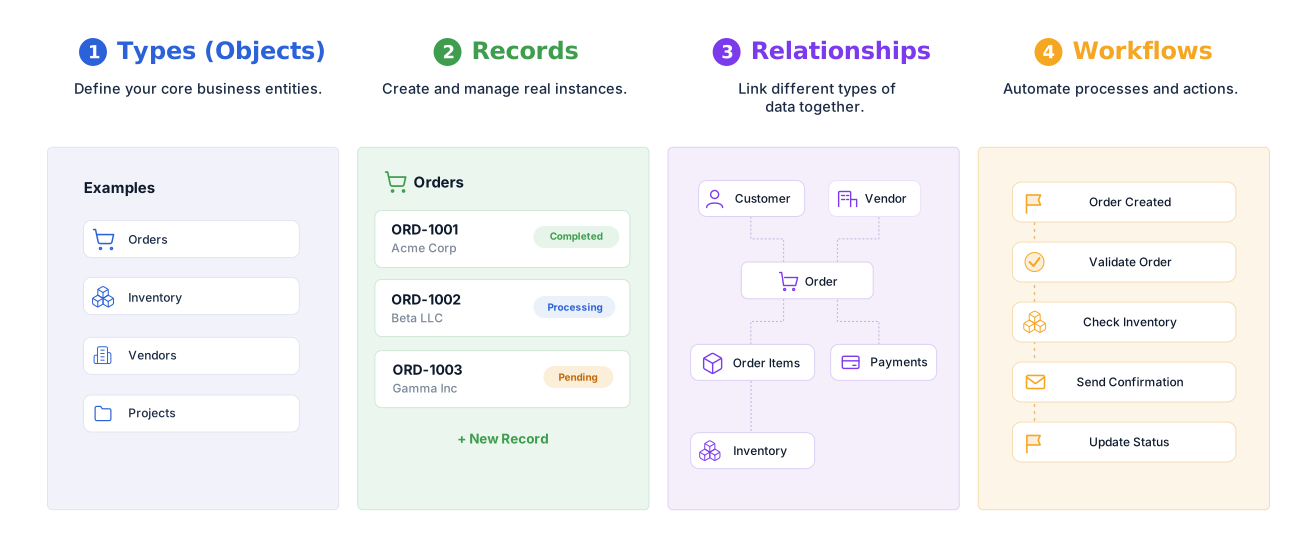
Google Sheets is a collaborative spreadsheet application built for calculations, sharing, lightweight tracking, analysis, and reporting. AnyDB is an operational systems platform built around connected business records, relationships, files, assignments, reminders, workflows, permissions, portals, history, and document generation.
Is AnyDB intended to replace every Google Sheet?
No. Google Sheets remains an excellent tool for collaborative calculations, planning, lightweight lists, reporting, analysis, and temporary trackers. AnyDB is intended for shared sheets that have become business-critical operational systems.
Can AnyDB replace an existing Google Sheets process?
Yes. You can begin with one spreadsheet, tab, form-linked sheet, or workflow, import the related data, and rebuild the process around connected business records. Additional sheets and processes can be added over time.
Can I import data from Google Sheets?
Yes. Google Sheets data can be exported and imported into AnyDB. The AnyDB team can also help map tabs, columns, lookup relationships, formulas, linked files, and business rules into an operational structure.
Can users still work in a spreadsheet-style layout?
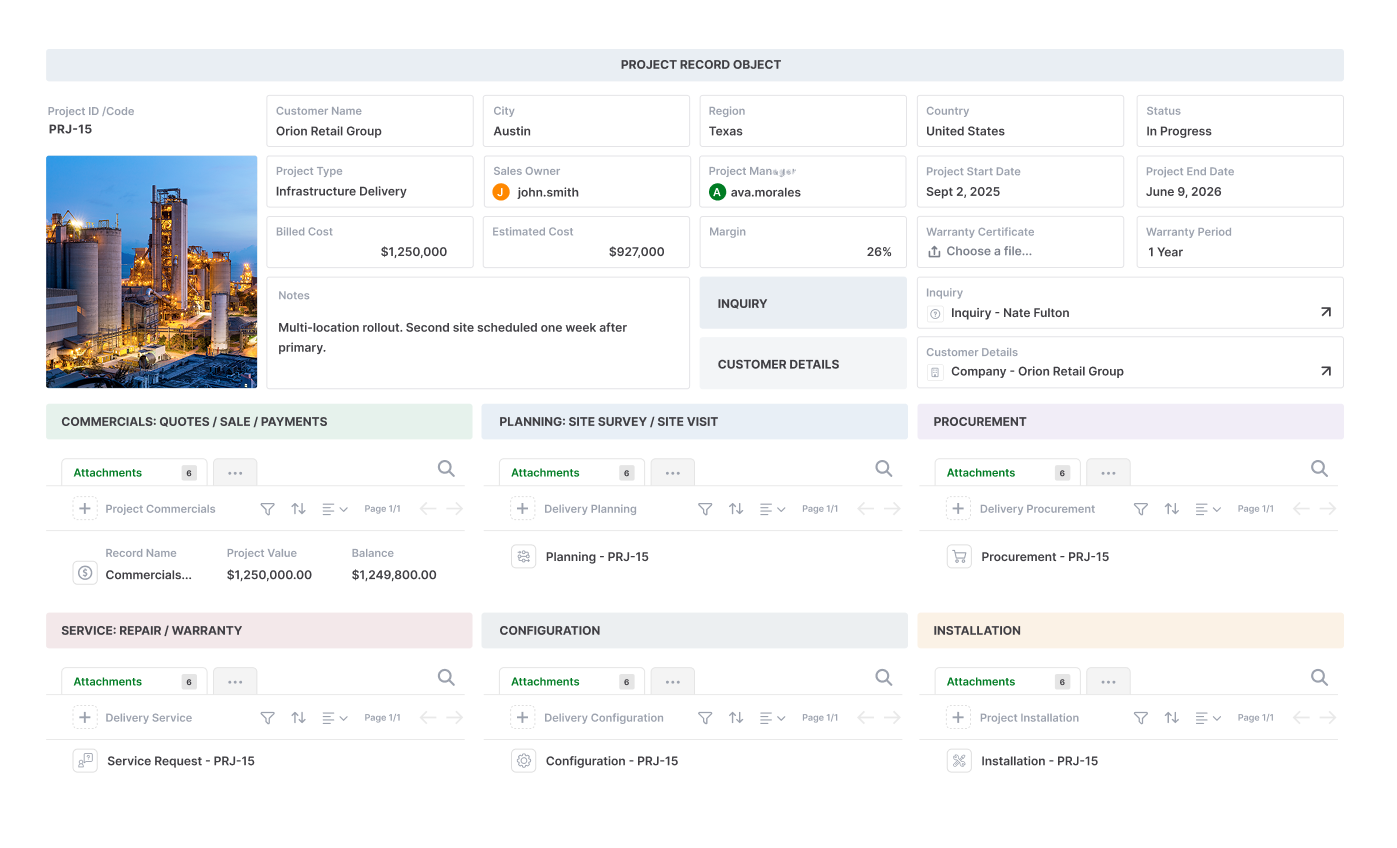
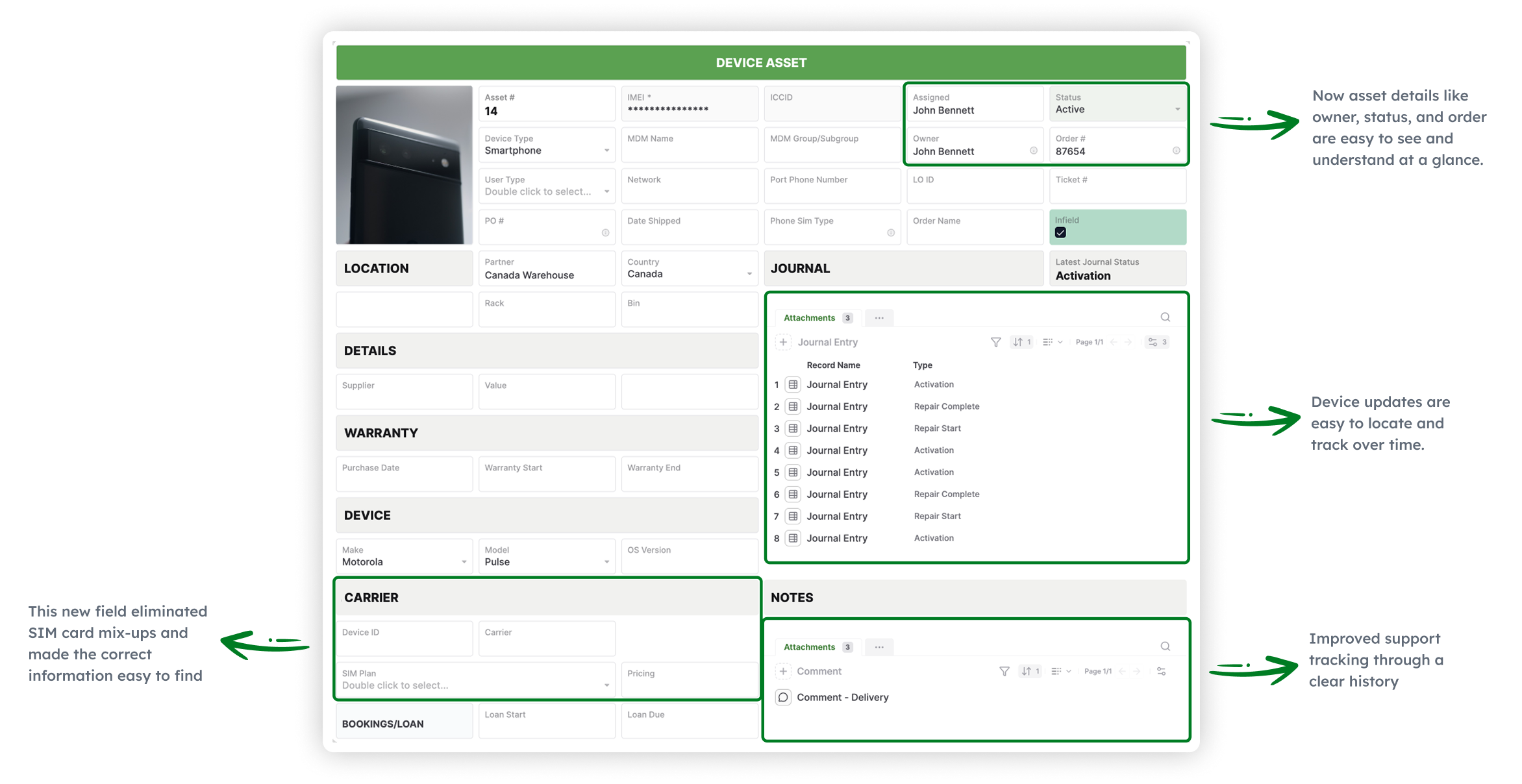
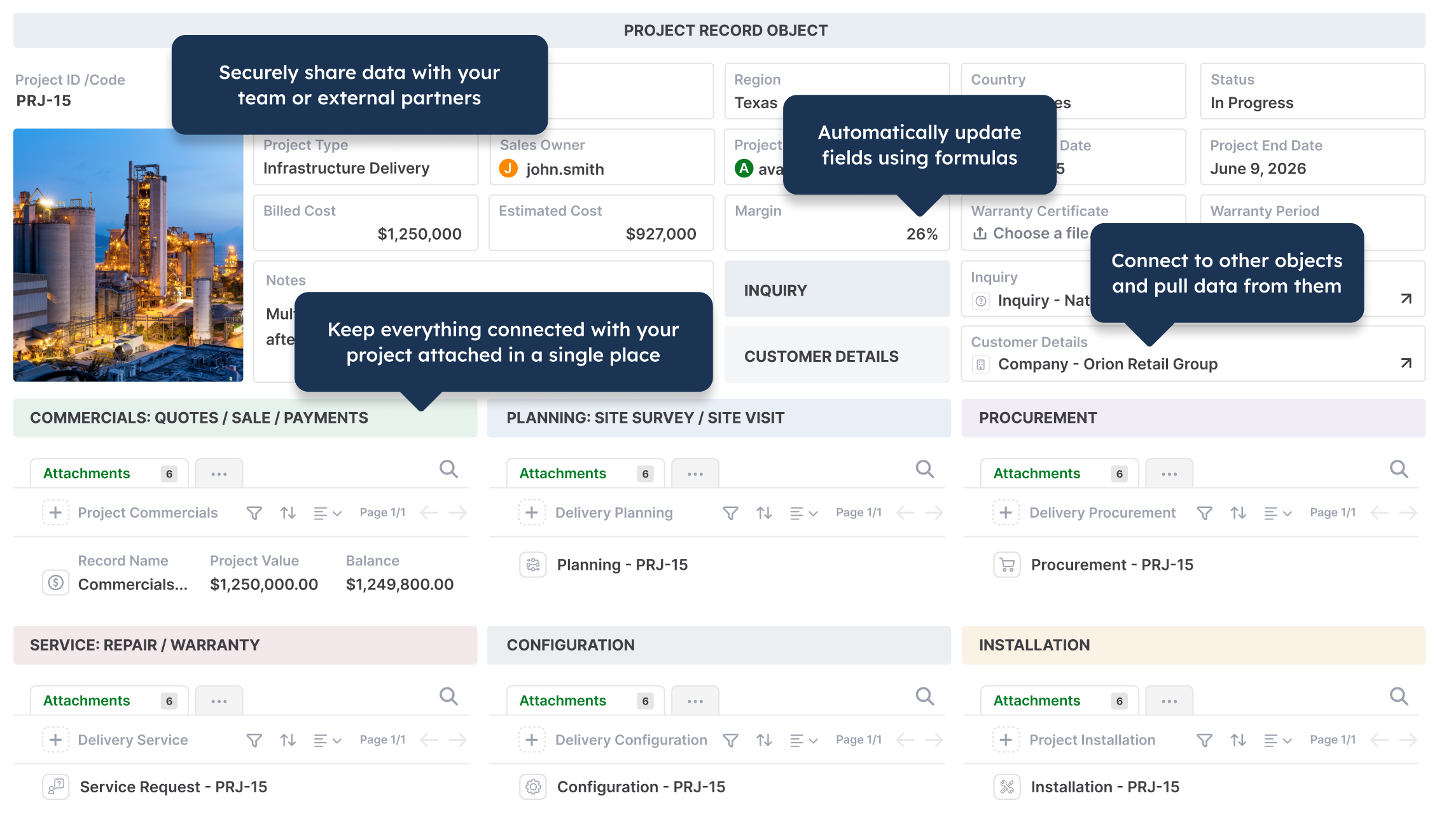
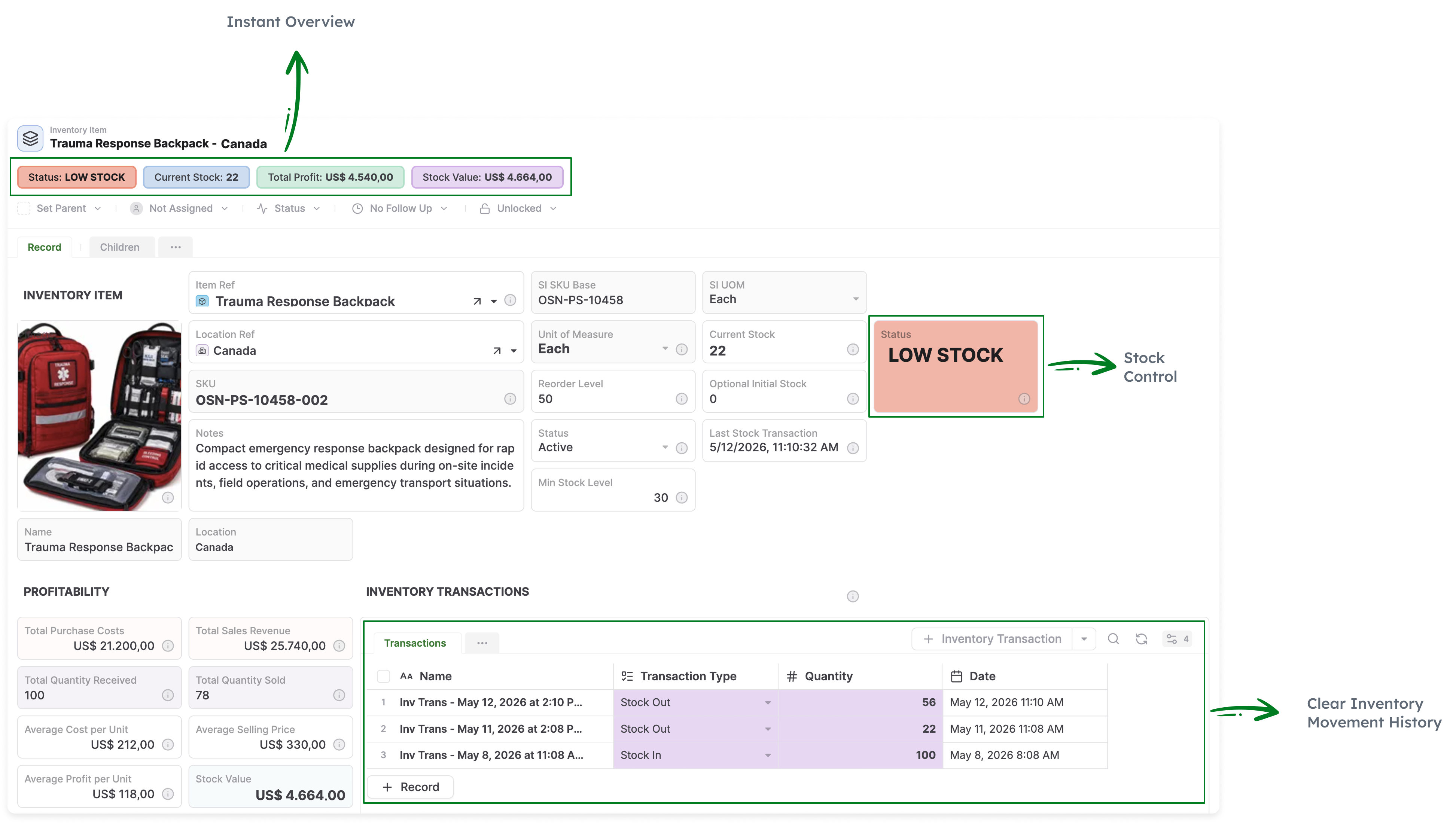
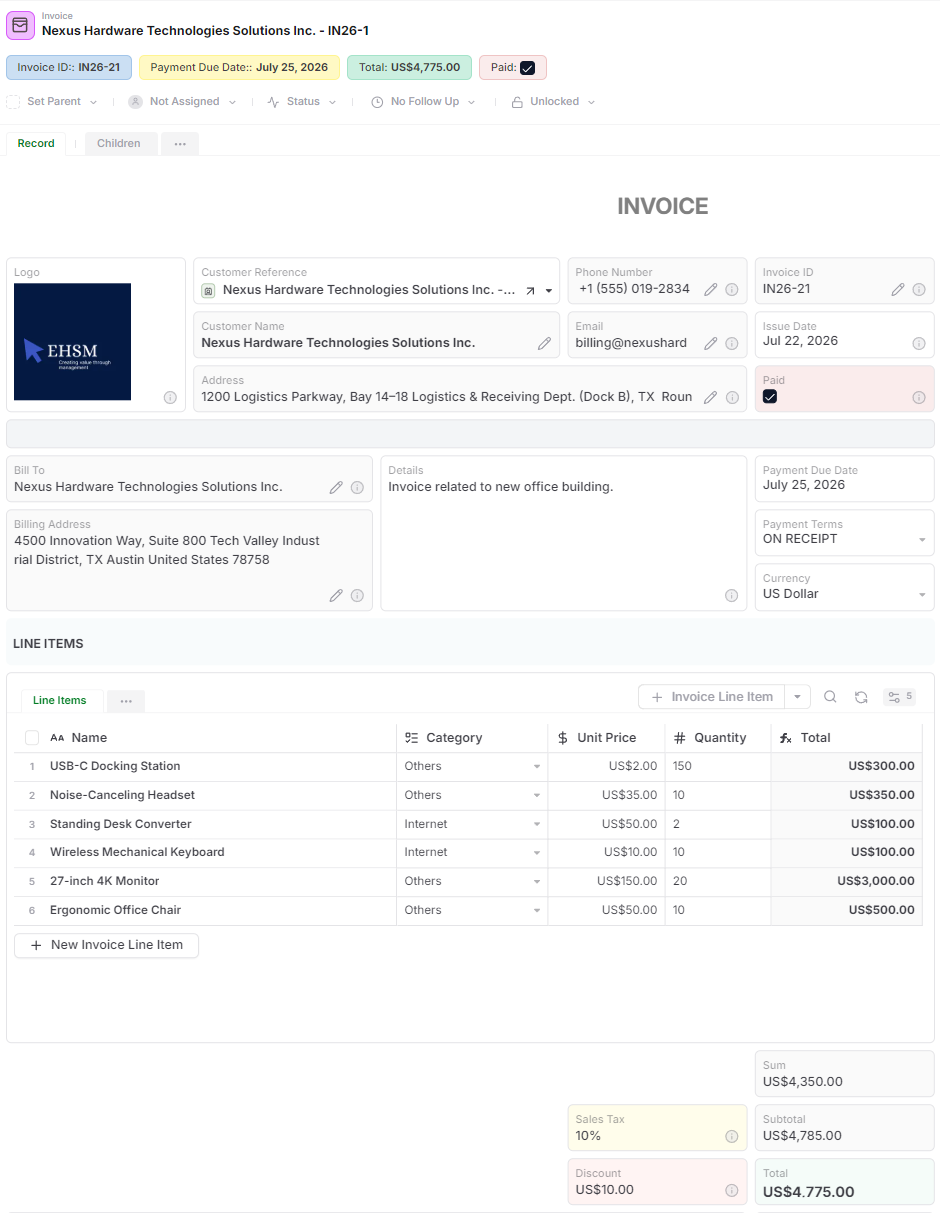
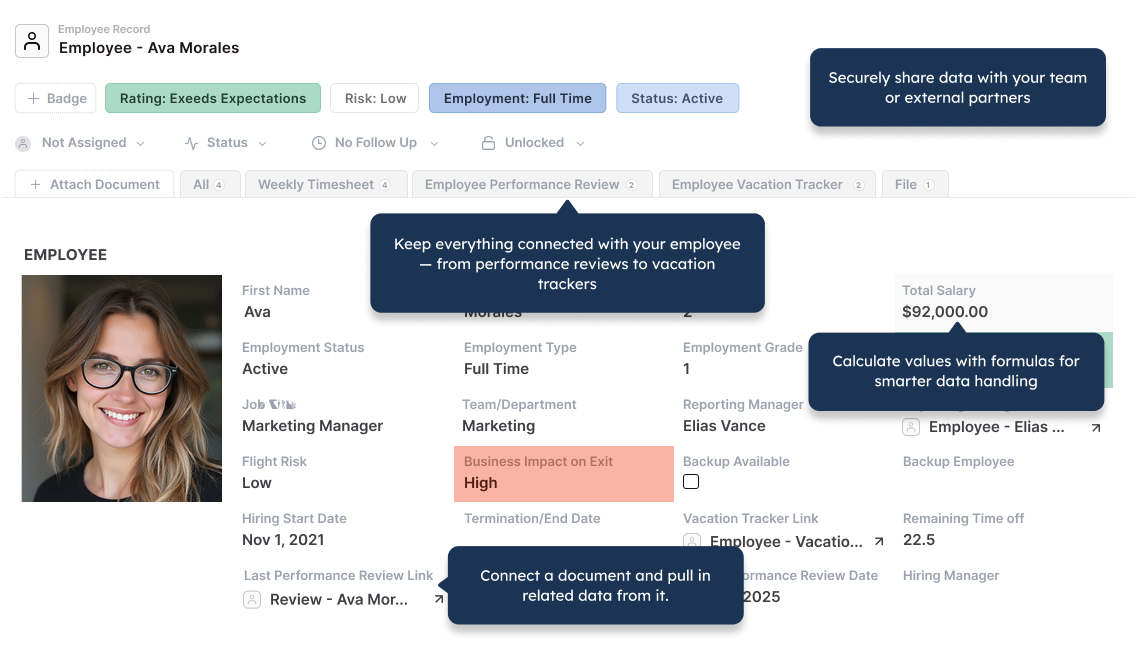
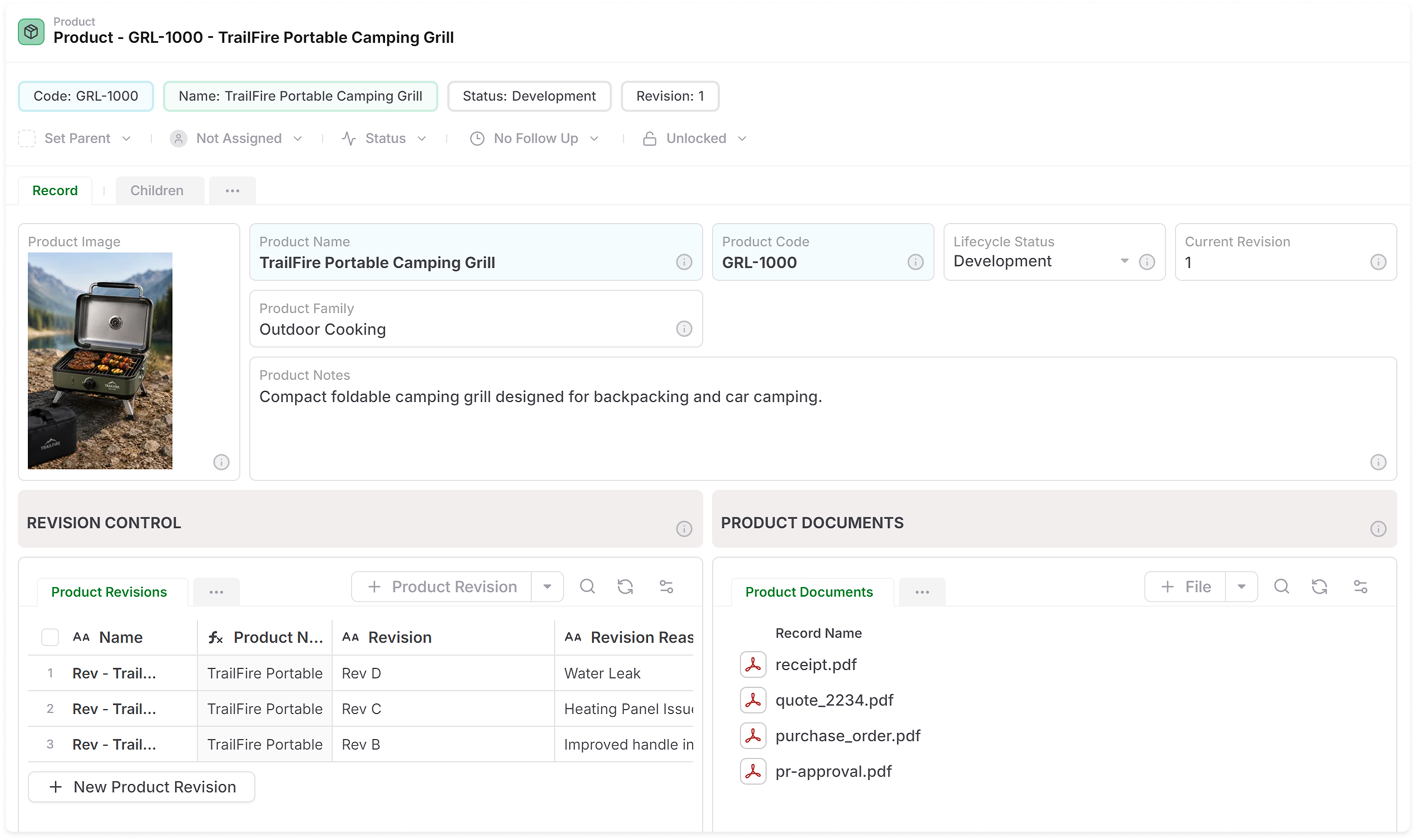
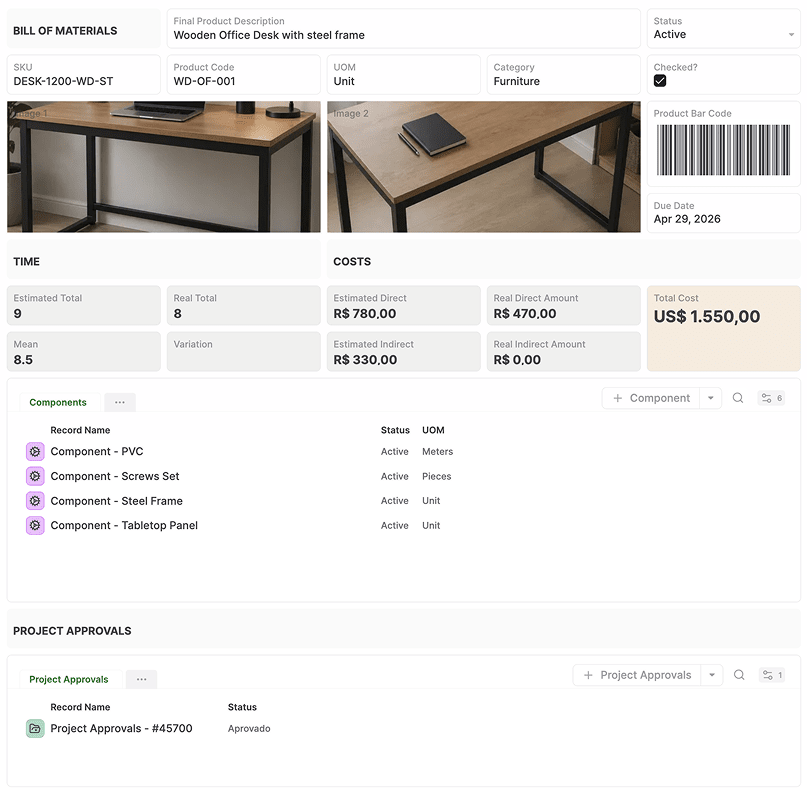
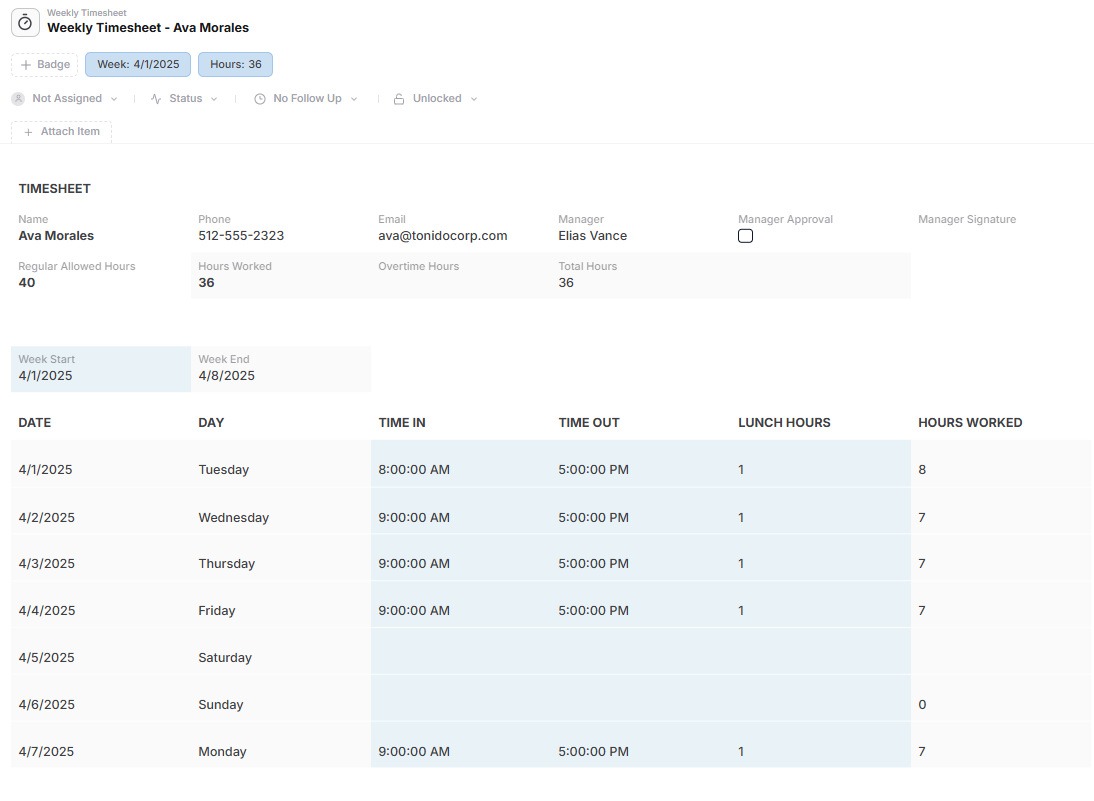
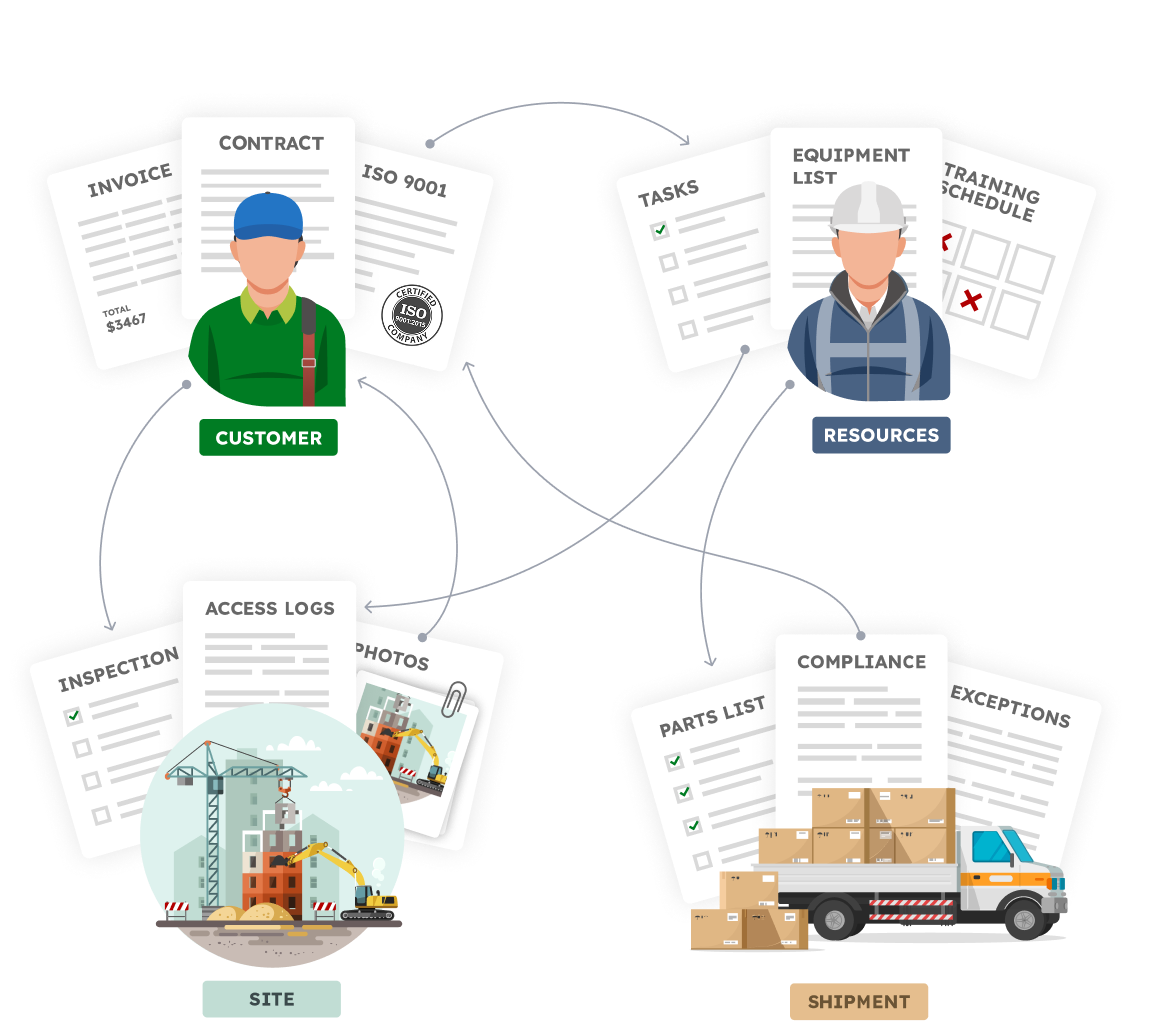
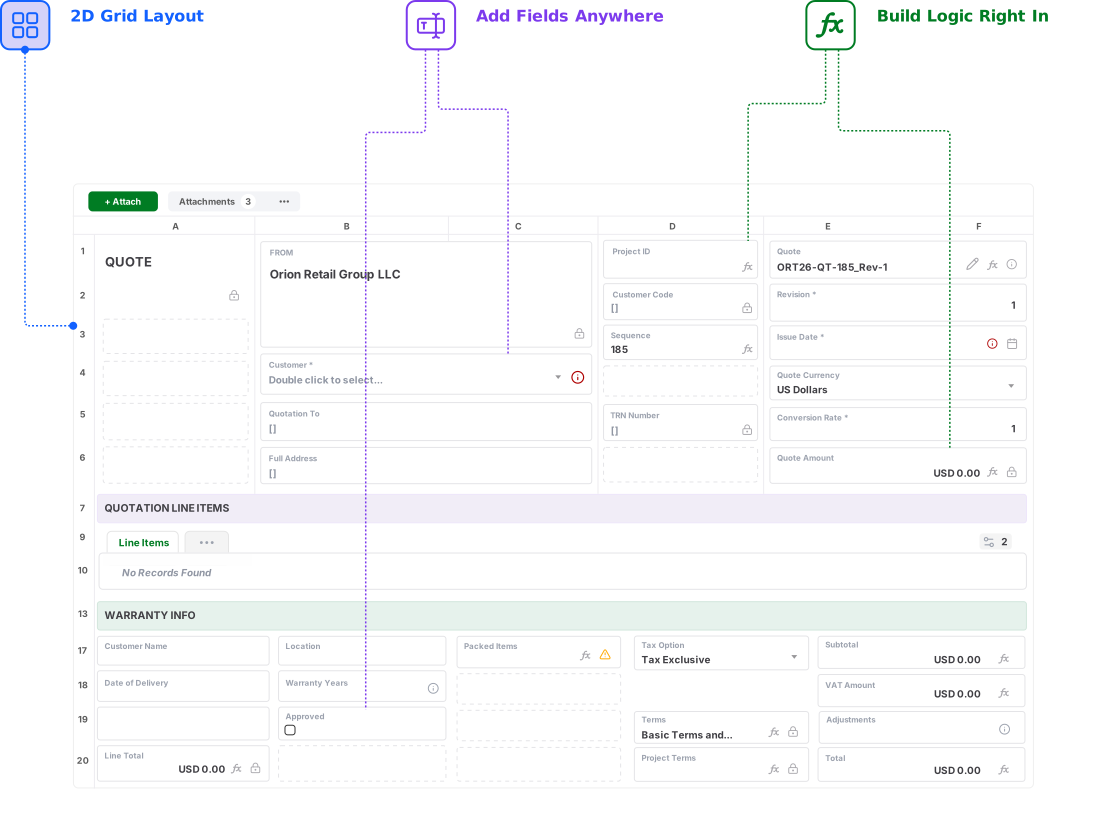
Yes. AnyDB supports familiar rows, columns, fields, formulas, tables, and two-dimensional layouts. The difference is that each row can represent a complete business record with connected child records, files, workflows, history, and permissions.
Does AnyDB support formulas?
Yes. AnyDB supports formulas for operational calculations. Google Sheets remains better suited to highly flexible ad hoc spreadsheet calculations and lightweight collaborative analysis.
Can AnyDB generate spreadsheet files?
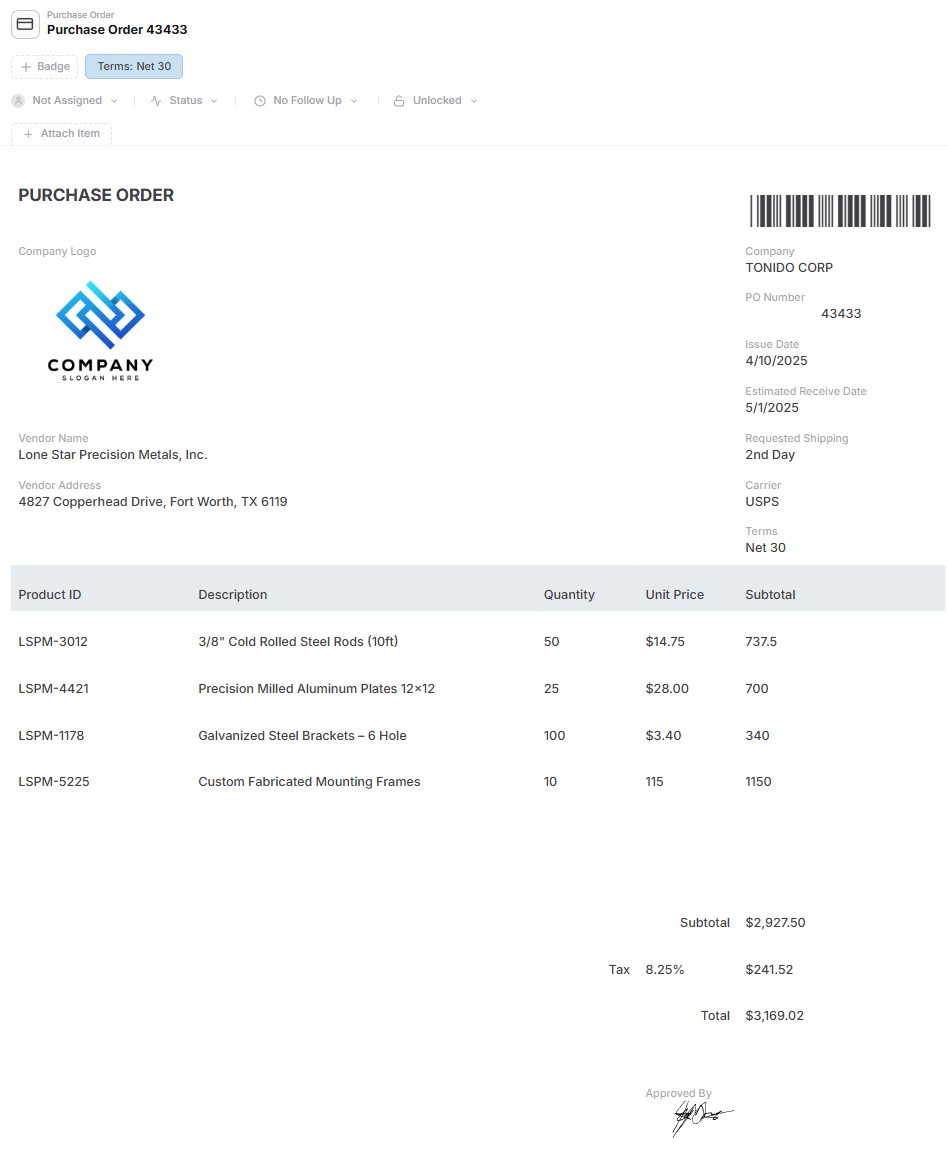
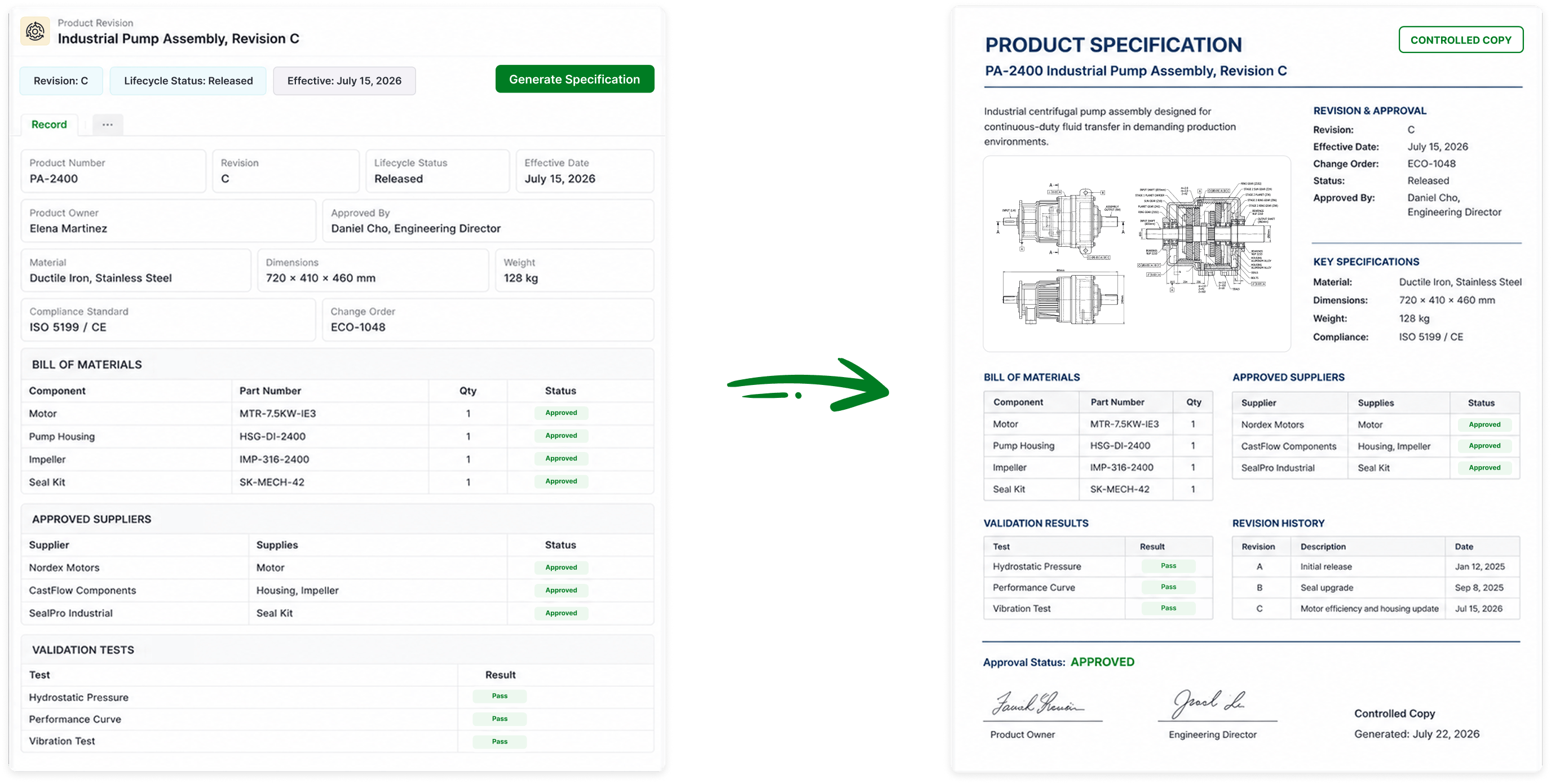
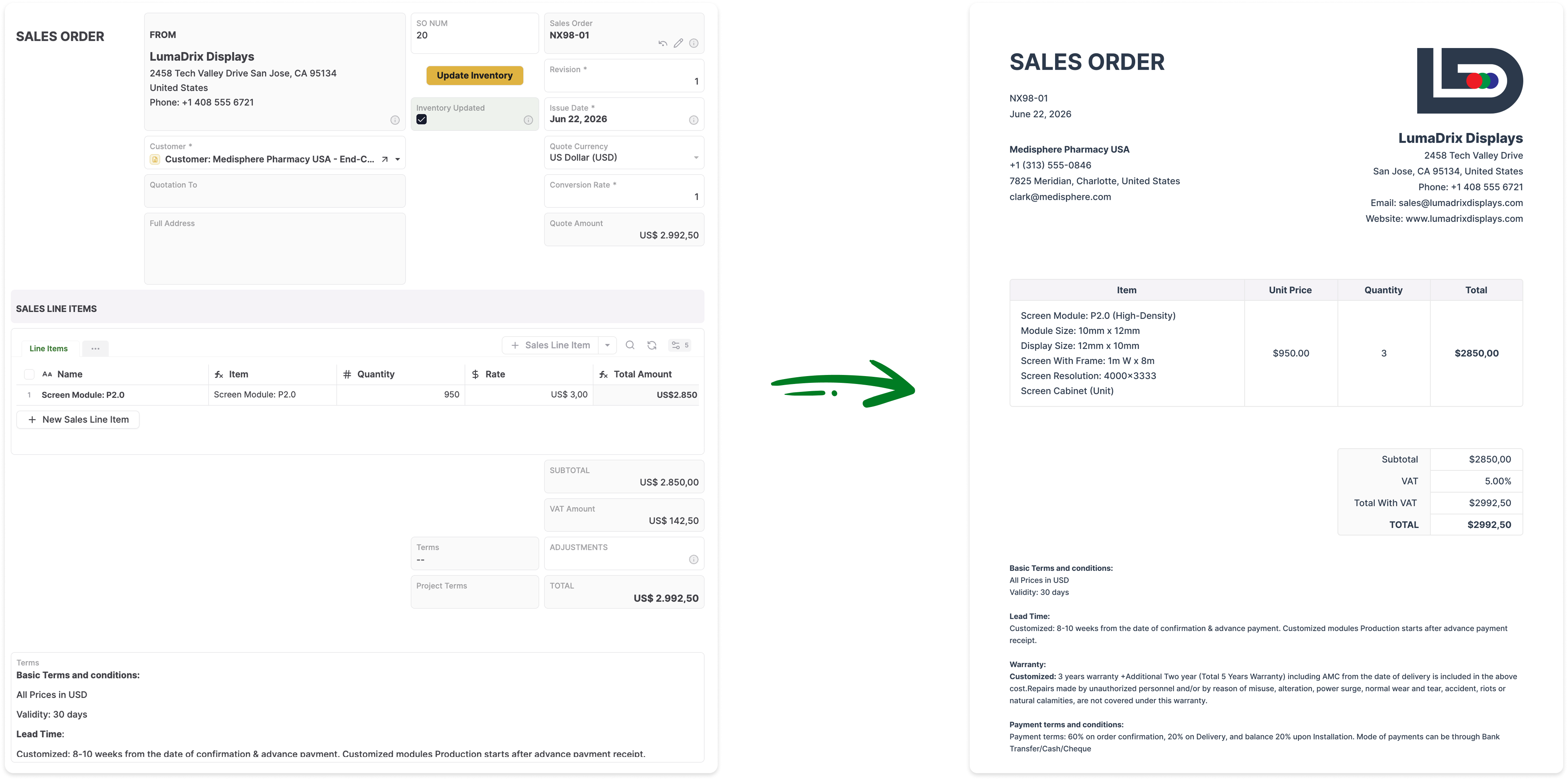
Yes. AnyDB can generate and export Excel files from live operational records. It can also generate Word documents and PDFs using the same current record data.
Does AnyDB support workflows, approvals, and reminders?
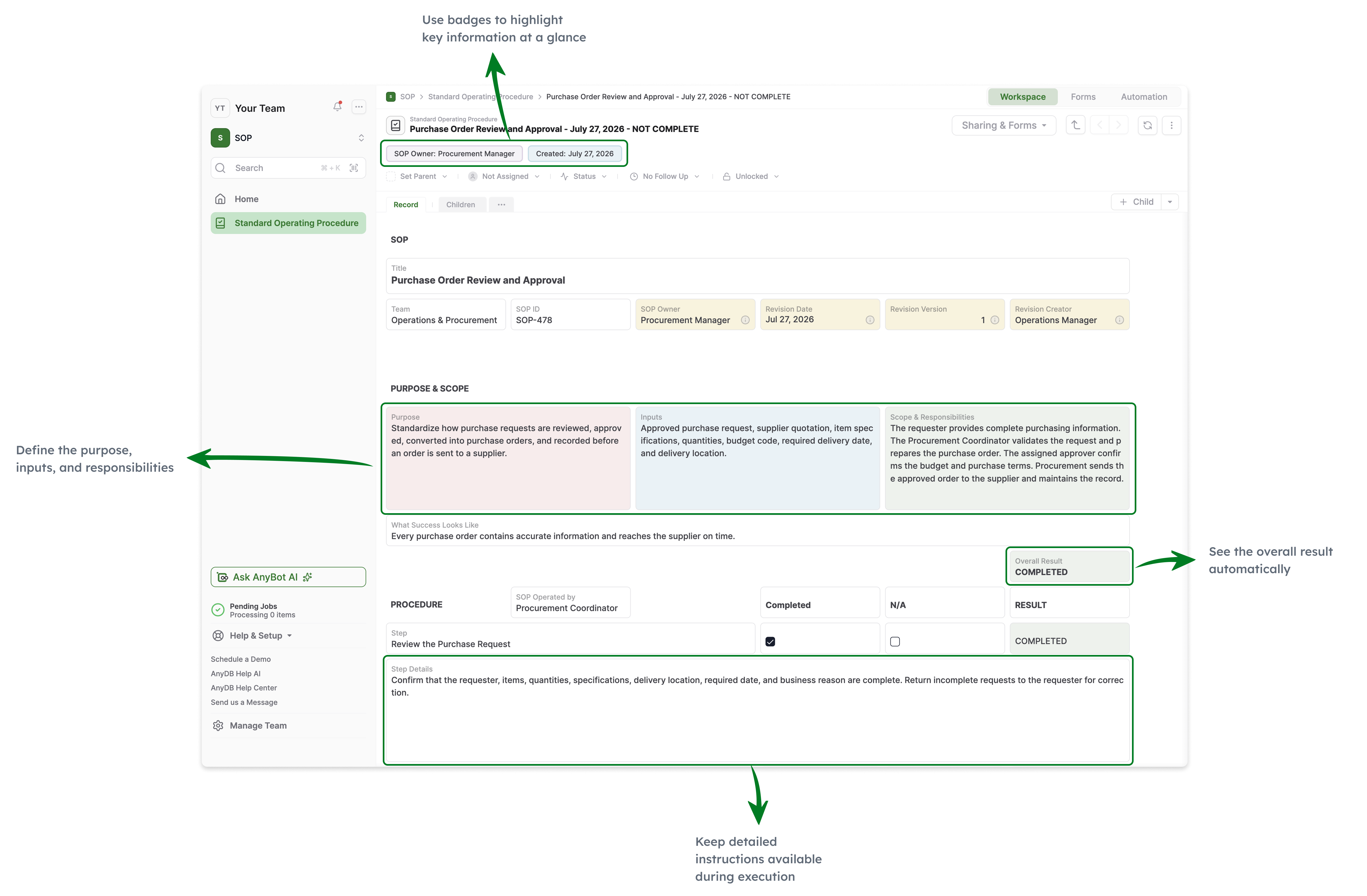
Yes. AnyDB includes assignments, due dates, reminders, approvals, status changes, notifications, action buttons, webhooks, workflows, automation, and scripting.
Can customers, vendors, and contractors access the system?
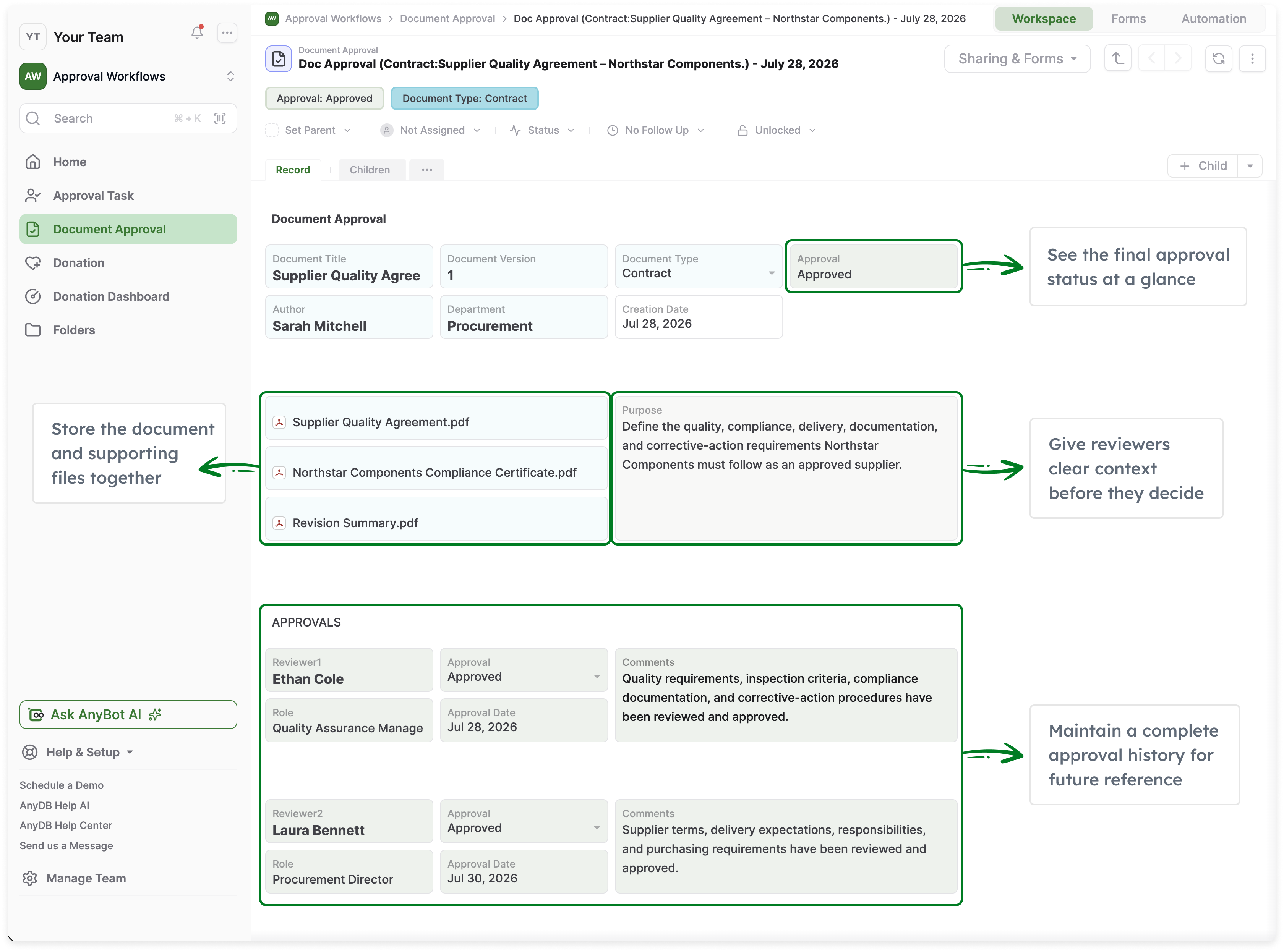
Yes. AnyDB includes secure portals for external users. You can control which records, fields, files, forms, and actions each external user can access without sharing the internal system or an entire spreadsheet.
Can Google Sheets and AnyDB be used together?
Yes. AnyDB can serve as the controlled operational system of record while Google Sheets remains available for calculations, exports, analysis, lightweight collaboration, and reporting.
Can AnyDB help us redesign and migrate our shared tracker?
Yes. Share the current spreadsheet and process with the AnyDB team. We can help identify the business objects, child records, relationships, permissions, workflows, portals, files, documents, and reports needed for the first working system.