The speed of a spreadsheet with the control of a real system

Work in a familiar table layout. Every row acts as a complete operational record holding its own history, permissions, and connected relationships.
Your team moves fast. Your data maintains perfect structure and accuracy.
Free Demo / Setup
Book a demo and let us set up AnyDB for you. Free of charge!
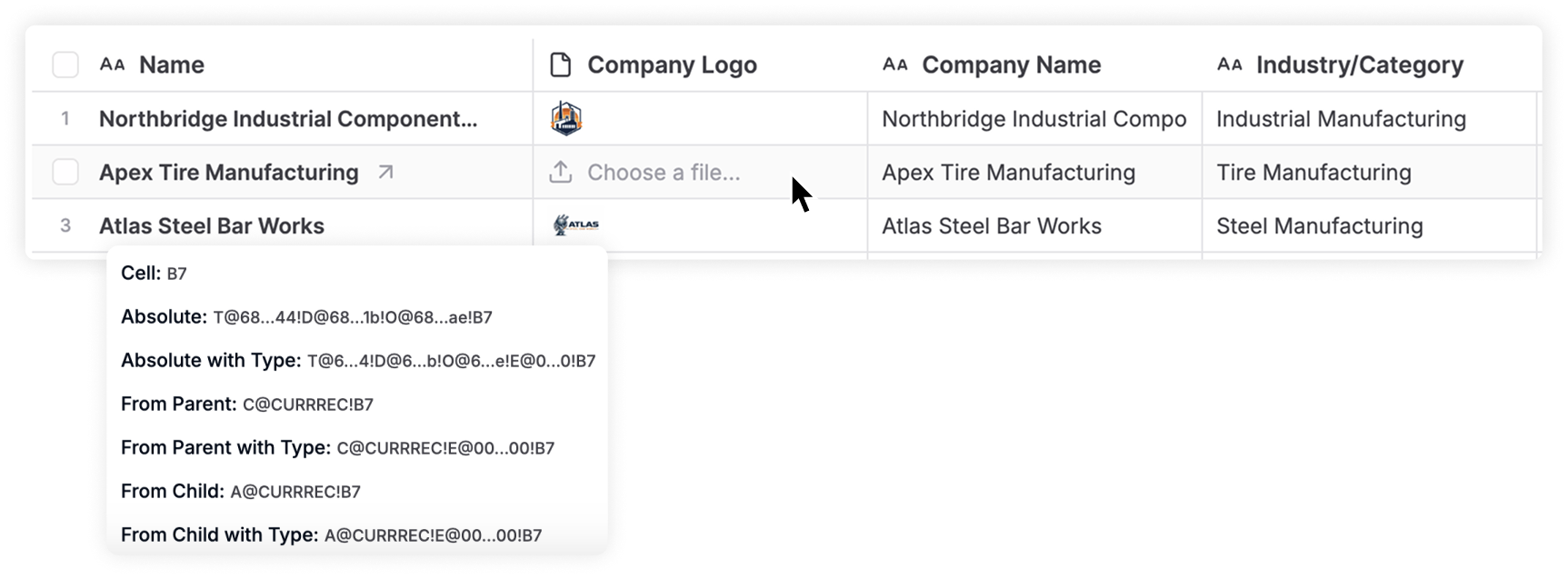
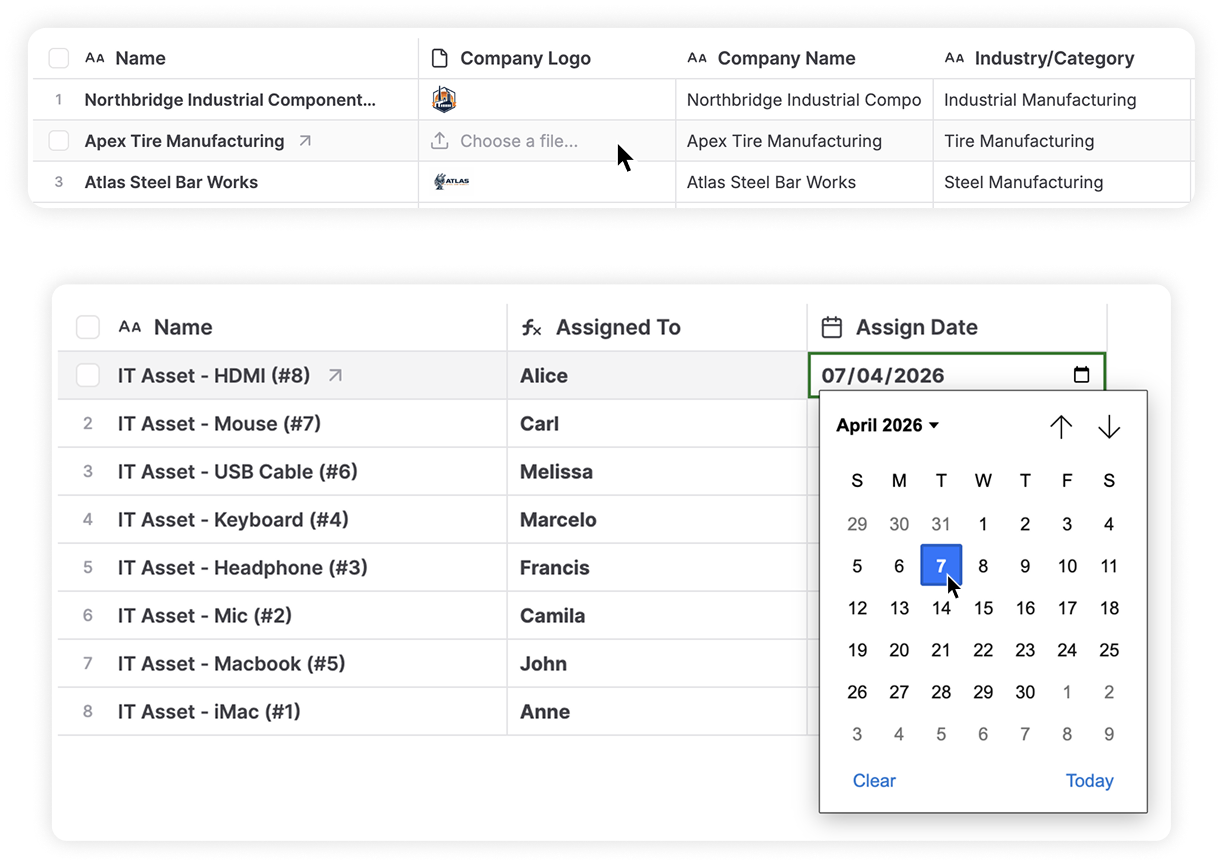
Table View as Primary View

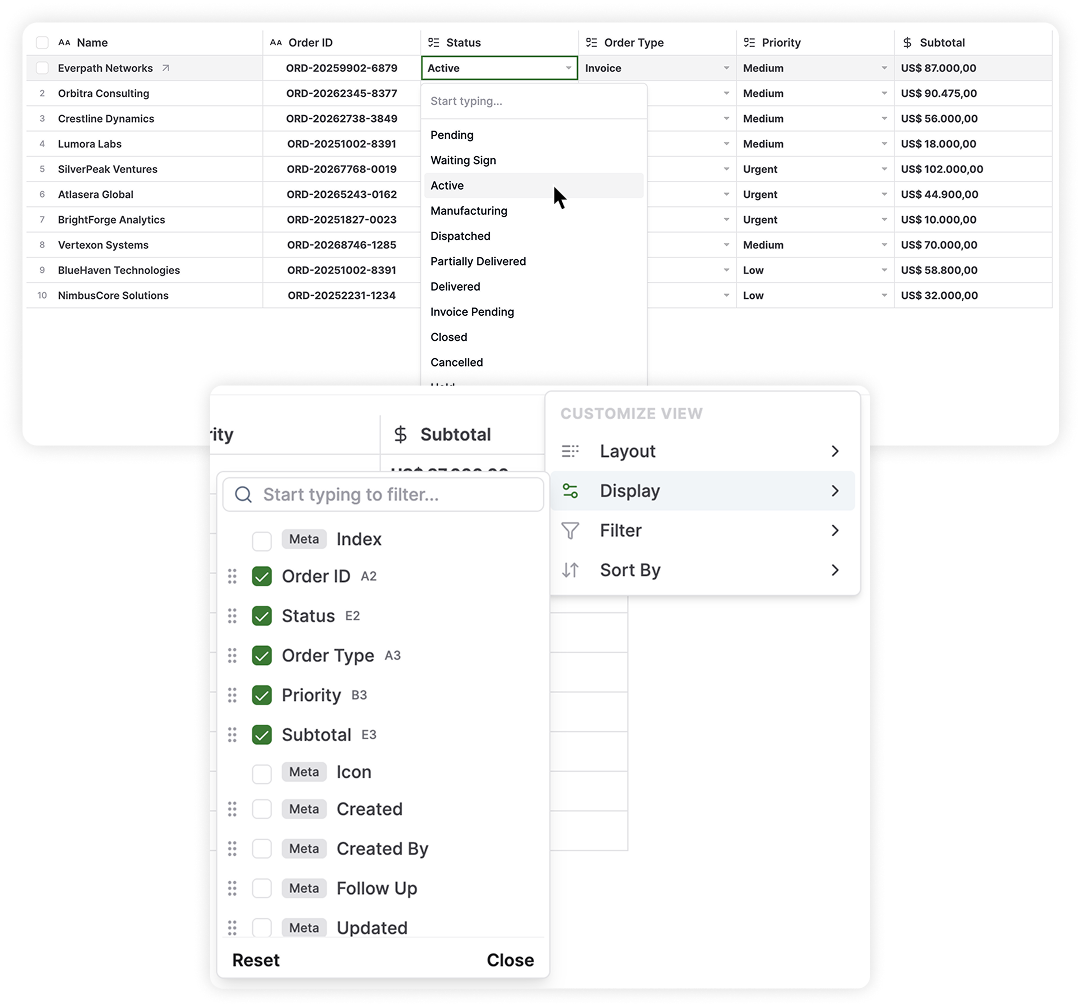
Table View is the primary interface in AnyDB, making the platform instantly familiar to your team from day one. It gives you an exact spreadsheet layout running directly on top of AnyDB’s operational system. Each row acts as a complete digital record. Each column operates as a defined field connected directly to your live data.

Here are the benefits of this setup:

  • Guarantee fast adoption for your team.
  • Access a right-click menu to copy, paste, clear content, and reference a cell.
  • Automate your calculations using over 50 Excel-style formulas like SUM, VLOOKUP, and COUNTIFS.
  • Update live operational records instantly.
  • Keep relationships, permissions, history, and rules connected automatically.

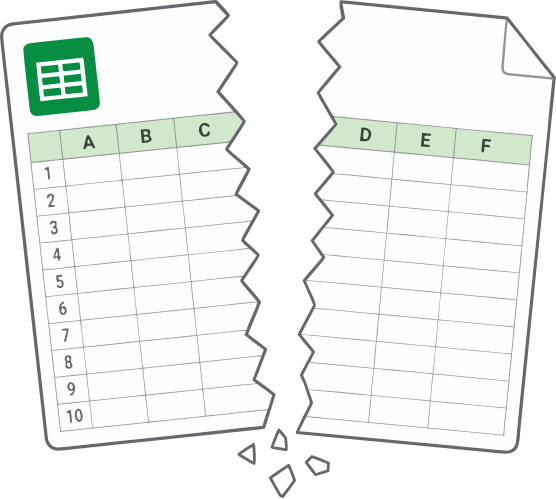
When spreadsheets Don’t work


Spreadsheets start simple for tracking orders, assets, vendors, and inventory. Although they do not follow the growing complexity of a business, where systems and workflows become connected through linked processes and handoffs that a flat grid cannot represent.

As operations evolve, teams rely on temporary fixes such as:

  • Multiple files stored across folders
  • Versions shared through email and chat
  • Manual data transfers between sheets

This reflects how the spreadsheet no longer matches the way the business actually runs.

Without structure for ownership, history, or relationships between data, information becomes fragmented and makes it harder to understand and manage day-to-day operations.

How teams work with AnyDB


Table View supports fast daily execution. Your team updates data rapidly right from the grid.

Teams use it to:

  • Update status, priority, dates, and descriptions directly inline.
  • Sort and filter columns to focus on immediate priorities.
  • Save custom views to streamline different daily workflows.
  • Click any row to open the complete master record containing files, linked items, and full history.
  • Share specific filtered views securely with team members and external guests.

Your team keeps the speed of a sheet. The system handles the complex structure in the background.

Your calculations stay reliable, even as your team grows.

What you gain

Your team relies on real records behind every row. Work becomes clear and totally reliable.

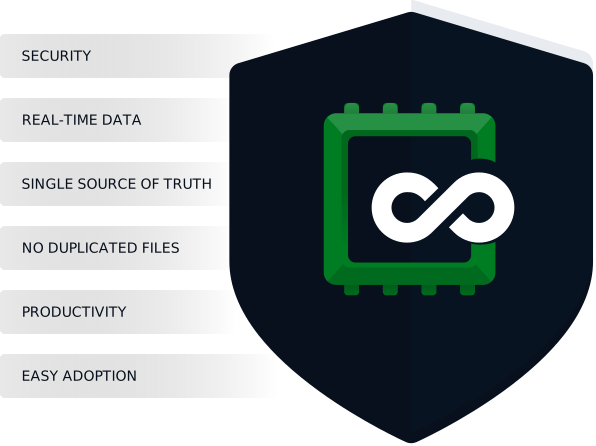
  • Establish one single source of truth.
  • End duplicate file creation completely.
  • See changes reflected everywhere in real time.
  • Maintain full context and attachments for every single item.
  • Rely on built-in permissions and a complete audit trail.
  • Eliminate manual cleanup and prevent costly data entry mistakes.

Your team keeps the familiarity of Excel. You gain the absolute control of an operational system built for daily work.

Stop letting broken spreadsheets and manual data entry ruin your accuracy.

Switch to Table View and start working directly on live records to regain control of your operations immediately.