
Workflow Automation
at Scale
Design event-driven workflows on top of your data so tasks, updates, and decisions happen automatically as work moves forward.
How Work Actually Moves With Automation
Each workflow replaces multiple manual steps with a single defined logic.
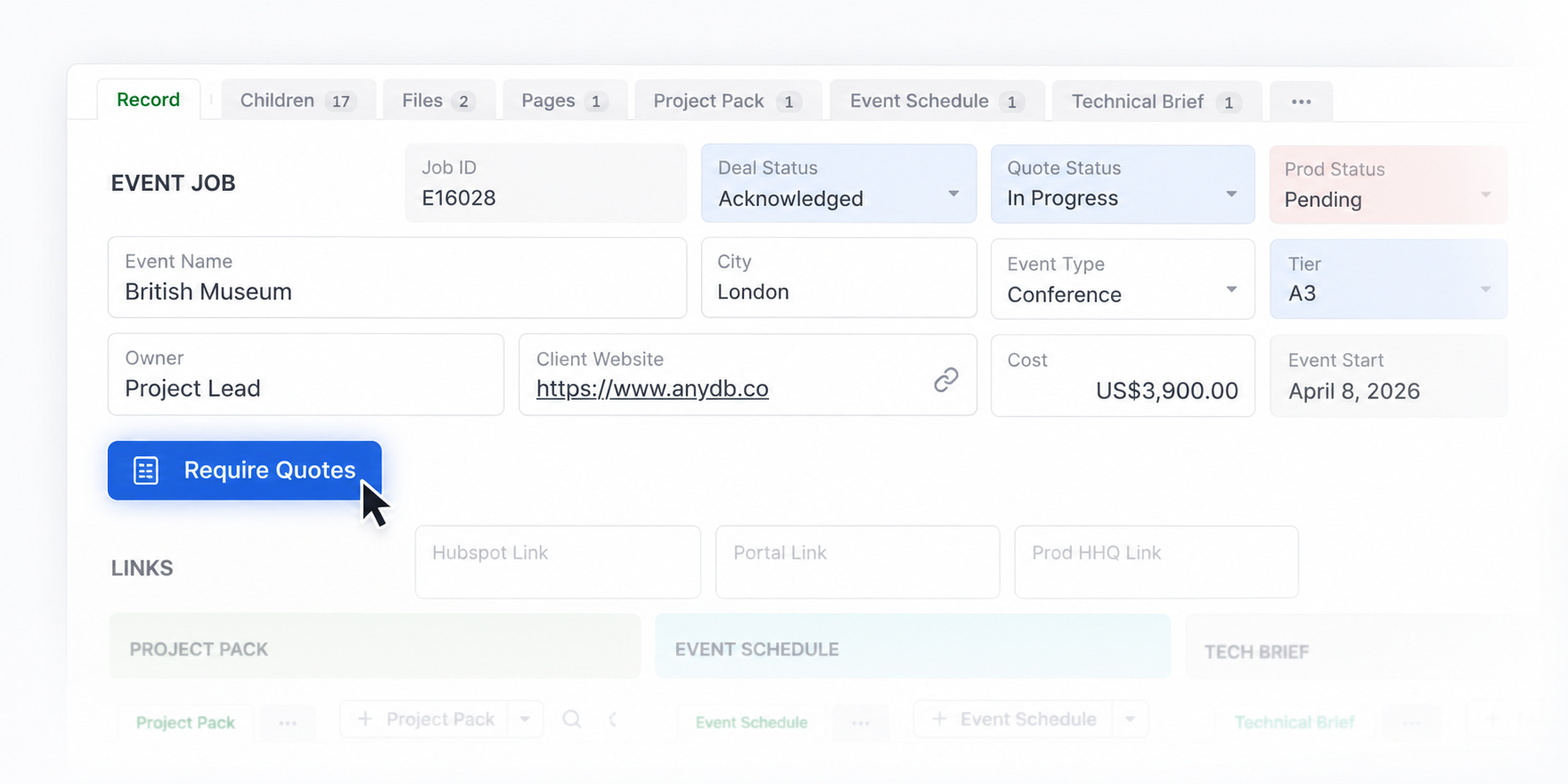
Workflow Automation in AnyDB
Workflow Automation turns your data into an active system that executes work as changes happen. Every workflow uses triggers to define when something happens and actions to define what happens next.
Examples of triggers
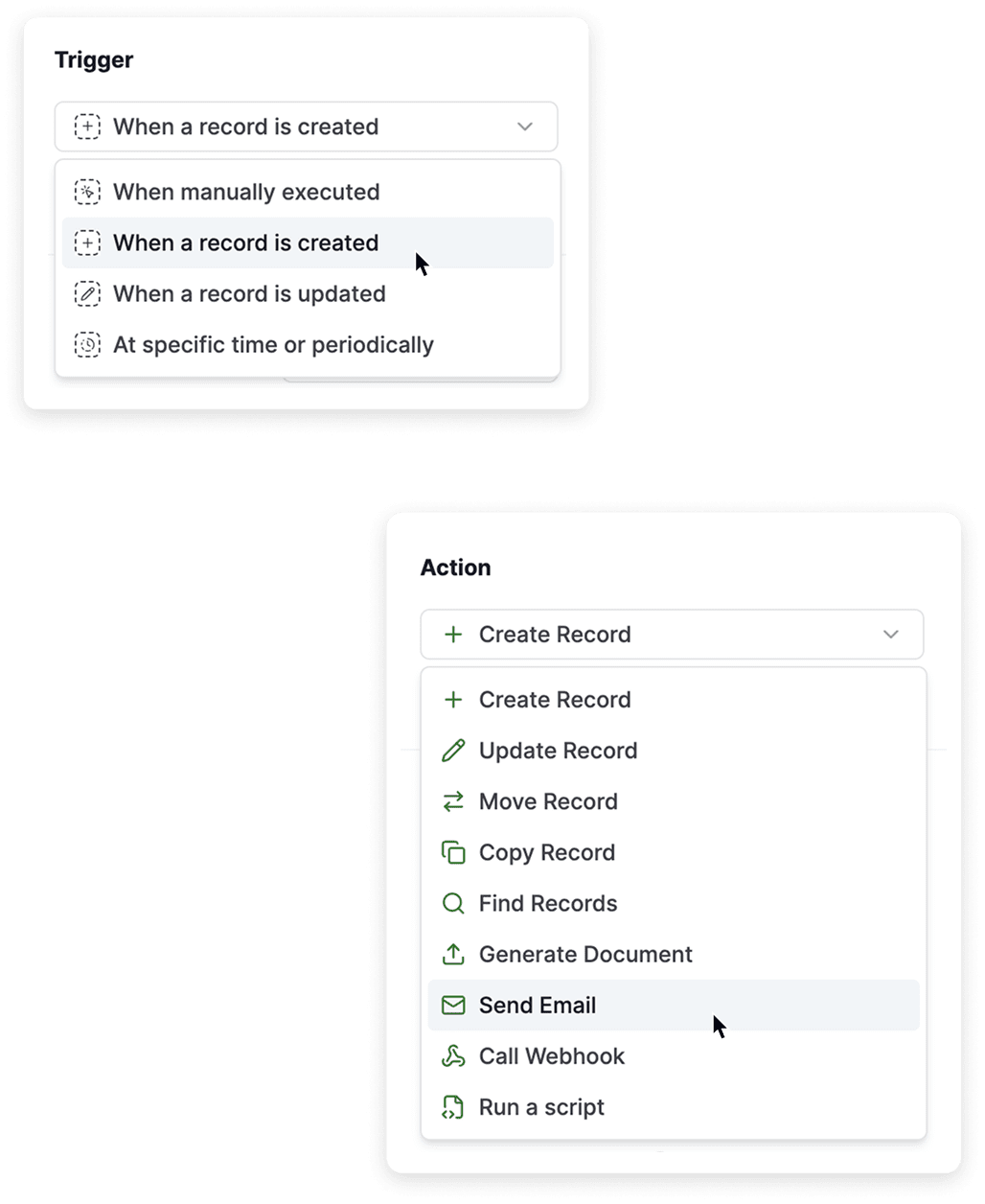
Examples of actions
Workflows run inside your data structure and respect permissions, record relationships, and field-level logic. This keeps execution controlled, consistent, and secure.
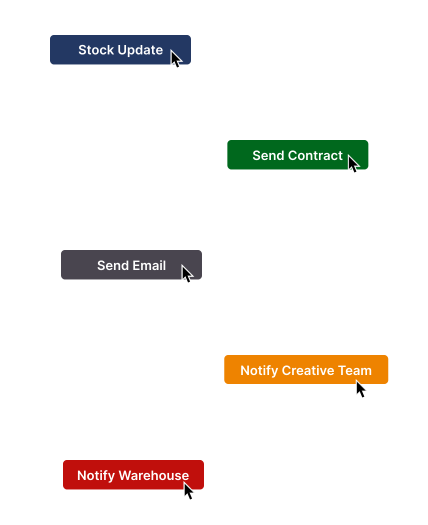
Trigger actions directly from your records
The Button Cell lets you run actions inside the context of a record. Each button connects to an automation, so actions run with one click. Teams can trigger updates, notifications, and workflows exactly when needed.
This keeps execution simple and consistent, while giving teams control over when processes run.
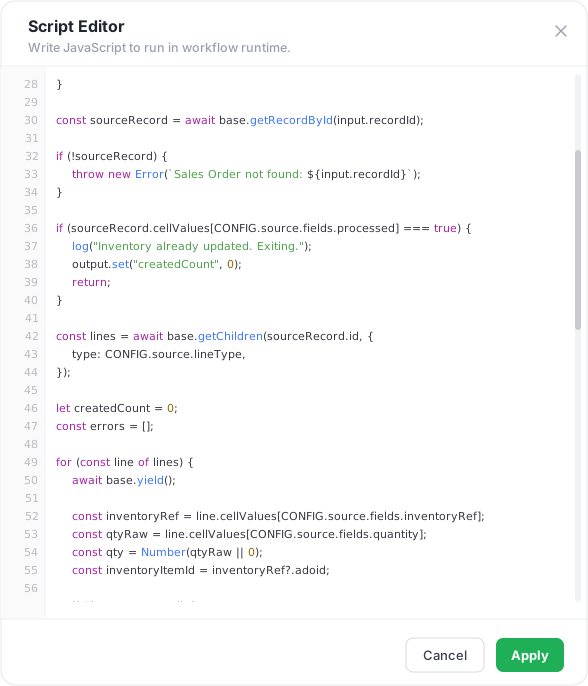
Scripts and Custom Logic
When standard actions are not enough, go further by running custom logic directly inside the workflow.
For faster setup, use AnyDB Bot, an AI assistant that builds your logic inside the system. Describe what needs to happen, and it generates a ready-to-run script aligned with your data structure.
What Changes Once Automation Is in Place?
Workflow Automation replaces manual execution with a structured, reliable flow.
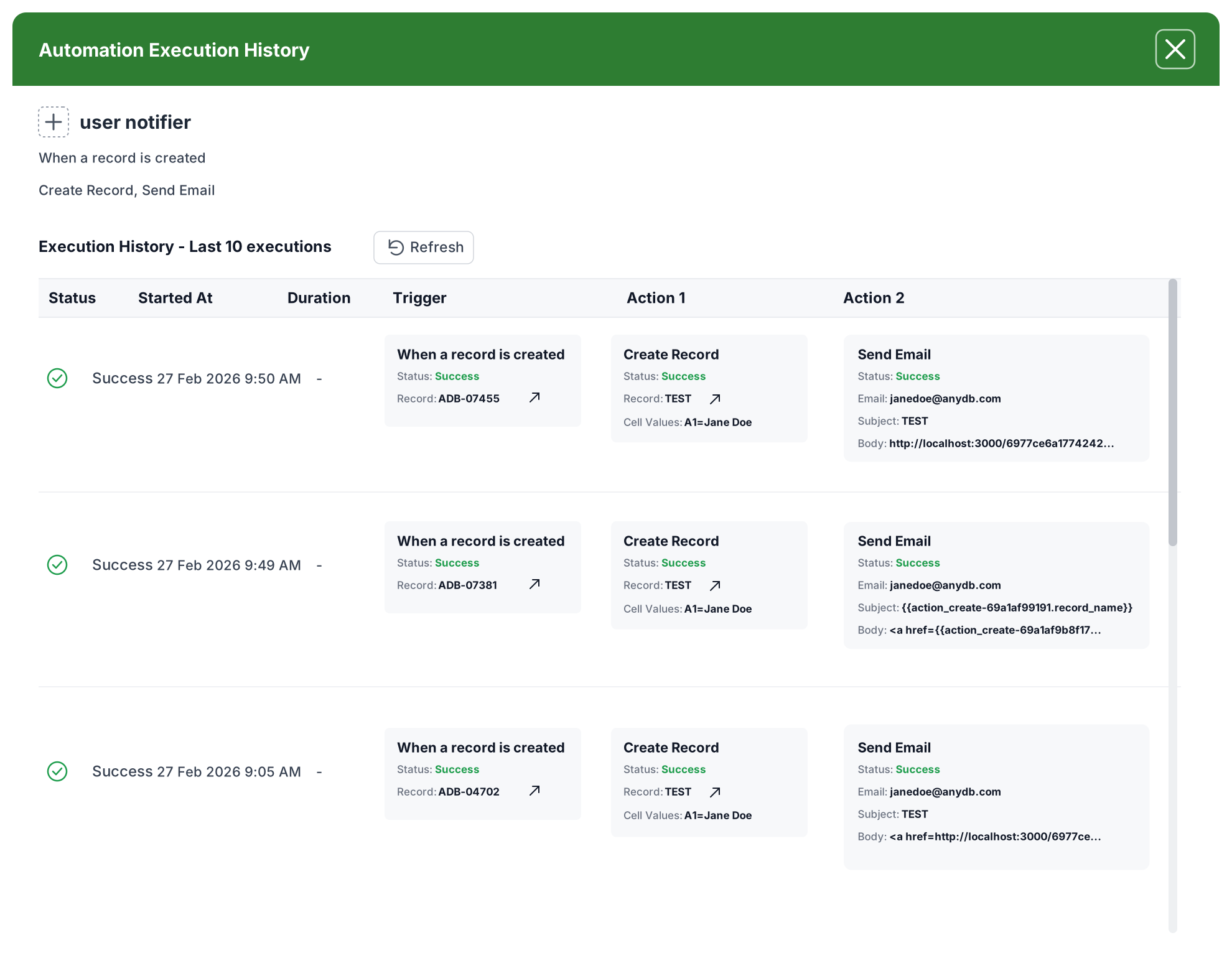
Workflow Automation removes the gap between data and execution.
Every update becomes a trigger, and every trigger moves work forward without delay. Set up your first workflow and turn your operations into a system that runs on its own.


