Frequently Asked Questions
How is AnyDB different from SharePoint?
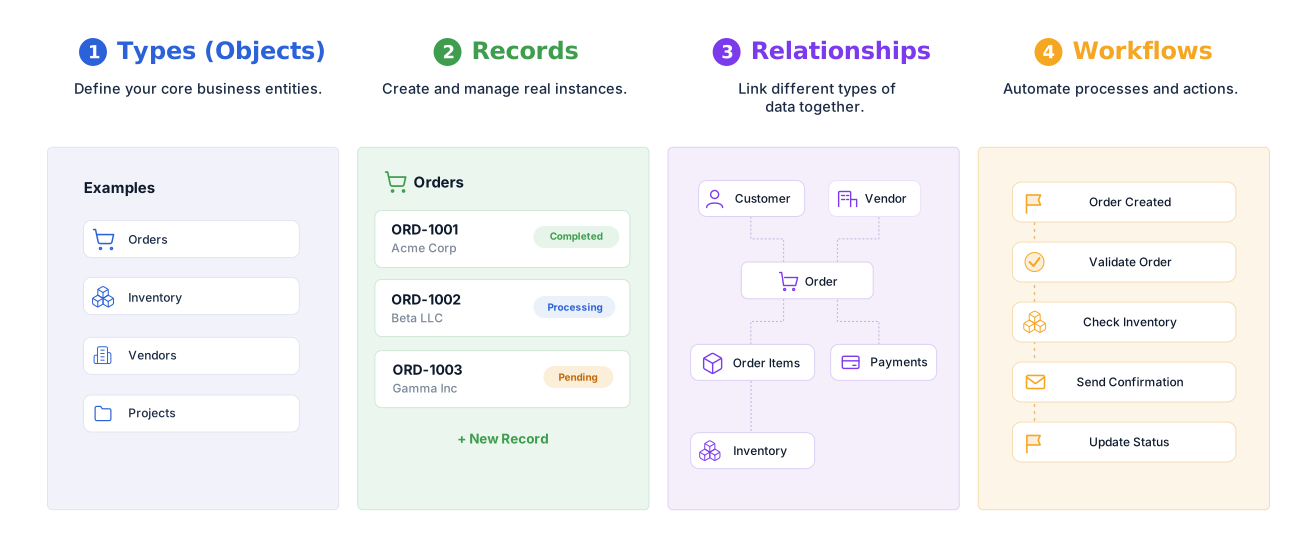
SharePoint is centered on sites, pages, document libraries, lists, and Microsoft 365 collaboration. AnyDB is centered on connected operational records such as customers, orders, inventory items, projects, assets, vendors, and the workflows between them.
Can AnyDB replace a SharePoint-based business process?
Yes. AnyDB can replace operational processes built from SharePoint lists, libraries, forms, approvals, and related spreadsheets. You can begin with one workflow and expand into additional connected systems over time.
Can I migrate SharePoint list data and files into AnyDB?
Yes. SharePoint list data and files can be exported and imported into AnyDB. The AnyDB team can help map lists, columns, relationships, attachments, permissions, forms, and workflows into an object-based structure.
Does AnyDB support team files and folders?
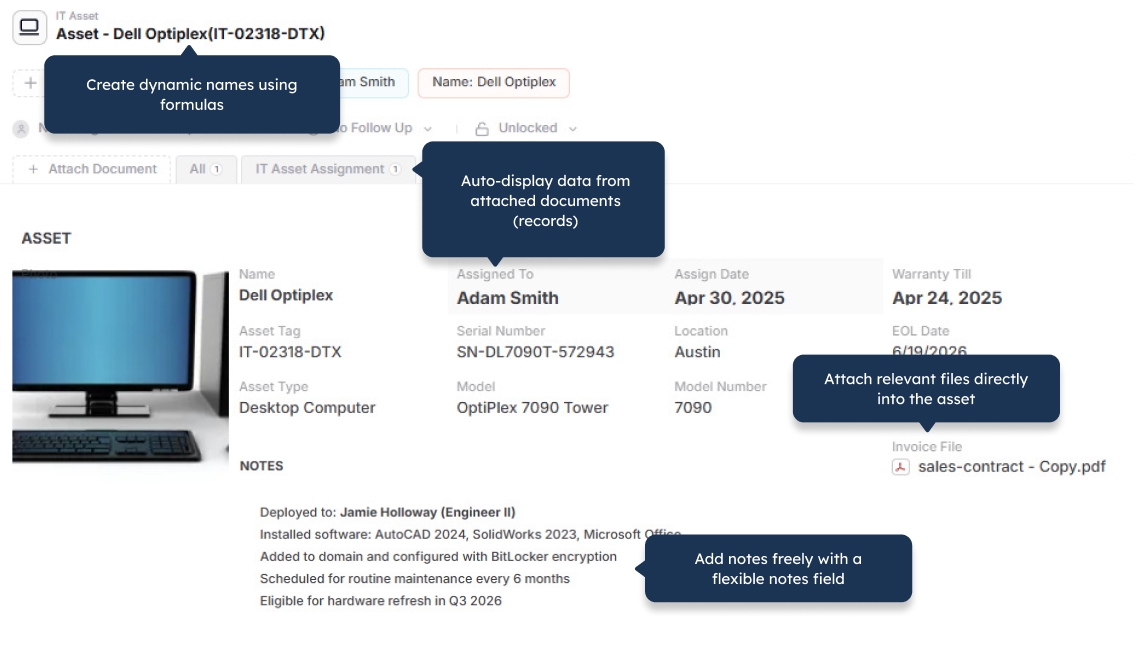
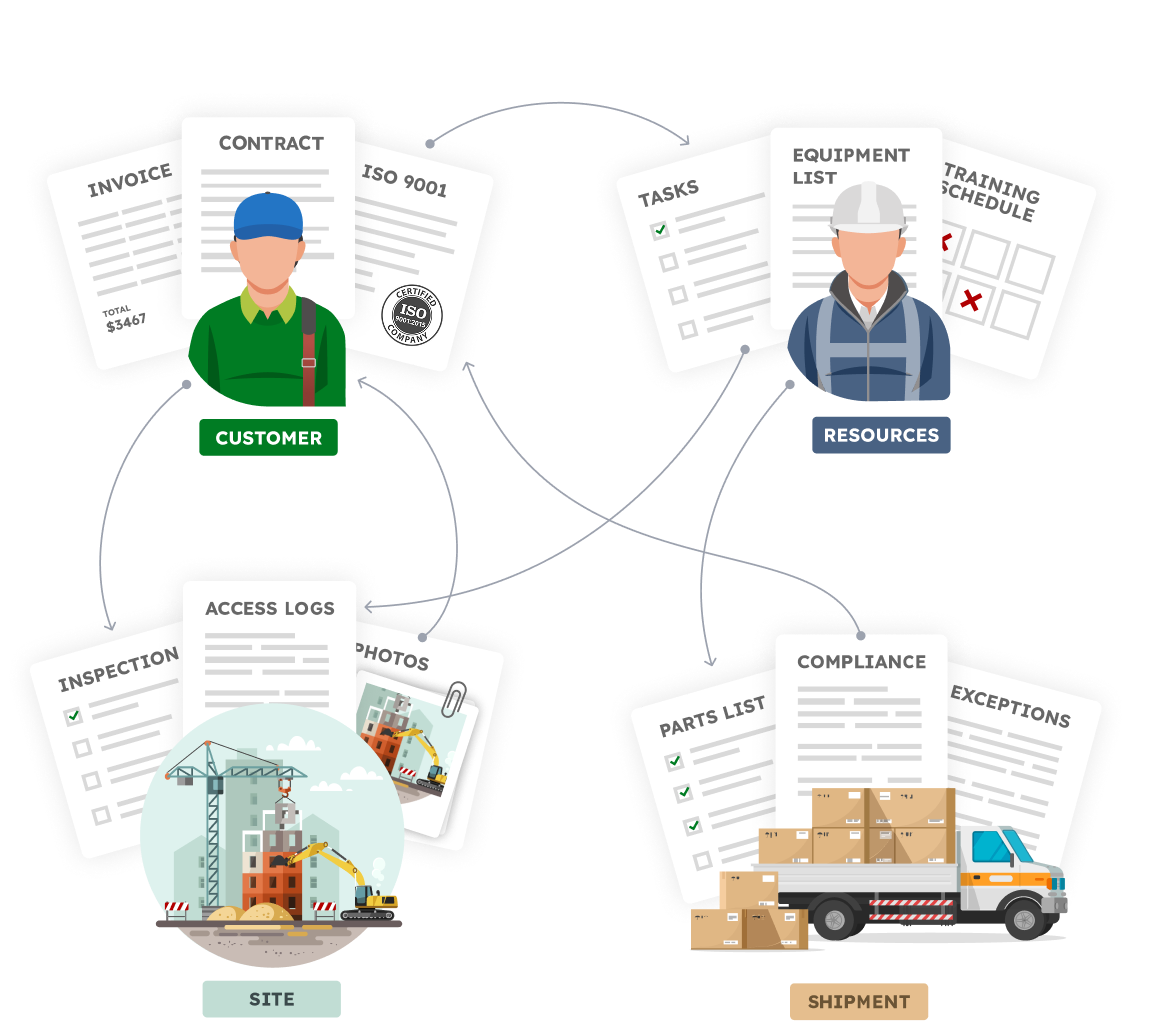
Yes. AnyDB supports team-level files and folders as well as files attached directly to operational records. This lets teams manage shared documents while keeping contracts, photos, certificates, reports, and other files connected to the work they support.
Can AnyDB manage complex records and relationships?
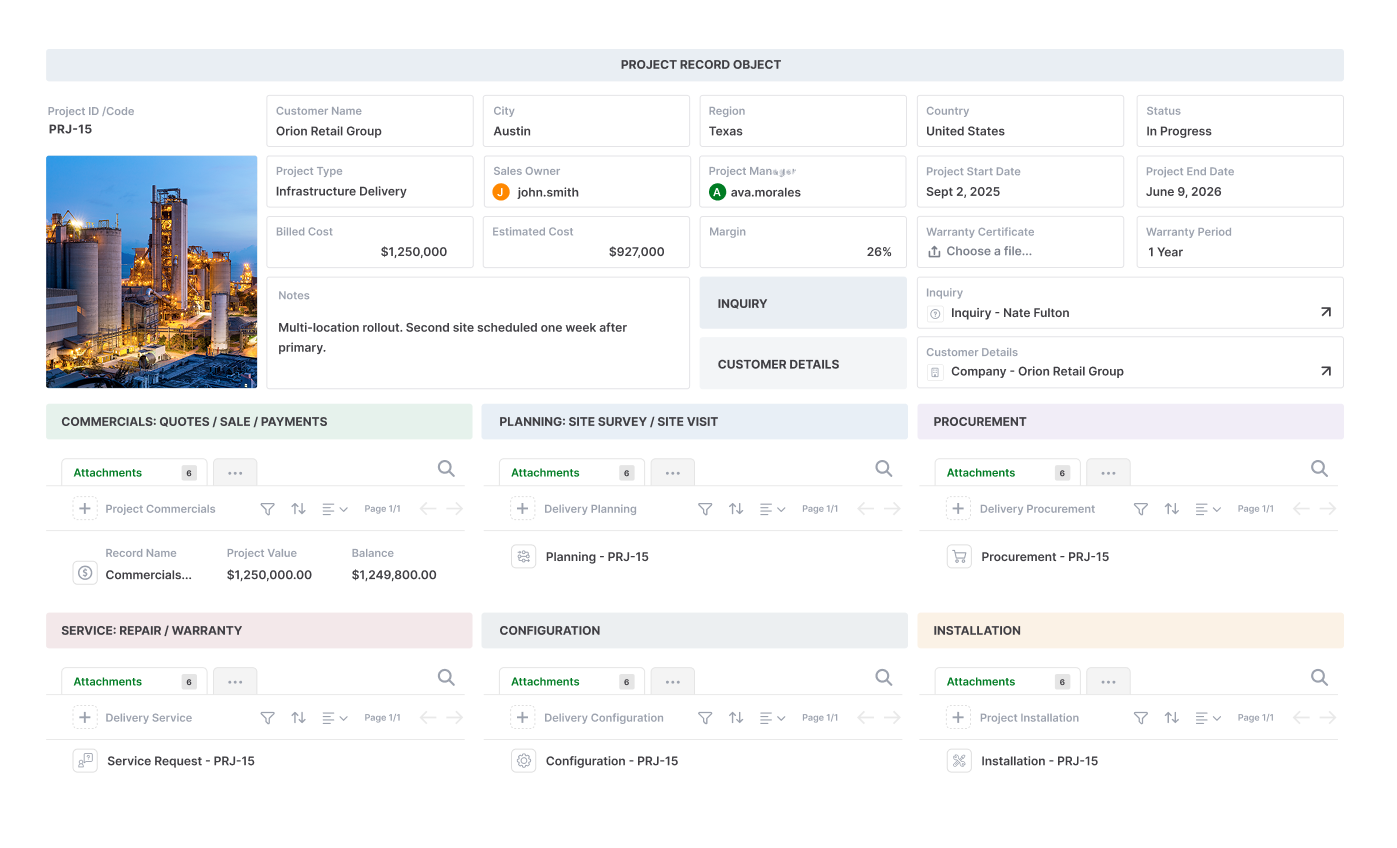
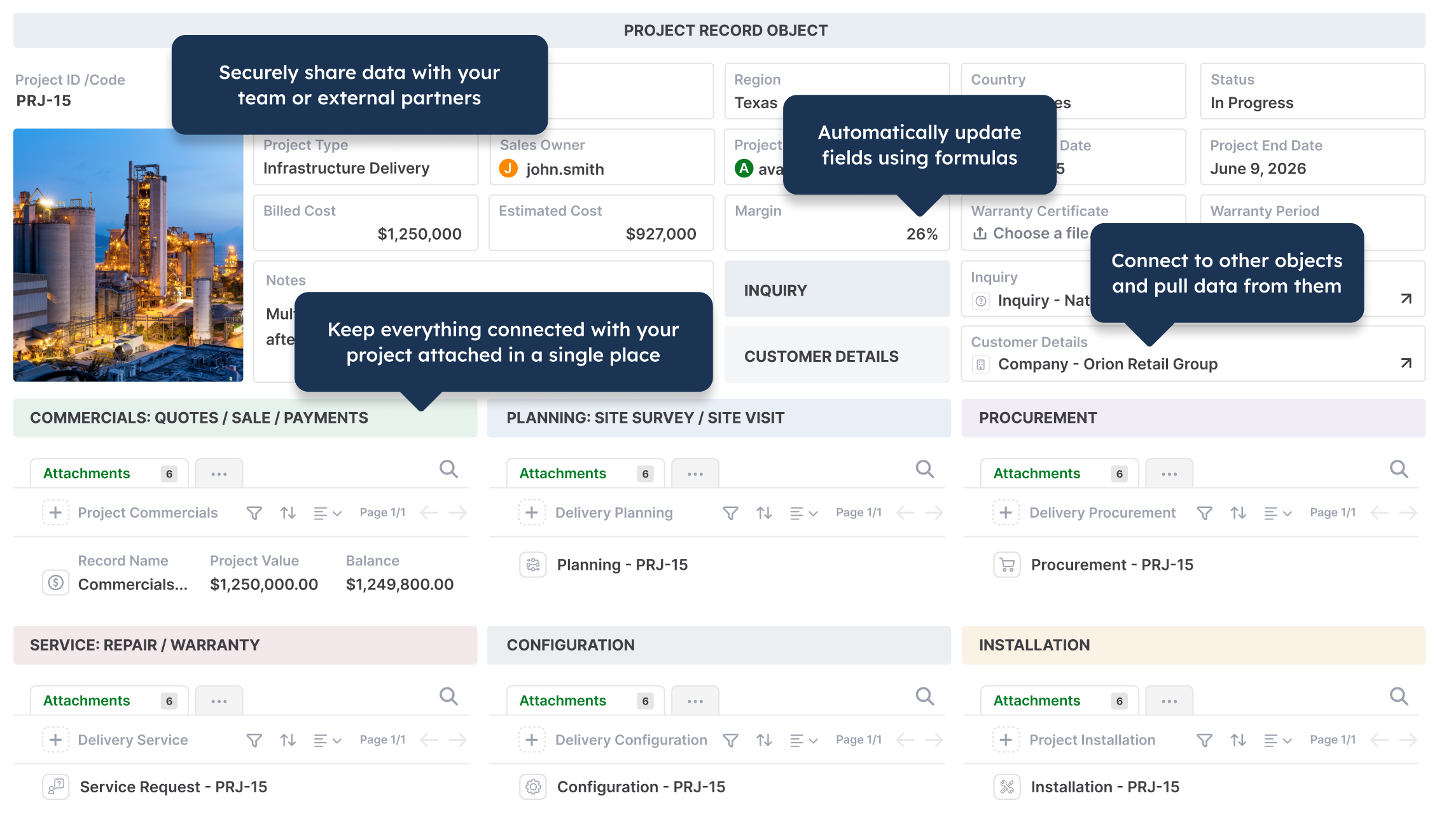
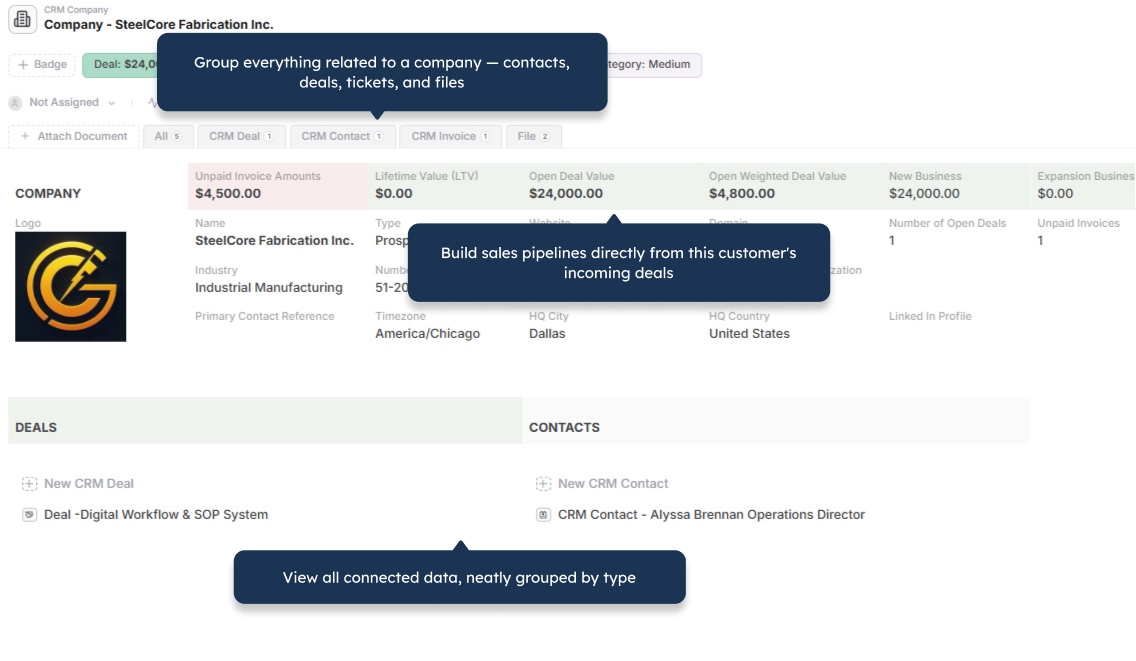
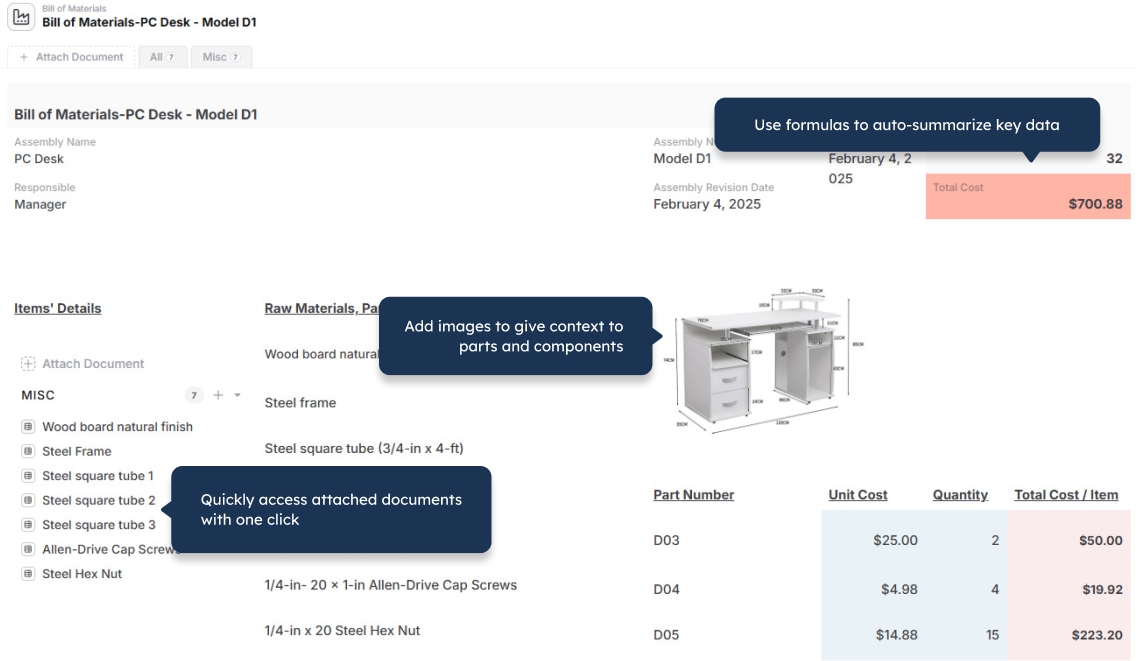
Yes. AnyDB supports linked records and parent-child structures. An order can contain line items, a project can contain tasks, a product can contain components, and an asset can contain inspections and maintenance history.
Does AnyDB require Power Apps or Power Automate?
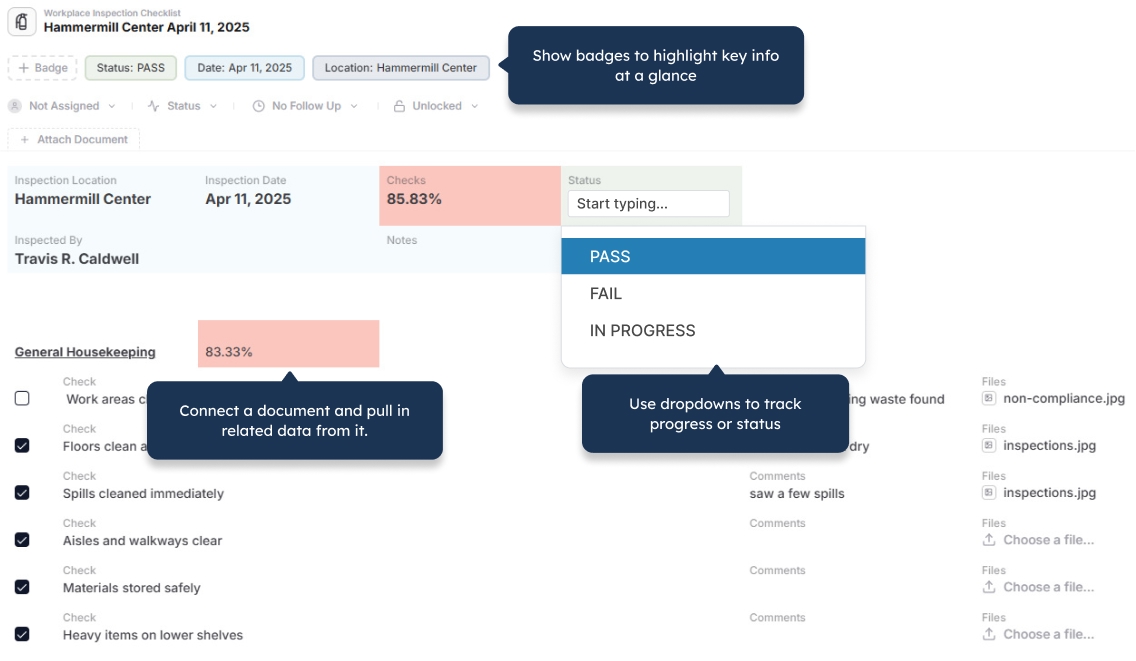
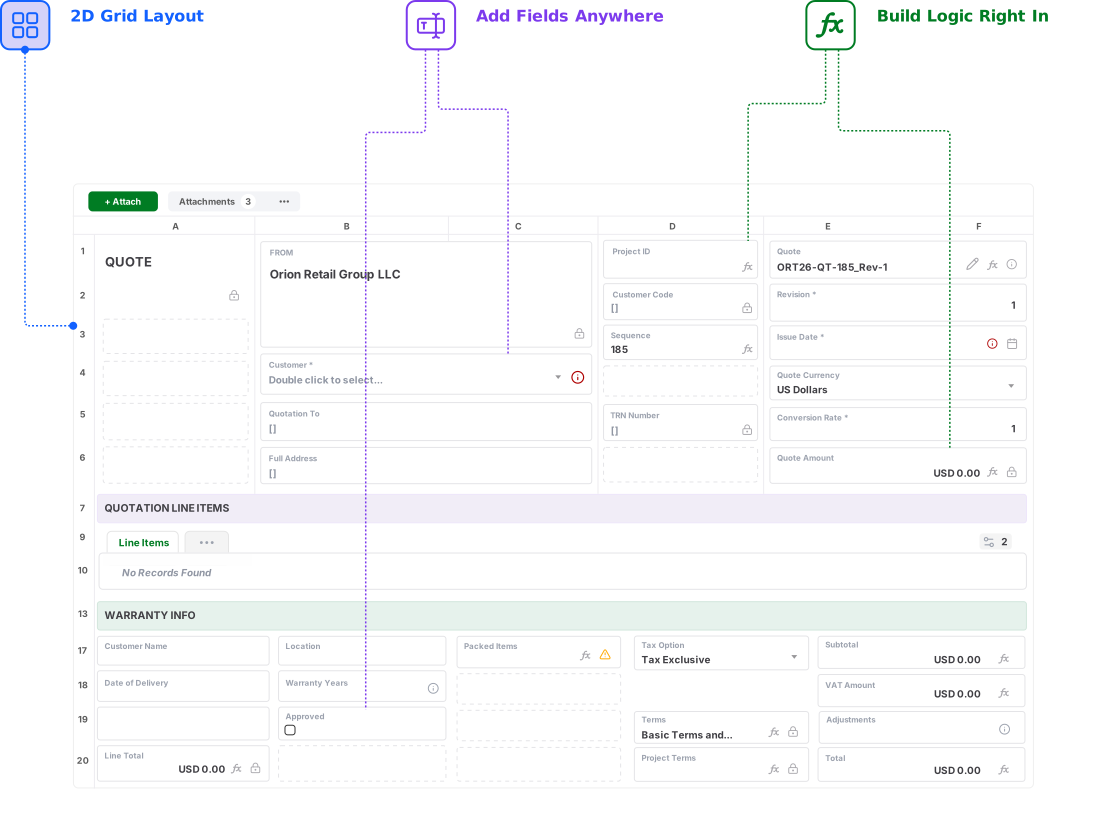
No. AnyDB includes configurable record layouts, forms, assignments, reminders, approvals, workflows, and automation within the same platform. Advanced scripting is available when a process requires custom logic.
Can external users access AnyDB?
Yes. AnyDB includes secure portals for customers, vendors, partners, contractors, and other external users. You control which records, files, fields, forms, and actions each user can access.
Can AnyDB generate documents from records?
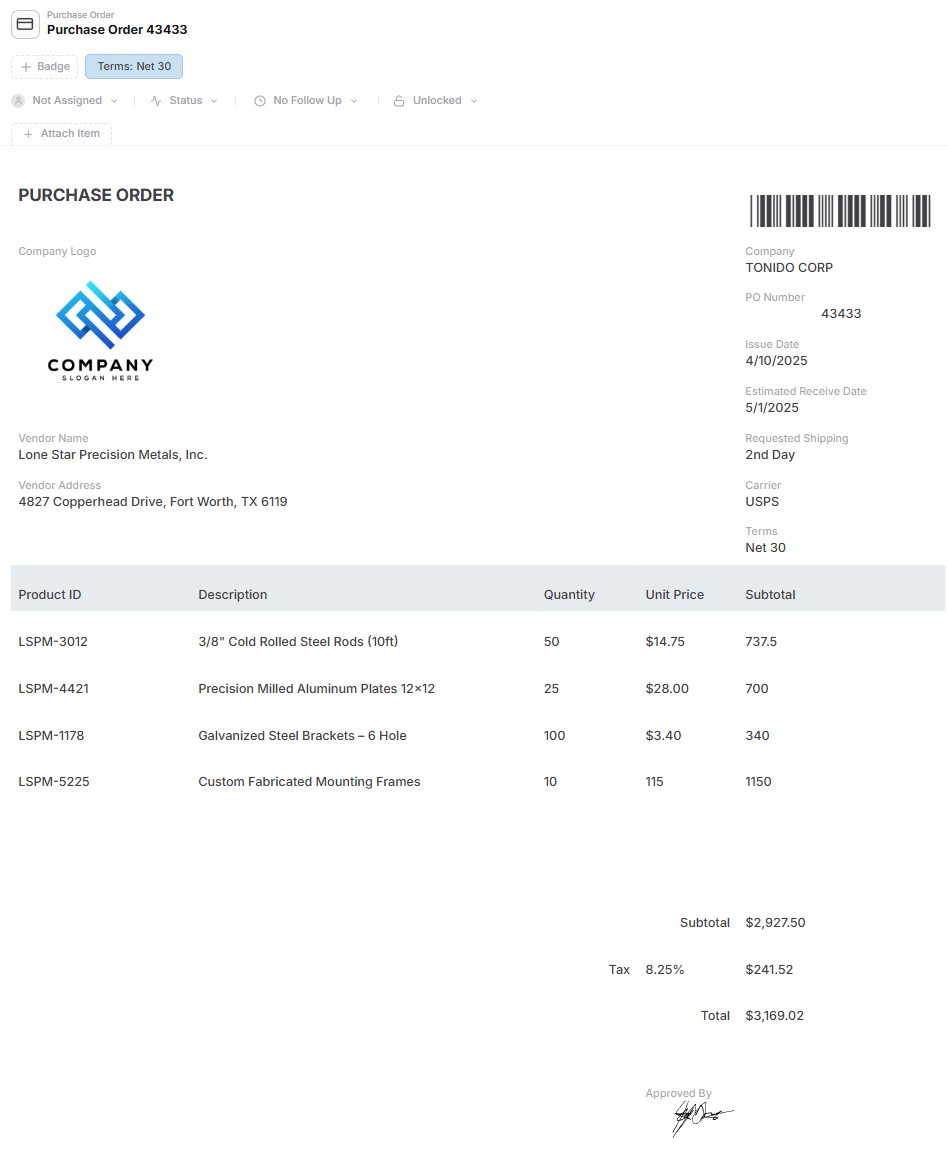
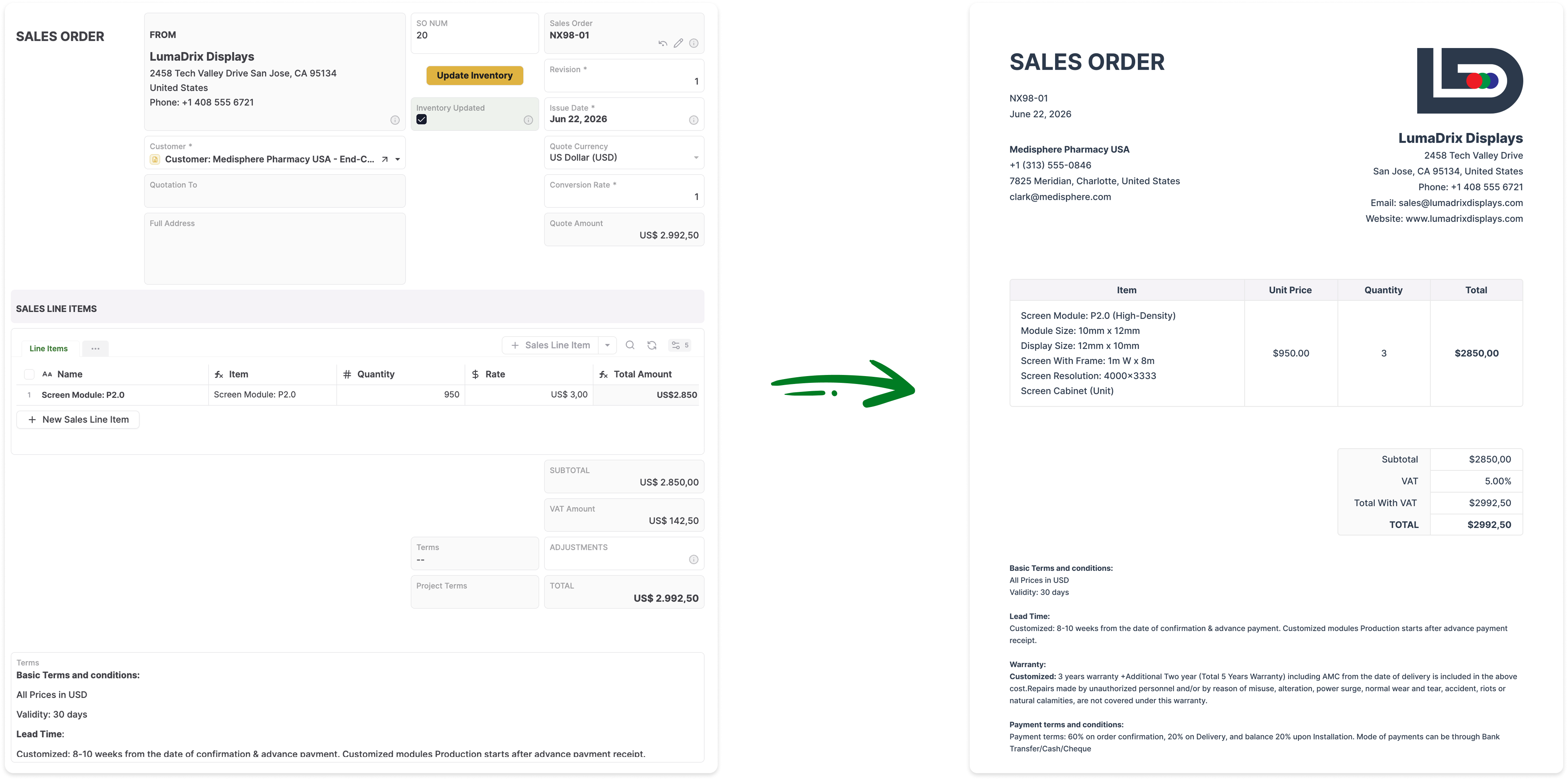
Yes. AnyDB can generate PDFs, Word documents, spreadsheets, reports, invoices, purchase orders, certificates, and other business documents directly from live record data.
Does AnyDB include permissions and history?
Yes. AnyDB supports permissions across workspaces, roles, records, and fields. It also tracks record changes and activity so teams can preserve accountability across users and workflows.
Can AnyDB help redesign our SharePoint process?
Yes. Share your current SharePoint lists, libraries, forms, workflows, and related spreadsheets, and the AnyDB team can help design the records, relationships, permissions, portals, and automation for the first working system.