Customer, Vendor, and Partner Portals Connected to Your Operations

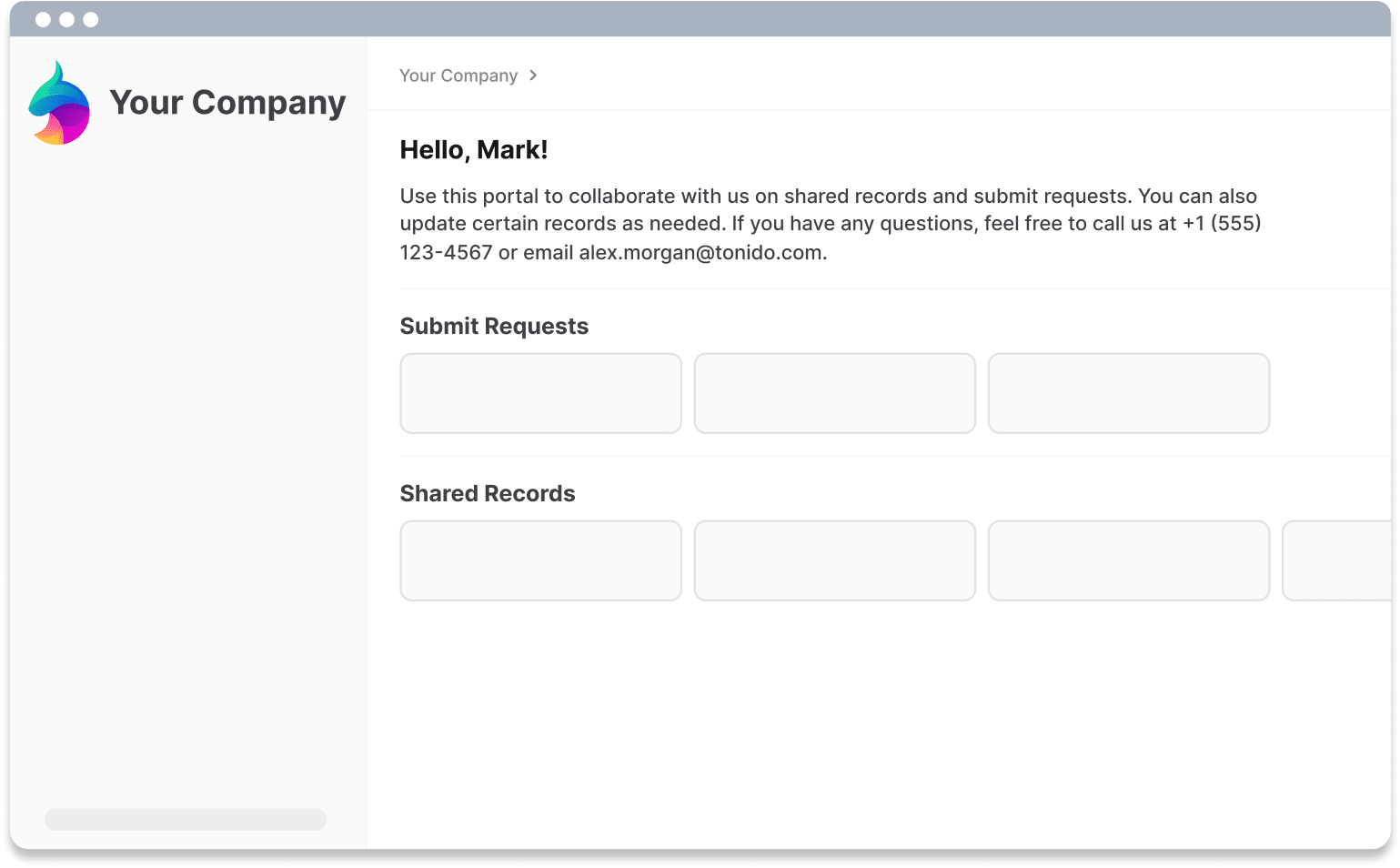
Give external collaborators one place to review shared records, submit requests, and access documents. Keep their work connected to your team in AnyDB.
Free Demo / Setup
Book a demo and let us set up AnyDB for you. Free of charge!
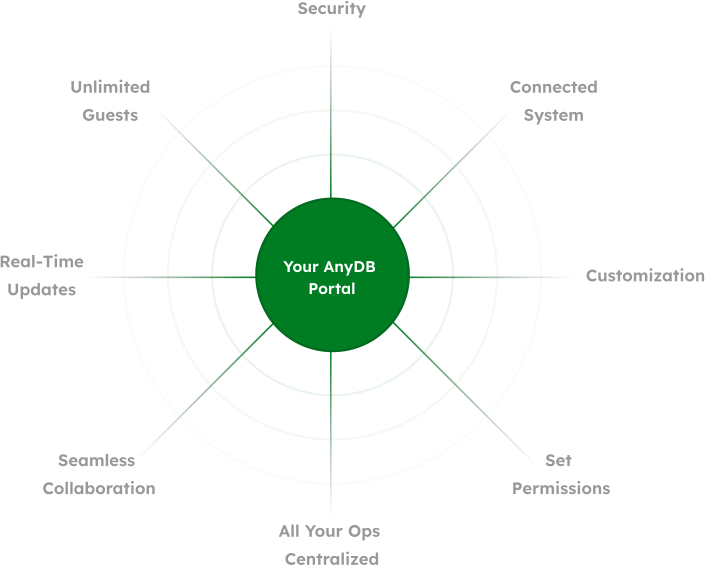
AnyDB portal for sharing records and forms with external collaborators

Bring External Collaboration Into Your Daily Work

Keep the customer conversation connected to the record your team works on.

A portal can bring together the information surrounding an order, project, service request, or partner relationship. Your team manages the work in AnyDB while collaborators use the items you share.

  • Customers can review project information and delivery documents.
  • Vendors can access purchasing details and submit requested information.
  • Partners can find onboarding resources and follow shared deal records.

Turn Requests Into Structured Records

Collect the details and attachments your team needs in one submission.

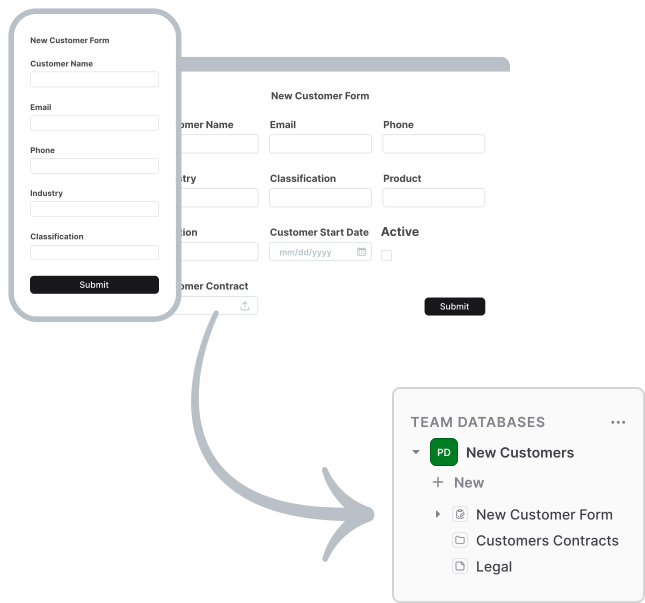
Create a form from a record template and choose where submissions belong: a folder or a parent record. Use it for customer requests, vendor onboarding, partner applications, or supporting documents.

  • Invite guests to a private form or distribute a public submission link.
  • Accept attachments and related records within the same form.
  • Store responses directly in AnyDB for your team to review.
  • Disable a form or set an expiration date when intake closes.

Public form respondents do not need an account and cannot browse previous submissions.

Use a public form for first contact, such as an inquiry or application. Choose a private form when you want to collect information from invited collaborators.

Keep Requests, Files, and Updates Together

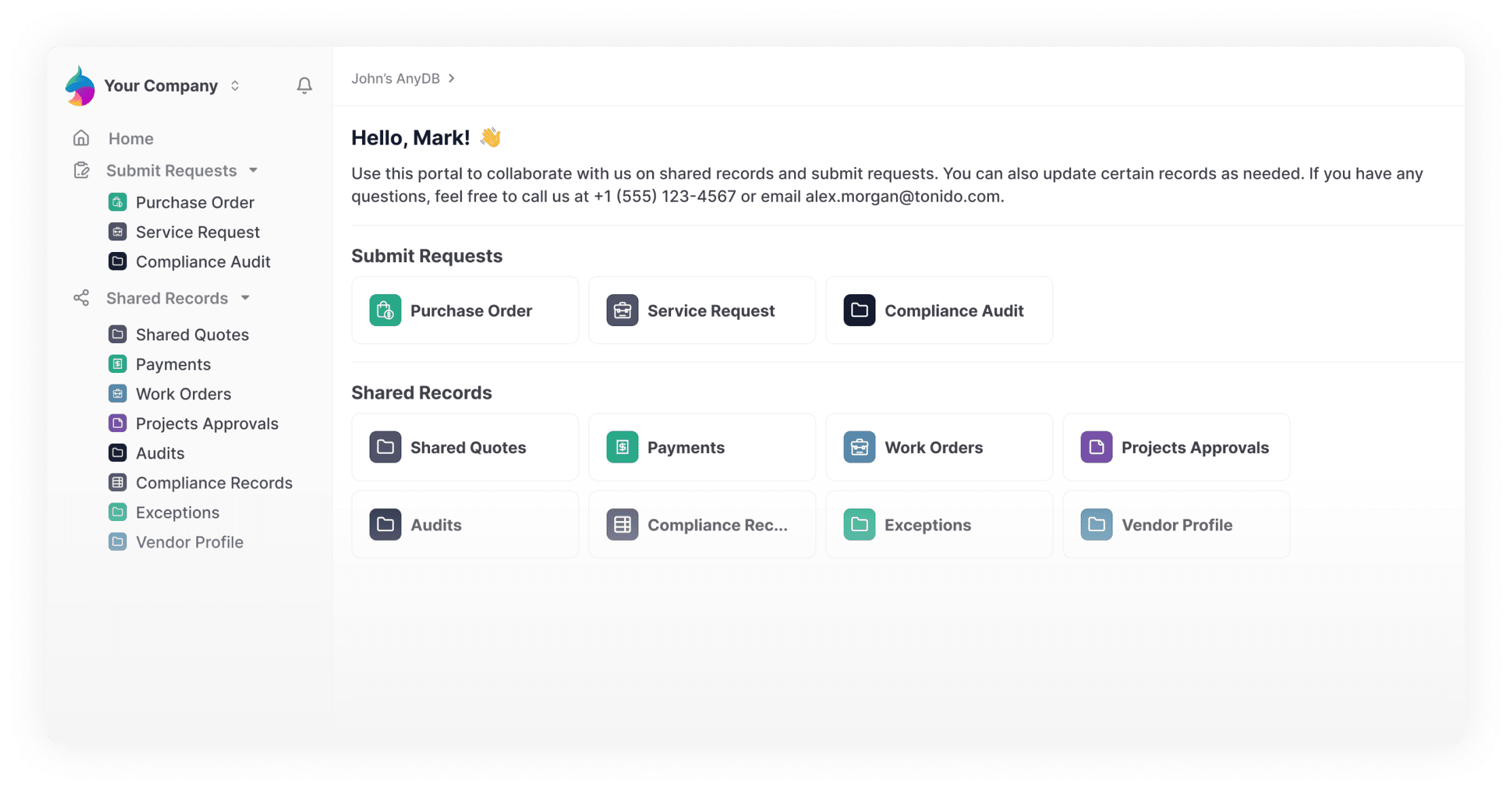
Give collaborators a clear place to find the information you share.

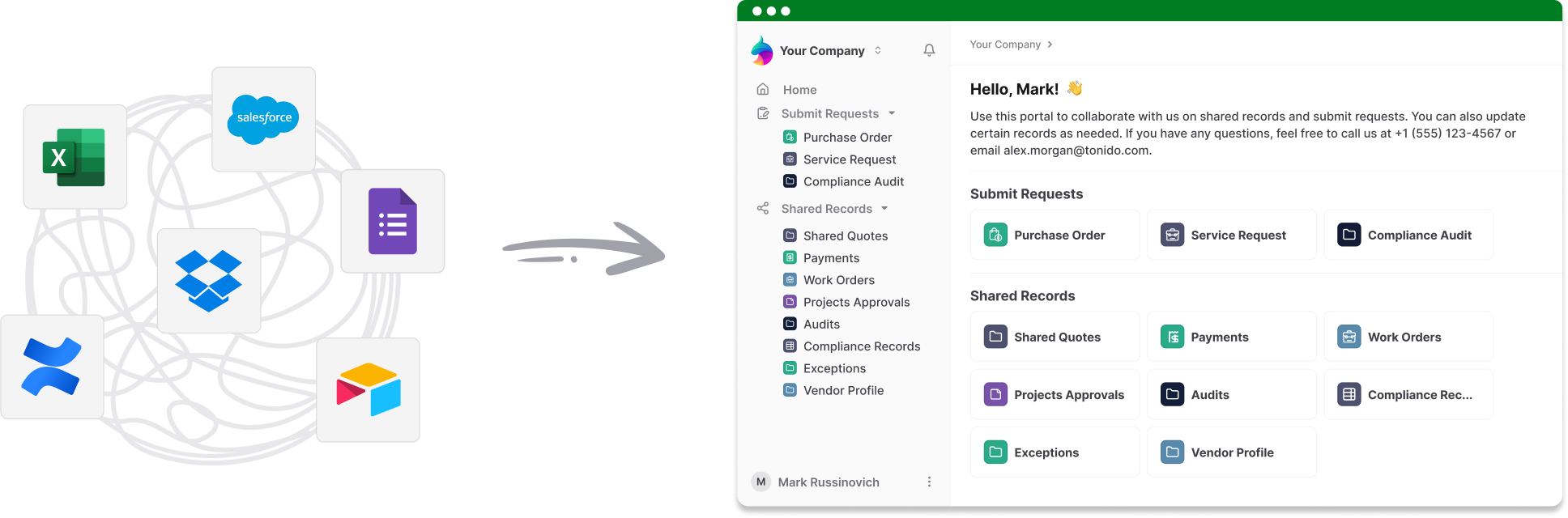
Records, files, and forms brought together in an AnyDB portal

Put it into practice: customer service requests

  • Collect the request. Give customers a form for the details and supporting files your team needs.
  • Review it in AnyDB. Submissions become records in the folder or parent record you choose.
  • Share progress. Invite the customer to the relevant record with Viewer access, including attachments when needed.
  • Keep the next step clear. Update the shared record as your team works and make the final documents available there.

Start with one workflow, such as a service request, vendor application, or partner onboarding process, then expand what you share as your operation grows.

Choose What Guests Can See and Change

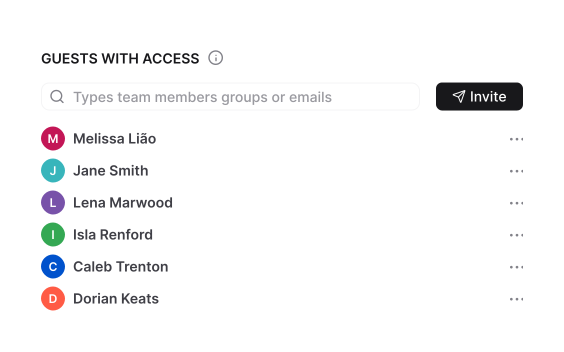
Invite guests by email and give them Viewer or Editor access. Guests sign in to access shared content without receiving access to your full database.

A simple experience for your guests

After signing in, guests can find the records you shared and the forms available to them in their portal. They can review information, edit shared items when permitted, or submit a new request through a form.

  • Share selected items with the people who need them.
  • Choose whether attachments are included; individual-item attachment access is off by default.
  • Use expiration dates for temporary access.

Guest access and public links serve different purposes. Use authenticated sharing for a private portal; a public item link can be opened without signing in.

Share a Focused View of the Work That Matters

Share a saved View to give a customer access to active orders or a contractor access to assigned tasks. Guests see the records included in that View, with Viewer or Editor permissions.

Shared Views require sign-in. You can manage or revoke access from the sharing panel. If you change the source View’s filters or settings, recreate the share to apply those changes.

Learn about shared Views

AnyDB Pending Orders view with the Share View option selected

Use AI and MCP With Your Portal Workflows

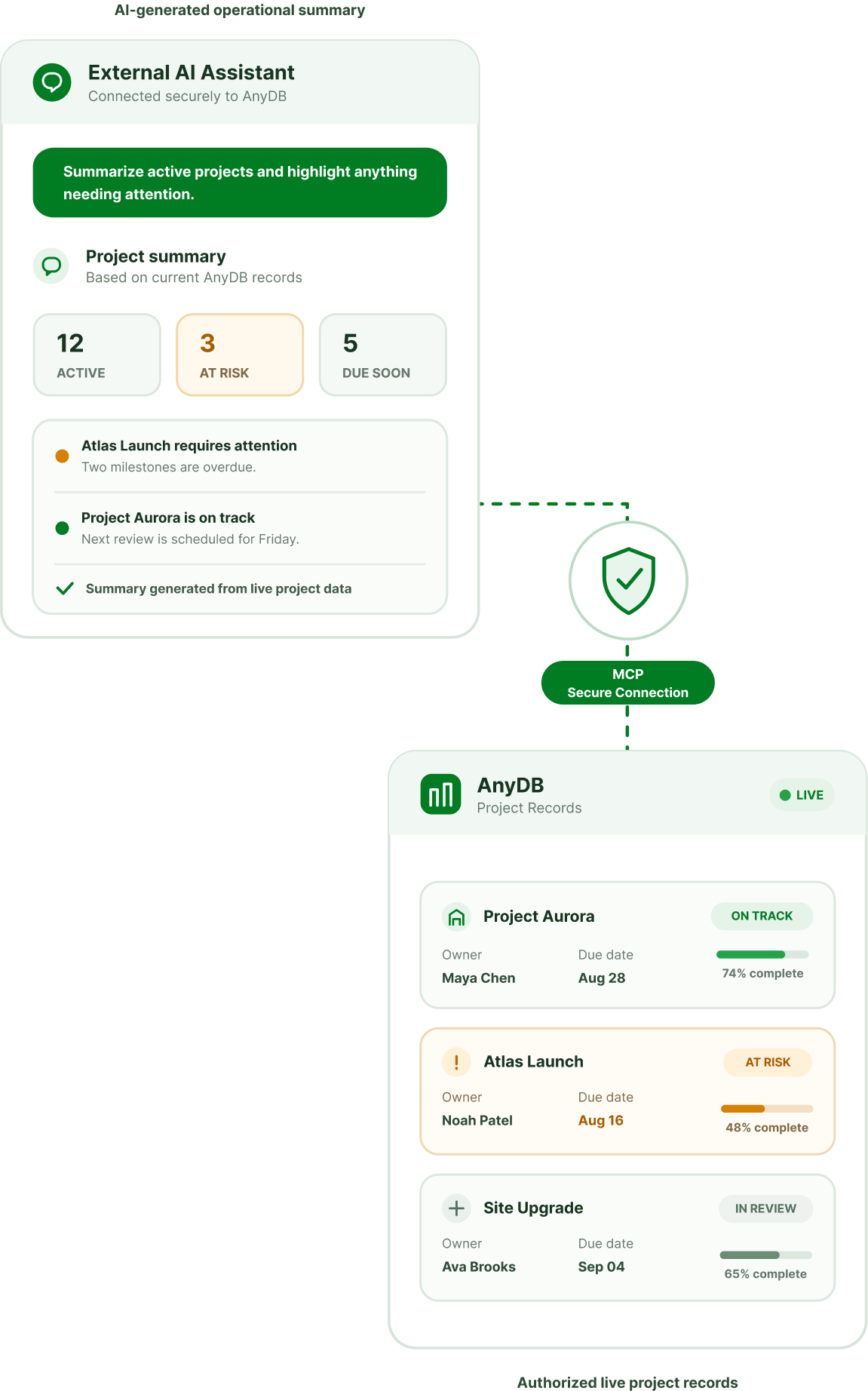
Connect your AI assistant to AnyDB and work with the records, forms, and sharing behind your portals.

AnyDB MCP lets compatible assistants help organize customer information, create forms, and configure record sharing through natural-language requests. The connection uses the access available to the signed-in AnyDB account.

  • Ask AI to prepare a request form for external submissions.
  • Create a private, view-only share for a customer record.
  • Find relevant records and summarize the work your team is coordinating.

Connect through https://mcp.anydb.com and authorize your AnyDB account. Your team can then use AI to support portal workflows while controlling the records and actions it can access.

Learn how to connect AnyDB MCP

Connect an AI assistant to AnyDB through MCP

Make the Portal Familiar to Your Collaborators

Customize your portal through team settings, with branding options determined by your plan.

  • Pro / Small Teams and Business plans support your business logo.
  • Business adds a custom welcome message and removes “Powered by AnyDB” branding.
  • Free plans include portal access with AnyDB branding.

Explore portal customization

Collaborate With Unlimited Free Guests

Every plan, including Free, supports unlimited guest users without using team licenses.

Guests can view or edit shared items according to their access. They cannot reshare records or freely create items in your database. Use shared forms when you want them to submit new requests.

Build a Portal Around Your Business

Start with the records and forms your customers, vendors, or partners need. We can help you set up the first workflow.