
Double Bookings
Check availability before confirming a reservation and reduce scheduling conflicts.
AnyDB for Car Rental Management
Manage enquiries, reservations, vehicles, customers, agreements, inspections, payments, maintenance, and returns in one connected system.
Build the system around your fleet, locations, rates, policies, and workflows, then adapt it as your operation changes.
Need help getting started? We can help you build a Car Rental Management system around your operation.




Keep your fleet, reservations, customers, and rental activity connected from the first enquiry to the return inspection.
Check availability before confirming a reservation and reduce scheduling conflicts.
Keep driver details, documents, rental history, agreements, and payments connected.
Prepare agreements, confirm requirements, collect deposits, and complete inspections from the rental record.
Record mileage, fuel, damage, photos, and inspection results at pickup and return.
Track service requirements and keep unavailable vehicles out of the rental schedule.
Start free, build the system yourself, or have our team build and manage it for you.
Connect every stage and adapt the structure to your fleet, locations, rates, policies, and workflows.
Maintain vehicle details, categories, locations, mileage, condition, and status.
2Connect enquiries, dates, customers, rates, vehicles, and optional services.
3Generate agreements and document mileage, fuel, condition, damage, and photos.
4Manage rental charges, deposits, additional fees, refunds, invoices, and balances.
5Change fields, forms, views, permissions, workflows, reports, and automations.
Manage daily rental work from the branch, office, or beside the vehicle.
See which vehicles are available, reserved, rented, being cleaned, inspected, or under maintenance.
View pickups, returns, active rentals, maintenance periods, and vehicle downtime by date.
Record mileage, fuel, cleanliness, damage, notes, files, and condition photos.
Generate agreements, quotes, invoices, receipts, and inspection reports from live records.
Track reservations, utilization, revenue, downtime, maintenance costs, and outstanding balances.
Organize vehicles by category, location, mileage, condition, and status. Staff can check availability before preparing a quote or confirming a reservation.
Store registration, identification numbers, features, capacity, transmission, fuel type, mileage, documents, photos, and notes.
Track each branch, parking area, service center, delivery location, and availability status.
Give every vehicle a unique QR code so staff can scan it with the AnyDB mobile app and open the correct record.
Capture enquiries, prepare quotes, check availability, assign a vehicle or category, add optional services, and confirm the reservation from one record.
Record pickup and return dates, times, locations, extensions, and one-way rentals.
Reserve a specific vehicle or category and apply daily, weekly, monthly, seasonal, corporate, or customer-specific rates.
Add insurance, additional drivers, child seats, GPS units, delivery, collection, and other services.
Verify driver requirements, generate the agreement, collect payment or a deposit, and document vehicle condition before and after the rental.
Record licence details, expiration dates, additional drivers, required files, rates, services, deposits, and terms.
Capture mileage, fuel, cleanliness, existing damage, return condition, signatures, photos, and notes.
Connect incidents, breakdowns, damage, additional charges, repair work, and files to the vehicle and rental.
Track original charges and any fees added during or after the rental, including deposits, refunds, mileage, fuel, cleaning, damage, fines, or tolls.
Calculate charges from duration, rate, mileage, services, extensions, fuel, cleaning, damage, fines, tolls, and adjustments.
Record deposits collected, held, partially retained, released, or refunded.
Generate financial documents and see which rentals are paid, partially paid, overdue, or awaiting a refund.
Adapt the records and workflows as your fleet, services, locations, policies, and operational requirements evolve.
Add details for vehicle features, insurance, finance agreements, permits, accessories, policies, or regional requirements.
Create stages, responsibilities, permissions, reminders, and rules for reservations, handovers, returns, cleaning, and maintenance.
Use customizable objects such as Customer, Vendor, Product, and Employee as building blocks, then connect them to your rental records.
Manage the rental lifecycle without rebuilding the same information across separate tools.
Add dates, locations, vehicle needs, driver details, and optional services.
Check the requested category, location, status, and rental period.
Apply rates, generate the agreement, collect payment, and record condition.
Track extensions, vehicle swaps, breakdowns, requests, and updates.
Inspect the vehicle, add charges, assign cleaning or maintenance, and update availability.
Use saved reports and dashboards to monitor rental activity and identify vehicles or processes that need attention.
Compare active rental time and downtime by vehicle, category, branch, or location.
Review charges by vehicle, category, branch, customer, or rental period.
Track inspections, service, repair, parts, supplier, and downtime expenses.
Surface overdue rentals, unavailable vehicles, missing inspections, and outstanding balances.
Filter, group, aggregate, chart, and export records as CSV or XLSX.
You can set automation to evaluate conditions and notify the right person when action is required.
Trigger booking information and internal work when a reservation is confirmed.
Notify customers or staff before scheduled handover and return times.
Flag licences, registrations, insurance documents, or permits approaching expiration.
Create follow-up work when a vehicle reaches a service date or mileage threshold.
Alert staff when a vehicle has not been returned at the expected time.
Keep service and repair work connected to vehicle condition, mileage, cost, downtime, and availability.
Record inspections, routine services, repairs, parts, suppliers, costs, and completion dates.
Schedule servicing using current mileage and company or manufacturer intervals.
Create repair records from damage documented during a return inspection.
Remove vehicles from availability while they are being cleaned, inspected, serviced, or repaired.
Review vehicle expenses alongside utilization and rental revenue.
Use customer, vehicle, reservation, inspection, and payment information already stored in AnyDB.
Generate agreements containing the driver, vehicle, dates, rates, deposit, services, and terms.
Create consistent customer documents without copying reservation details into separate files.
Generate financial documents from charges and payments connected to the rental.
Create pickup, return, damage, or condition reports from completed inspections.
Create Word or Excel files and export formatted documents as PDFs.
Show each team the information it needs while keeping the underlying records connected.
Manage enquiries, quotes, availability, bookings, extensions, and customer communication.
Prepare vehicles, complete handovers, record inspections, and process returns.
Monitor vehicle status, mileage, location, utilization, maintenance, and repair work.
Review charges, deposits, payments, refunds, invoices, and outstanding balances.
Track bookings, utilization, revenue, downtime, maintenance costs, and operational exceptions.
Dynamic views can show records based on the signed-in user, branch, assignment, or responsibility.
Connect a compatible AI assistant to AnyDB through MCP and work with permitted rental records and files using natural-language instructions.
Find reservations, pickup requirements, vehicle assignments, and missing information.
Review current status, location, rental activity, cleaning, inspection, and maintenance work.
Summarize rental activity, overdue work, utilization, payments, or maintenance information.
Create or update records while following permissions defined in AnyDB.
Find, upload, download, and use permitted documents connected to rental operations.
Keep the working record of your car rental operation in one connected system.
Start free, build your own Car Rental Management system, or have our team build and manage it with you.
Use AnyDB to begin structuring your fleet, reservations, customers, and rental process.
Start FreeCustomize and run your own Car Rental Management system in AnyDB.
View PlansHave your system built and managed around your rental operation.
Talk to Us


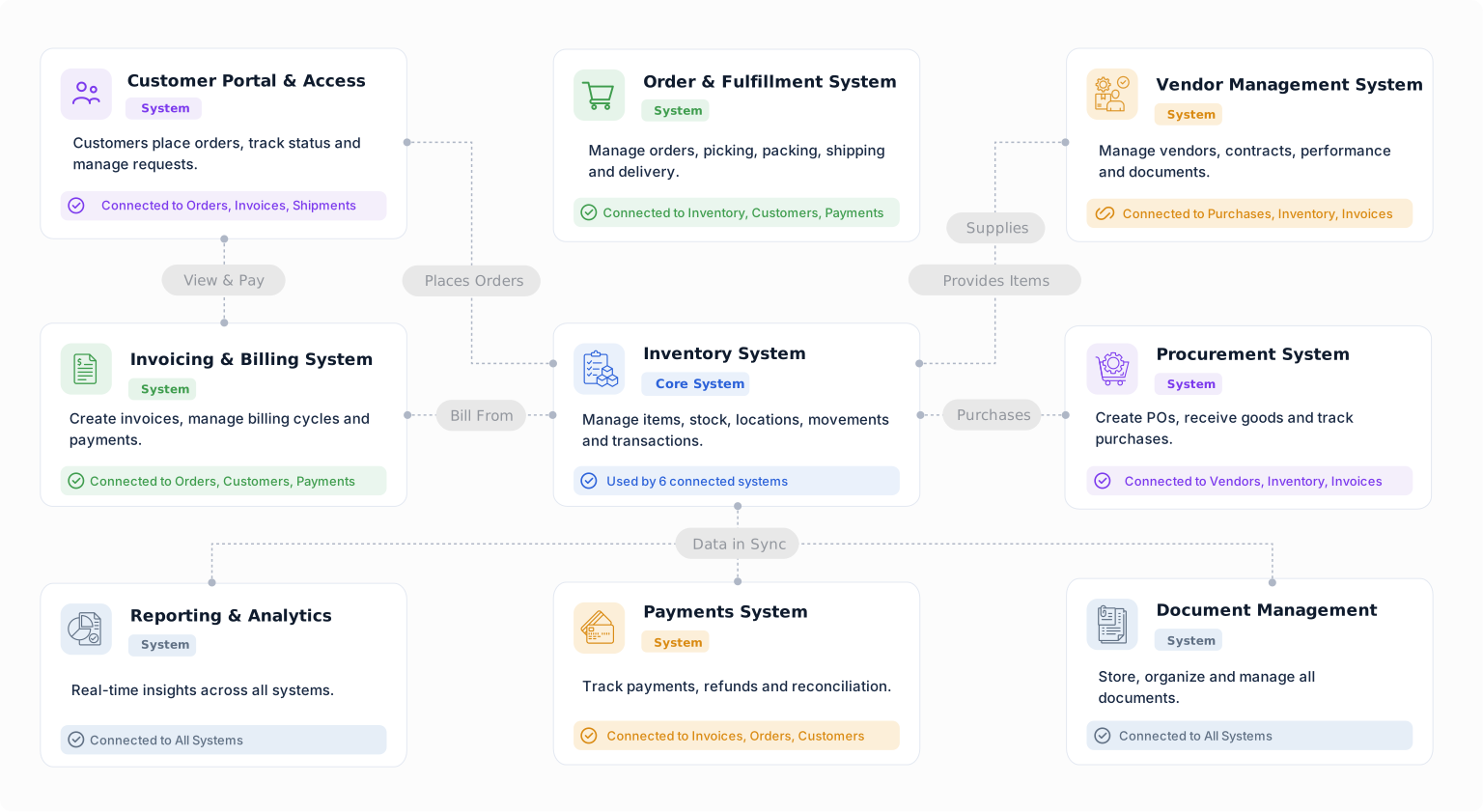
Manage vehicles, customers, reservations, agreements, inspections, payments, maintenance, and returns using a system you can change as your operation evolves.


