
Customer Information Spread Across Tools
Keep accounts, contacts, opportunities, interactions, documents, and invoices connected.
Manage accounts, contacts, opportunities, activities, quotes, follow-ups, and customer records in one CRM.
Shape the data model, pipelines, views, permissions, and automations around your sales process.
Connect CRM with orders, projects, inventory, service, invoicing, and the work that follows a sale.
Start with ready-to-use CRM objects or create your own structure.





Start with the CRM capabilities you need today, then customize the structure, workflows, and connected processes as your business grows.
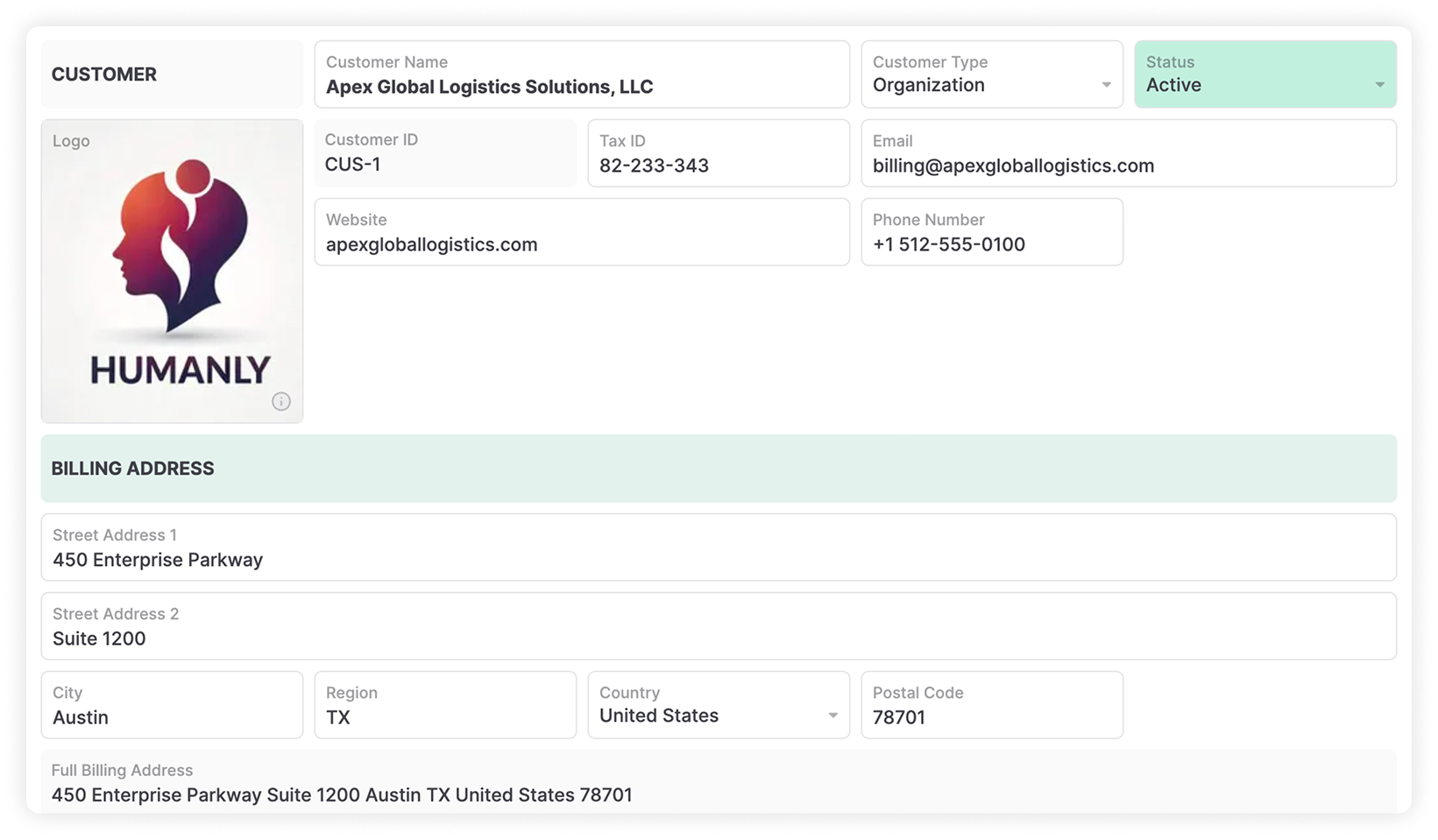
Keep companies, contacts, relationship history, files, and customer context organized in connected records.
2Manage opportunities through the stages that match your sales process, with owners, values, close dates, products, and next actions.
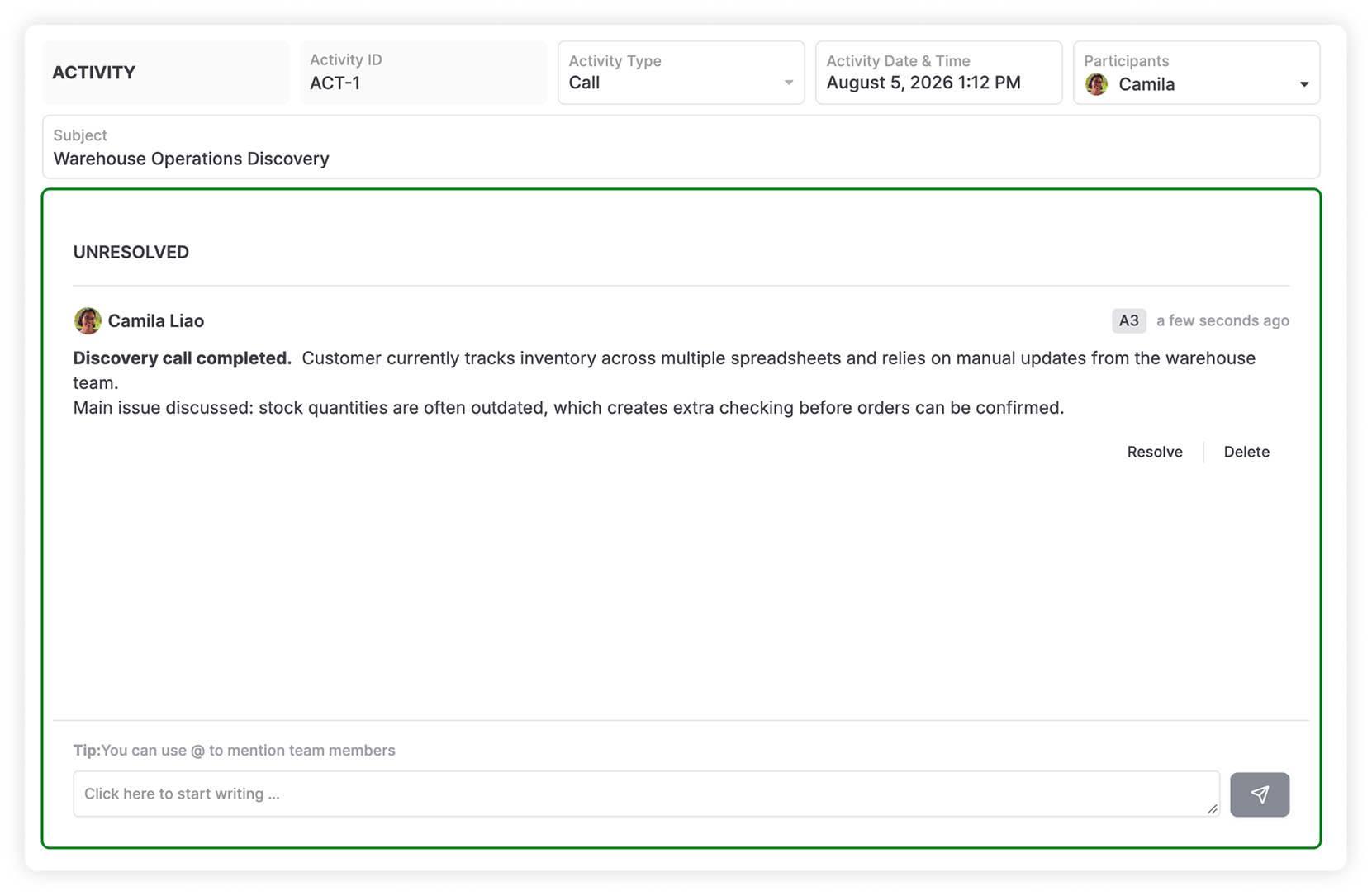
3Keep calls, meetings, notes, files, and follow-ups connected to the right account or opportunity.
4Link customers and opportunities with orders, projects, service, fulfillment, and invoicing.
5Create custom objects, fields, relationships, views, permissions, pipelines, and automations around your business.
6Use AnyBot, ChatGPT, Claude, and compatible MCP clients to find, analyze, and update permitted customer records.
Replace scattered contact lists, opportunity spreadsheets, activity notes, billing trackers, and follow-up emails with one structured CRM.
Keep accounts, contacts, opportunities, interactions, documents, and invoices connected.
Assign each opportunity while keeping value, stage, priority, and expected close date visible.
Set owners, dates, reminders, and next actions so conversations continue at the right time.
Use live views and dashboards to see open opportunities, expected revenue, and sales activity.
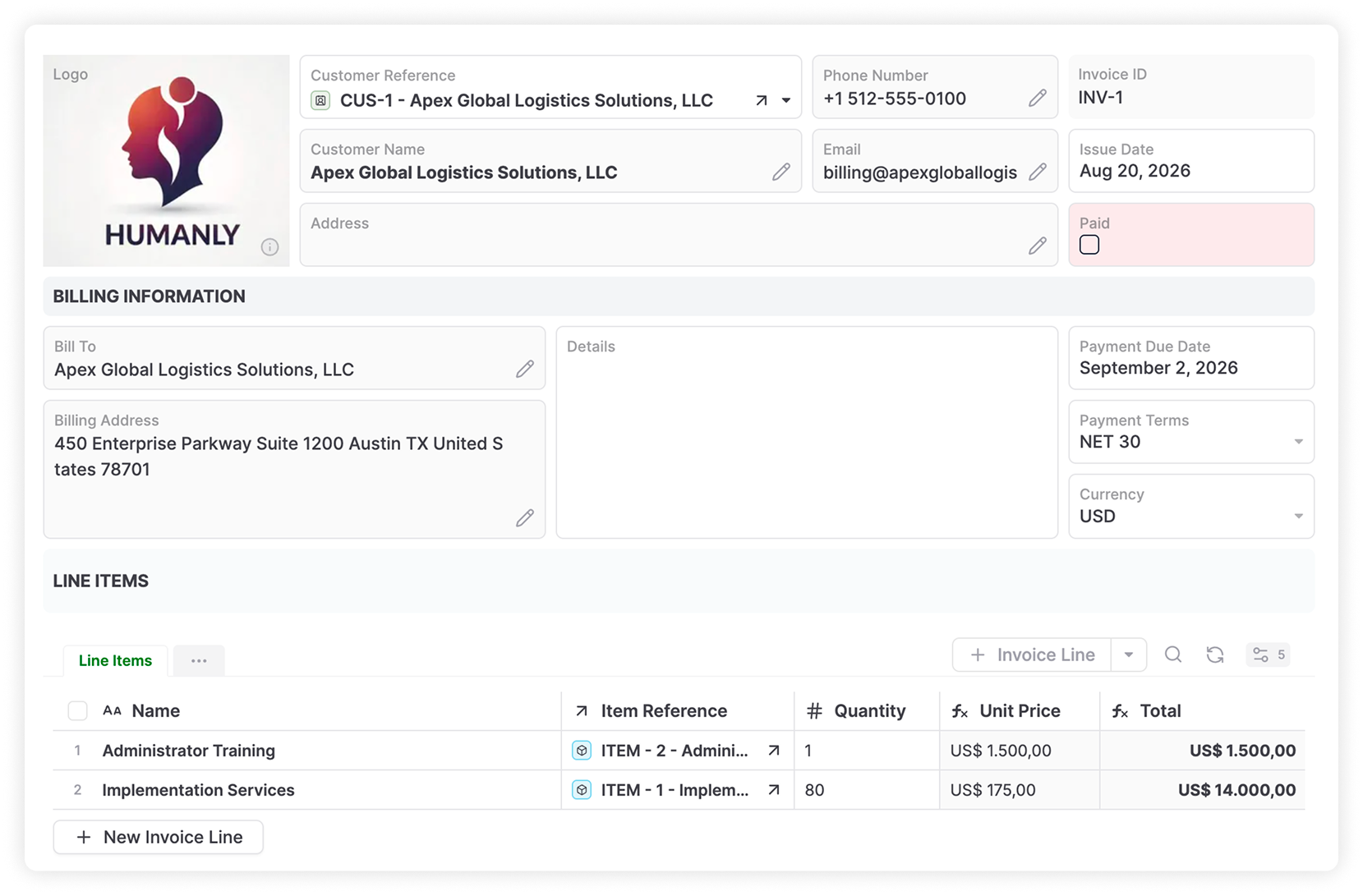
Connect opportunities and customers with invoices, payment status, balances, and billing history.
Browse accounts, contacts, opportunities, activities, customers, invoices, and service items.
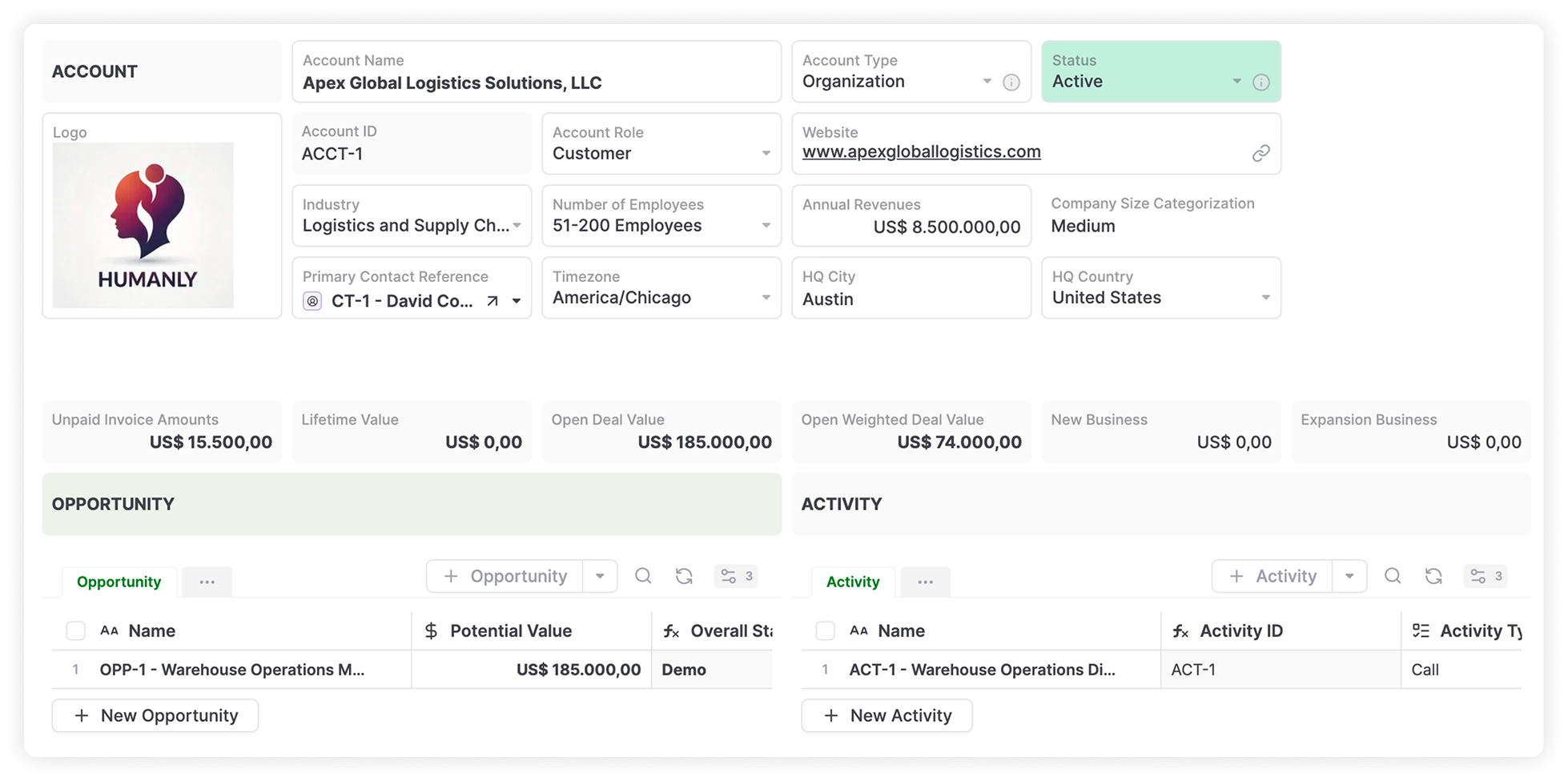
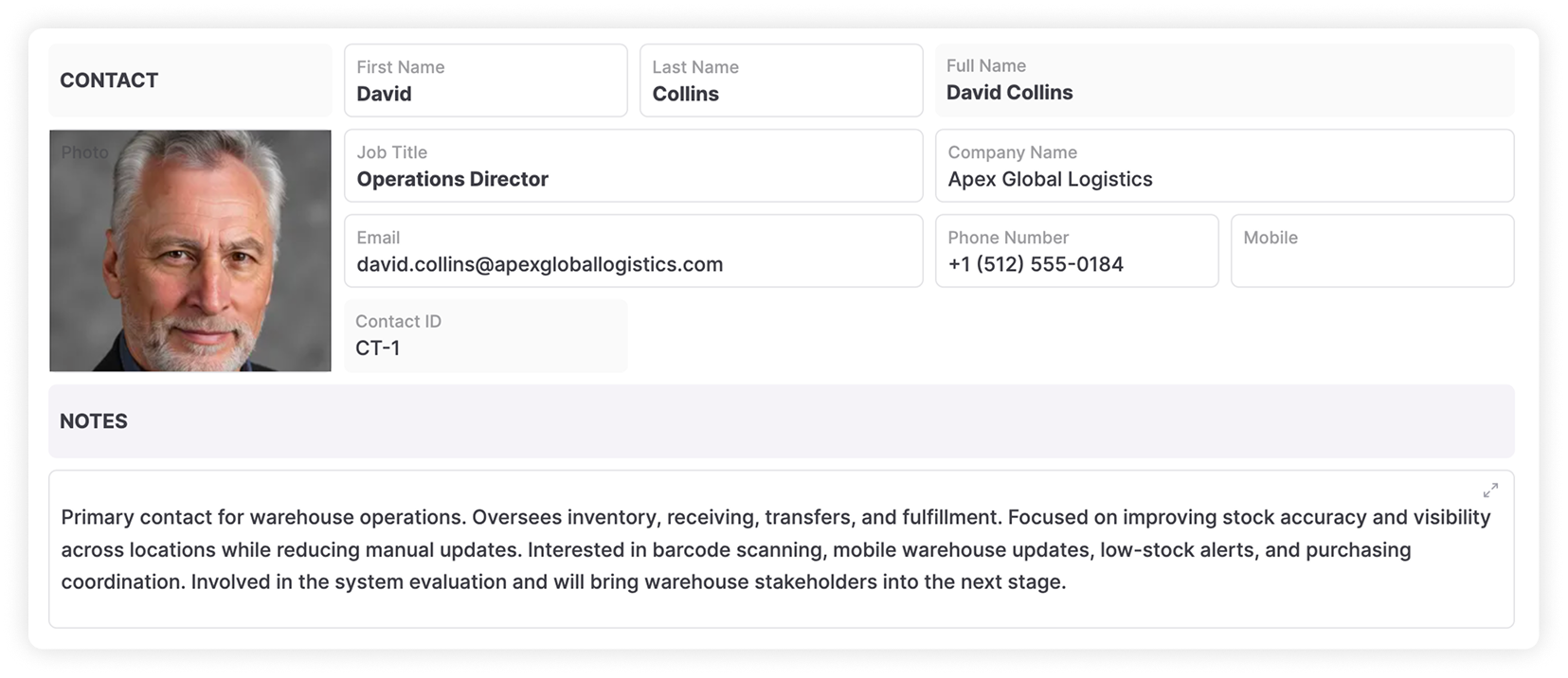
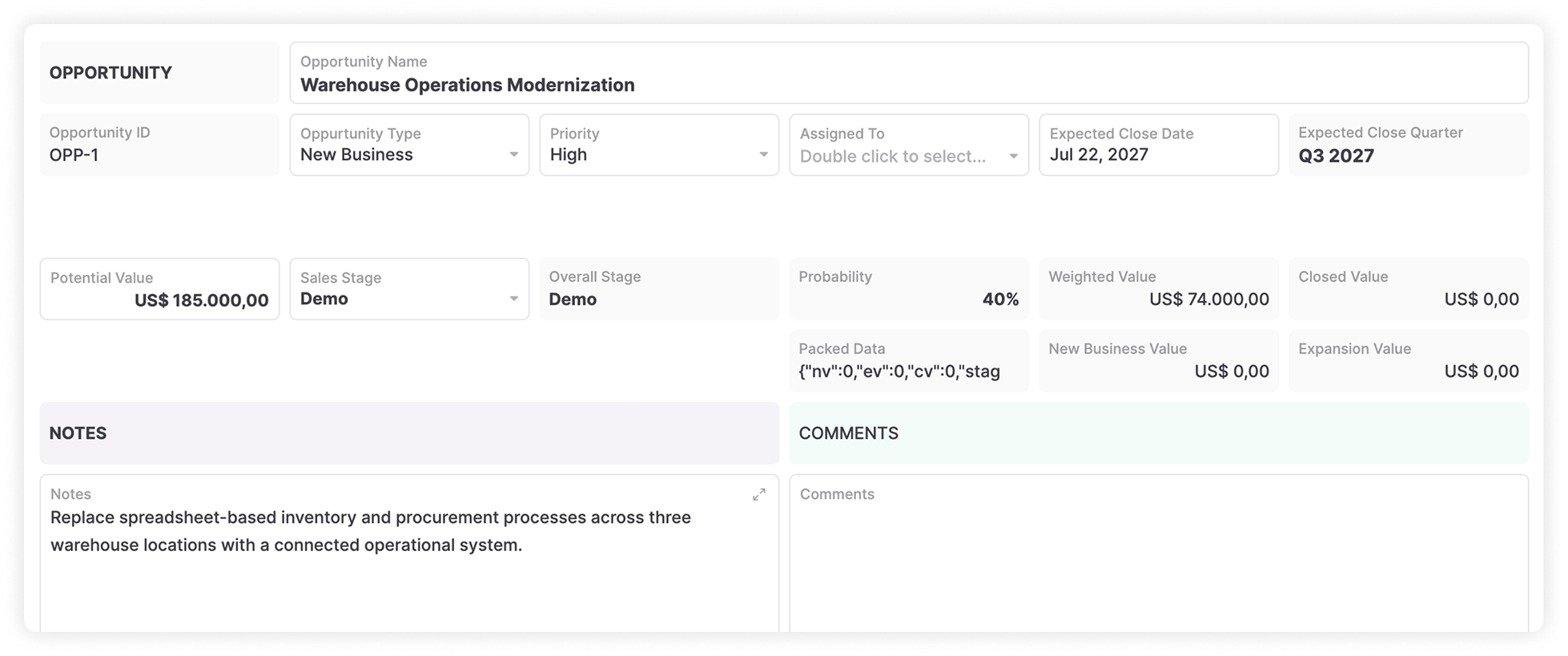
Start free, build the CRM yourself, or have our team build and manage it for you.
Start with Accounts, Contacts, Opportunities, Activities, and Quotes. Change their fields and relationships or create new business objects for the information your company needs to manage.
Accounts, Contacts, Leads, Opportunities, Quotes, and Contracts.
Locations, Products, Projects, Orders, Subscriptions, Installations, Assets, and Service Requests.
Renewals and other business-specific records. Link records together so sales teams can see the customer, the opportunity, and the work connected to it.
AnyDB gives you control over the structure behind your CRM and how each team works with it.
Create records for the processes, customers, products, services, assets, and other information your company manages.
Capture the information your team needs and link records across accounts, contacts, opportunities, products, locations, projects, orders, and other data.
Create different pipelines for sales processes, business units, products, regions, or customer journeys.
Work with CRM data through Table, List, Grid, Kanban, Calendar, and other views. Give each team a setup that matches its work.
Control access at the team, database, record, and cell level.
Assign work, update records, send notifications, generate documents, call external services, or run scripts when records change.
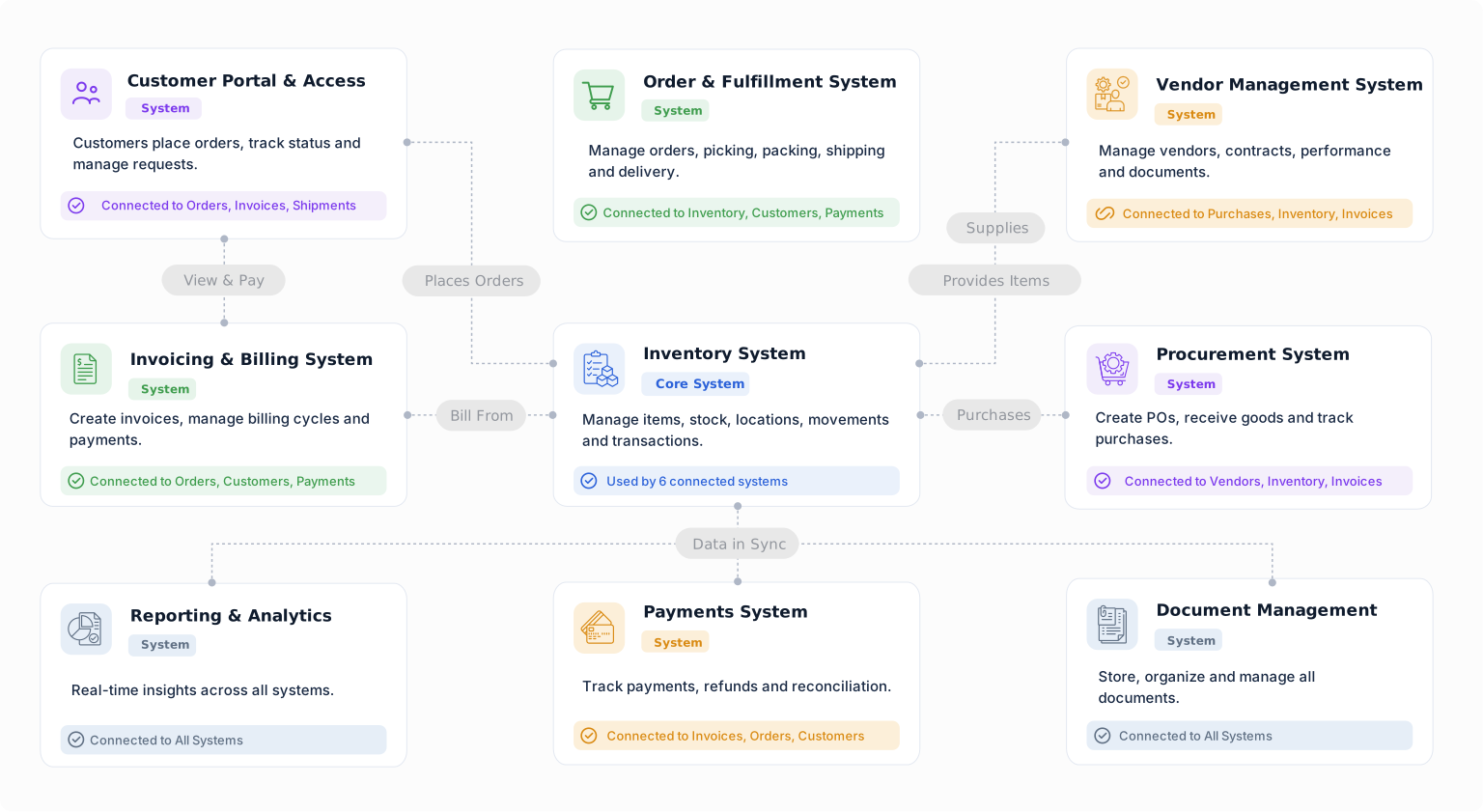
A won opportunity can create an order, project, installation, procurement request, shipment, invoice, or service request. Keep those processes linked to the customer and opportunity that started them.
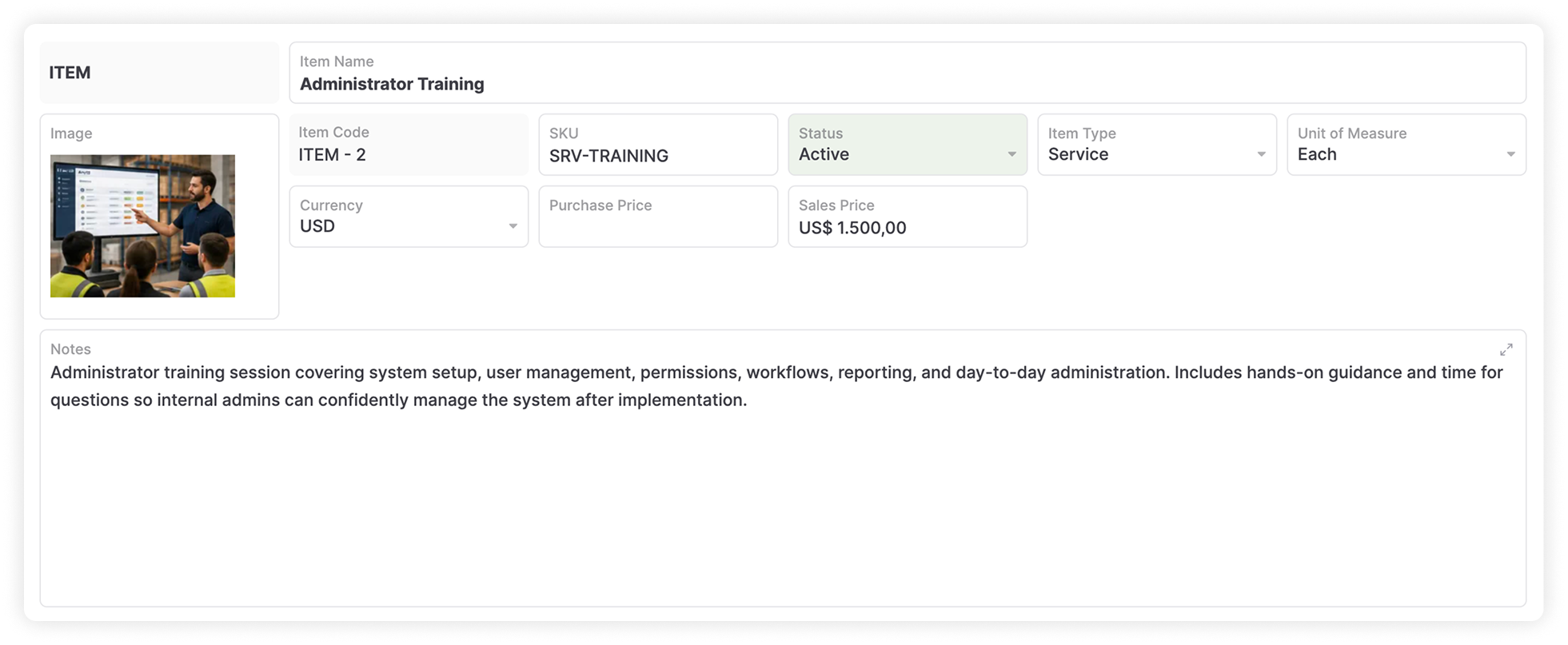
Connect opportunities with products, services, pricing, approvals, quotes, and confirmed orders.
Link customers with projects, milestones, files, services, deadlines, and responsible teams.
Connect orders with inventory availability, picking, shipping, delivery, and fulfillment status.
Track customer requests, issues, maintenance work, follow-ups, and resolutions alongside the account.
Keep invoices, due dates, balances, payment status, and billing documents connected to the customer.
Sales, operations, service, and finance can work from the same customer context.
Bring the information surrounding each customer into one place so teams can review the relationship without piecing it together from separate trackers, folders, and systems.
Contacts and decision makers, calls, meetings, activities, approvals, follow-ups, and next actions.
Open and closed opportunities, quotes and proposals, orders, products and services purchased, invoices, and payment status.
Projects, locations, files and documents, service requests, and the records related to each account.
Track opportunities through stages that match your sales process. Use Kanban views to manage work by stage and dashboards to monitor sales activity, expected revenue, owners, and pipeline status.
Stage, deal value, probability, expected close date, owner, priority, products or services, contacts, quotes, files, and approval status.
Keep next actions and follow-up dates visible so every opportunity has a clear owner and next step.
Use Kanban views for stage-based work and dashboards for sales activity, expected revenue, ownership, and status.
Store calls, meetings, notes, files, comments, and other customer activity alongside the relevant account or opportunity. Assign owners, due dates, and follow-ups so the next step stays visible.
Keep interactions and files attached to the right account, contact, or opportunity.
Assign an owner and due date to follow-up work so responsibilities stay visible.
Trigger reminders, update statuses, notify team members, and start the next part of the process when something changes.
Trigger clear, connected actions from the customer and deal events your team already tracks.
Automations can create and update records, assign work, send notifications, generate documents, run scripts, and connect with external systems.
Use AnyBot to work with information stored in AnyDB. Query records, analyze data, create reports and charts, generate documents, and perform controlled record updates.
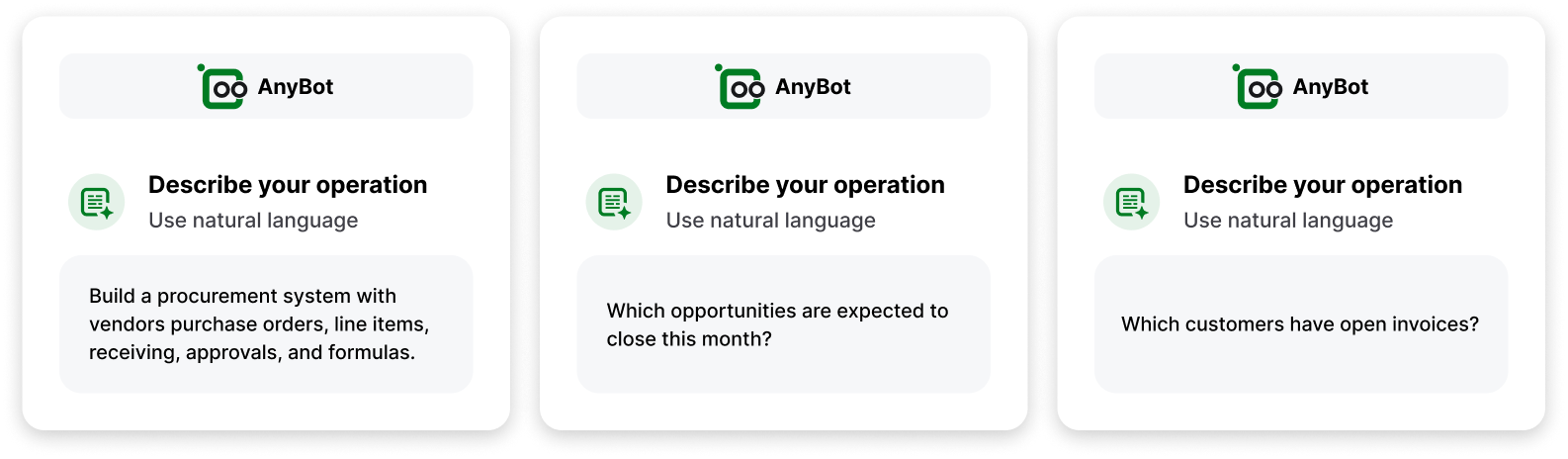
Connect compatible AI assistants to AnyDB through MCP. Work with permitted AnyDB records and files while keeping underlying business data structured.
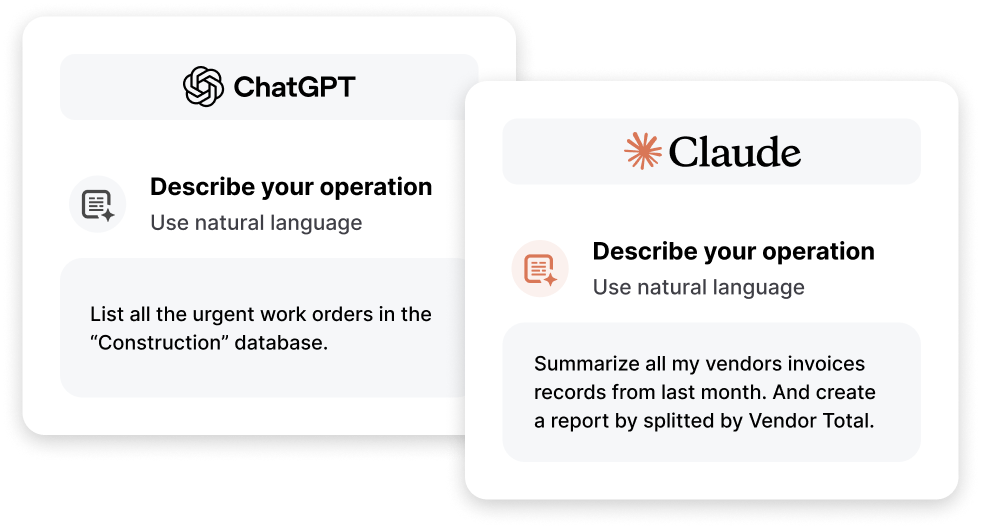
Connect ChatGPT, Claude, and other compatible clients to CRM data with access controlled through AnyDB.
Create portals for customers, vendors, partners, and other external users. Share the records, files, forms, and information they need while controlling what they can view or edit.
Customer onboarding, account information, quotes and approvals, project updates, and order status.
Service requests and documents, shared with the right external users.
Give vendors and partners the records, forms, files, and updates needed to work with your team.
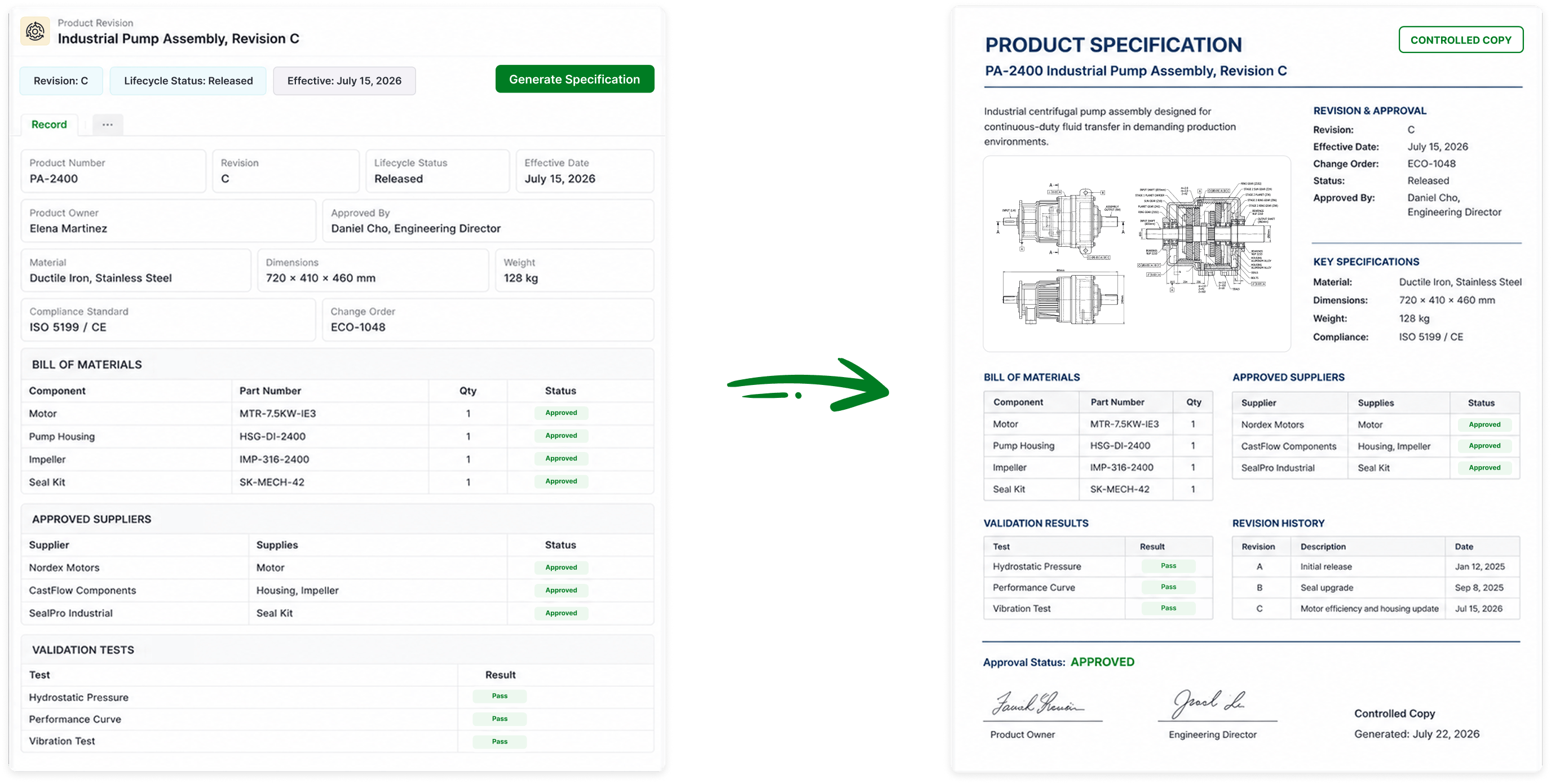
Generate documents using information already stored in AnyDB. Information can flow from source records into each document, reducing repeated data entry and keeping generated files tied to their originating records.
Use objects from the AnyDB Business Object Library as a starting point, then change their fields, relationships, views, and workflows.
Manage prospects, customers, partners, and other organizations.
Connect people with the organizations and work they are involved in.
Track potential business through the sales process.
Keep customer interactions and follow-ups attached to relevant records.
Manage proposed products, services, pricing, and customer quotations.
Connect customer information with orders, projects, service, documents, and billing.
AnyDB is built for companies that want to define their own CRM data model and connect it directly to operational processes.
Provides a broad suite of sales, marketing, service, and customer engagement tools. Custom objects are available on Enterprise tiers.
Supports extensive enterprise customization through custom objects, apps, permissions, automation, Flow, and a large ecosystem.
Define your CRM data model and connect it directly with orders, projects, inventory, procurement, installations, assets, service work, invoices, approvals, and custom business processes.
Build a highly customizable CRM that can also support the operational work around each customer.
A customer record can connect directly with the commercial and operational information each team needs.
Accounts, Contacts, Opportunities, and Quotes.
Orders, Projects, Assets, Inventory, and Service Requests.
Invoices and Files. Sales sees the commercial relationship, operations sees delivery work, finance follows billing, and service teams see requests and customer history. Each team works with the same customer context.
CRM often sits alongside disconnected tools. AnyDB lets you build these processes on the same platform and connect them directly to CRM records.
Pipeline spreadsheets and billing trackers.
Project management software, order trackers, and inventory systems.
Shared folders and customer portals. Start with customer and sales management, then add other systems where they are needed.
Add systems as your needs grow. They can share records and relationships so teams keep customer context as new processes are added.
Use scripting for processes that need custom logic or connections with external services. Scripts can find, create, and update records, run business logic, and communicate with external APIs.
Use scripts for CRM processes that need logic beyond standard configuration and automations.
Connect CRM workflows with external APIs and services.
Give technical teams another way to extend CRM as business requirements evolve.
Start with the CRM structure you need today.


