Flat BOMs that do not reflect subassemblies or hierarchy
Manual updates to component costs and quantities
No clear visibility into total assembly cost
Duplicate components across multiple products
Drawings, manuals, and notes stored separately
Difficulty scaling as product catalog grows
BOMs rely on relationships between components, subassemblies, costs, and documents. Flat tables or spreadsheets do not handle this well, so updates require manual effort, changes do not carry across levels, and context gets lost.
As products evolve, cost visibility drops, reuse becomes inconsistent, and supporting information spreads across tools, which slows planning and affects production decisions.
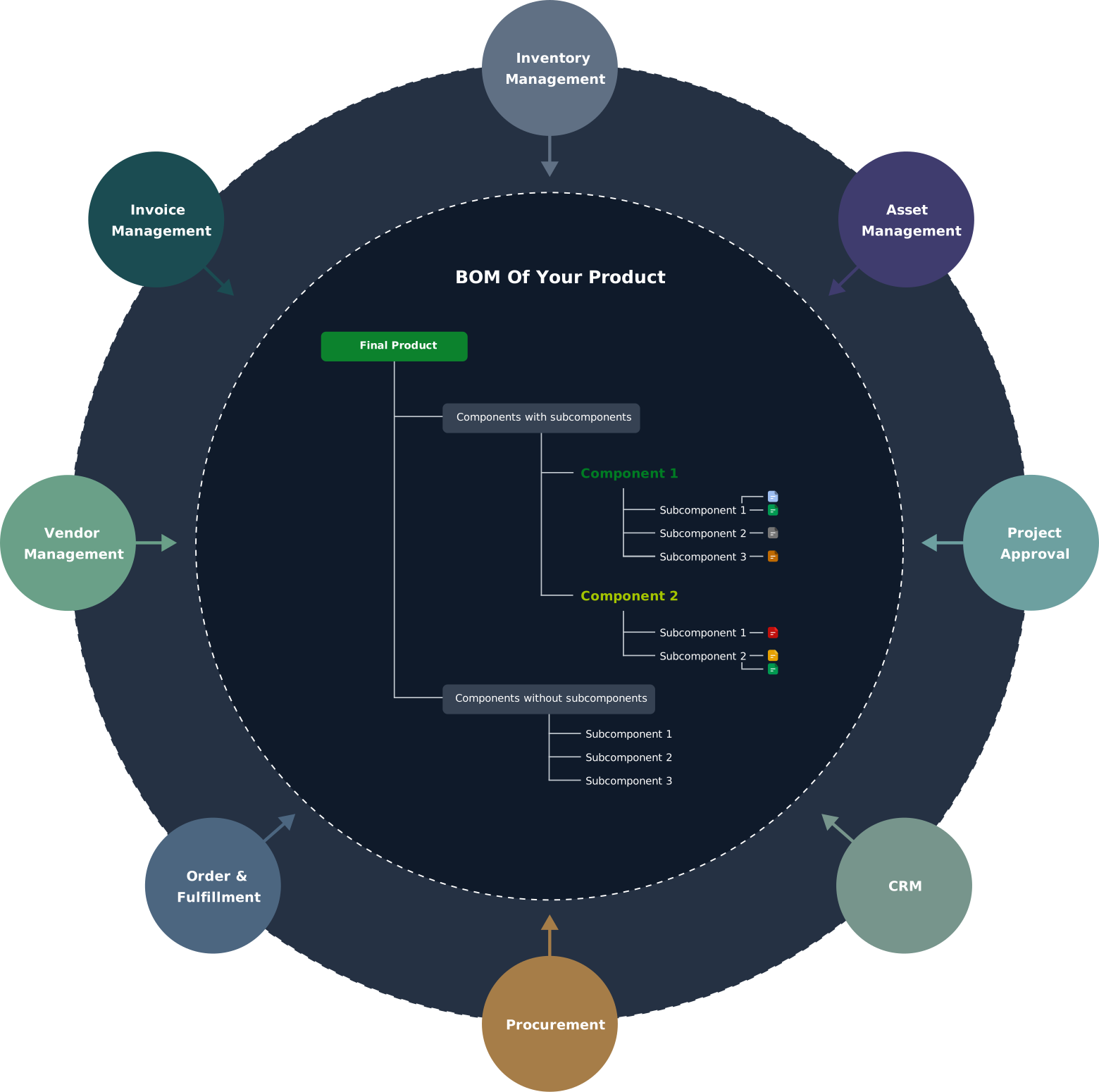
BOMs work as a structured model where products, components, and subassemblies stay connected, so changes carry through the full assembly.
Reliability comes from maintaining relationships between parts instead of static lists.
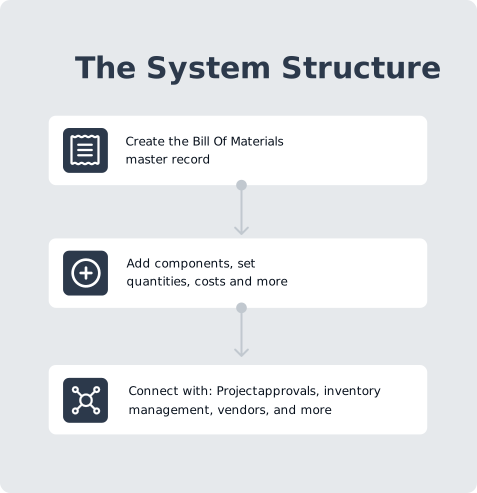
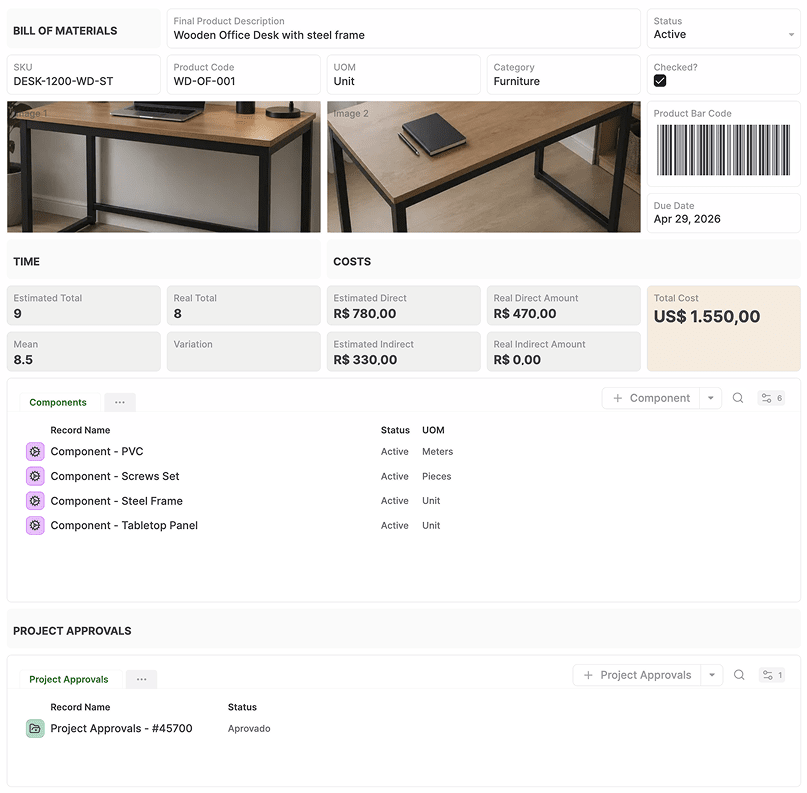
Components, subassemblies, and finished products are recorded as connected records, keeping cost, quantity, and context aligned as the structure evolves.
What this structure enables:

AnyDB models BOMs as a connected structure with linked assembly levels.
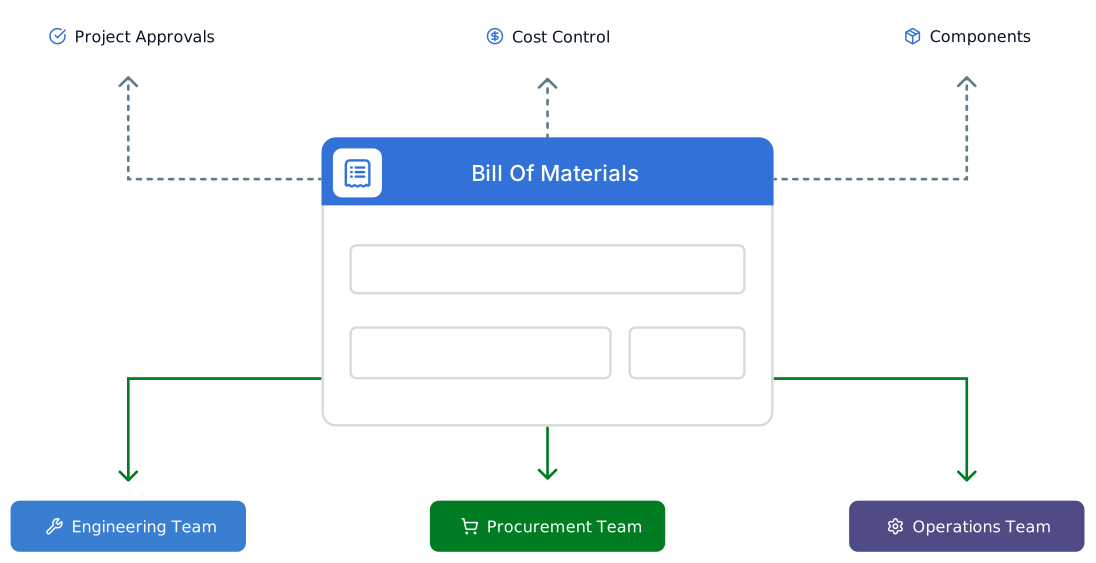
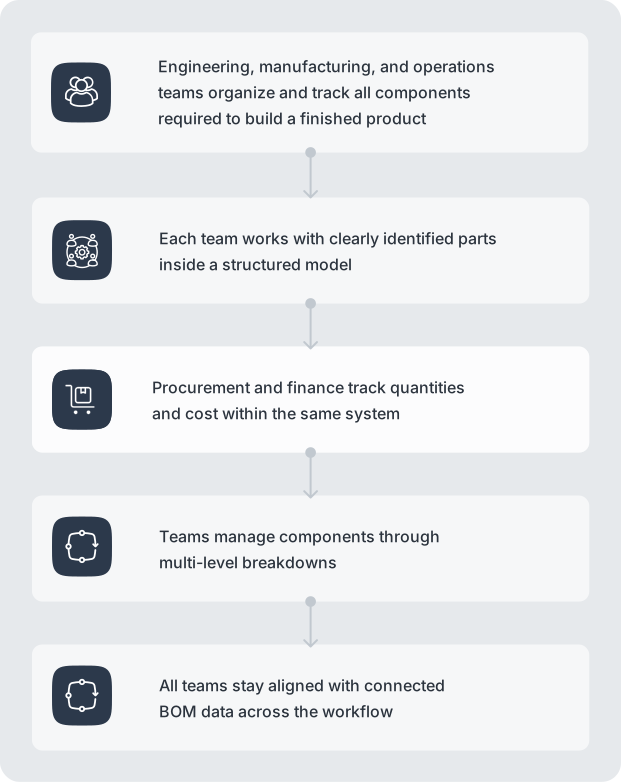
Engineering defines product structures, procurement tracks supplier and cost data, and operations uses the same model for planning and production.