
File Storage and Sharing
Store, preview, share, sync, and edit files in the same connected system as your customers, projects, orders, assets, and operations.
Files and Folders at Scale
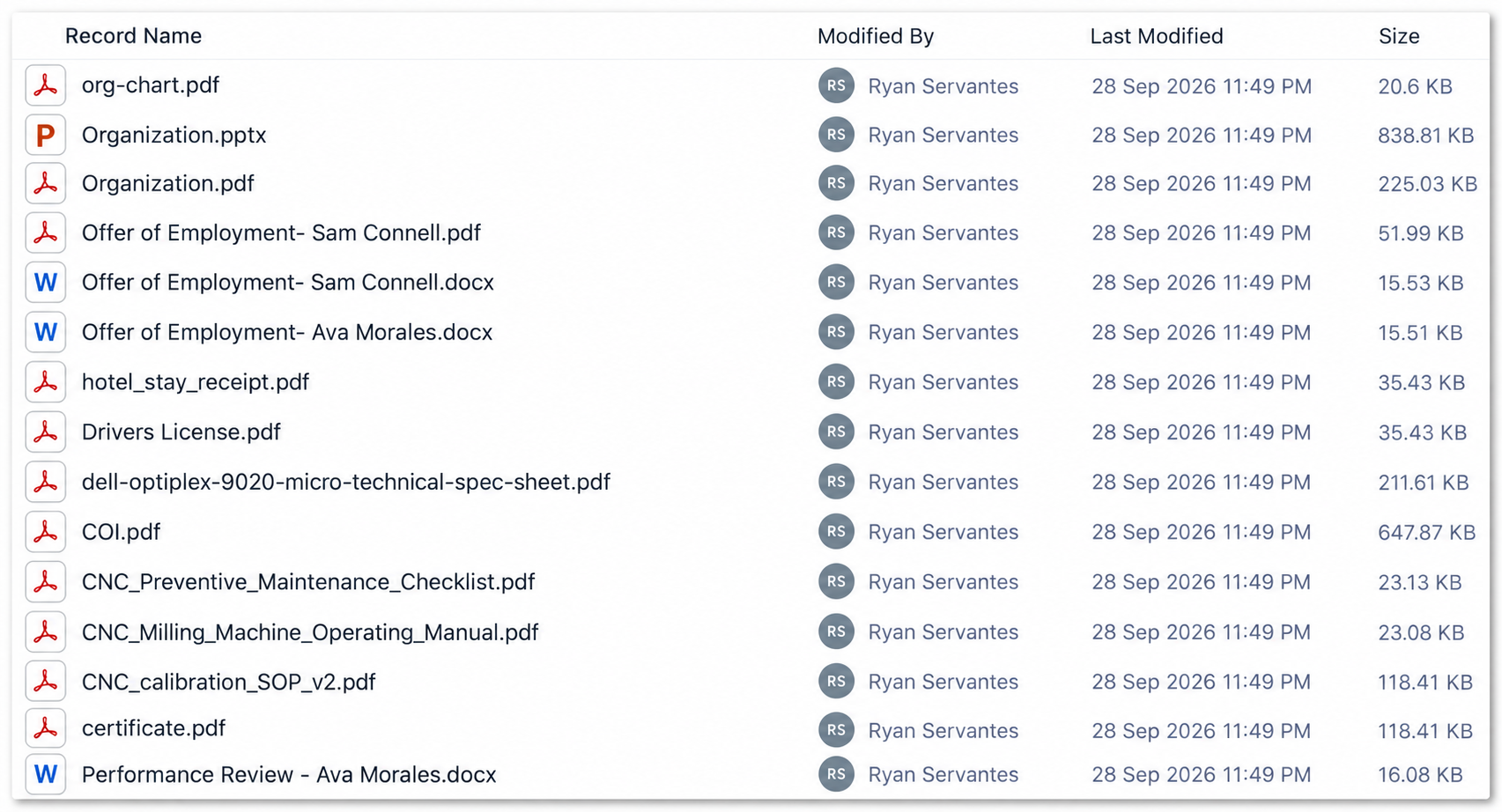
Files do not have to live as loose attachments or disappear into disconnected folders. In AnyDB they can be stored in volume, organized independently, attached to records, searched, shared, and used throughout your operation.
Keep the files with the work they belong to.
Operational work is more than fields and forms. Keep documents, drawings, images, spreadsheets and working files connected to the customers, projects, assets, claims, meetings and other records they support.
◇Claim Request
▤Invoices
PDFContractor Invoice.pdf
XLSEstimate.xlsx
IMGDamage Photos
$Payment
PDFPayment Direction.pdf
PDFPayment Receipt.pdf
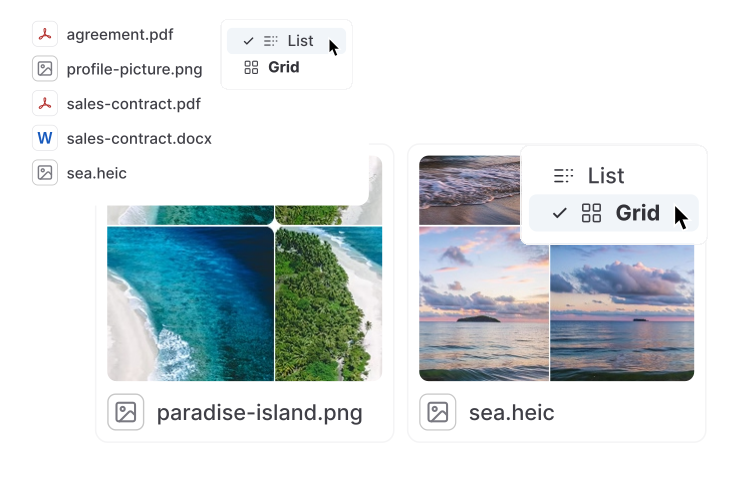
Preview Files without Downloading
Review documents and media directly inside AnyDB. Move quickly through the material around a record without opening a separate application for every file.

Share Files Privately or Publicly
Share a single file, a file collection, or the record that provides its business context. Keep internal material controlled while making approved documents easy to distribute.
Sync a Record's Files to your Desktop
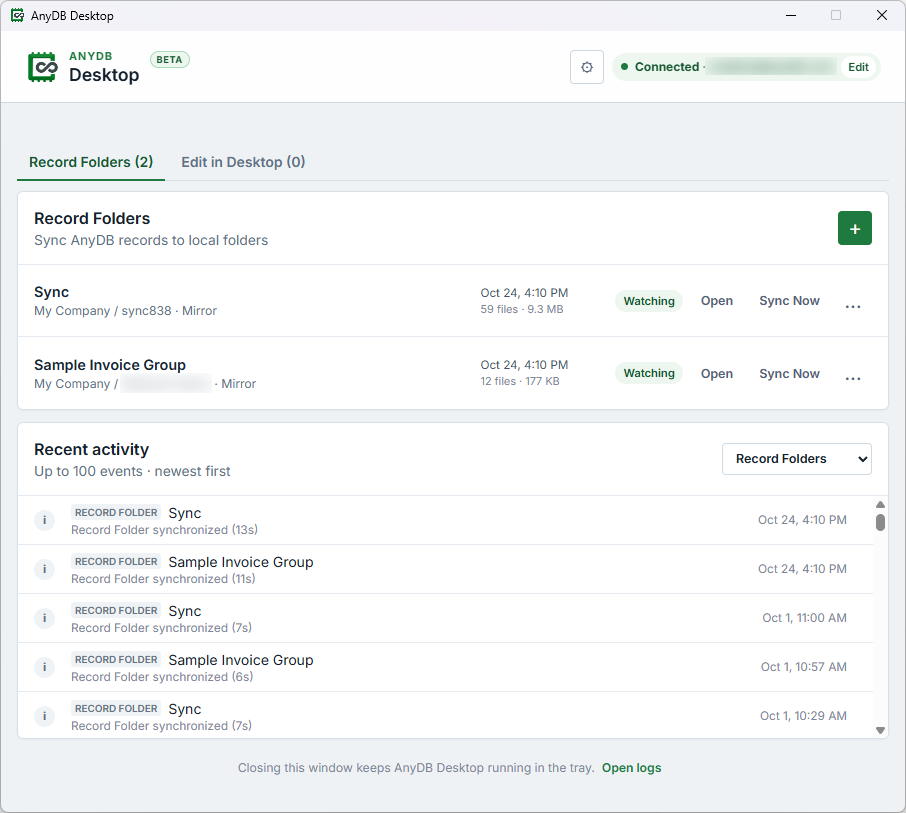
Sync a record and all of its files to a local folder for fast review and editing. Work with the complete document set as a unit while preserving its connection to the operational record in AnyDB.
Select the record
Choose the customer, project, claim, order, asset, or other record you need.
Sync its folder
Bring the record and its complete file collection to your computer.
Review and edit
Open large groups of files quickly with your normal desktop tools.
Keep AnyDB current
Two-way sync returns file changes to the connected business record.
Edit AnyDB Files in Your Desktop Applications
The AnyDB File Sync app for Windows and macOS brings cloud files into your normal desktop workflow. Open a file in its native application, make changes, and let two-way sync return the latest version to AnyDB.
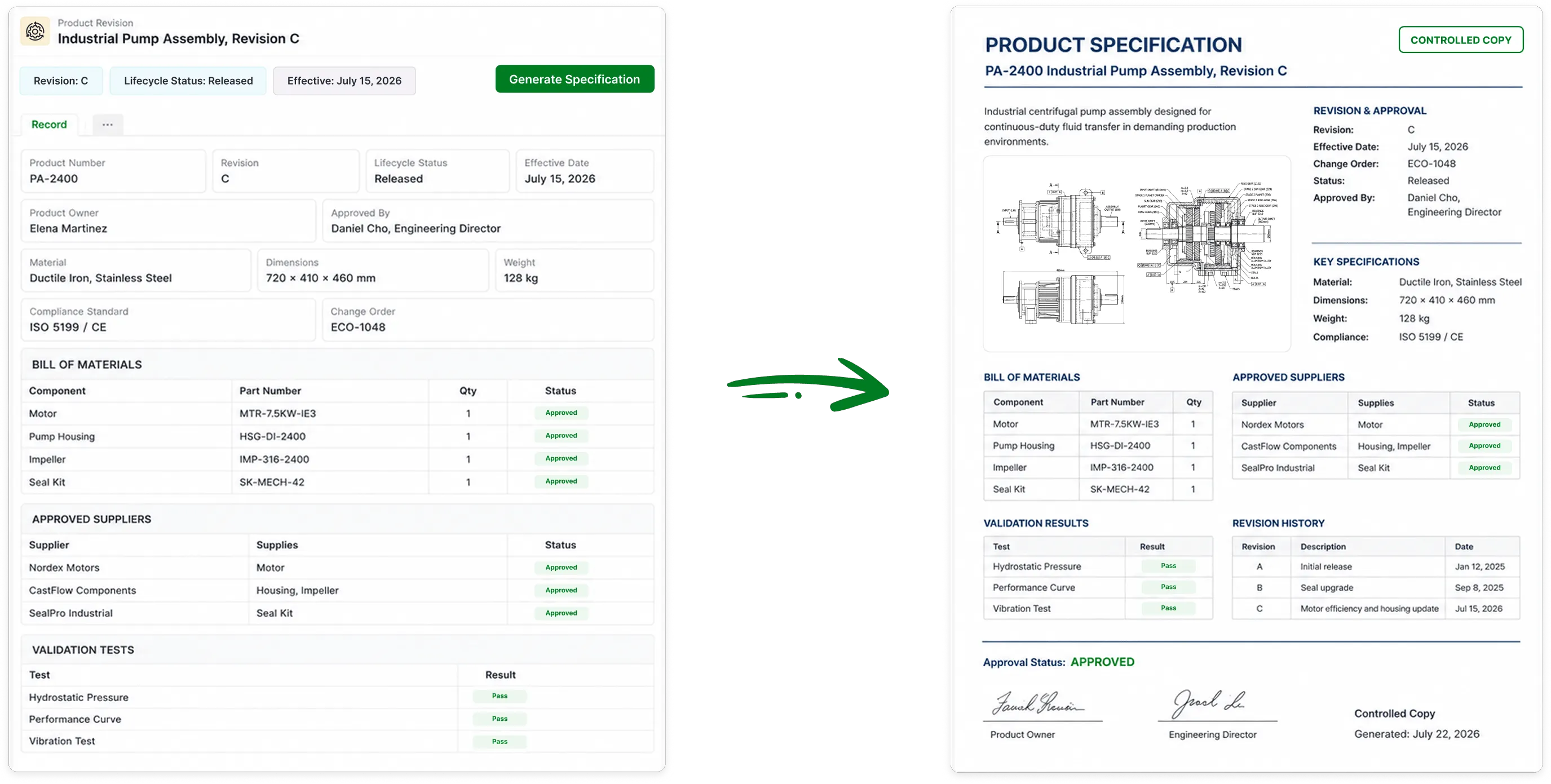
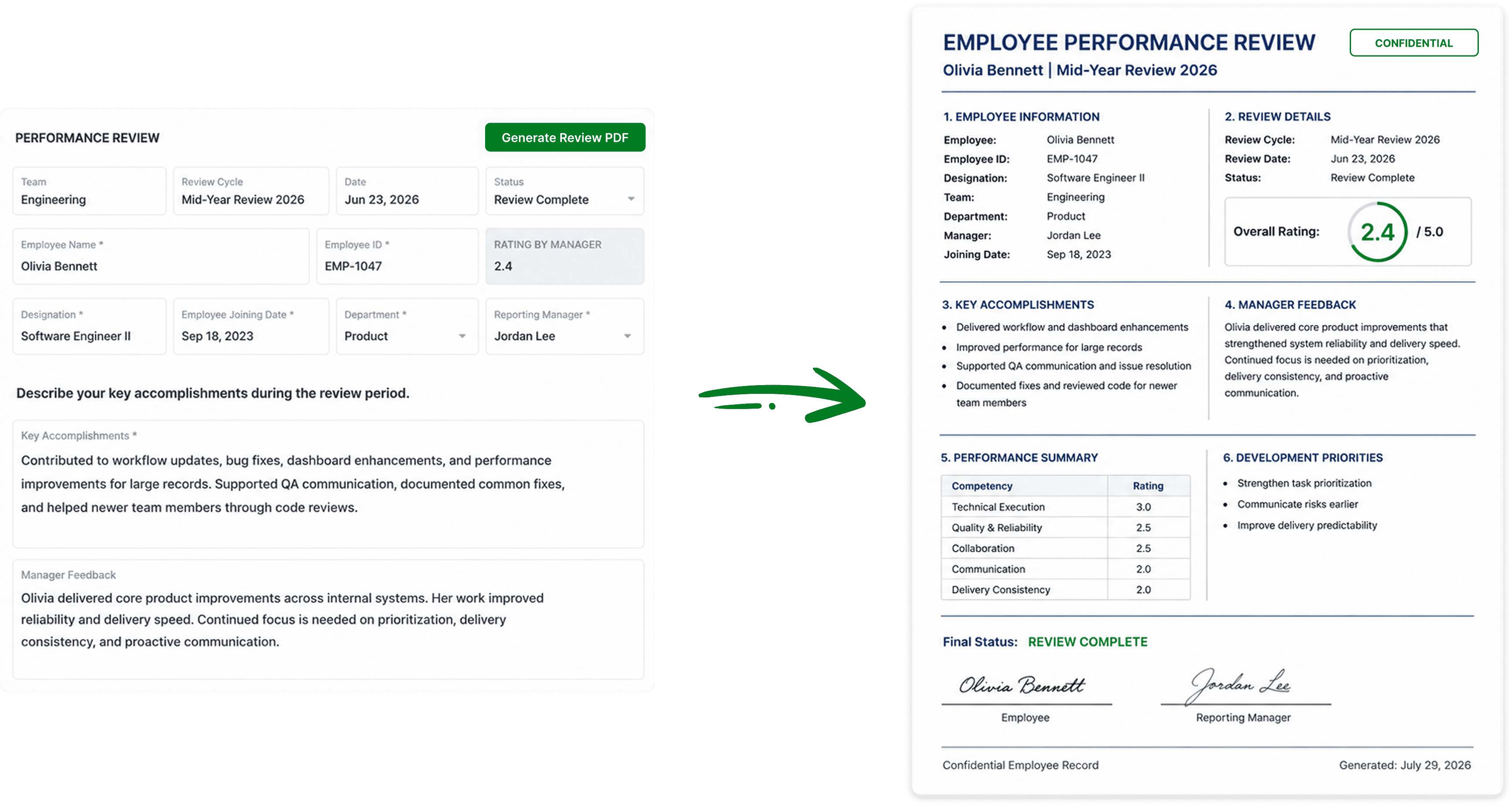
Turn Any Record Into a Polished Document
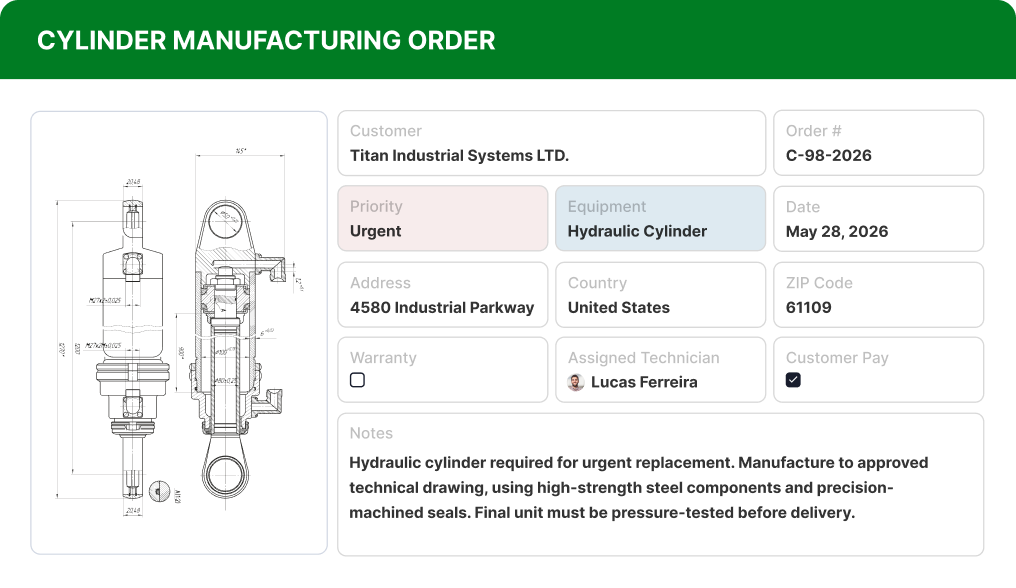
Generate ready-to-share PDFs from current record data. Build invoices, purchase orders, certificates, reports, proposals, and other documents without copying information into a separate template every time.
Keep Every File Connected to the Work
Store files at scale, work with them anywhere, and turn business records into documents ready to share.


