Connect AnyDB With Your Tools and Workflows

Automate tasks, sync data, and connect AnyDB to the apps your business already uses. Use built-in AnyDB automation, Make, Zapier, webhooks, or MCP for AI assistants.
AnyDB connected to external tools and networks

Automate Your Workflows

Create automations that keep your operations moving without manual work or follow-ups.
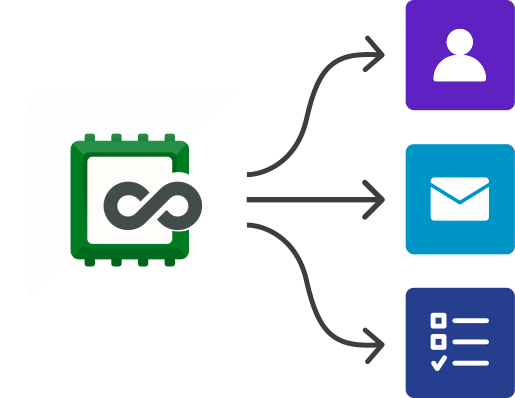
Trigger actionsRun actions when records are created or updated.
Receive alertsGet notified when data changes.
Auto-create tasksCreate tasks, send emails, or update status automatically.
Fewer handoffsReduce manual handoffs between teams.
Automated AnyDB workflows triggered by record changes

Let your system run the routine work so your team can focus on what matters.
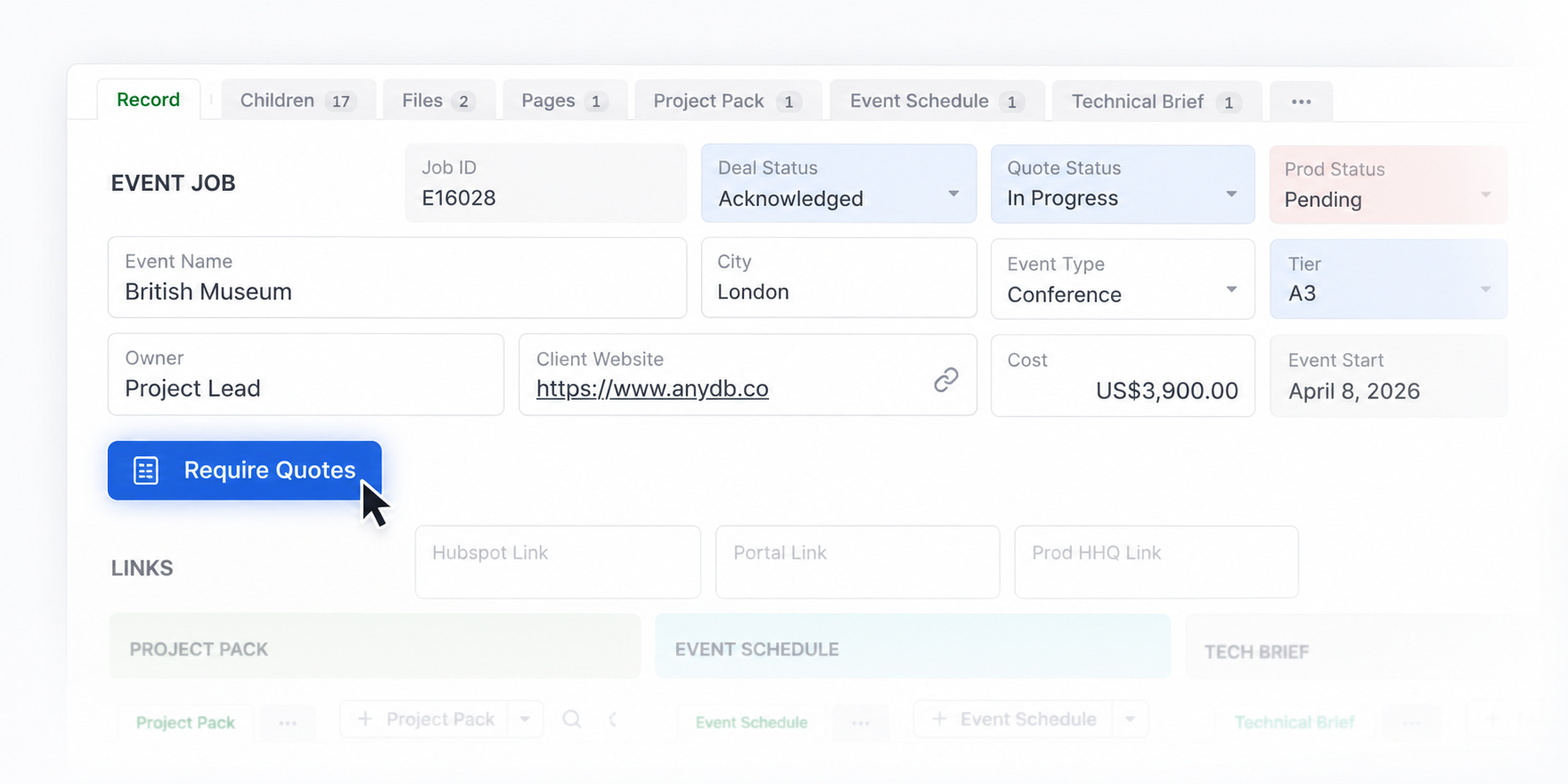
A button in an AnyDB record that triggers a workflow
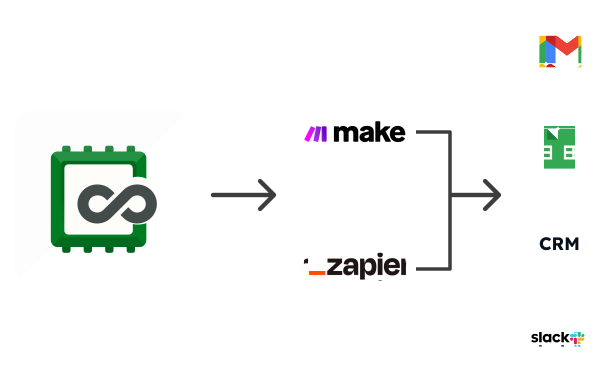
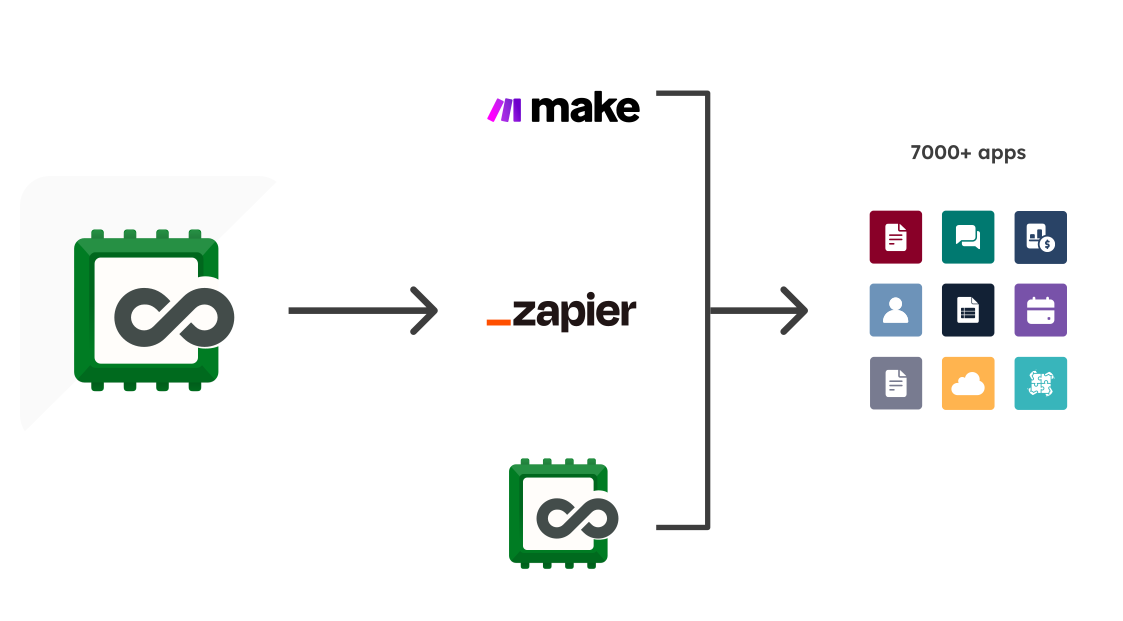
AnyDB connected to other tools through Make and Zapier

Connect Any Tool

Integrate AnyDB with thousands of apps using your preferred automation platform.

Make or ZapierBuild workflows with the automation platform you prefer.
Sync dataKeep data in sync between tools.
Cross-platform triggersTrigger actions across platforms.
No code requiredSet up integrations without writing code.

Use the API for Custom Integrations

For advanced or development-led setups, connect AnyDB directly through the API.
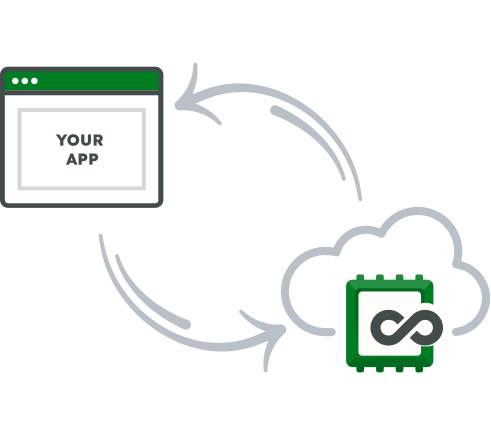
Manage recordsCreate, update, or move records.
Push or pull dataExchange data programmatically.
Custom logicBuild custom business logic and flows.
Custom integrations built on the AnyDB API

Incoming and Outgoing Webhooks

Send AnyDB data to your own systems when a workflow runs, and turn signed submissions from other systems into new AnyDB records.

Outgoing webhooksCall external URLs from a workflow step to send data to your systems.
Incoming webhooksReceive submissions from other systems and create records from them.
Signed and secureEach webhook has its own secret and an HMAC-SHA256 signature.
Delivery history and replayReview incoming deliveries and replay captured or failed ones.

Webhooks are available on Business and Enterprise plans.
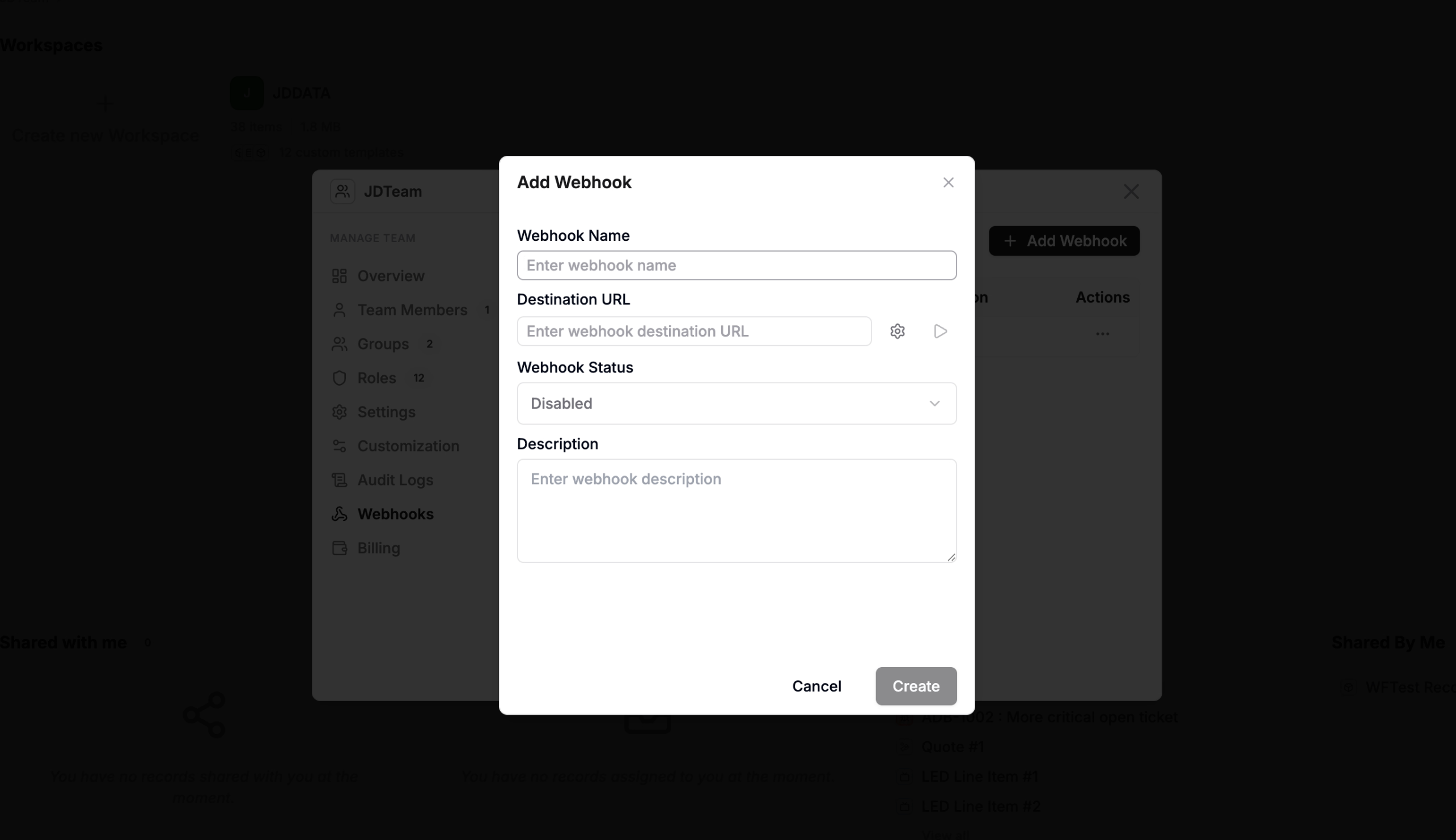
Configuring incoming and outgoing webhooks in AnyDB
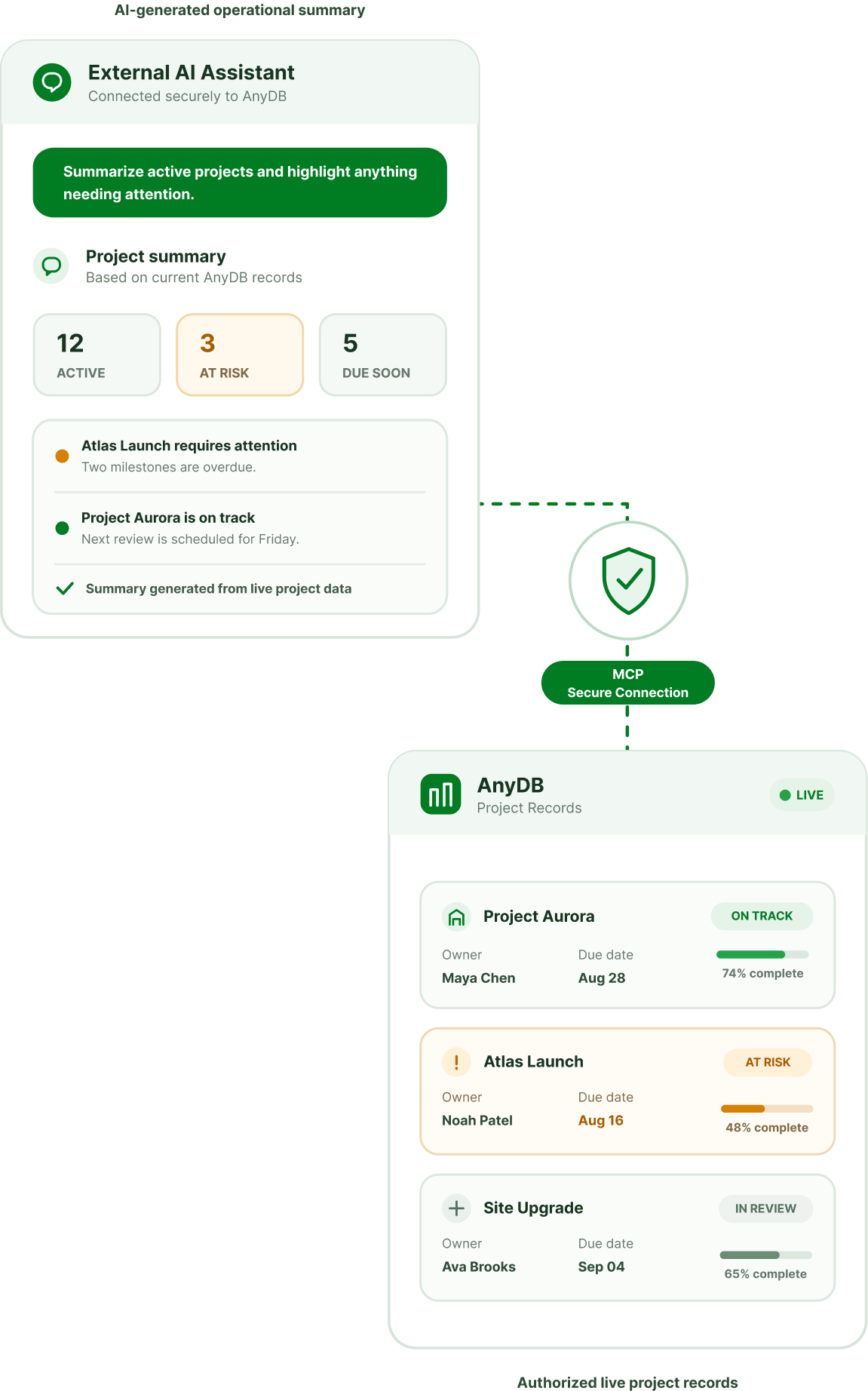
AI assistants connected to AnyDB through MCP

Connect AI Assistants Through MCP

Let AI work with your AnyDB records and files through official connectors, or connect any MCP-compatible AI to your workspace.

Official connectorsUse the official connectors for Claude and ChatGPT.
Any MCP-compatible AIOther AI tools connect using the AnyDB MCP endpoint.
Permission-awareAssistants work with the records and files each user is allowed to access.

MCP endpoint for other AIs:

https://mcp.anydb.com
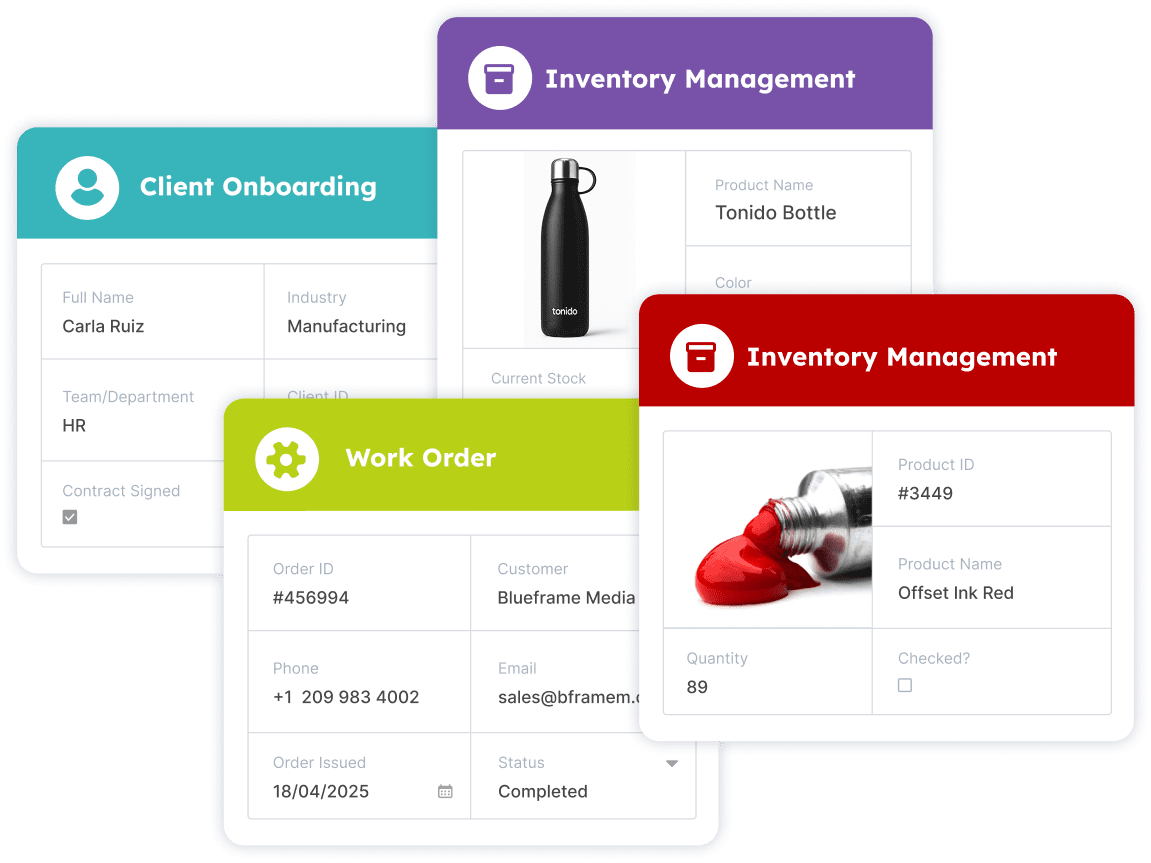
Integrations supporting day-to-day operations workflows

Built for Real Operations Workflows

Integrations support the day-to-day business processes that keep operations running.

Use for:

OnboardingVendor and client onboarding.
Work ordersWork order and job updates.
Inventory alertsInventory and restock alerts.
RemindersCompliance and maintenance reminders.
Field submissionsFile submissions from field apps.

Make AnyDB the center of your operations

Connect AnyDB once and automate workflows across every tool you use.