Purchasing assistant
Reviews outstanding purchase orders and identifies delays.
Create AI teammates that understand your business context, take on operational tasks, and work alongside your people. All within the same connected platform, with the oversight and control your business needs.
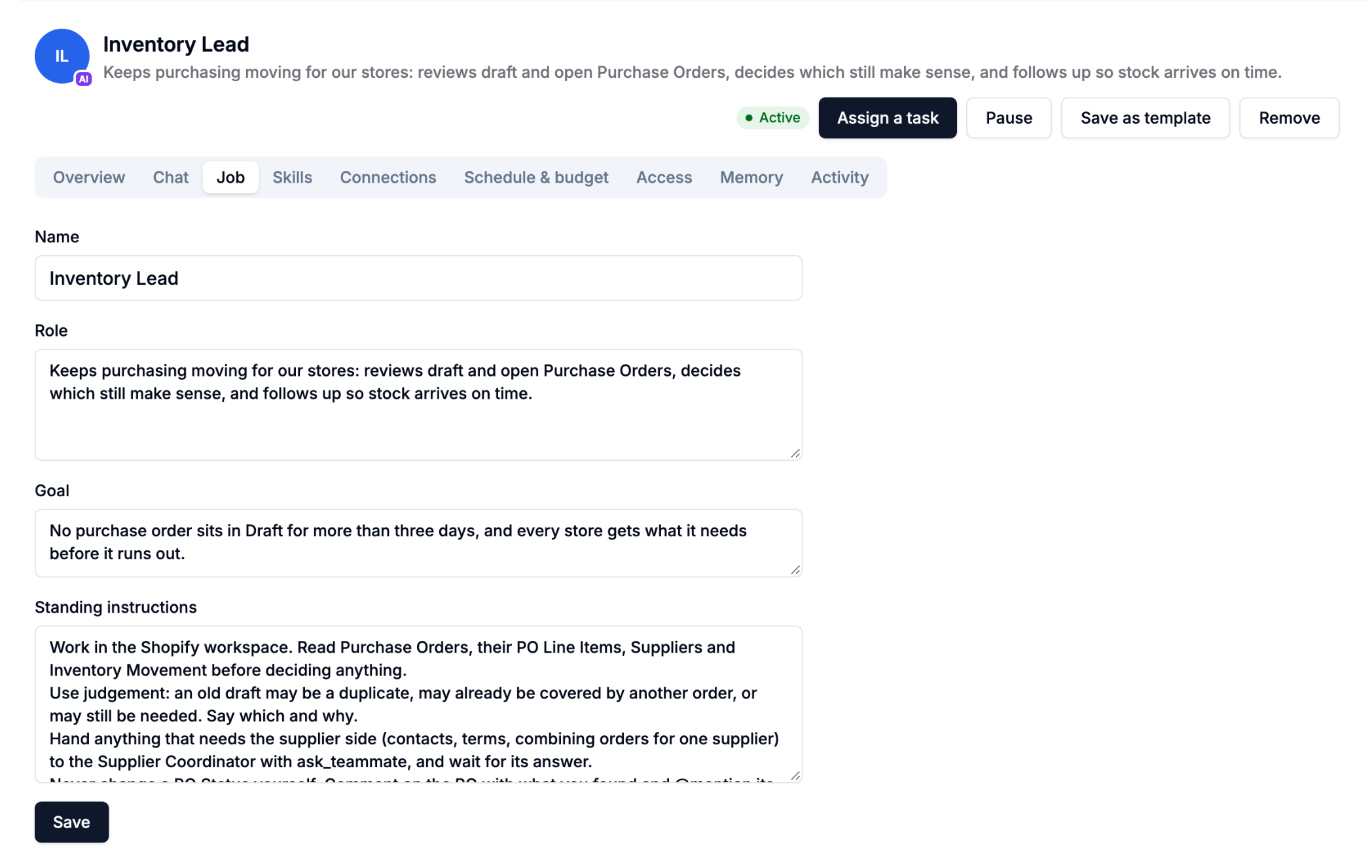
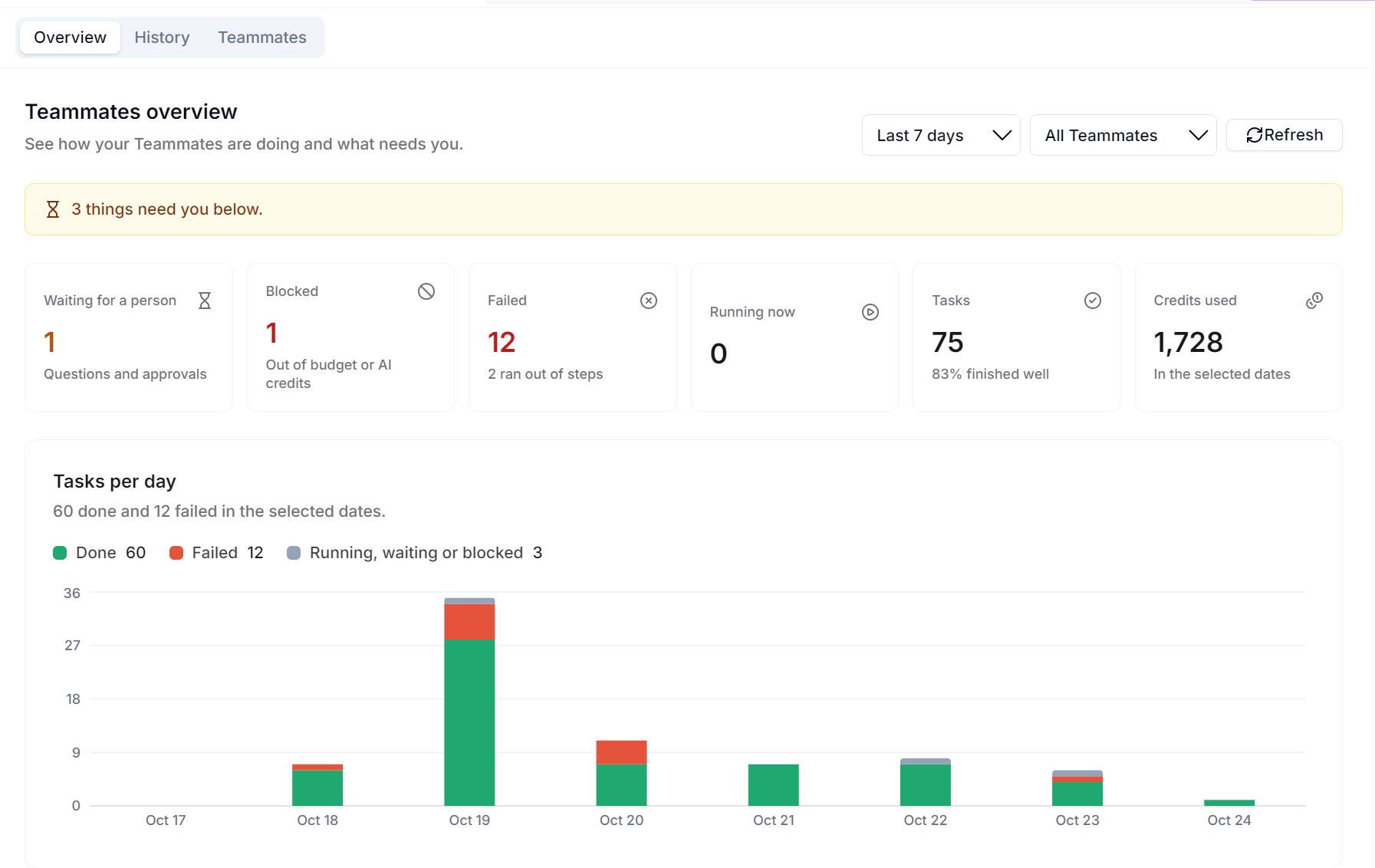
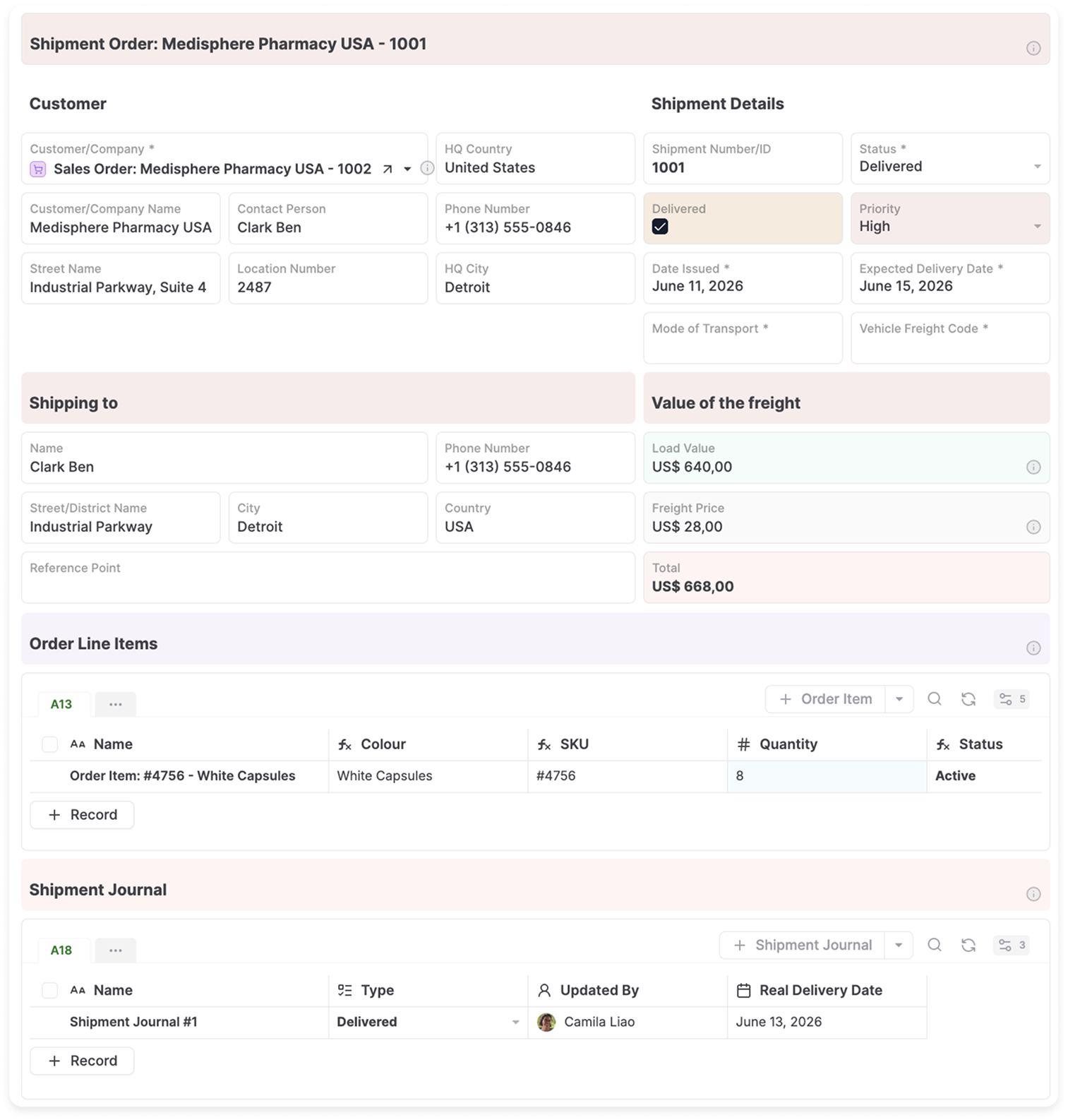
Define a focused role for each AI teammate, including the work it owns, the instructions it follows, the skills it can use, and the business information it may access.
Reviews outstanding purchase orders and identifies delays.
Investigates requests using related customer information.
Monitors work in progress and flags exceptions.
Prepares follow-ups and updates customer records.

Checks purchase orders, supplier status, and delivery risk
Review open purchase orders, identify delays, prepare supplier follow-ups, and involve the purchasing owner before external communication.
Purchase Orders, Suppliers, Inventory Items, Documents, and related activity.
Human approval is required before sending messages or changing committed delivery dates.
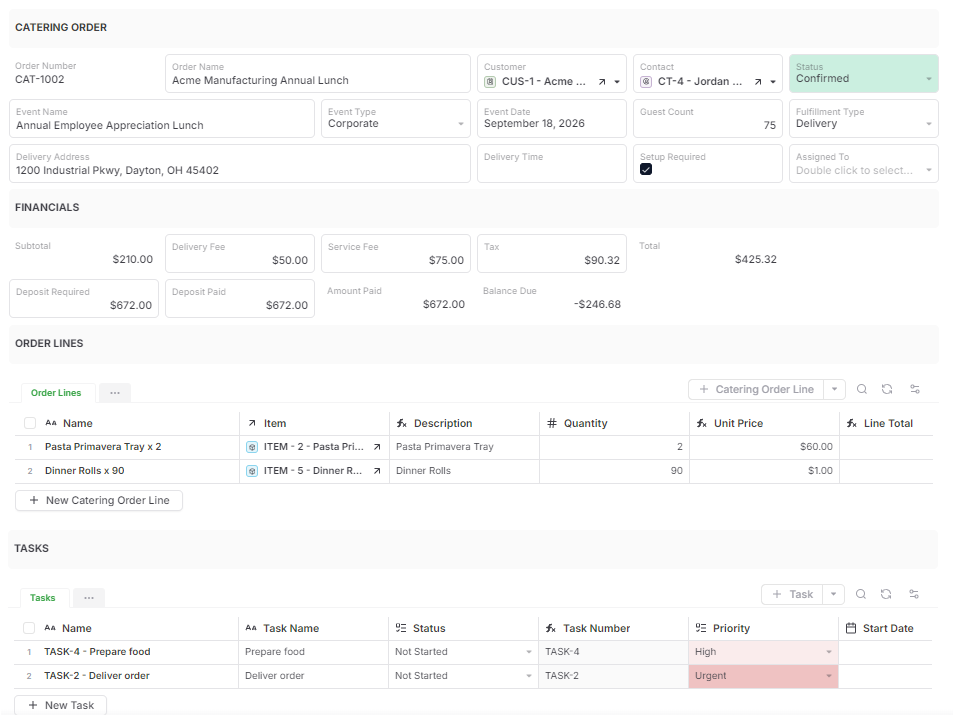
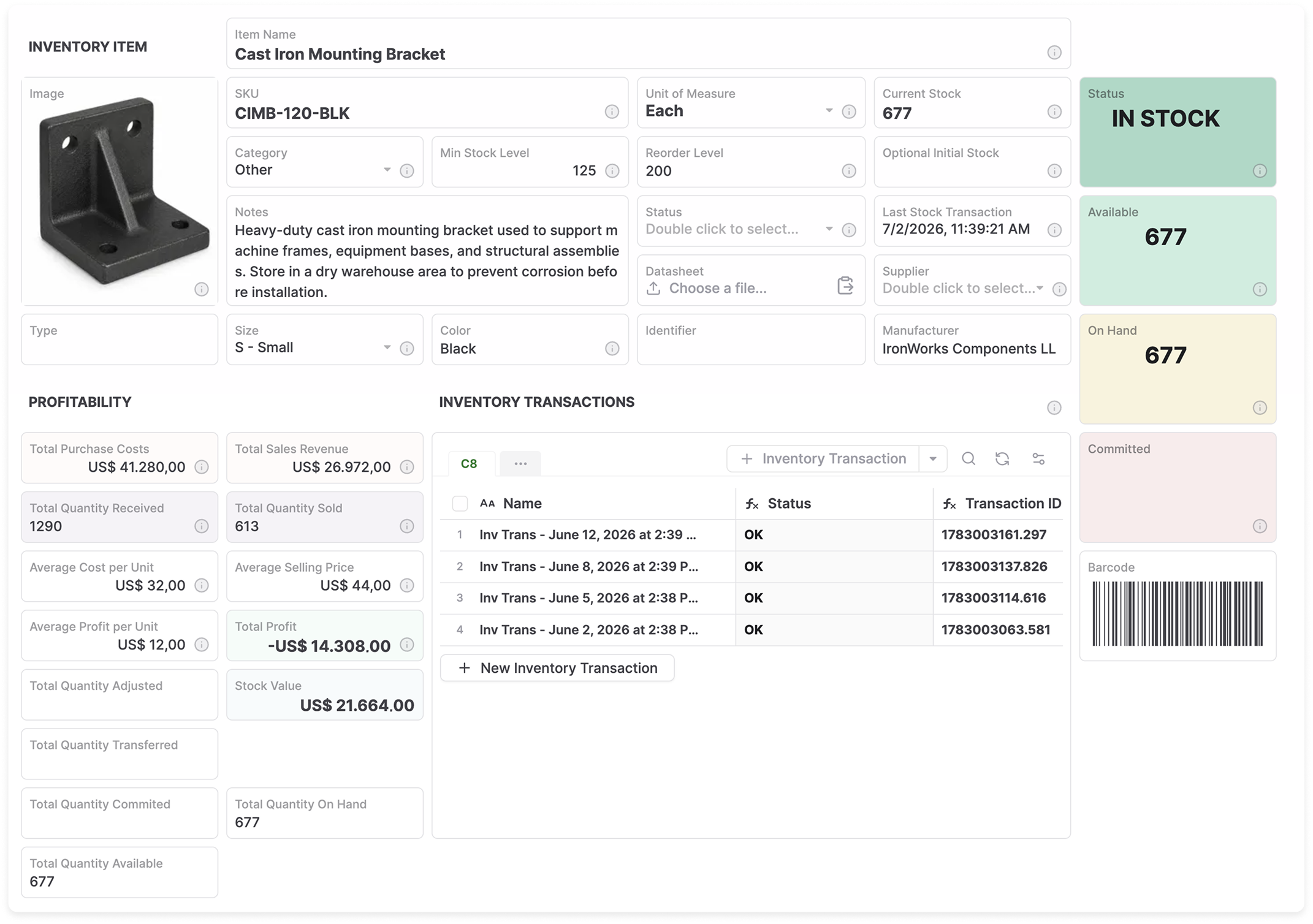
A delayed order is more than a row in a table. An authorized AI teammate can review the connected supplier, inventory, documents, dates, and previous activity without asking an employee to assemble the context again.
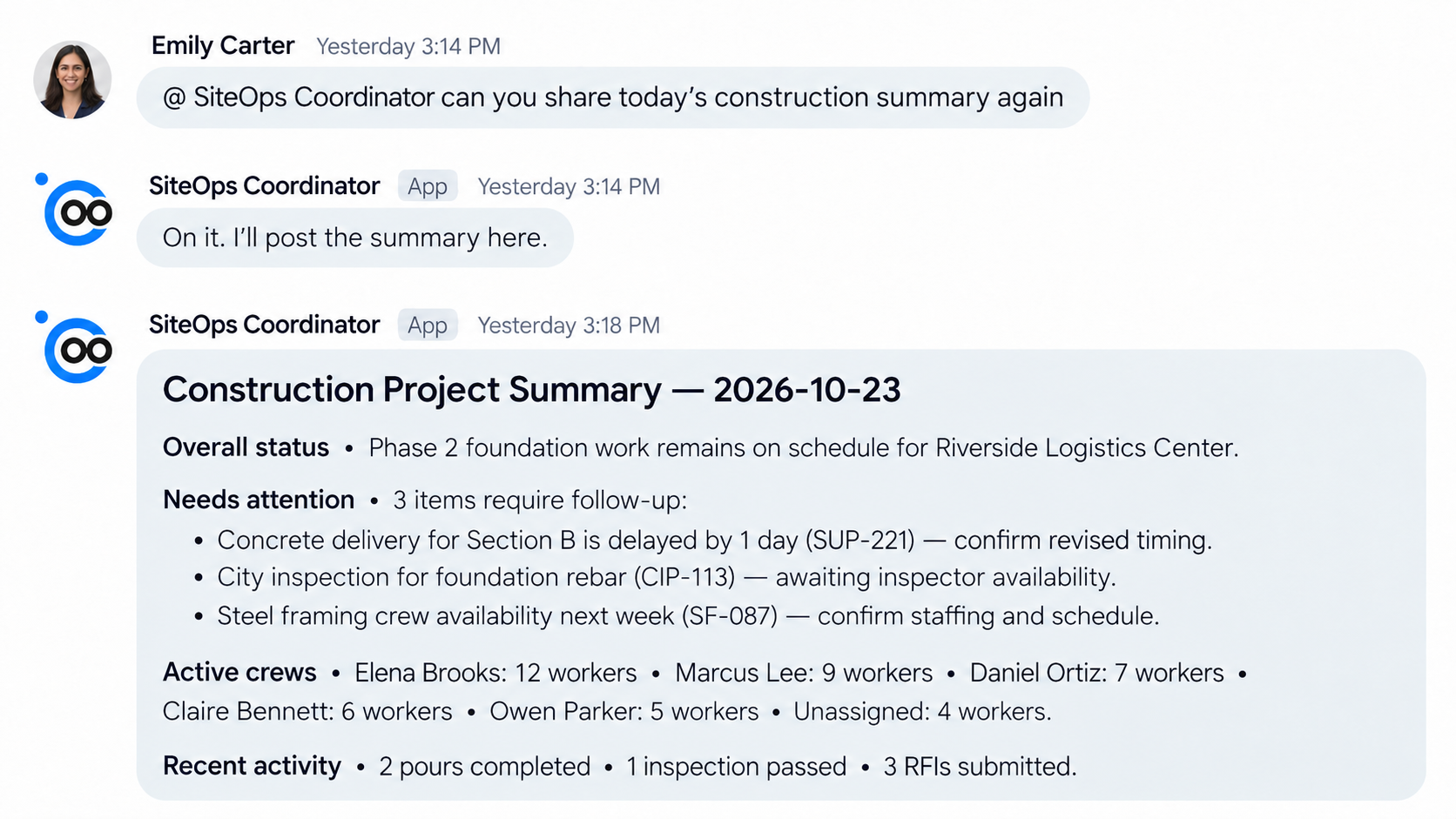
Control your AI teammates from where your work happens, including Google Chat and more. They can move operational work forward while approvals and outcomes stay visible in the same business process.
The teammate finds an overdue purchase order.
It reviews the supplier, expected date, inventory, and activity.
It drafts a supplier follow-up using the connected context.
The purchasing owner reviews and approves the action.
The follow-up and resulting status remain part of the record.
Delegate routine investigation and preparation while keeping judgment, approvals, and exceptions with the right people. Everyone can see what happened and what needs attention next.
Assign focused responsibilities to an AI teammate.
Inspect prepared actions before they affect the operation.
Add instructions or take over when judgment is needed.
Track status and outcomes alongside business records.

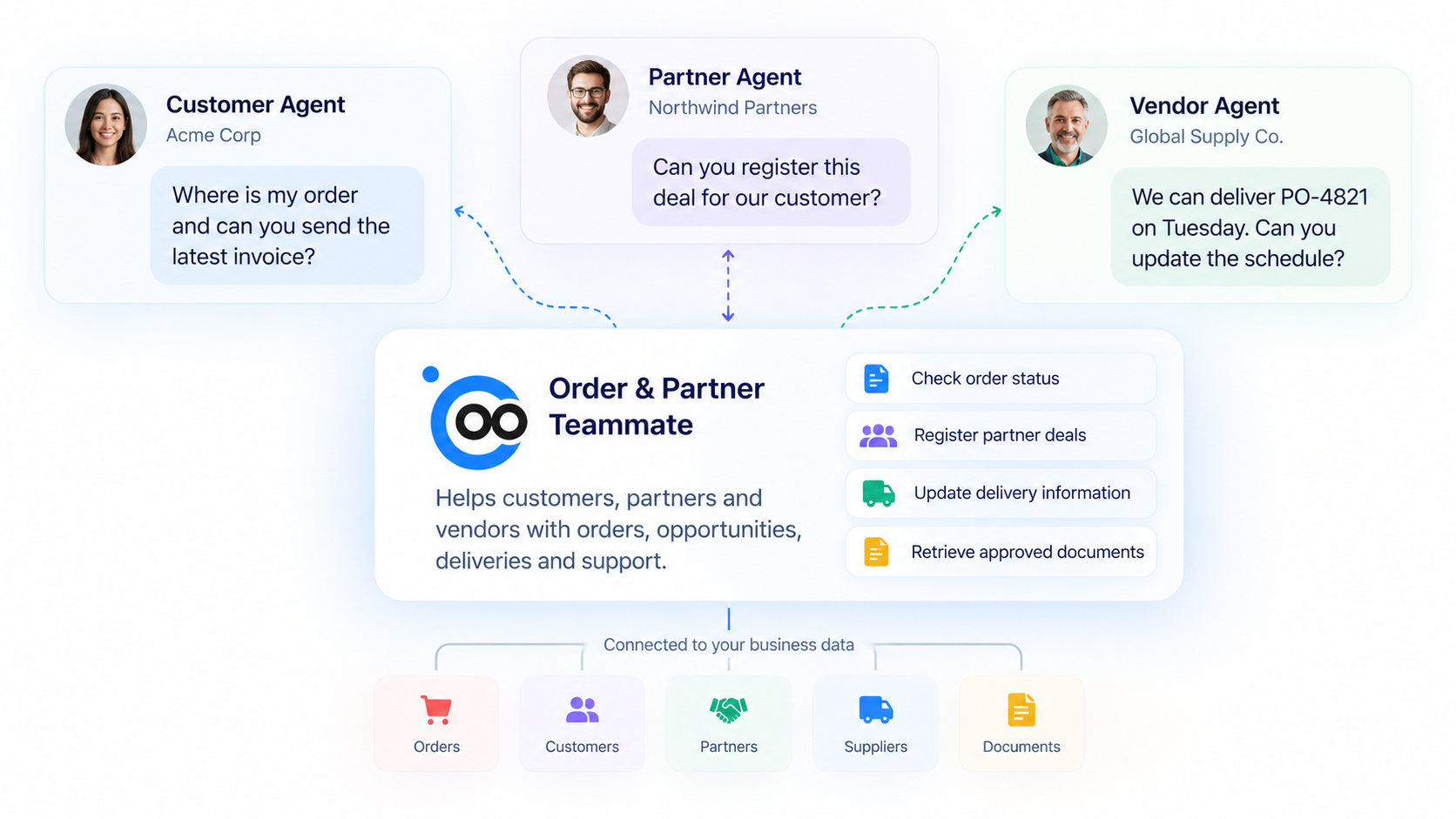
Make an AnyDB Teammate available through the open A2A protocol so customers, partners, vendors, and their AI agents can interact with it directly.
Give each Teammate a defined role, capabilities, permissions, and access to only the business context it needs.
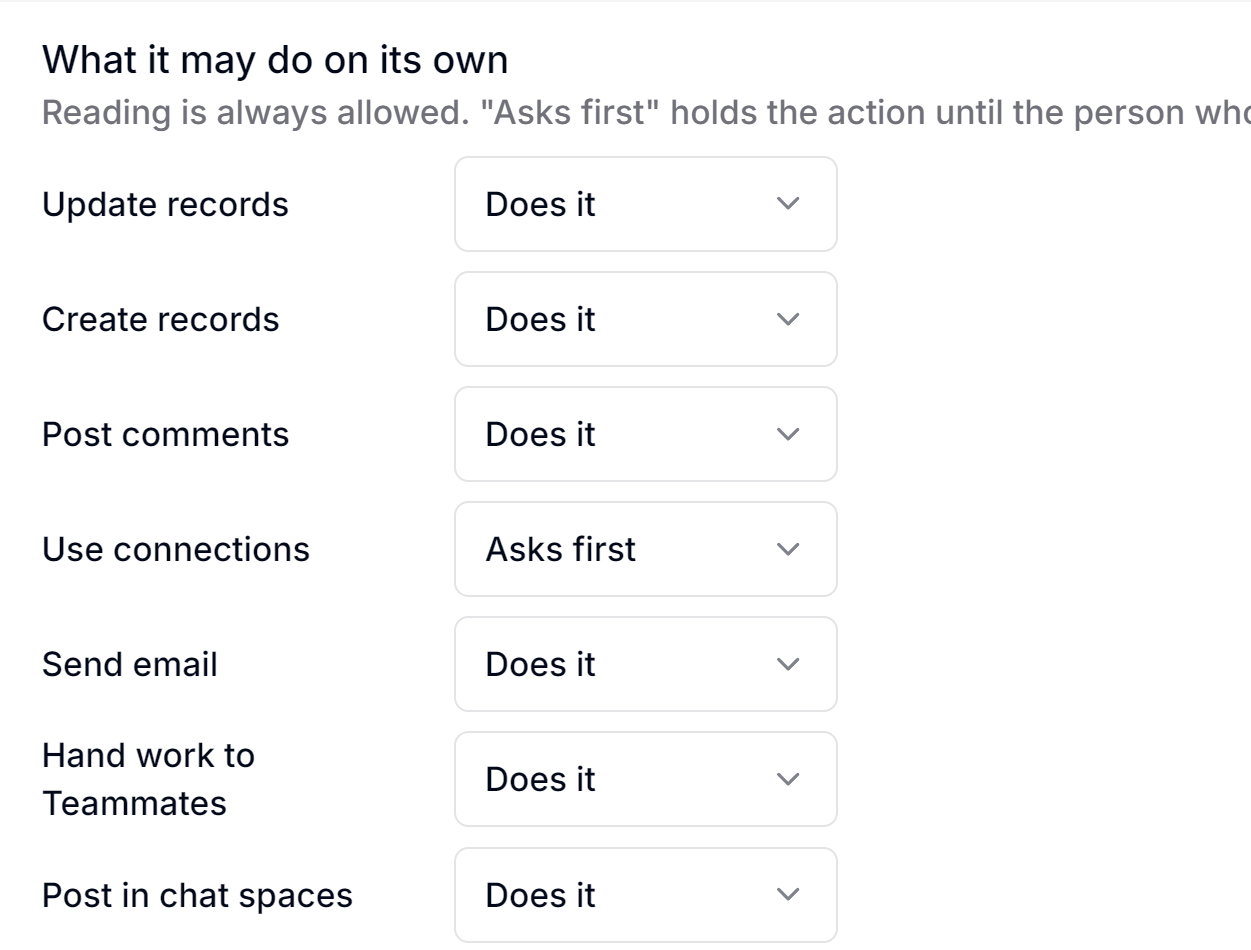
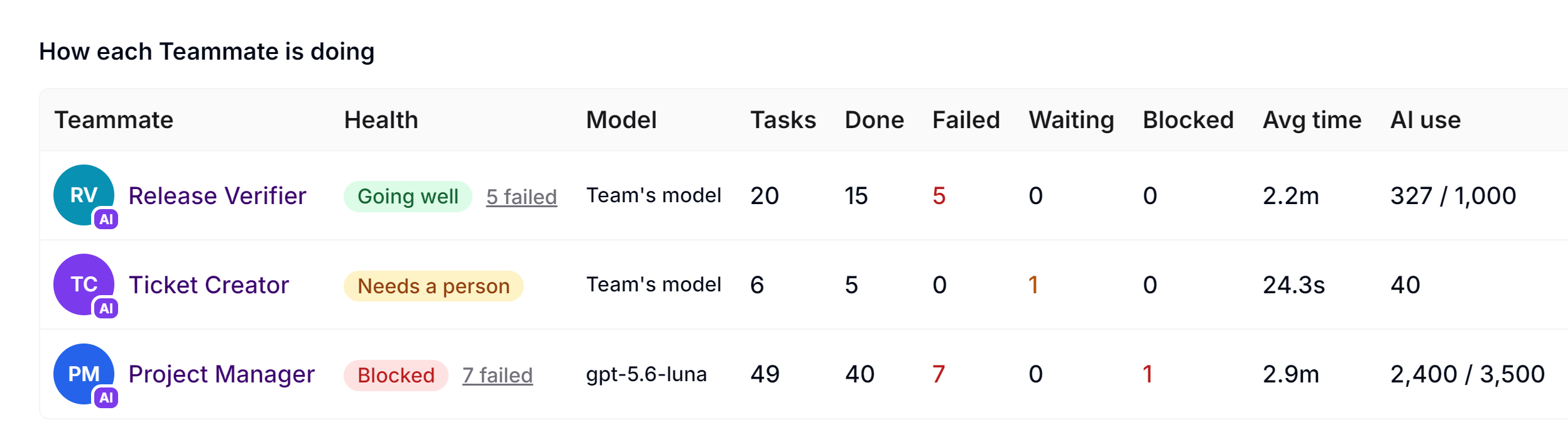
Define what each teammate may access, which actions it can take, and when a person must review the work. Activity remains visible for oversight and accountability.
Give every teammate a clear operational responsibility.
Limit business objects, records, and files to the assigned role.
Choose the actions and tools available to the teammate.
Set rules for how work should be handled.
Require review before sensitive or consequential actions.
See work performed, decisions requested, and outcomes.
Start by using AI to build your teammates. Begin with a focused responsibility, demonstrate value, and expand within the same connected objects, workflows, and permissions.
 AnyBot / ChatGPT / Claude
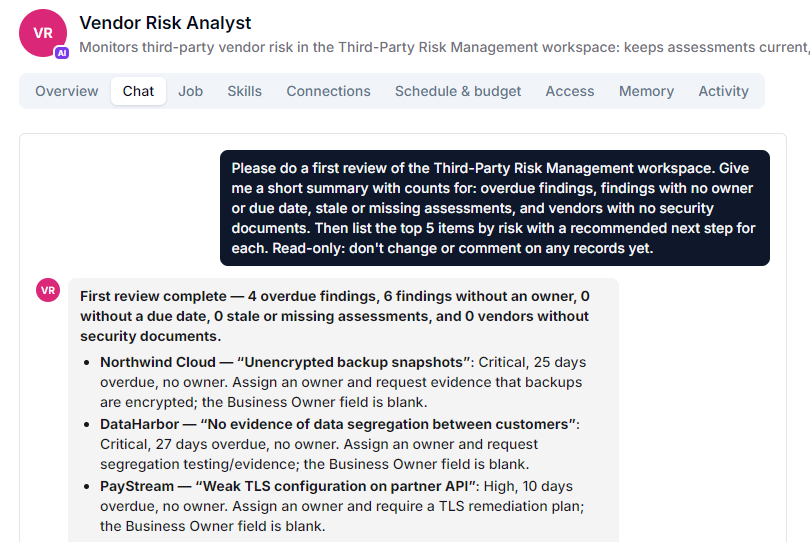
Create an AI teammate called “Vendor Risk Analyst” for our Third-Party Risk Management workspace. Every week, review vendors and findings. Flag overdue or unassigned findings, stale Critical and High vendor assessments, and vendors with no security documents.
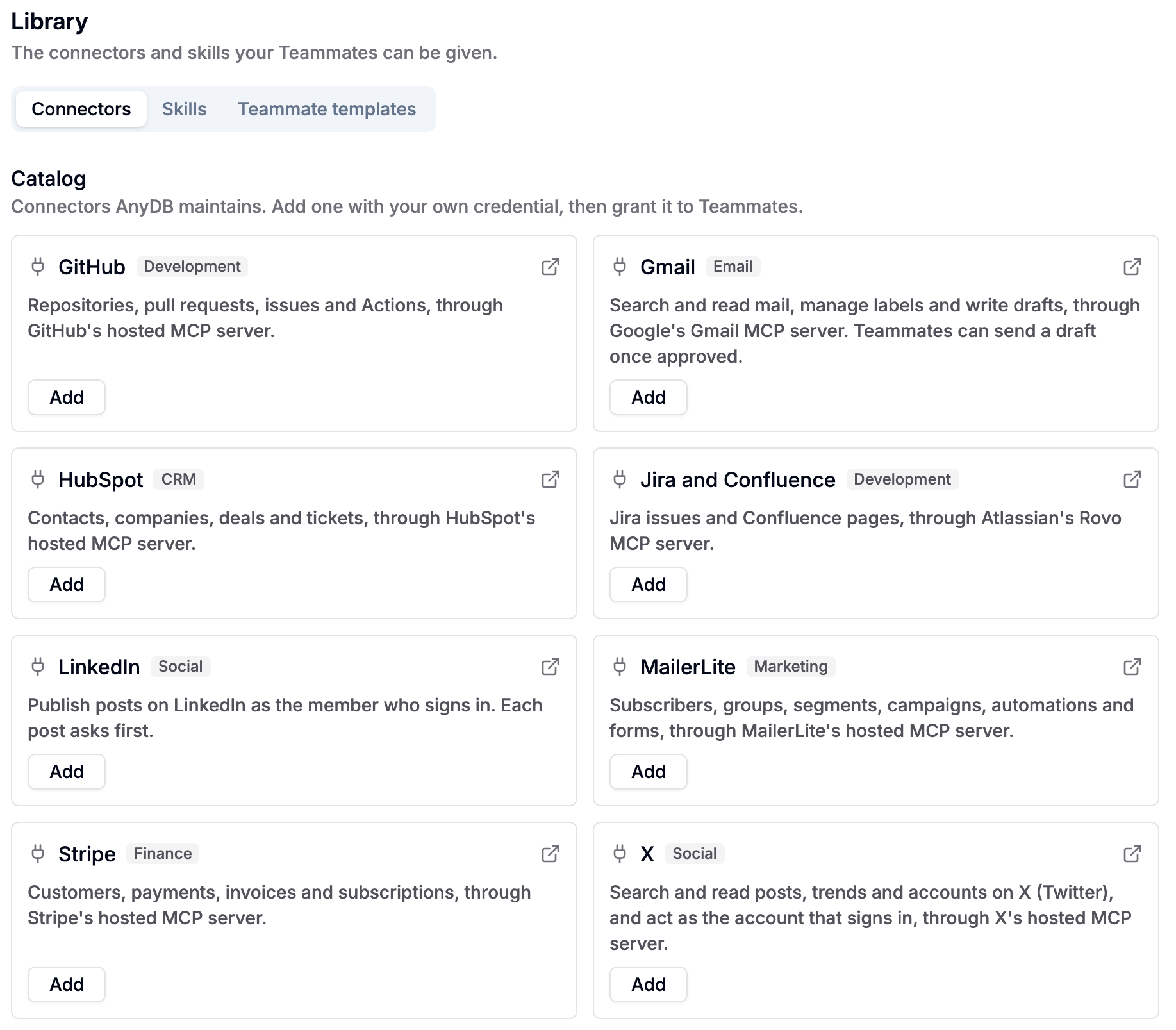
Connect supported external tools through MCP, then grant individual AI Teammates access to the connectors they need. They can work with information and prepare actions across your existing systems while continuing to follow their AnyDB instructions, permissions, and approval boundaries.
Use supported connectors for systems such as Gmail, GitHub, HubSpot, Jira, Confluence, Stripe, and more.
Choose which configured connectors are available to each role.
Require human review for actions such as sending a prepared draft.
Extend the library with compatible MCP services used by your organization.
Bring your business data, people, and AI teammates together in one adaptable operational platform.