
Go Beyond Traditional CRMs and ERPs.
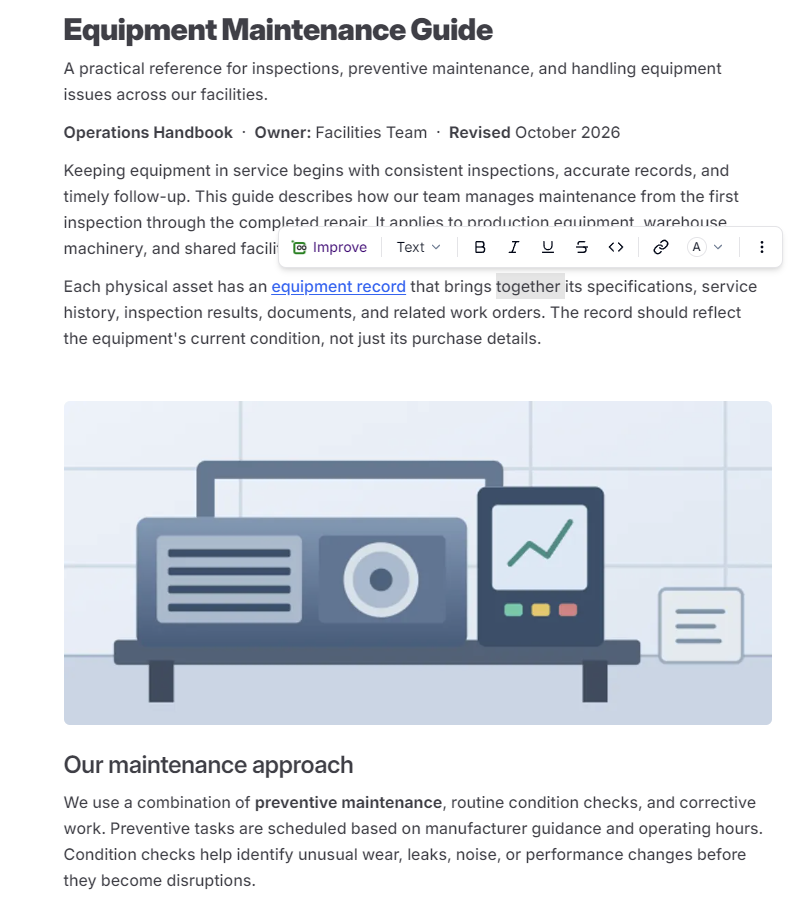
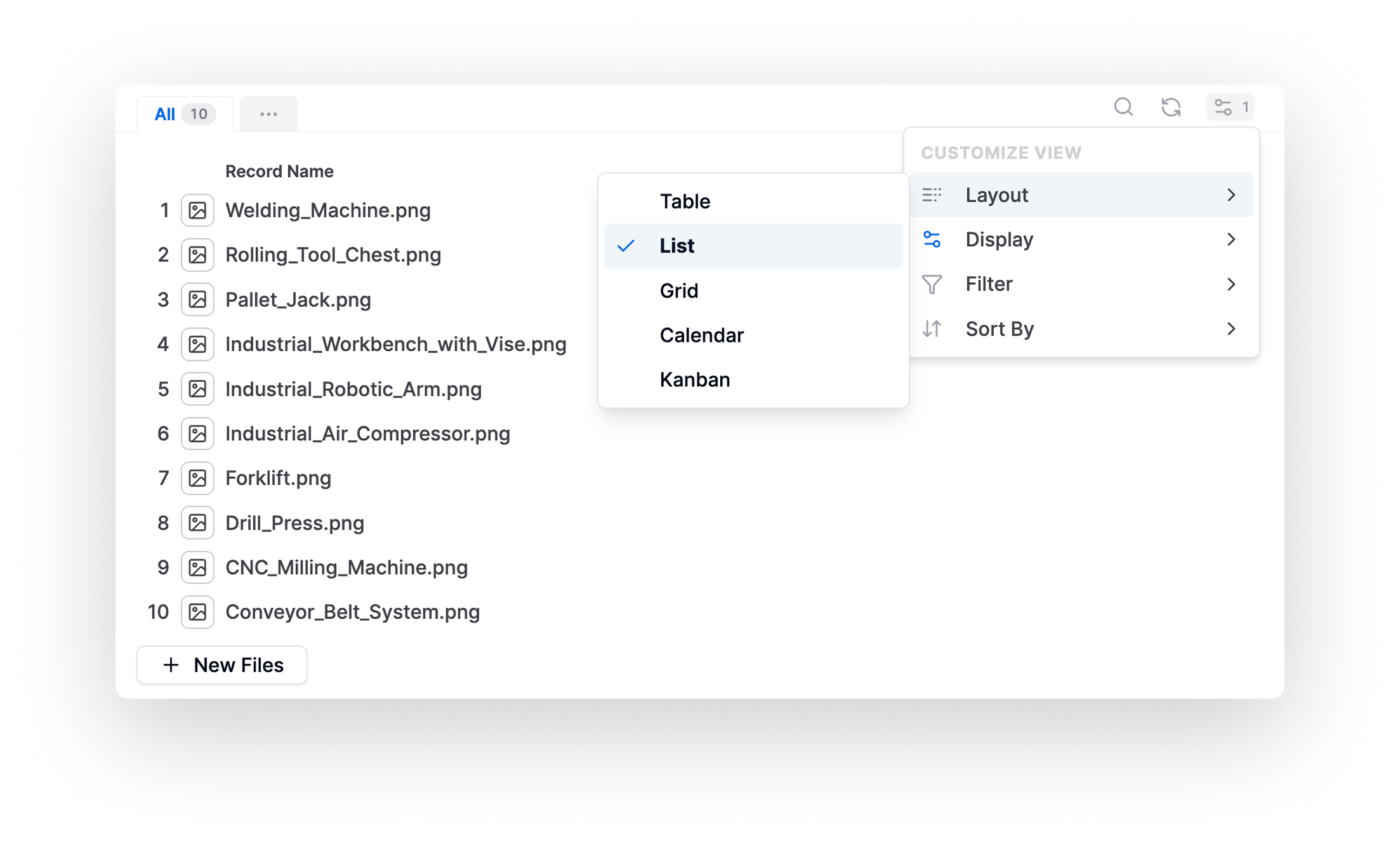
Store Business Context
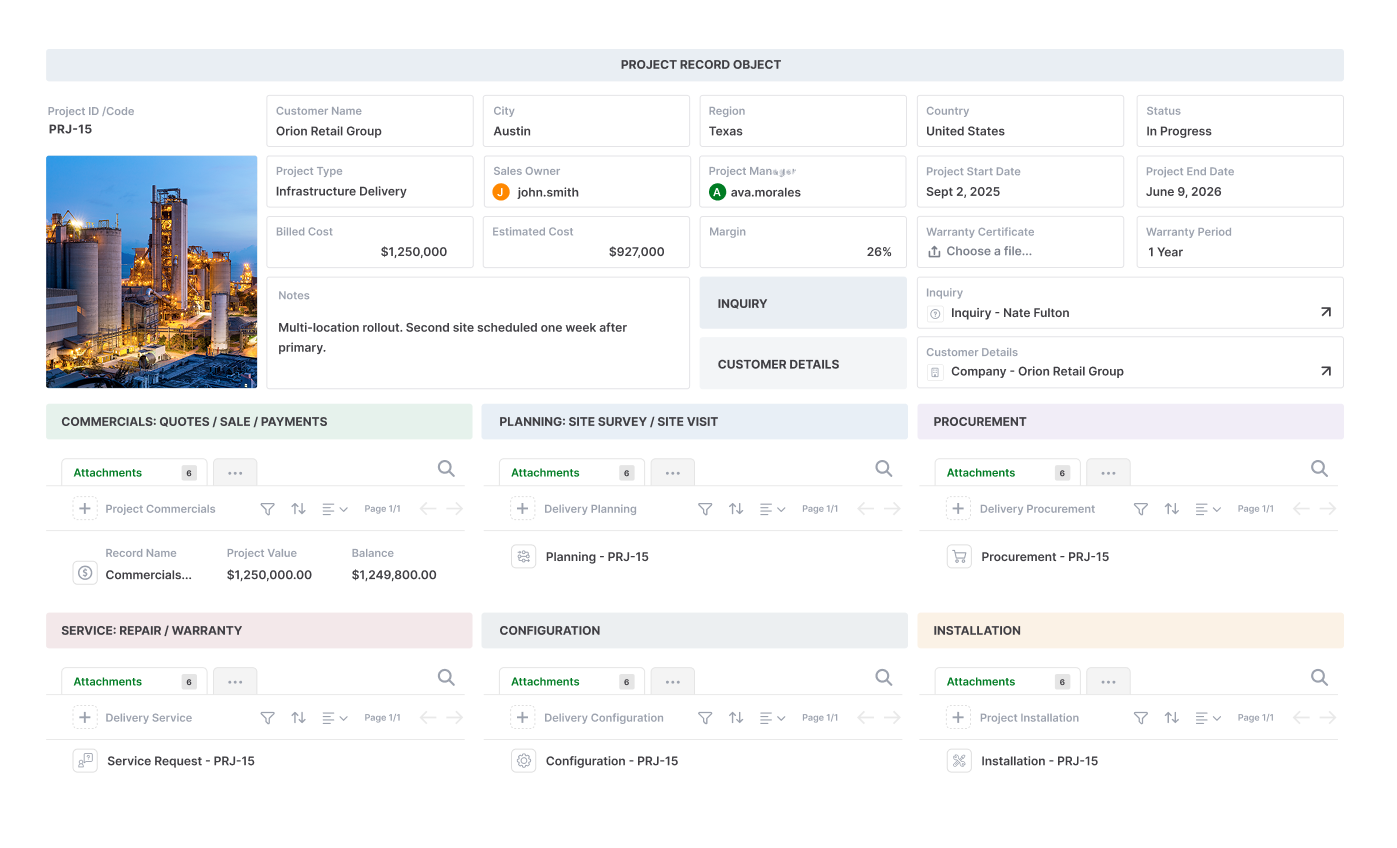
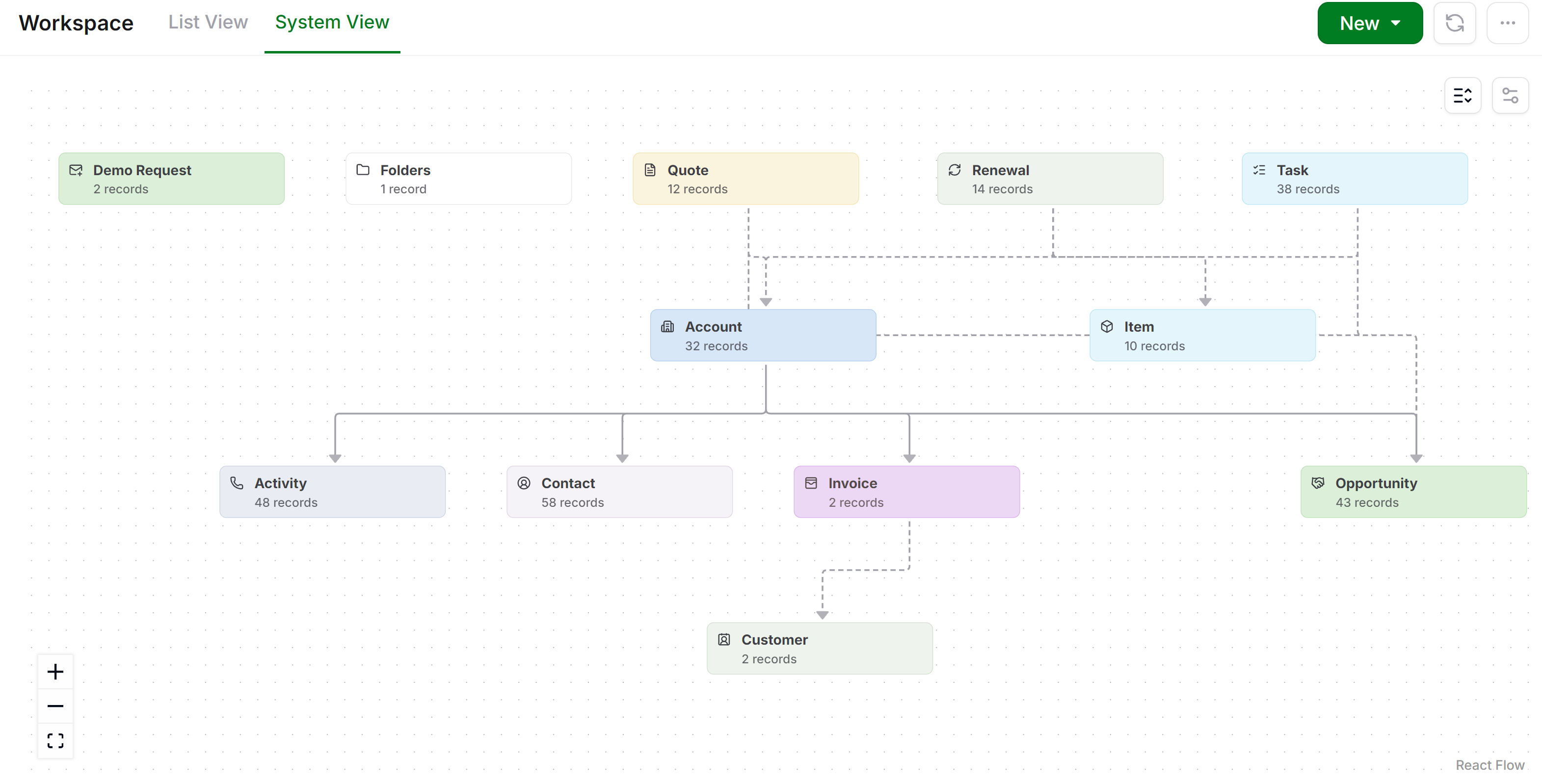
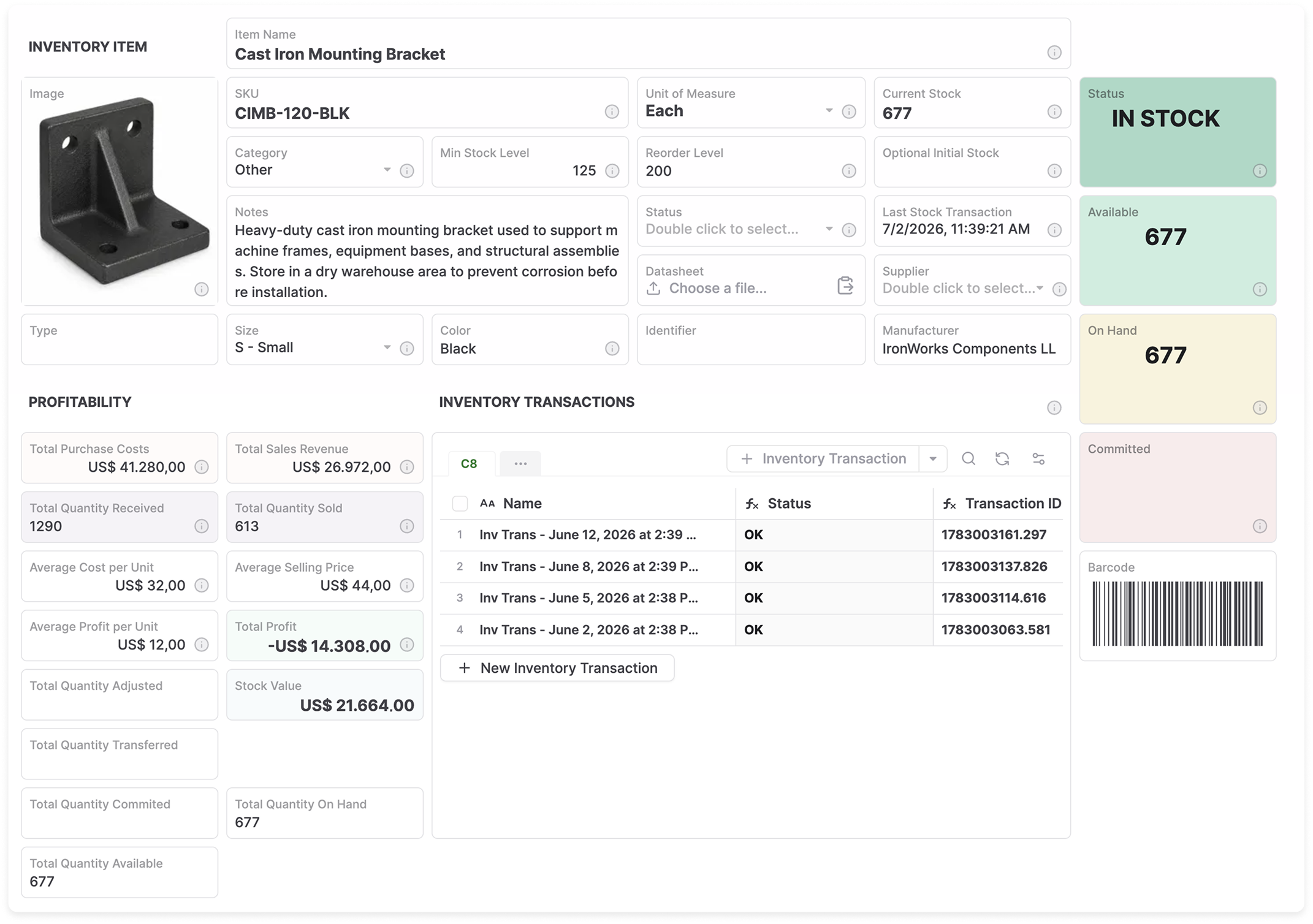
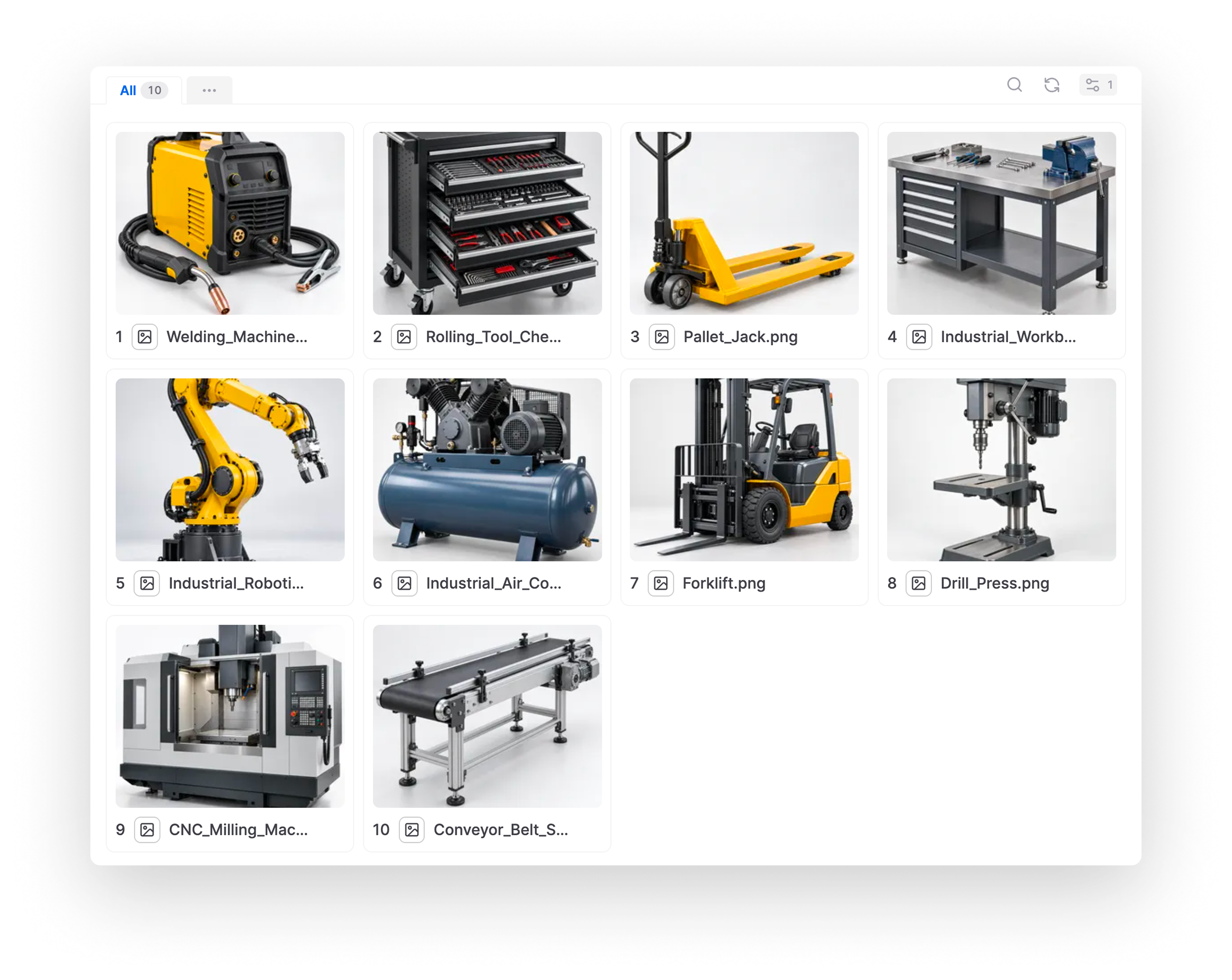
Let AI create and manage complex business records, documents, relationships, and knowledge in one place.
Add AI Teammates
AI Teammates move processes forward using the rules, workflows, and tools you define.
Keep People in Control
Your team can collaborate with AI, inspect work and govern actions through approvals, and oversight.






Built by the team behind FileCloud, trusted by 3,000+ organizations worldwide.
Rethink Your Business Systems for the Age of AI.
Start with the systems your business relies on today. Build them around your data and processes, with people and AI working together.
Rethink CRM
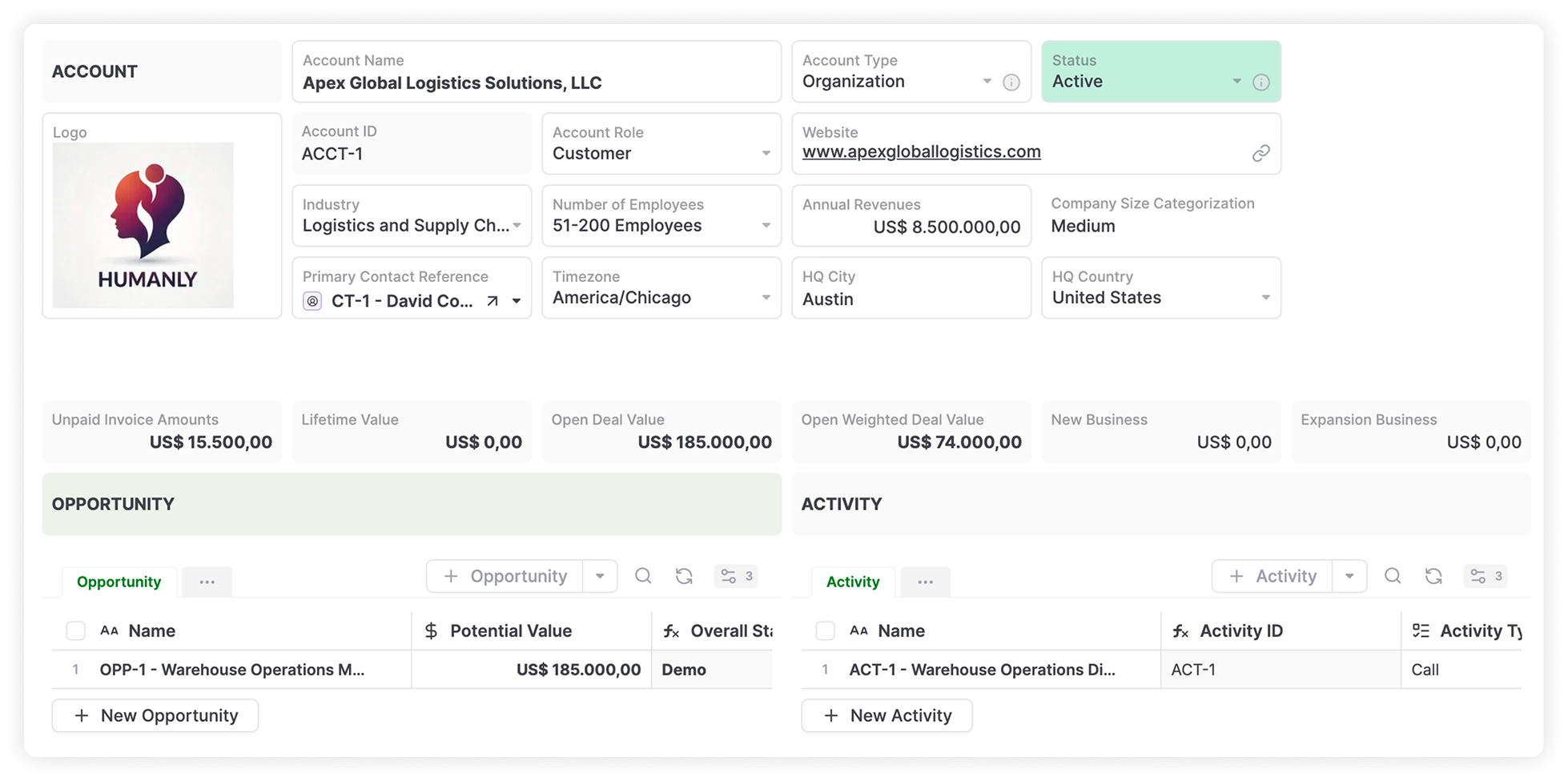
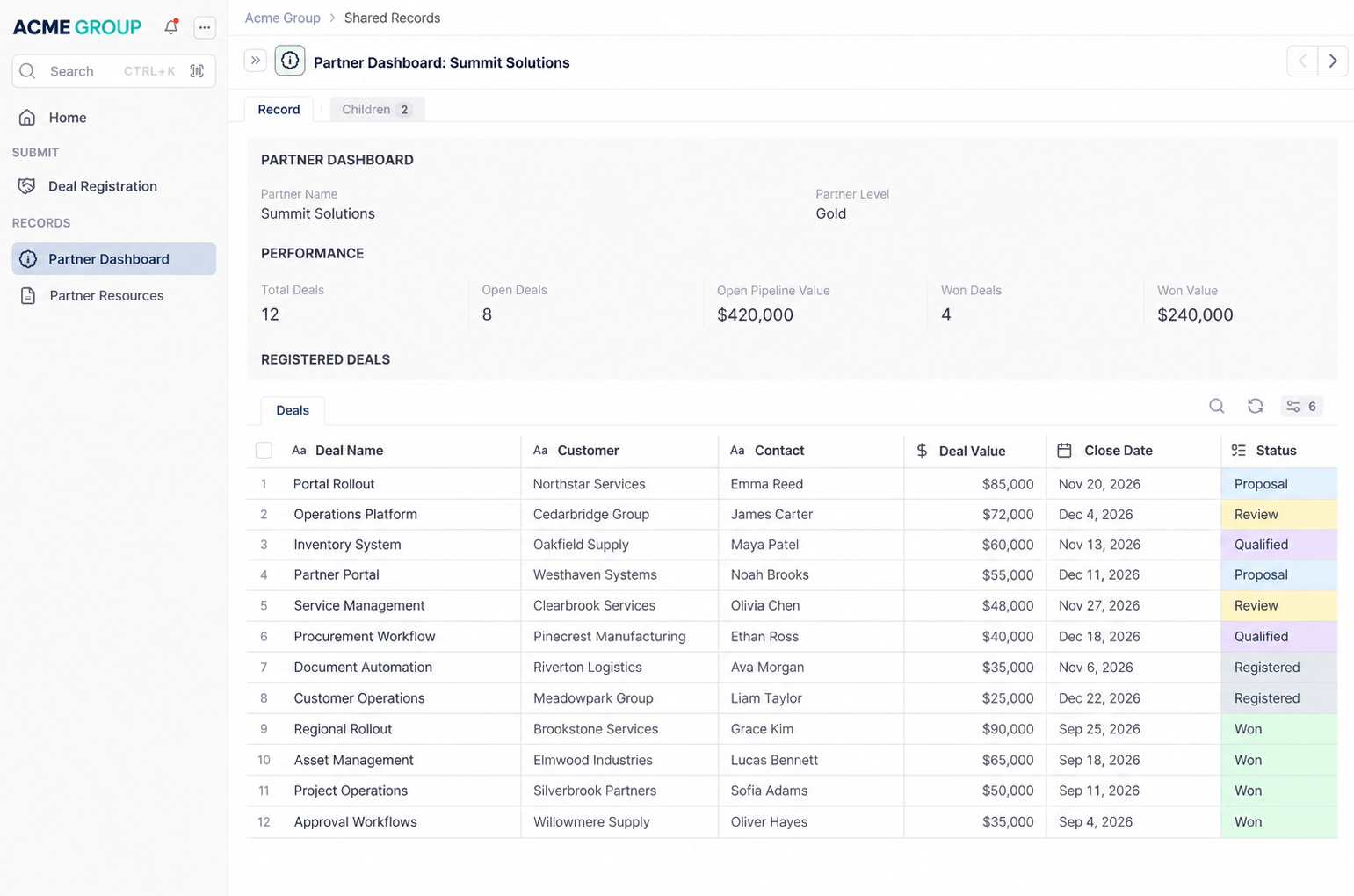
Manage customers, partners, sales, and service in one connected environment where people and AI Teammates can coordinate work, manage relationships, and take action.
Rethink ERP Operations
Build operational systems suited to the business without adopting an entire ERP suite.
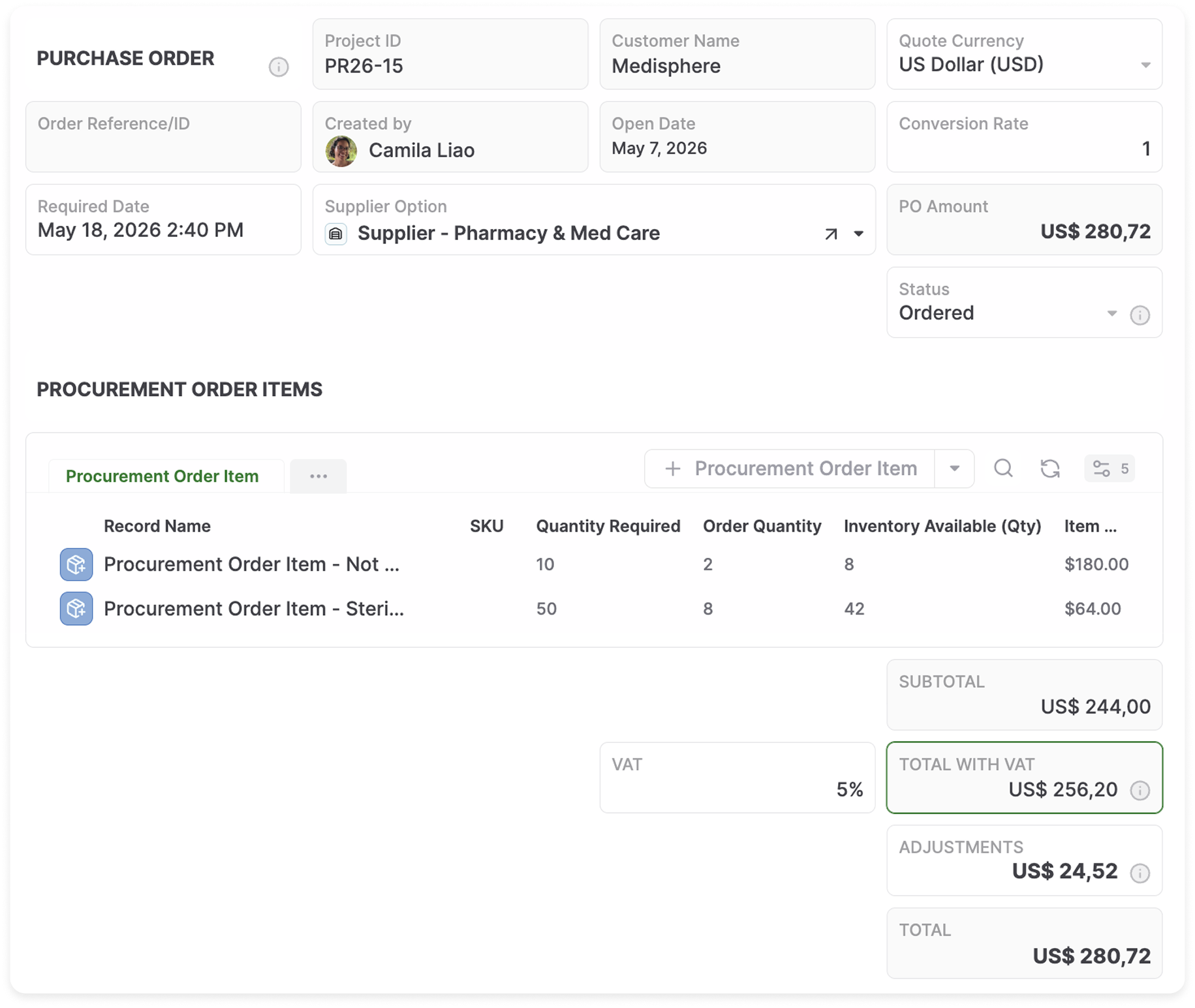
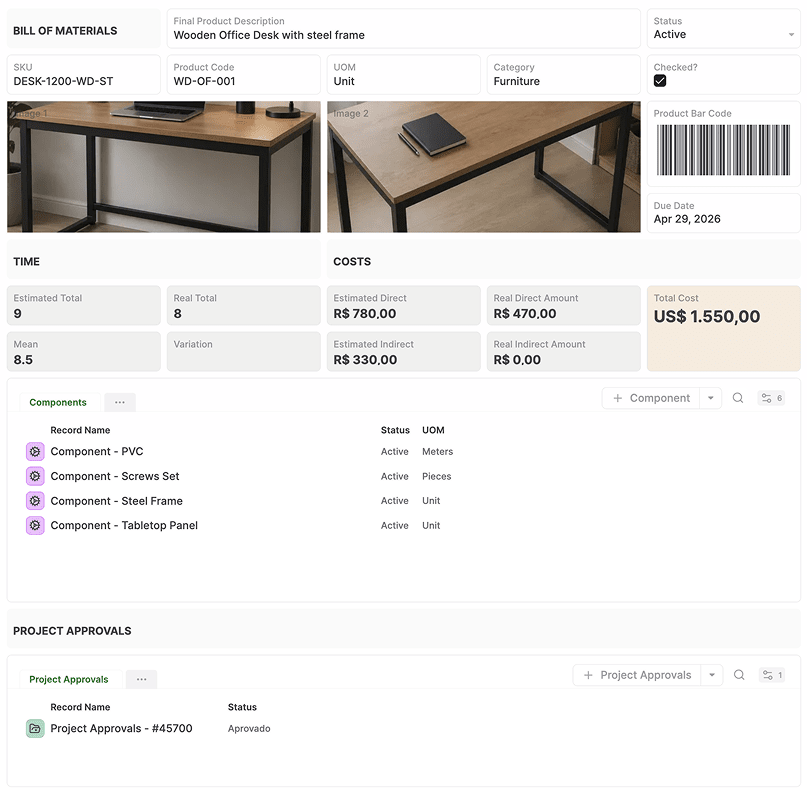
Connect procurement, inventory, production, assets, and orders around your actual business processes. Let people and AI work across them without rigid application boundaries.
Rethink Spreadsheets.
Turn scattered spreadsheets into interconnected business data and workflows that people and AI can understand, update, and act on together.
Unified AI Operations
Build, operate, and evolve connected business systems with AI Teammates while people stay in control.

Create a lead enrichment teammate
Build the CRM
Add and enrich a customer
Creating and enriching a structured company recordEnrich the context
Account updatedPrepare and approve a follow-up
Human approval requiredHuman approval
Expand the system
Connecting products and invoices to companiesAdd products
Four product records createdCreate and approve an invoice
Approval and execution
Creating your CRM
Your Data.
Your People.
Your AI.
Together.
Imagine a business where AI Teammates understand your customers, orders, documents, and processes, and can take on responsibilities alongside your employees.
AnyDB brings the information, relationships, workflows, and permissions they need into one shared environment.
People make the decisions that matter. AI handles more of the work around them.


Your Business Context for People and AI.
AI creates, organizes, and maintains the business context it needs to work, while everything remains visible and editable by your team.
Customer
Structured Records
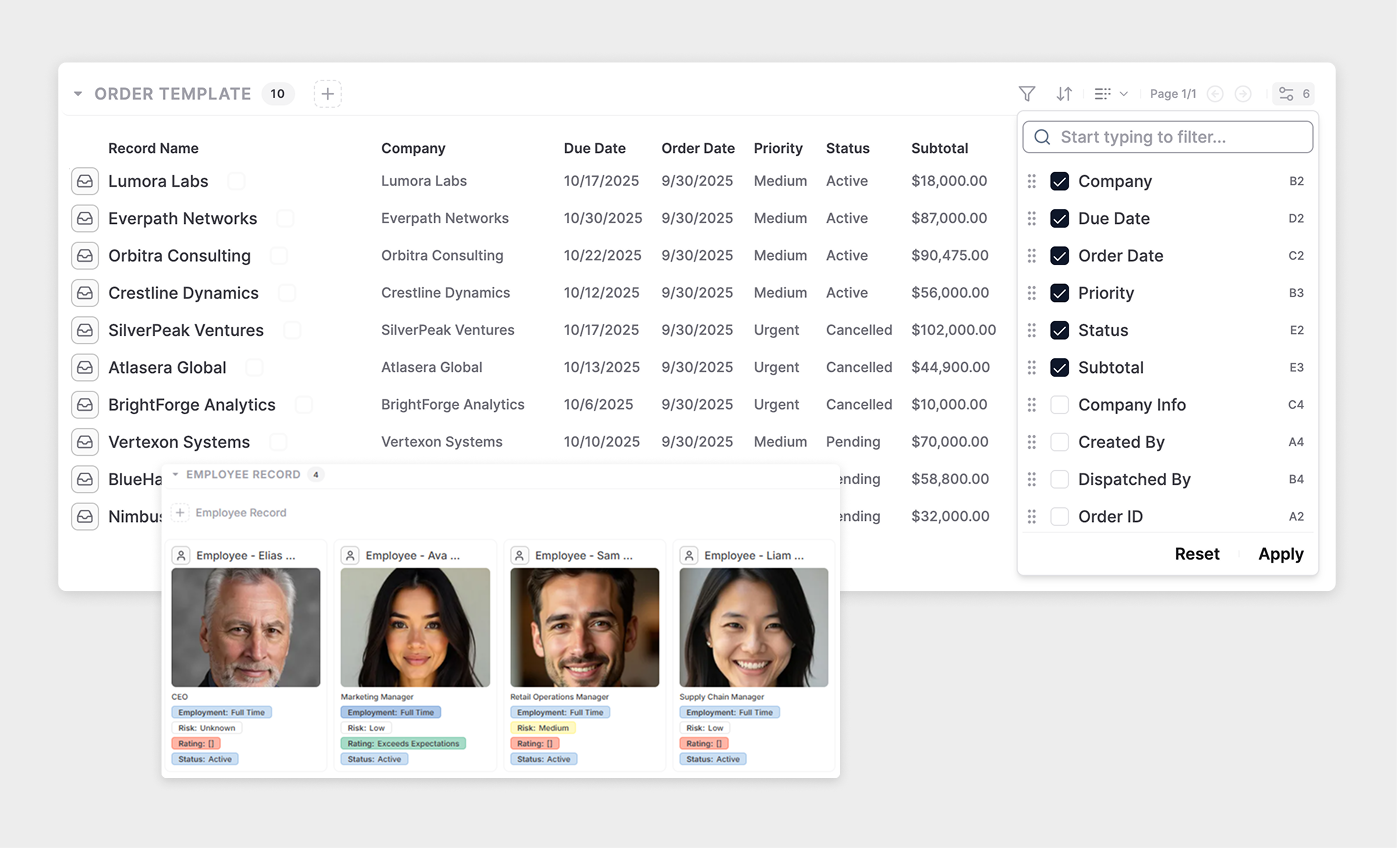
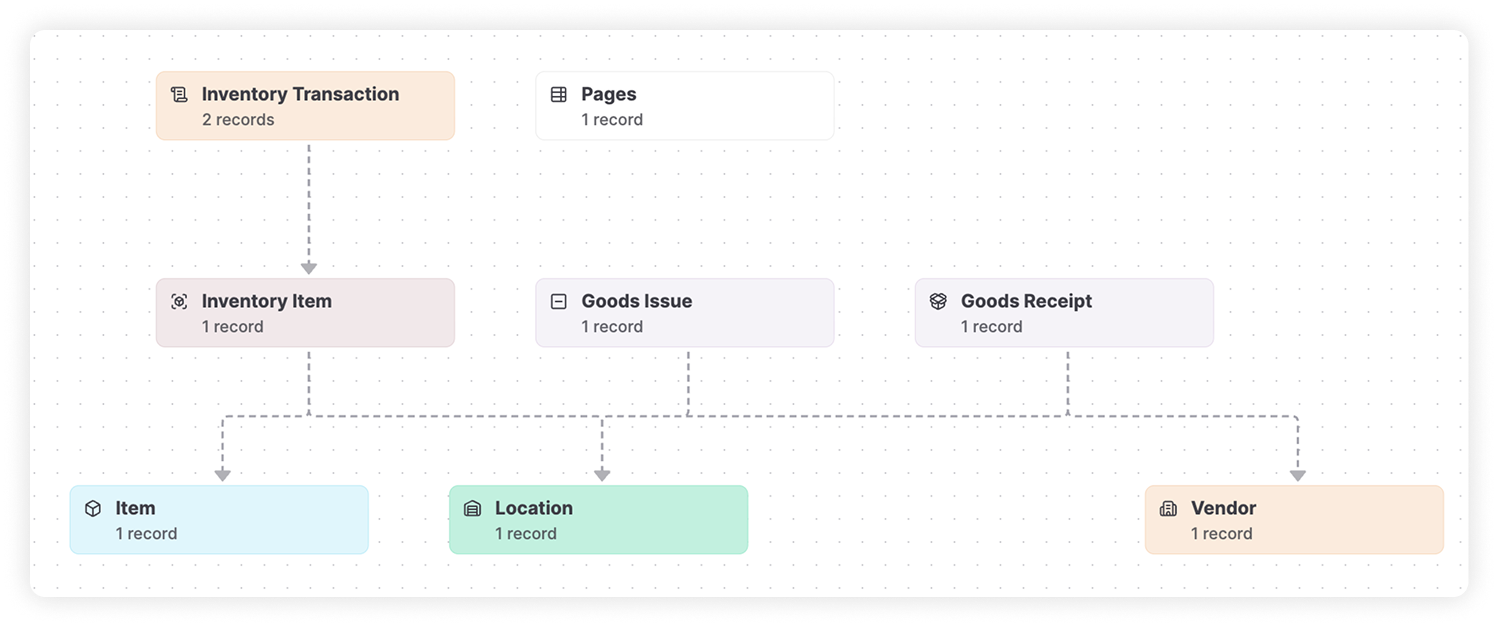
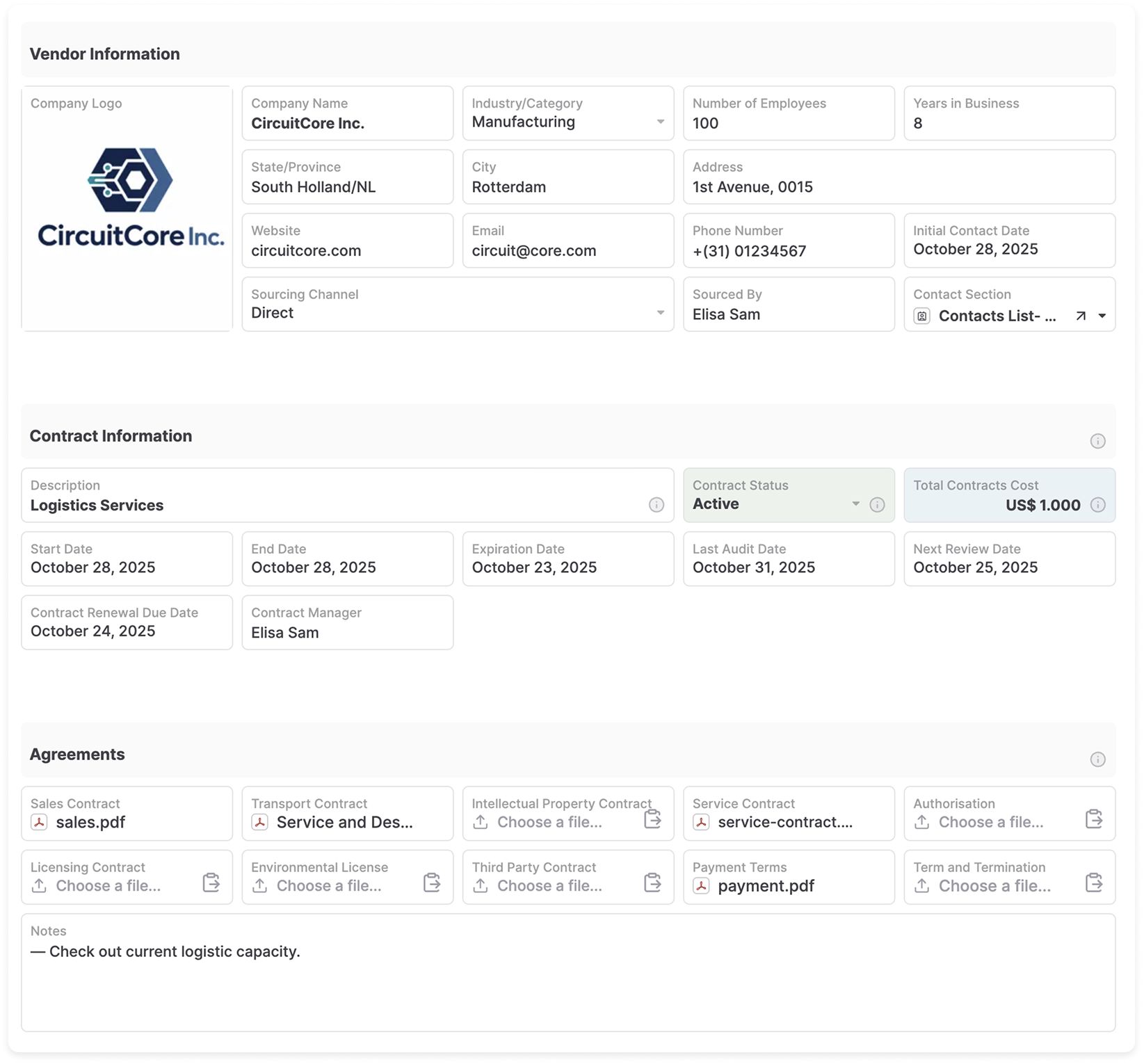
Connected Records and Business Objects everything from Customers, orders, assets, and other business information, all in one place.
Team handbook
A shared space for how we work
Pages
Knowledge, procedures, and shared information
Northstar Warehouse Upgrade
Files
Attached to this project record
Files
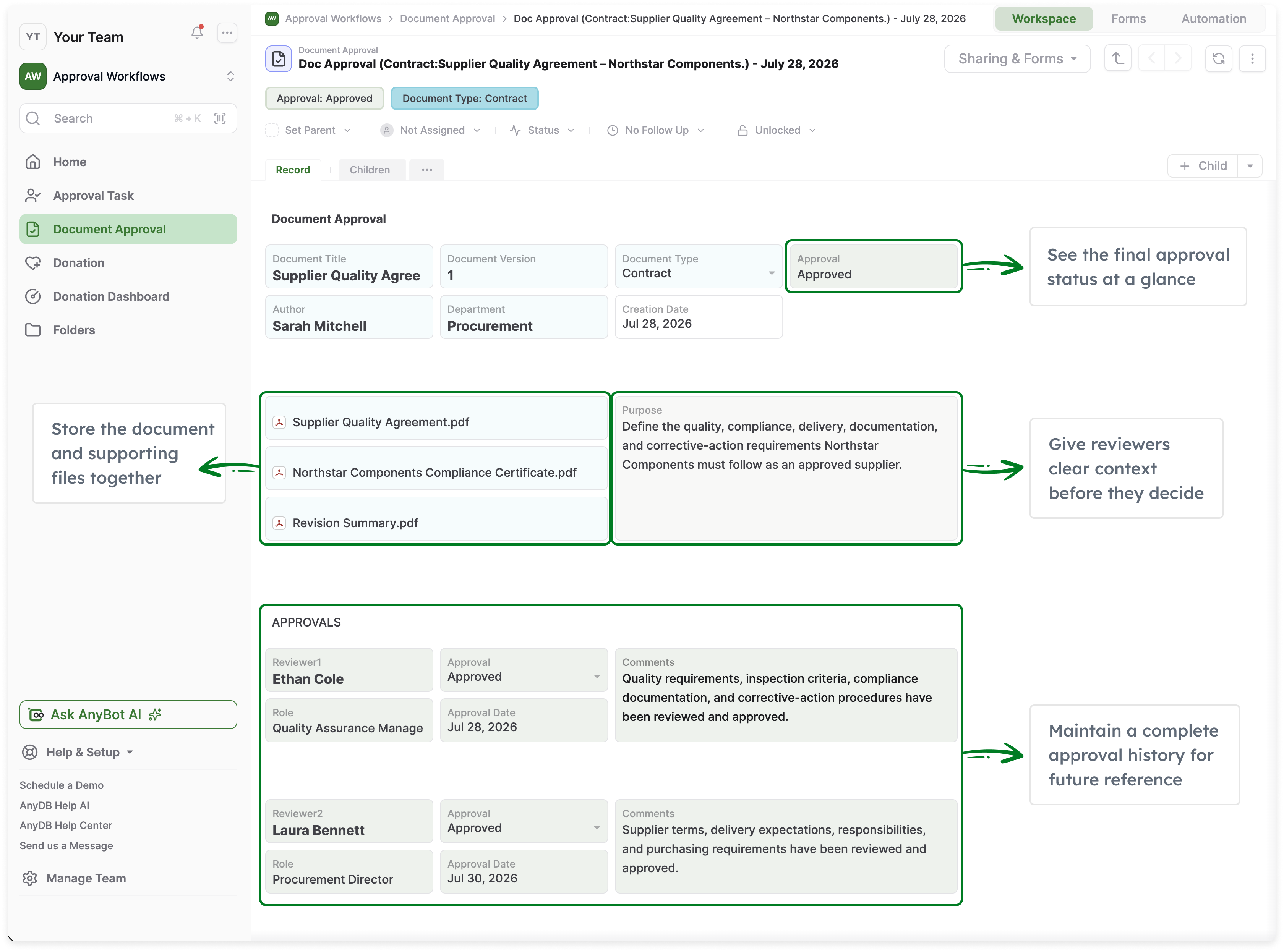
Documents and attachments linked to business records. Sync and Edit Files directly via our Desktop App.
AI Teammates for your Business
Create AI Teammates with defined responsibilities, instructions, skills, and access to the business information they need.
They can review records, prepare actions, update information, and participate in workflows, involving your team when approvals or judgment are required.
Defined roles
Assign responsibilities, instructions, and skills.
Activity visibility
Track actions, outcomes, and spending.
Permissions and approvals
Work within your access controls with human oversight.
Multiple AI models
Use leading models, with Bring Your Own LLM support.
Reusable configurations
Create and share AI Teammates across your team and systems.
Agent-to-Agent Collaboration (A2A)
Enable AI Teammates to communicate, delegate tasks, and coordinate work with other agents through the A2A protocol.
AI Teammates
+ New AI Teammate


Procurement Teammate
ActiveCreate POs, check supplier status, and track deliveries
Role and goals
Source suppliers, create purchase orders, track delivery status, and flag potential delays. Involve a human for approvals over $50,000.
Procurement TeammateI’ve reviewed the supplier options for the 1,000 units. Based on price, lead time, and quality history, I recommend Apex Components.
- Supplier
- Apex Components
- Unit price
- $12.40
- Lead time
- 3 weeks
- Total
- $12,400
Build Complex Systems Unique to your Business in Minutes.
Describe your business processes, data, and relationships and create connected business objects, views, teammates and operational structures in AnyDB.
The system AI creates isn't just for people to operate. Its records, relationships, workflows and permissions are also available to AI Teammates from the start.
AnyBotI want to build an inventory and procurement system for our business.
We manage suppliers, purchase orders, inventory items, and receiving. Approvals are required for orders over $50,000.
We also want to track files, vendor contacts, and see low stock alerts.
Purchase Orders
+ New| PO Number | Supplier | Status | Order Date | Total |
|---|---|---|---|---|
| PO-1042 | Apex Components | Pending Approval | Oct 2, 2026 | $68,450 |
| PO-1041 | Global Metals | Approved | Oct 1, 2026 | $12,300 |
| PO-1039 | TechParts Inc | Sent | Sep 28, 2026 | $8,750 |
| PO-1038 | Industrial Supply | Received | Sep 25, 2026 | $4,200 |
| PO-1036 | Apex Components | Approved | Sep 22, 2026 | $55,000 |
Enterprise-Grade Control.
Without Traditional Enterprise Costs.
Run critical operations with enterprise-grade security, governance, and deployment flexibility, without the cost and complexity of traditional enterprise software.
SSO and Identity
Microsoft Entra ID and Okta SSO.
Human Oversight
Approval controls for AI actions.
Role-Based Permissions
Control access across teams and data.
Flexible Deployment
Cloud or self-hosted options.
Audit History
Track changes, actions, and approvals.
Open Connectivity
API and MCP for integrations and AI.
Identity & SSO
Enterprise identity, simplified.
SSOOkta
SSO
Audit Trail
Complete visibility and traceability.
Deployment Flexibility
Run where your business needs.
Governed AI
Human oversight for AI actions.
Open Connectivity
Integrate with your stack.
Start with a single system
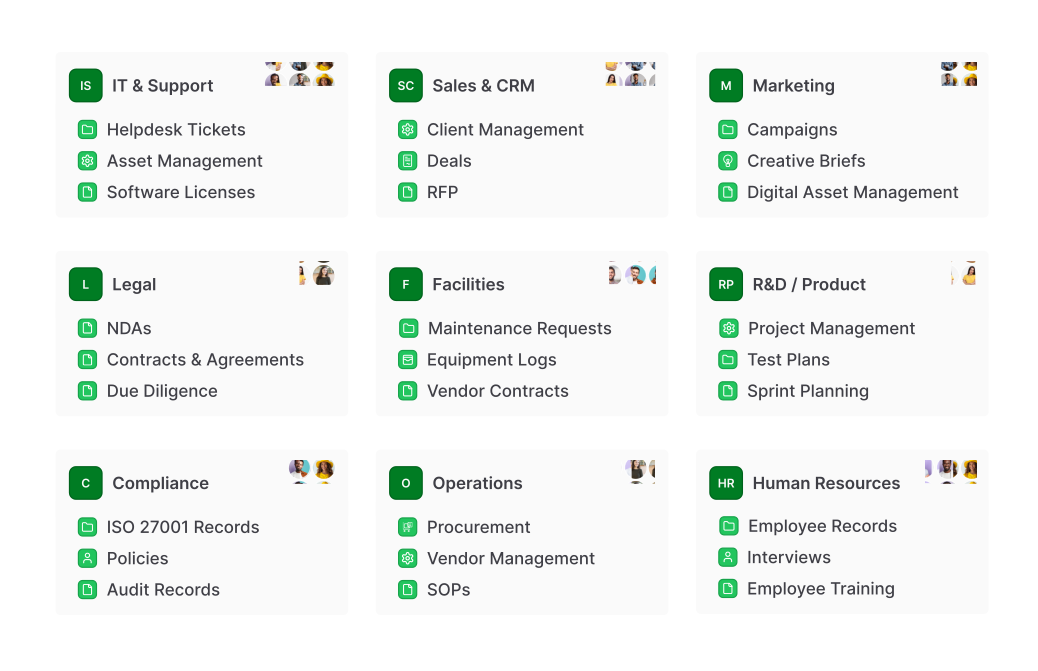
Use AnyDB for one operational problem or connect multiple areas into a larger business operations system.
Inventory & Warehouse
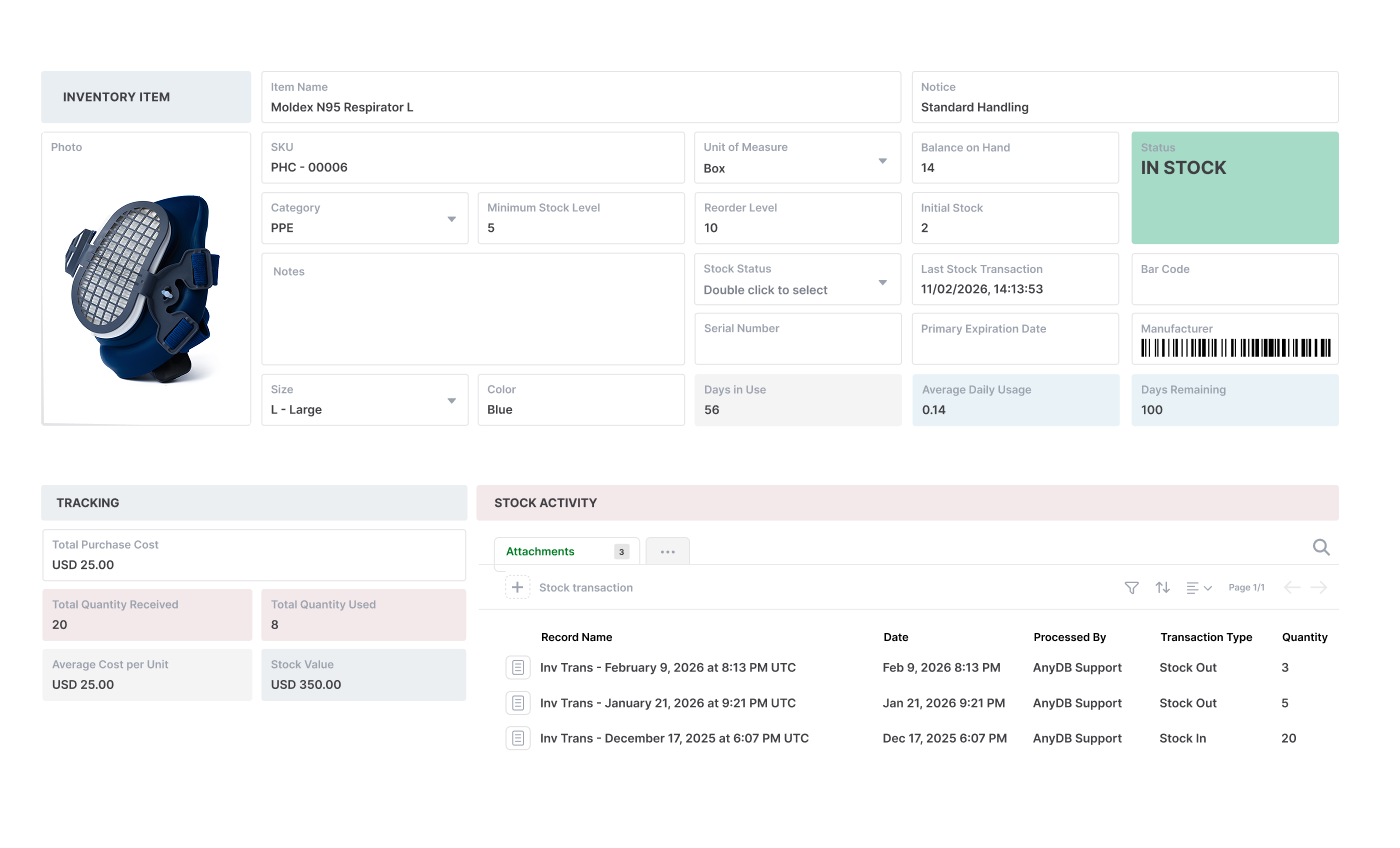
Items, stock, locations, movements, receipts and fulfillment.
Assets & Maintenance
Equipment, inspections, maintenance plans, work orders and history.
Projects & Field Work
Projects, installations, tasks, resources, files and delivery.
Procurement
Vendors, RFQs, purchase orders, receiving and vendor invoices.
Approvals & Compliance
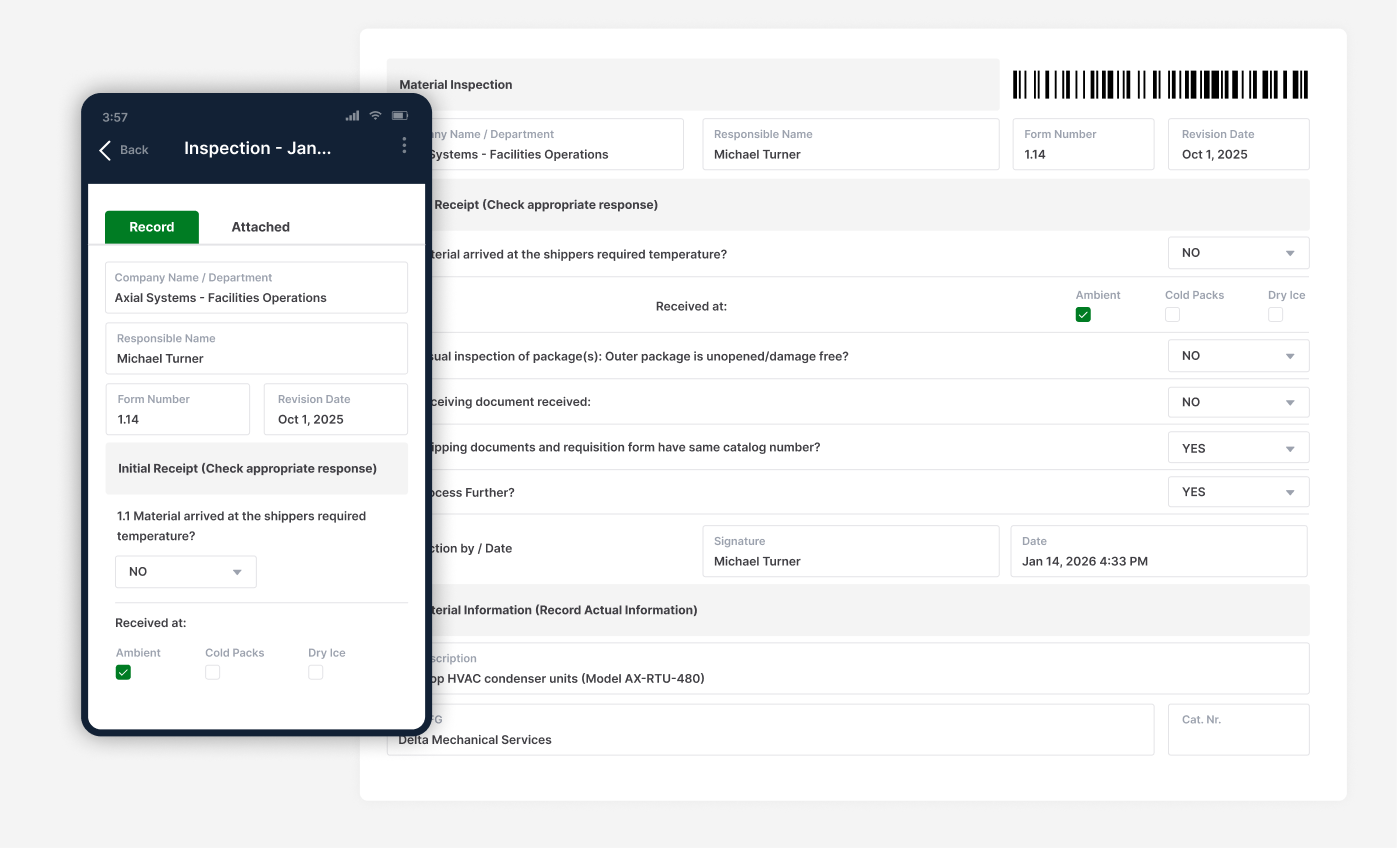
Requests, routing, reviews, approvals, audits and controlled records.
Claims & Case Operations
Specialized cases, documents, decisions, payments and follow-up.
Customer Operations
Accounts, service delivery, customer records, portals and activity.
More Specialized Systems
Board management, product lifecycle, documents and processes unique to your business.
Connect AnyDB to the Rest of Your Business.
Use AnyDB with your existing tools, external AI, and other agents through open standards and integrations.
Connect Your Teammates
Give AI Teammates access to external systems such as Gmail, GitHub, HubSpot, Stripe, Jira, and other MCP-compatible services.
Connect Agents with A2A
Let AnyDB Teammates communicate, delegate tasks, and coordinate work with other agents through the A2A protocol.
Connect Your Existing Tools
Move data and trigger actions through Webhooks, APIs, MCP and other Integrations.
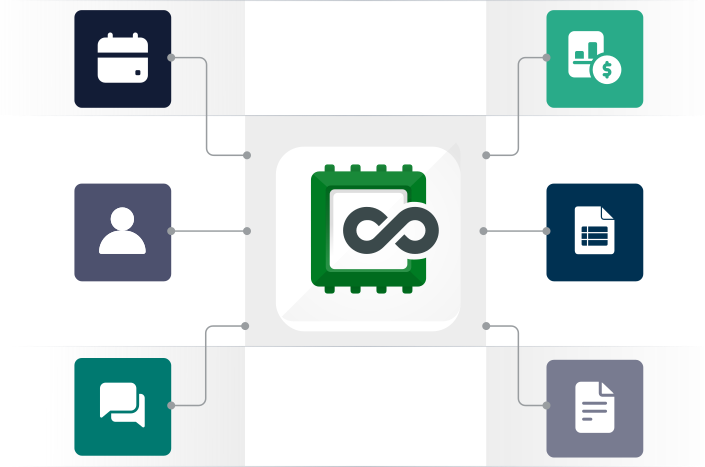
See Your Business Built for People and AI.
Show us how you work today. We'll build it in AnyDB.


