
Connect Tasks to Business Records
Link a project milestone to the purchase orders, stock, and approvals it depends on.
If your team tracks the project in Asana but checks stock, approves purchases, and chases supplier updates elsewhere, move that workflow to AnyDB. Give project managers a clear view of what’s approved, what’s on order, and what’s ready for the job.
Link a project milestone to the purchase orders, stock, and approvals it depends on.
Share order status or collect delivery updates through forms tied to your workflow.
Have an AI Teammate flag delayed orders using the purchasing records you authorize it to access.
Generate a purchase order or invoice from existing records and find supplier replies alongside the order.
Before scheduling an installation, check whether the materials are in stock, the purchase is approved, and the delivery has arrived. Connect those records to the project so each team can act on the same information.
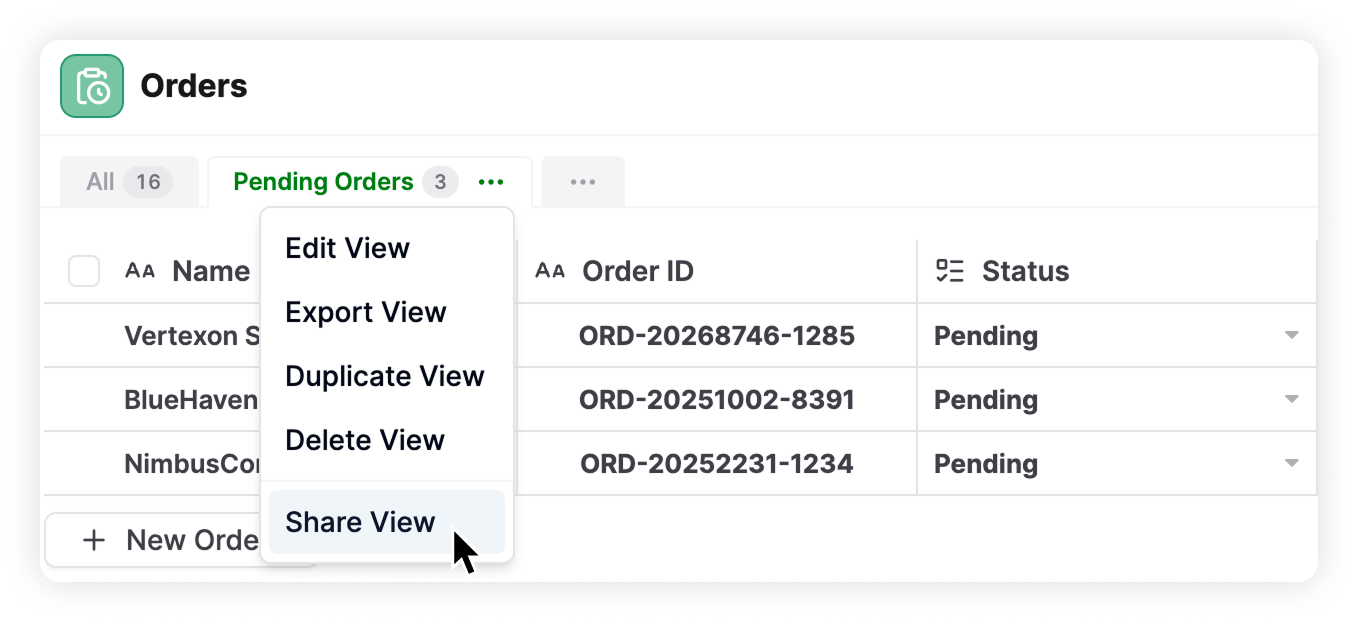
Open a purchase order to review its line items, supplier, approval history, and receipts.
Purchasing can follow up on missing items while the project team checks which jobs are ready to schedule.
Add business objects, relationships, views, and workflows as your operations grow.
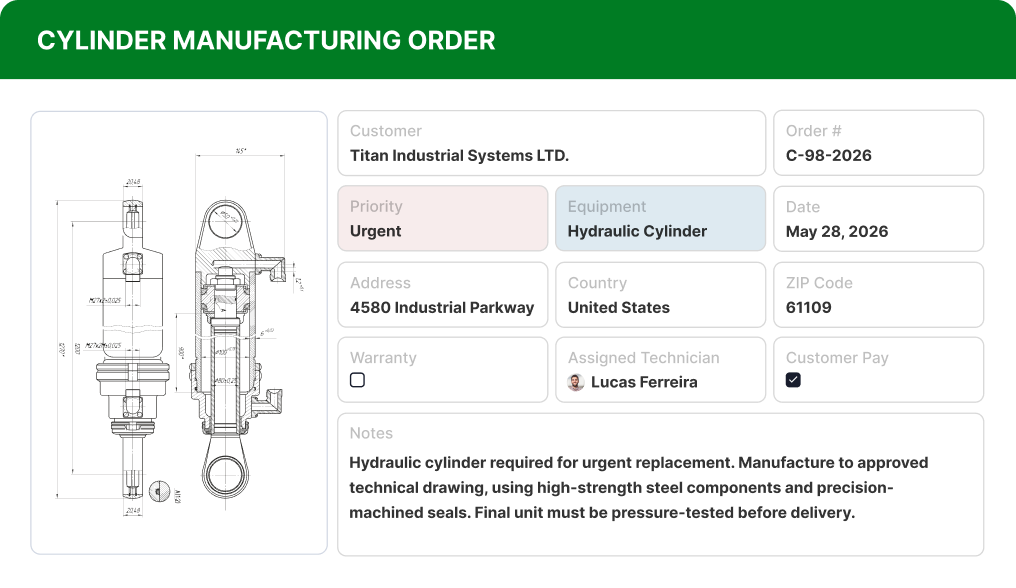
Use shared records and forms to bring customer requests and supplier updates into the workflow through AnyDB portals.
Invite customers and suppliers without adding paid team seats. Set who can view or edit a shared record and choose which files and forms each guest can access.
Share order status and documents, and collect customer requests through forms.
Share purchase orders and collect delivery updates within the purchasing workflow.
Give partners access to the projects, requests, and opportunities they help manage.
Use AnyBot to set up the records a workflow needs. Give AI Teammates specific jobs, such as preparing supplier follow-ups for review.
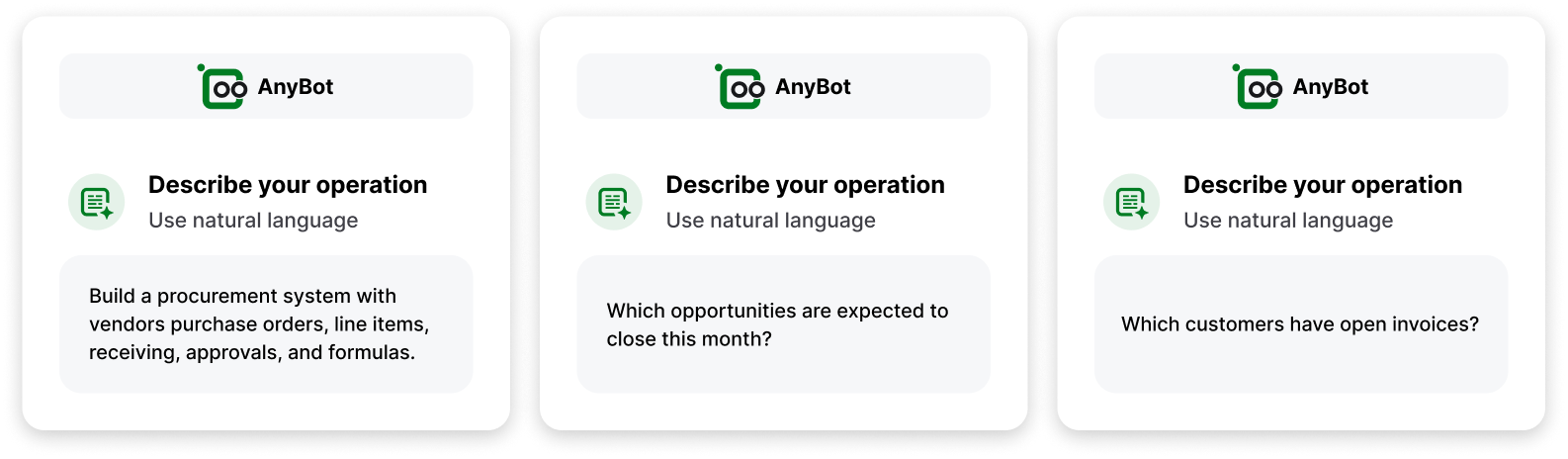
Ask AnyBot to create a procurement system with suppliers, purchase orders, line items, receiving, and approvals. Review the structure and refine it as you go.
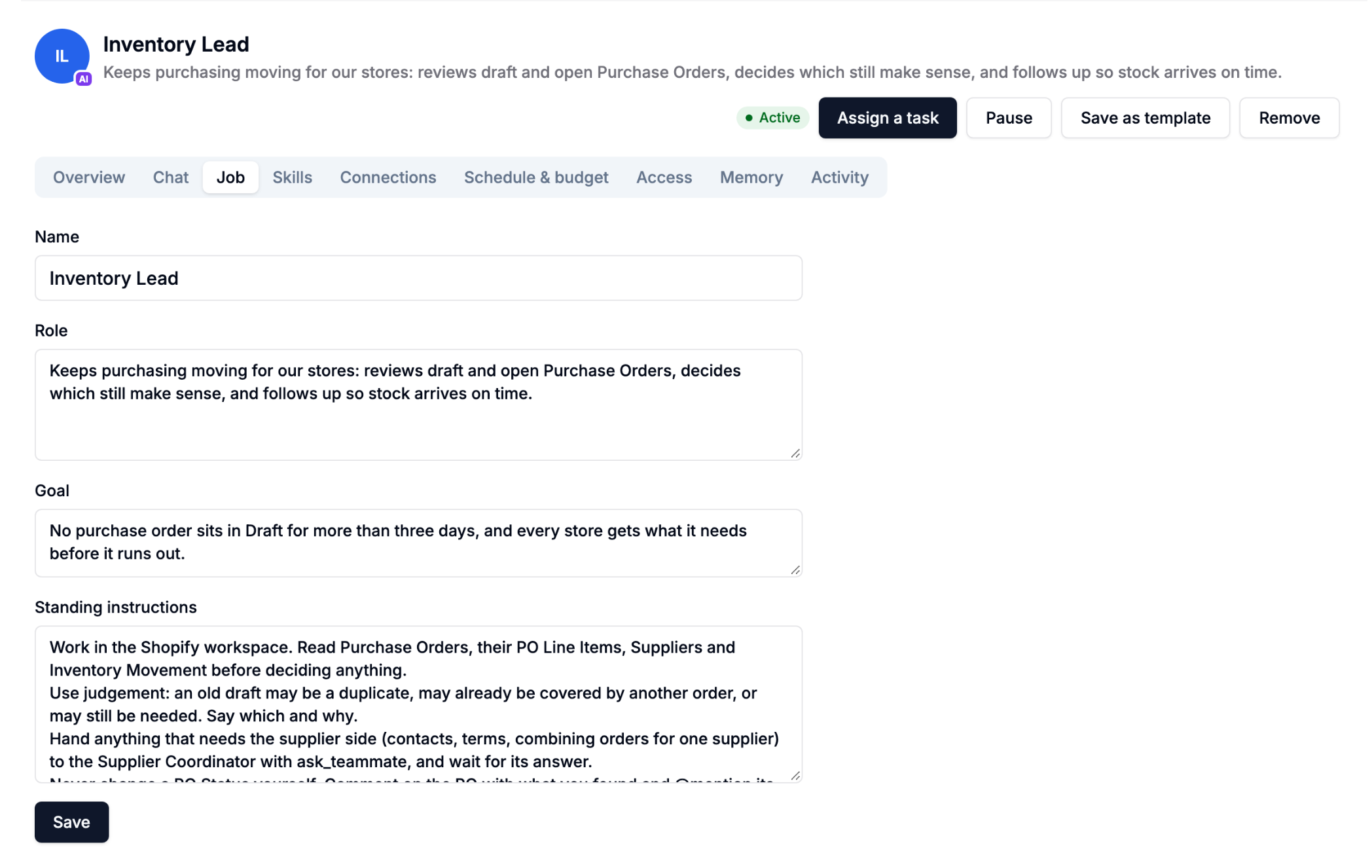
Configure a procurement teammate to check which orders are overdue and draft a follow-up using the supplier and order details it can access. Explore AI Teammates.
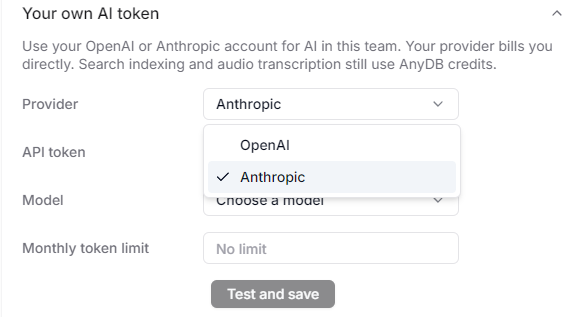
Connect ChatGPT, Claude, or another compatible assistant through the Model Context Protocol (MCP). For AI Teammates, use AnyDB AI or connect a supported provider such as OpenAI or Anthropic. Set a budget for each teammate and review its activity. Compatible agents can also connect through Agent-to-Agent (A2A).
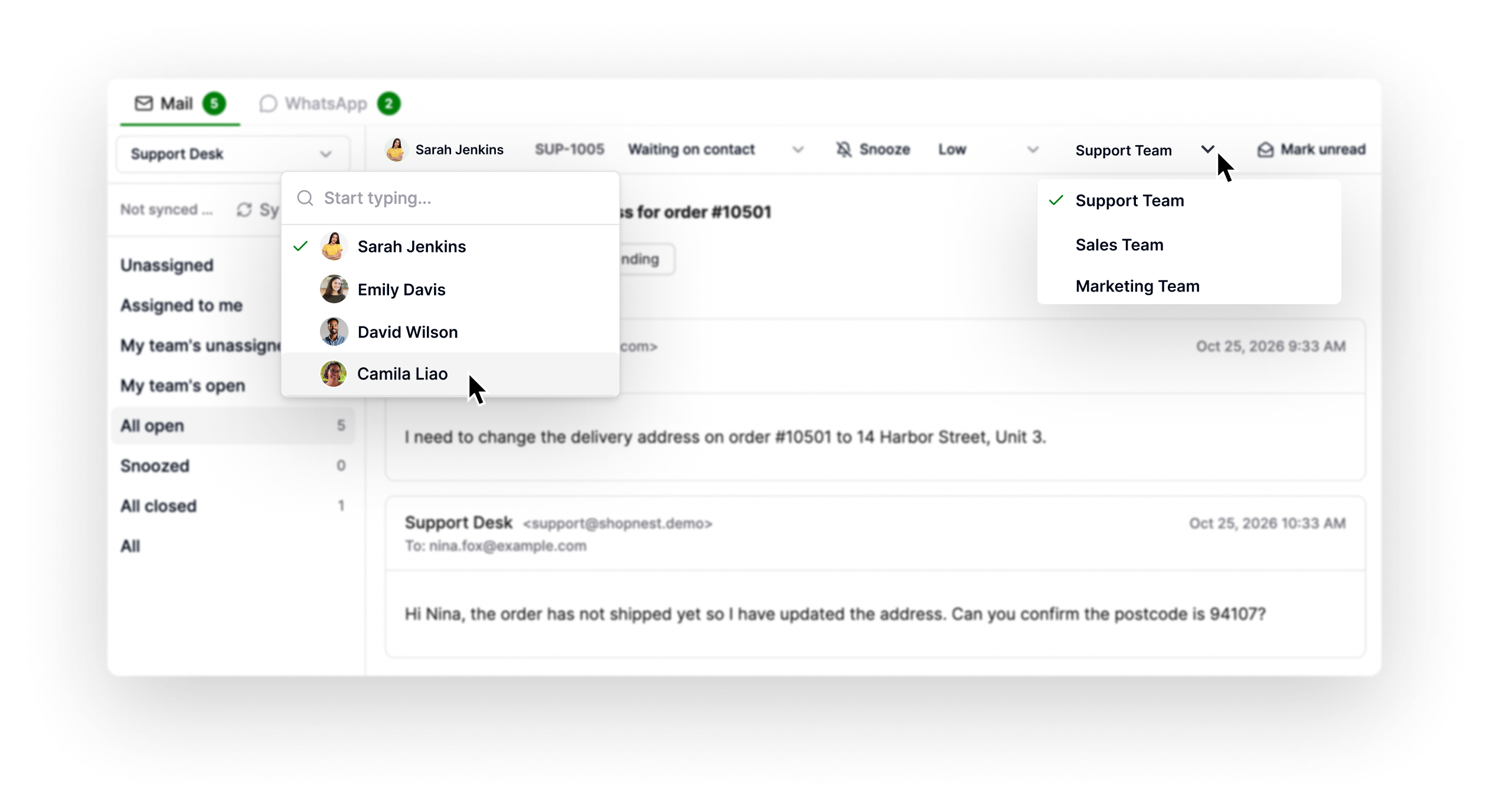
Use connected helpdesks to manage customer and supplier conversations alongside the orders, projects, and other business records they relate to. If a supplier changes a delivery date, the team can review the conversation alongside the affected purchase order.
Use the data on a record to generate a Word, Excel, or PDF file from a reusable template. For example, prepare a purchase order to send to a supplier or an invoice to send to a customer.
Asana is built for planning and coordinating projects. Choose AnyDB when a task depends on a business transaction, such as approving a purchase, receiving stock, or servicing an asset. Your team can track the task and manage the underlying records in one place.
| Capability | Asana | AnyDB |
|---|---|---|
| Business records | Projects, tasks, subtasks, dependencies, and custom fields | Business objects with related and child records, files, and activity history |
| Operational workflows | Rules, forms, and approval tasks on eligible plans | Record-based workflows, assignments, approvals, and business actions |
| External portals | Free organization guests, shareable forms, and client portals on eligible Client Management plans | Free portals with unlimited guests and configurable access to shared items |
| Documents and exports | Task attachments and project data exports in CSV or JSON | Template-driven Word, Excel, and PDF generation |
| AI system creation | Build automated project workflows with AI Studio | AnyBot for creating and evolving connected business systems |
| AI operations | Asana AI Teammates, AI Studio, and Asana MCP | AI Teammates, MCP, and supported model providers |
| Access control | Organization, team, project, and task permissions | Scoped access to records, views, portals, and AI operations |
| Communications | Task comments, project messages, and integrations | Conversations connected to operational records through helpdesks |
AnyDB includes portals and unlimited guests on its Free plan. Asana offers free organization guests and dedicated client portals through eligible Client Management plans. Check the plan allowances for internal users, workflows, and AI usage.
Asana pricing · Asana Client Management pricing · AnyDB pricing
Switch between table, list, Kanban, and calendar views.
Keep files, comments, and activity associated with business records.
Collect requests and share the relevant records and views with participants.
Control who can access business information, workflows, and shared resources.
Connect existing apps through APIs, SDKs, webhooks, and integrations.
Use formulas, rollups, and reports to track quantities, costs, and progress across records.
See how teams link project delivery to purchasing, production, and inventory in AnyDB.
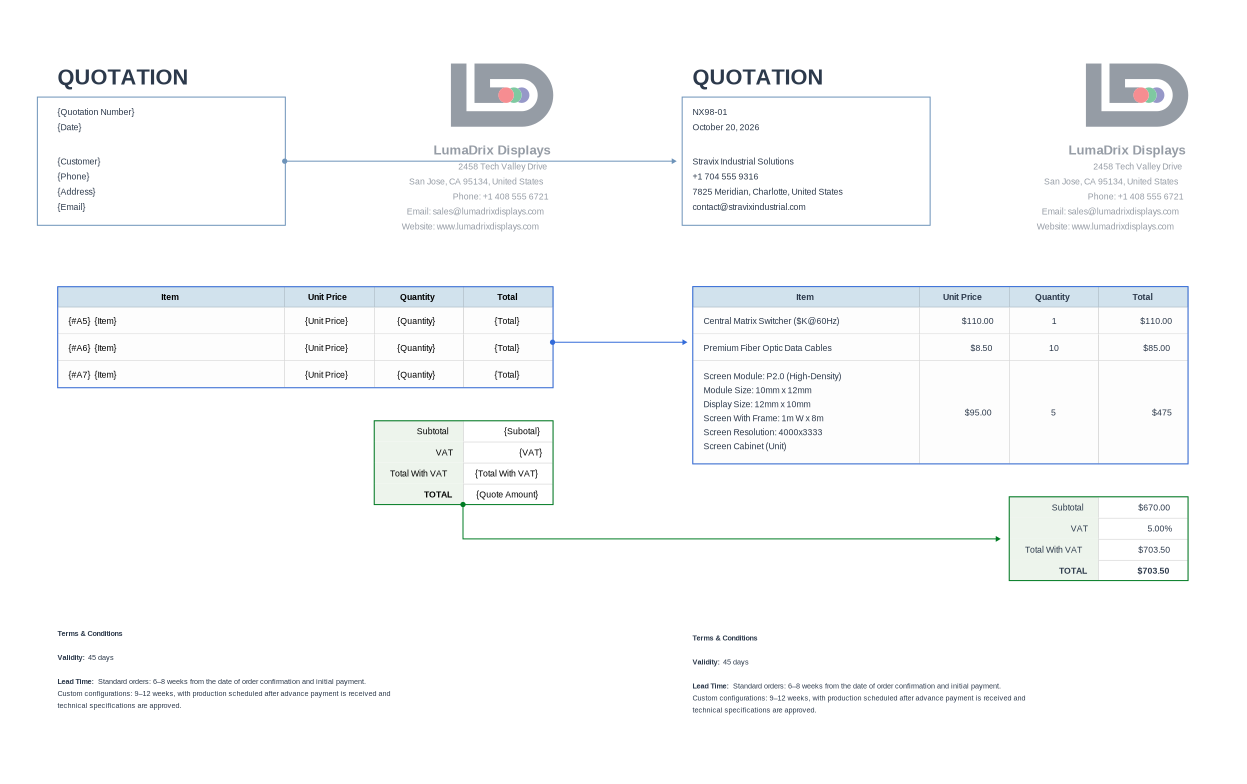
See how an LED display installer connects quotations, purchasing, and project delivery.
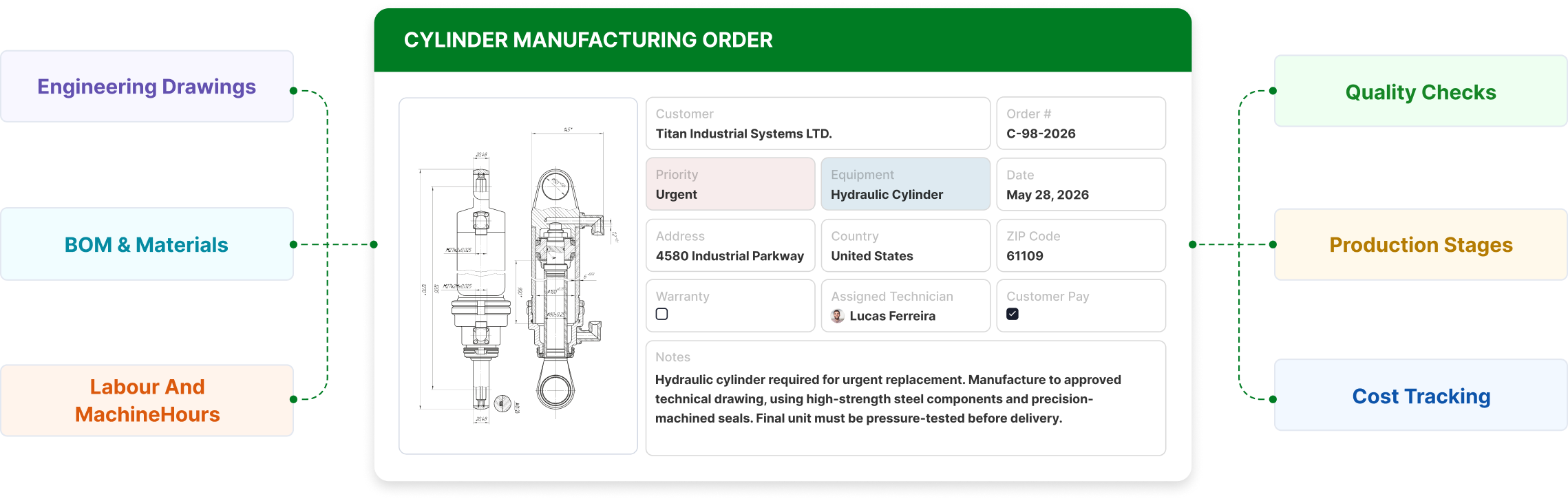
See how a manufacturer tracks production and repairs, manages approvals and costs, and coordinates work across departments.
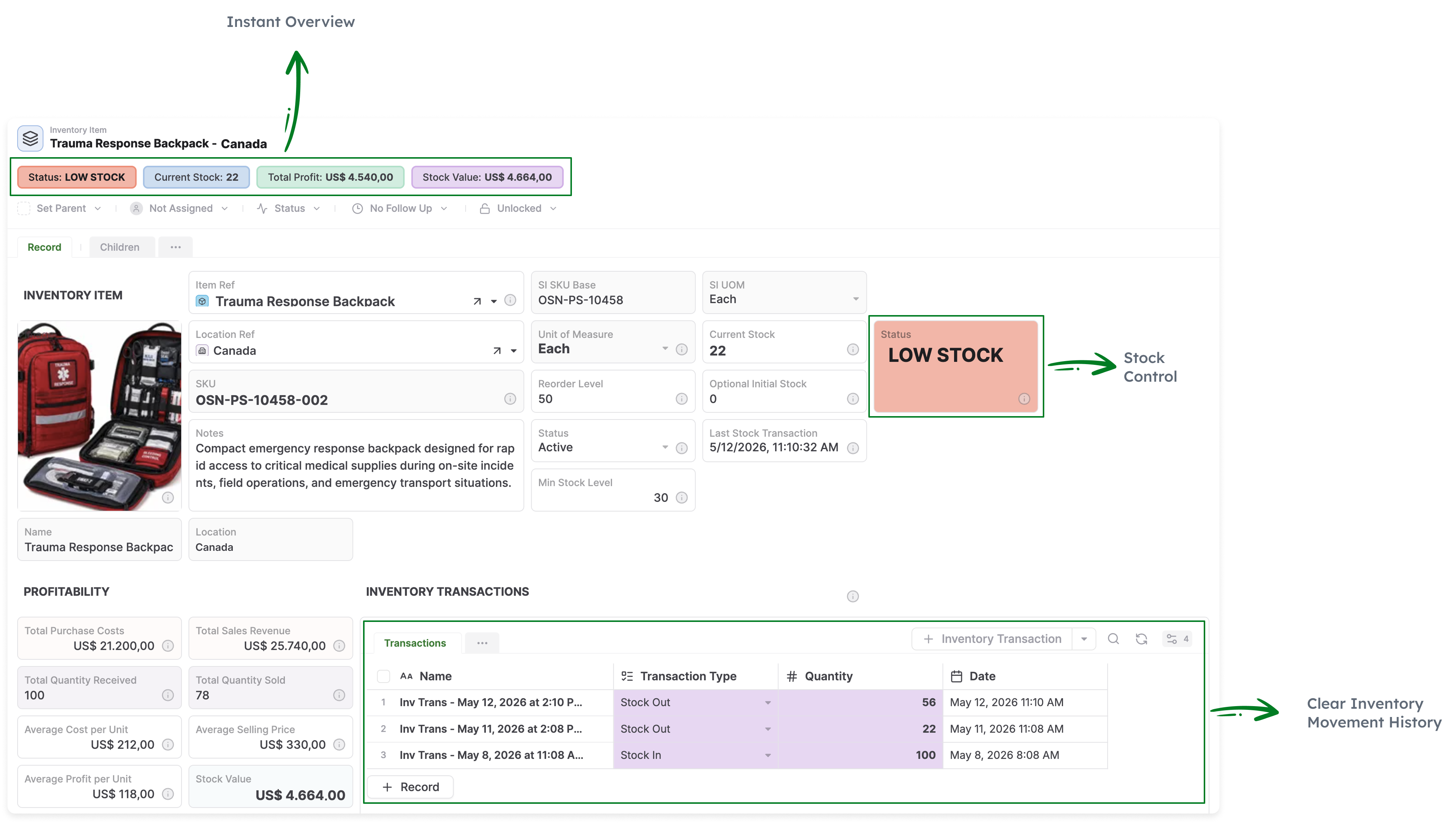
See how a training provider tracks stock, receipts, transfers, and kit preparation across warehouses.
Pick one Asana project where your team relies on spreadsheets or manual handoffs. Keep that project available while you test the workflow in AnyDB.
Identify the Asana tasks, sections, custom fields, rules, and forms that support the project.
Map task names, owners, due dates, and statuses to fields in AnyDB. Identify which tasks should link to work orders, purchases, or assets.
Export the Asana project as a CSV file and import the rows into AnyDB. Check which subtasks, dependencies, comments, and attachments need to be carried over. Recreate rules and permissions as needed.
Run one real job from request through completion. Verify assignments, approvals, related records, and guest access before moving another project.
Bring one Asana project to a demo. We’ll walk through how to connect its tasks, approvals, and supporting records in AnyDB. Find an AnyDB implementation partner.
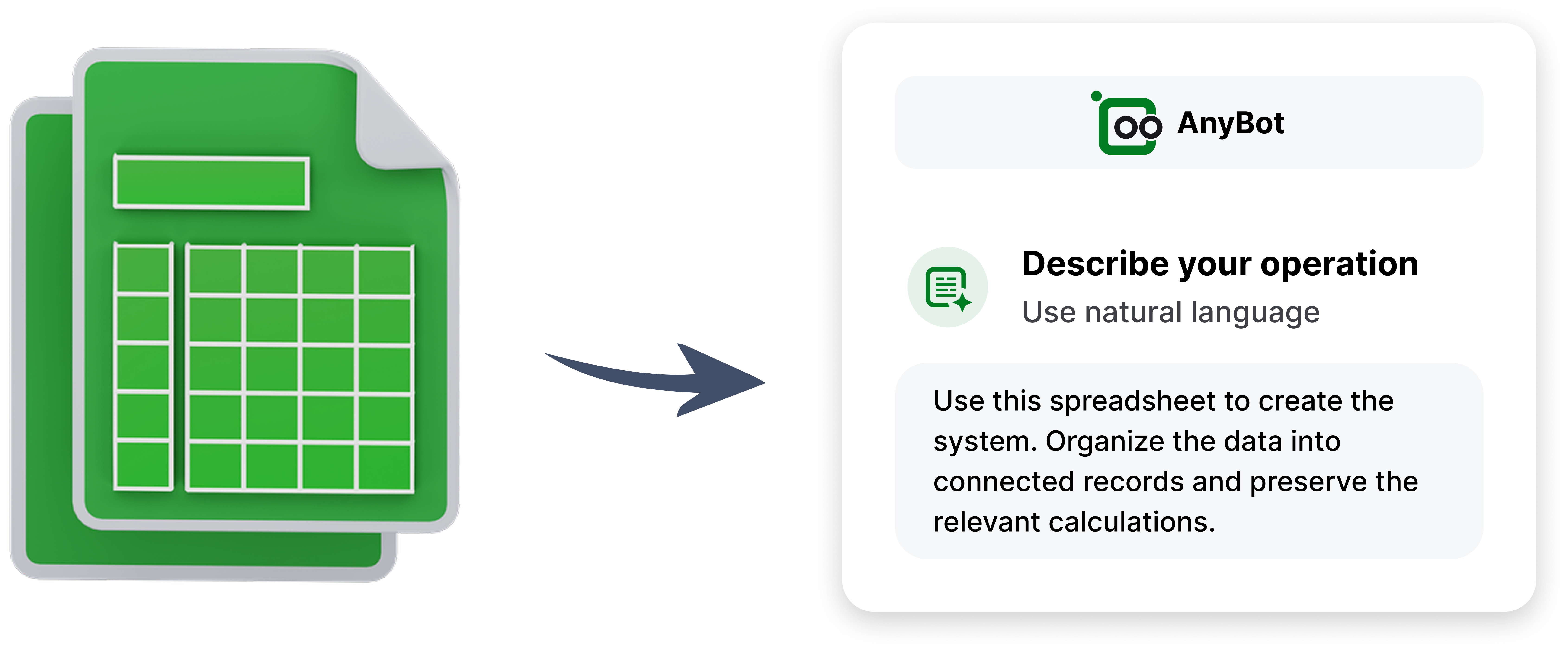
See Your Asana Workflow in AnyDBTo let AnyBot help set up your workflow, save your Asana CSV export as an Excel workbook and upload it. Describe what the system should track, such as installation tasks, equipment, and purchase orders.
Review the draft records and views, then configure the links and rules your team needs.
AnyDB is a better fit when a project depends on transactions your team also needs to manage, such as purchase orders, stock transfers, or service work orders.
No. Move one project, validate the workflow with your team, and expand when you’re ready.
Yes. Import records from an Asana project CSV. Use the migration steps above to plan how to handle dependencies, attachments, and rules separately.
Yes. Free portals and unlimited guests are included on all plans, including the free plan, subject to applicable plan limits and access permissions.
Yes. AnyDB supports AI Teammates and MCP access for compatible assistants such as ChatGPT and Claude. Access follows the permissions of the connected account.
Yes. AI Teammates support compatible provider accounts, including OpenAI and Anthropic. Available models and controls depend on the integration.
Bring a project where approvals, orders, or supplier updates are hard to track. We’ll show how to connect them to the work in AnyDB.


