
One Operational System. Many views to work.
Turn connected business records into editable tables, visual grids, Kanban boards, and calendars. Give every team the right way to operate while your data, files, relationships, and business context stay connected.
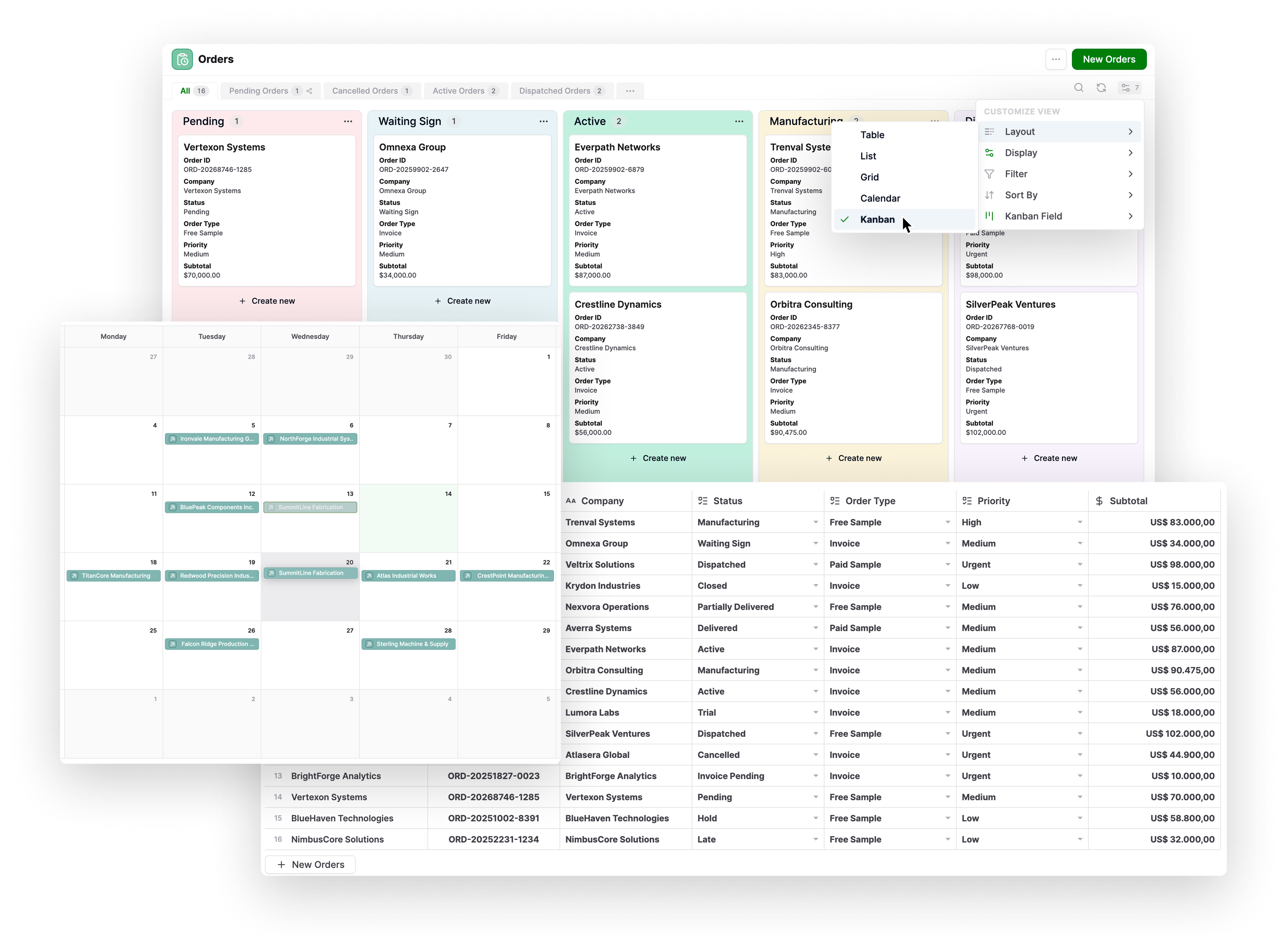
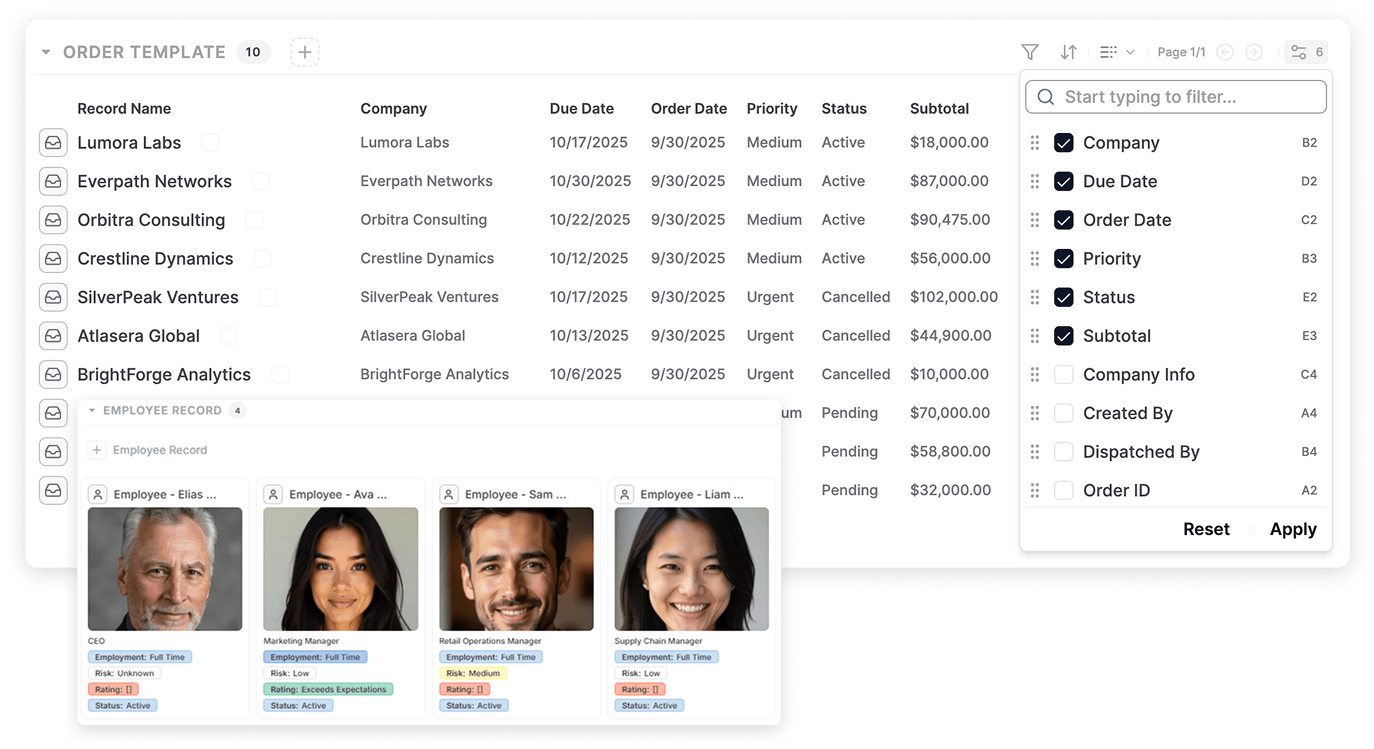
Turn Operational Data Into Views Built for the Work
Build reusable operational views instead of rebuilding spreadsheet tabs, reports, or filtered copies.
Choose the fields each team needs, control their order, and combine filters and sorting criteria.
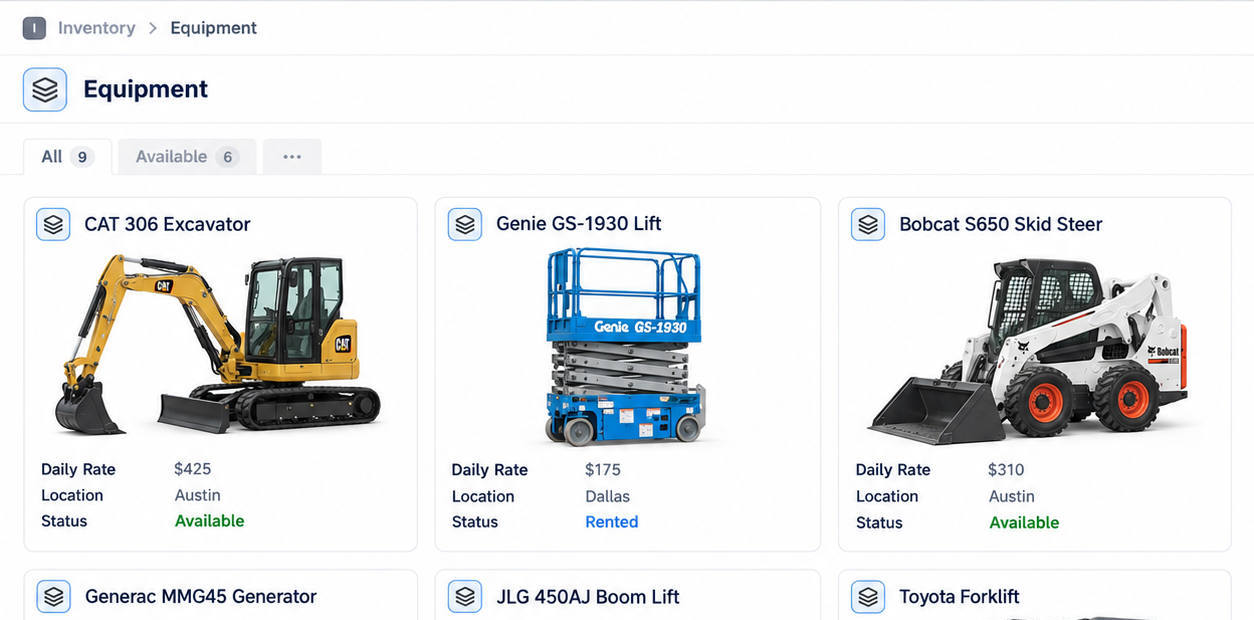
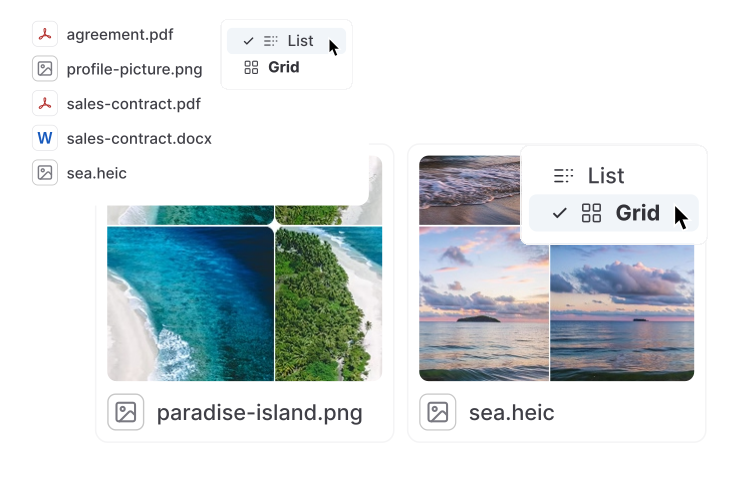
Choose the Right View for Every Operational Workflow
Table View
Scan and edit records inline, resize columns, preview files, and run bulk actions.
Grid View
Present products, assets, people, or projects as visual cards.
List View
Review compact child records such as order items and checklists.
Kanban View
Move records through a visual process from start to finish.
Dynamic Views
Show each signed-in user the records assigned to them.
Shared Views
Give teams or guests a focused set of records.
Edit Records Directly in a Live Table View
Work with connected records in a familiar spreadsheet-like view. Update information directly in the table while every change stays connected to the complete business record.
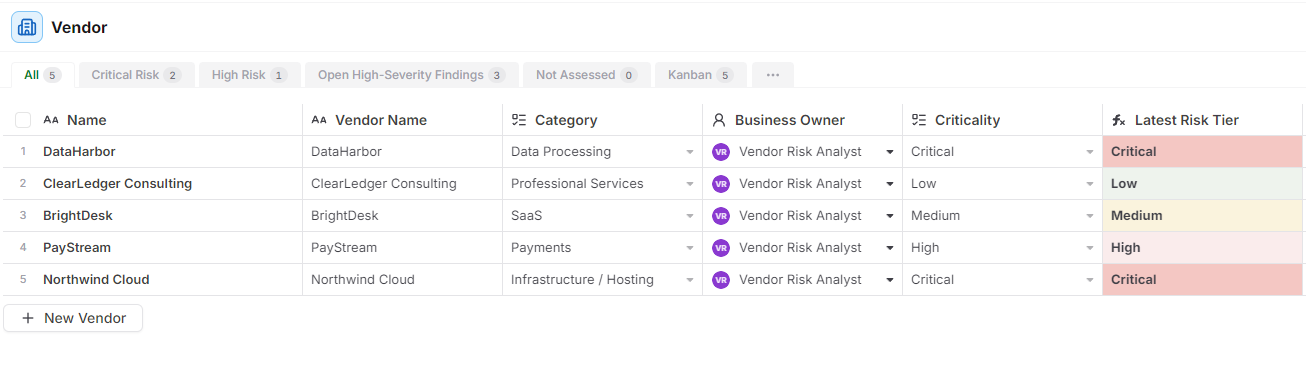
Review and update operational data without opening every record or maintaining a separate spreadsheet.
Manage Every Stage with a
Live Kanban View
Turn connected records into a visual workflow organized by status, stage, owner, or another field that drives the process.
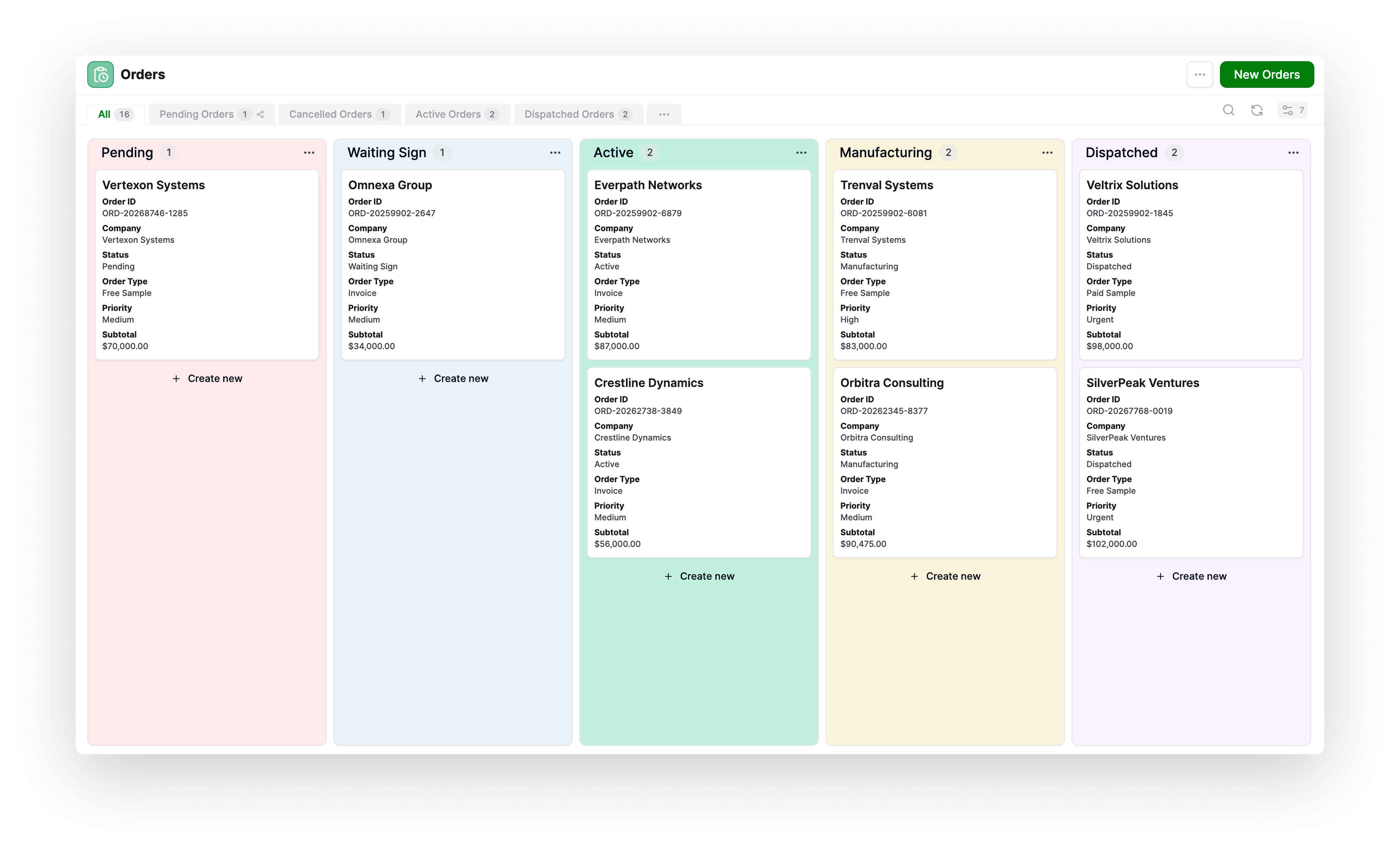
Teams can spot bottlenecks and move work forward without maintaining a separate board or losing the complete record behind each card.
Schedule and Reschedule Work in a Live Calendar
Plan deliveries, production work, appointments, renewals, and deadlines without maintaining a separate calendar.
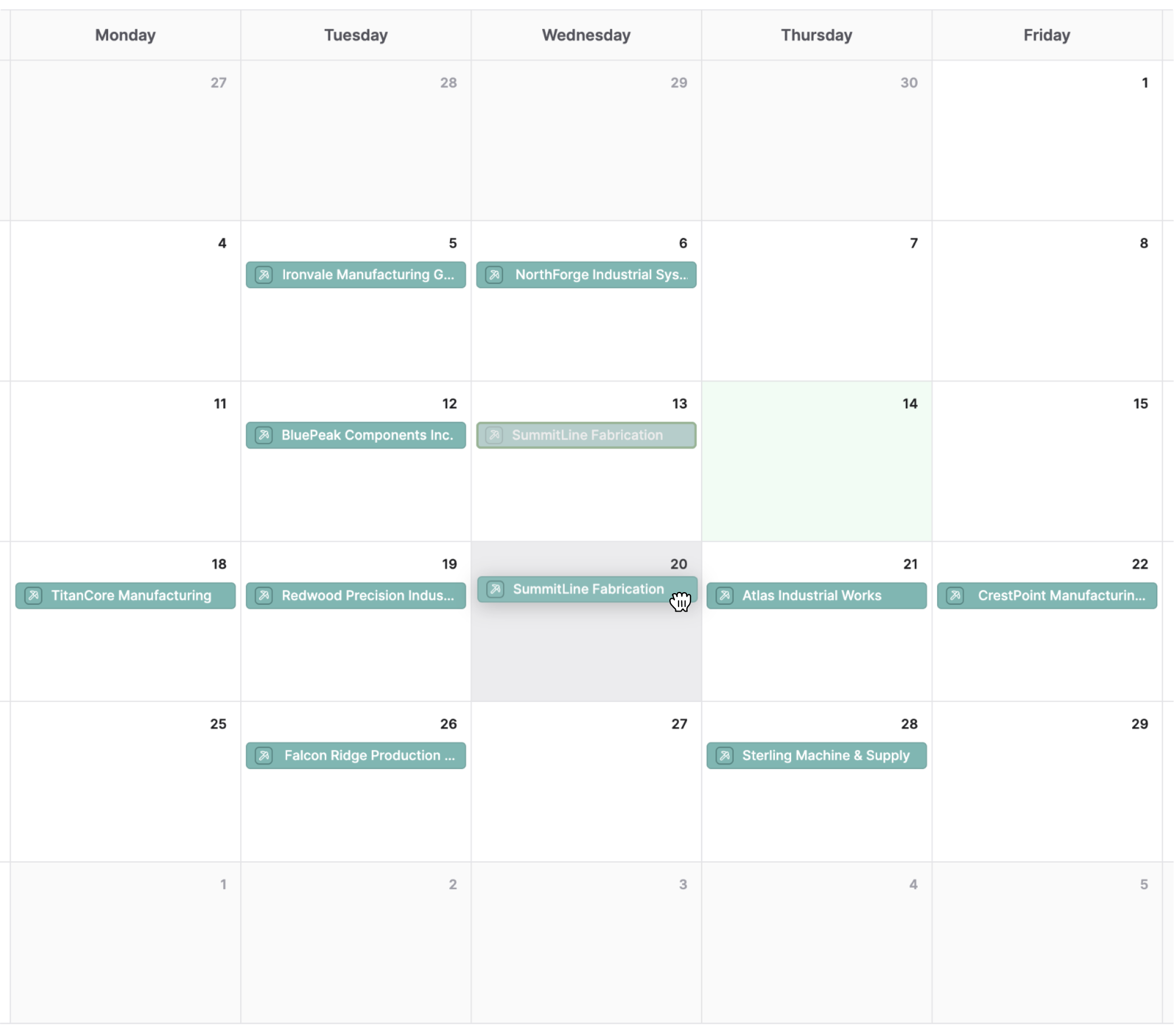
Drag a record to another day to update its date, or create a record from a date and have that field filled in automatically.
Find Any Operational Record in Seconds
Go directly to a customer, order, asset, contract, or work item. Start with a word or exact phrase, then narrow results by field, numeric range, creator, or update details.

External Portals With Controlled Access
Shared views can be published as portals for external collaborators.
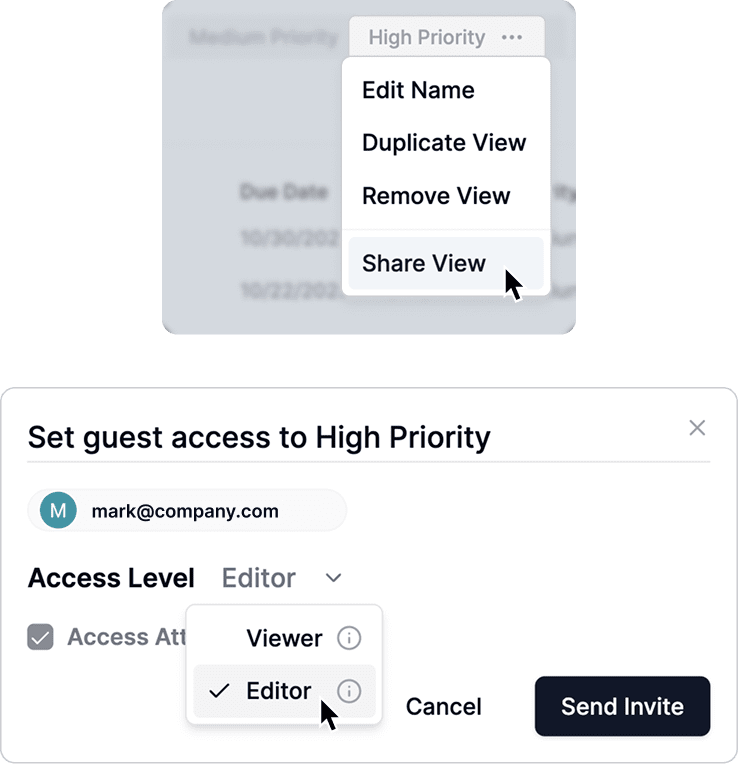
Vendors, clients, and partners can access shared views through secure portals without logging into your full system.
External users only see the records and fields included in the shared view. Permissions are respected, and access can be adjusted or revoked at any time.
This makes it easy to:
Collaboration happens inside your operational system, without creating risk or friction.
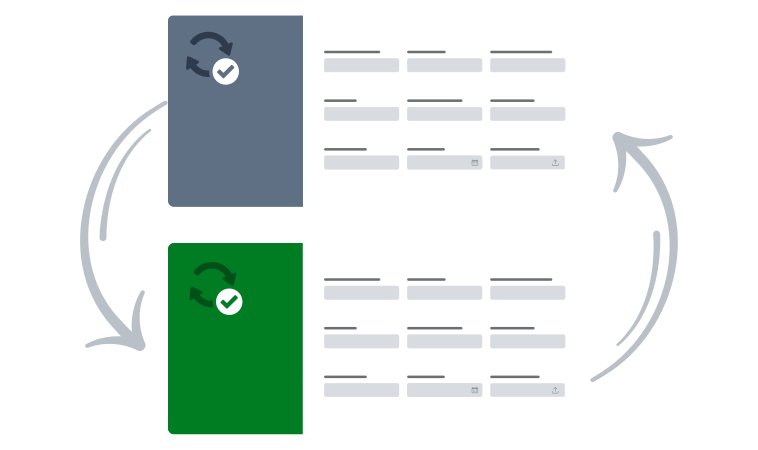
Every View Stays Connected to the Source of Truth
A view changes how records are presented, not where the data lives. Update a cell, card, status, or calendar date and the underlying record changes with it.
Different teams. Different views. One operational source of truth.
Give Every Team a Faster Way to Operate
Build operational views around the way your business works, keep every team connected to the same records, and turn scattered information into action.


