Project delivery
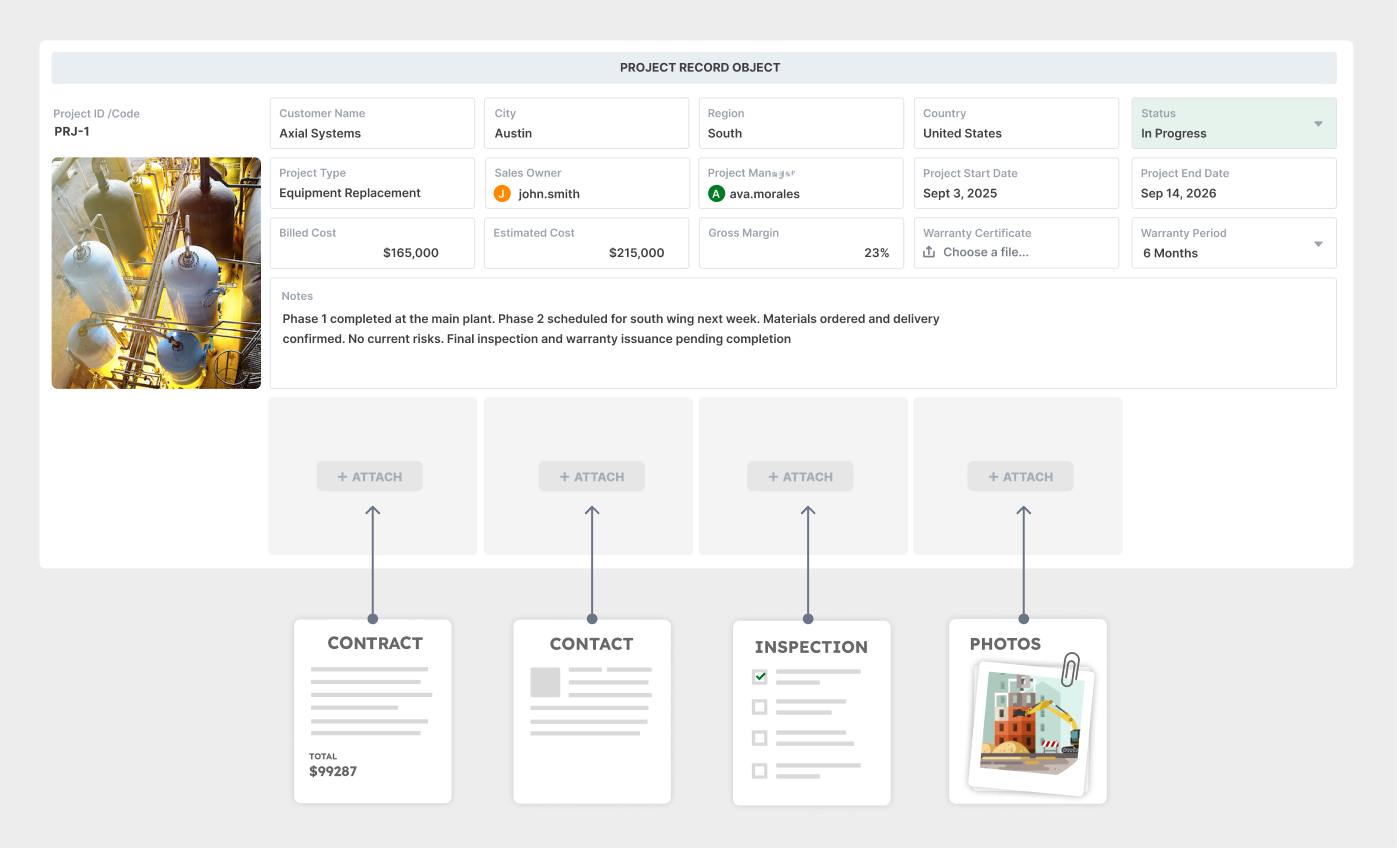
Connect a customer project with its tasks, work orders, purchases, and invoices. Give each team a place to find the records behind its next action.
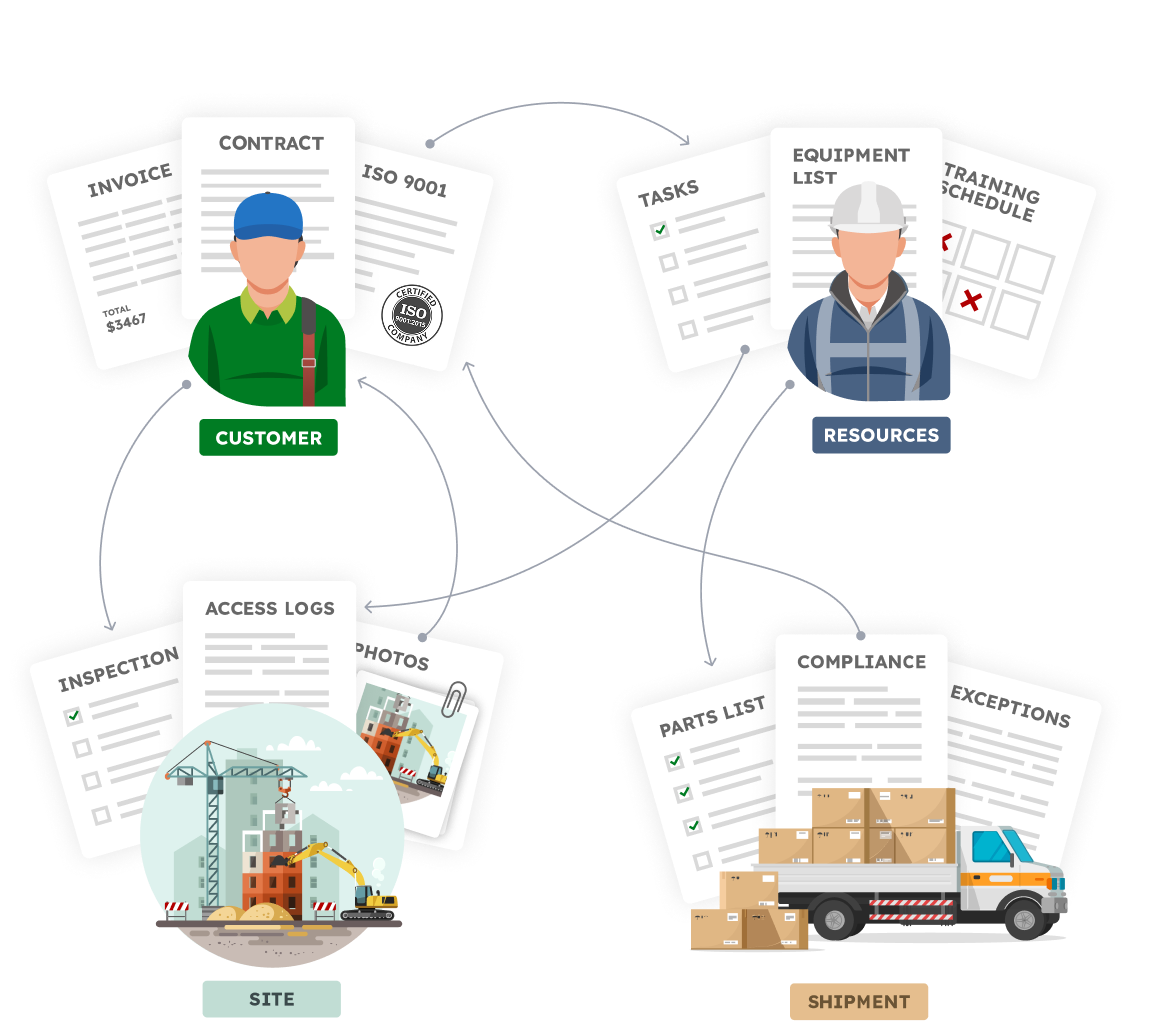
Connect projects and tasks to the customers, orders, purchasing, inventory, and billing they support.
Unlimited guest accounts, unlimited records, built-in portals, and document generation.
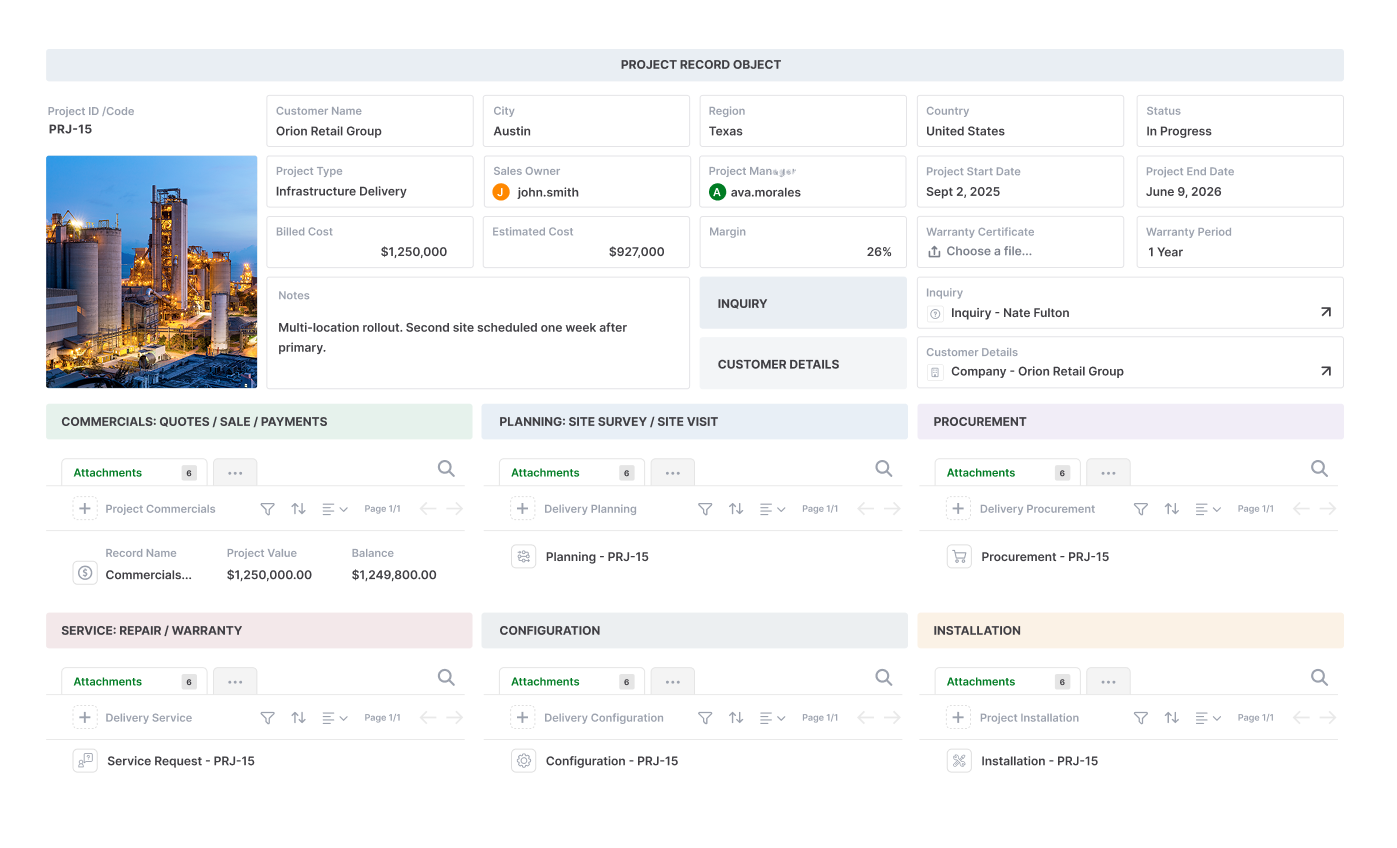





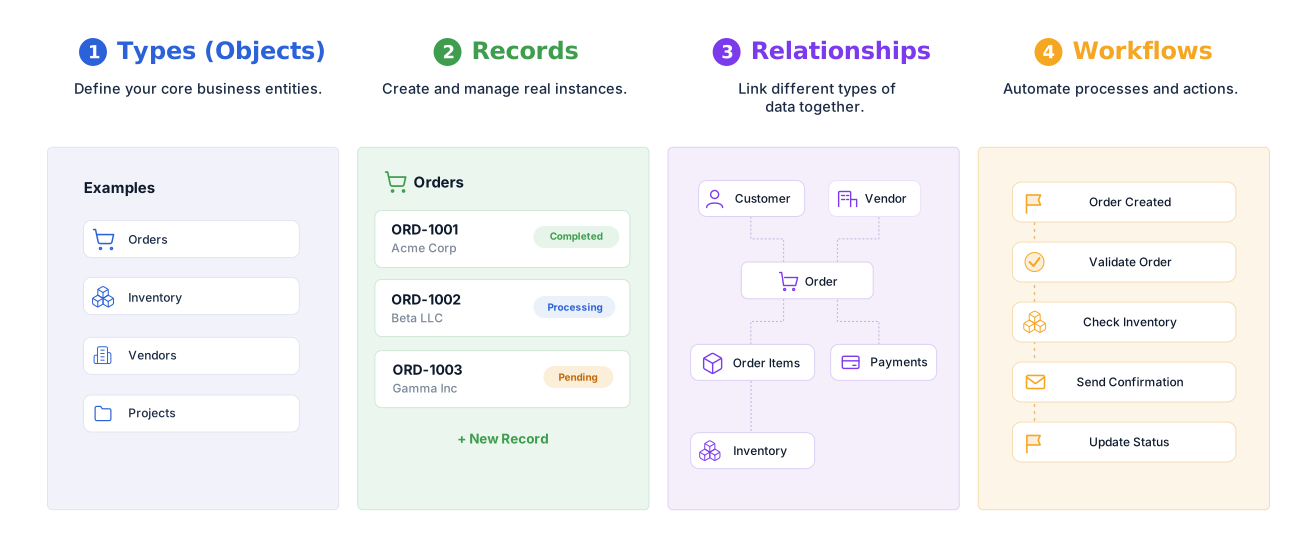
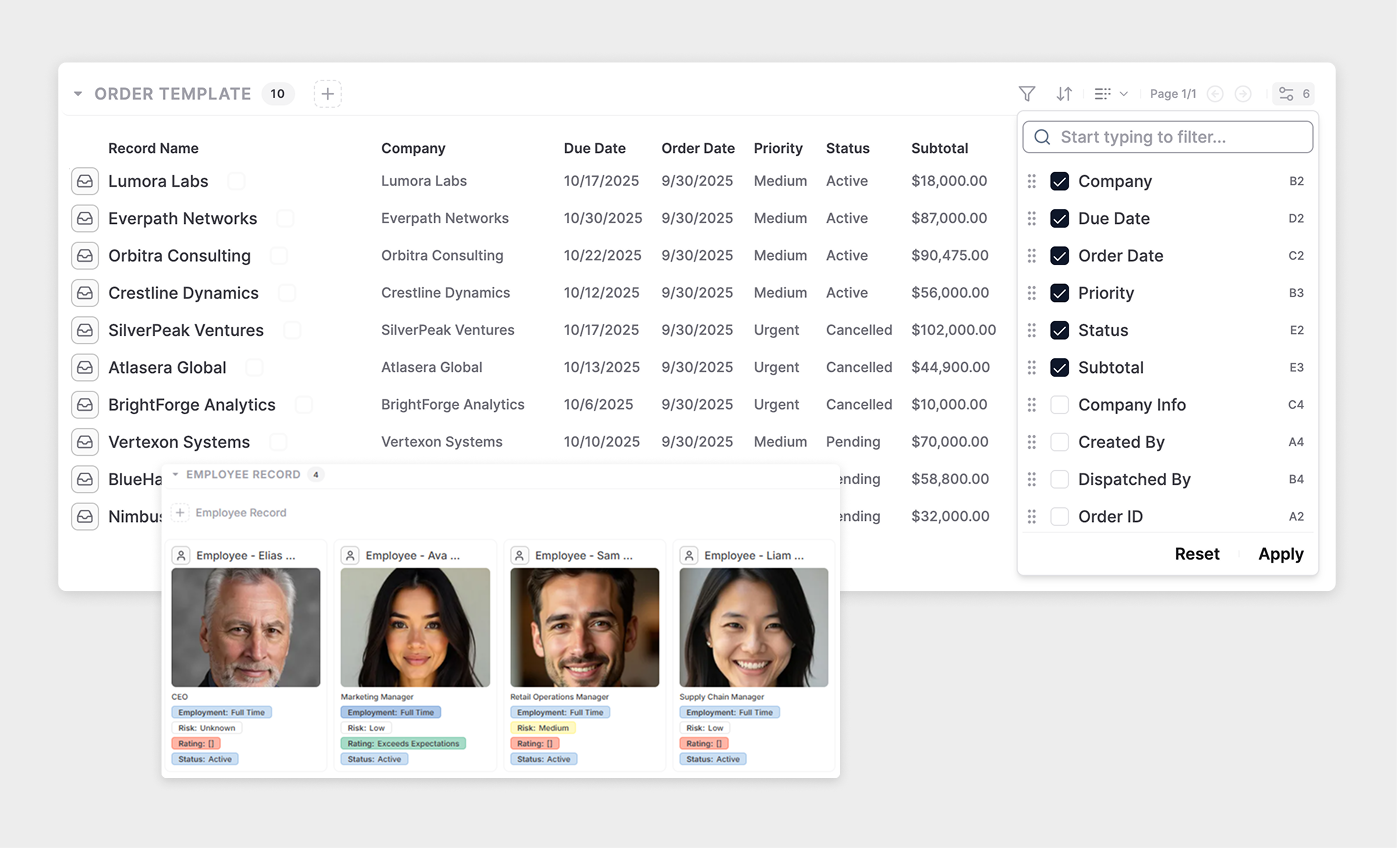
Model projects, customers, orders, assets, and other operational records around the way your business works.
Keep work connected to the customer, project, order, or asset it supports.
Connect project tasks with work orders, purchases, documents, and billing.
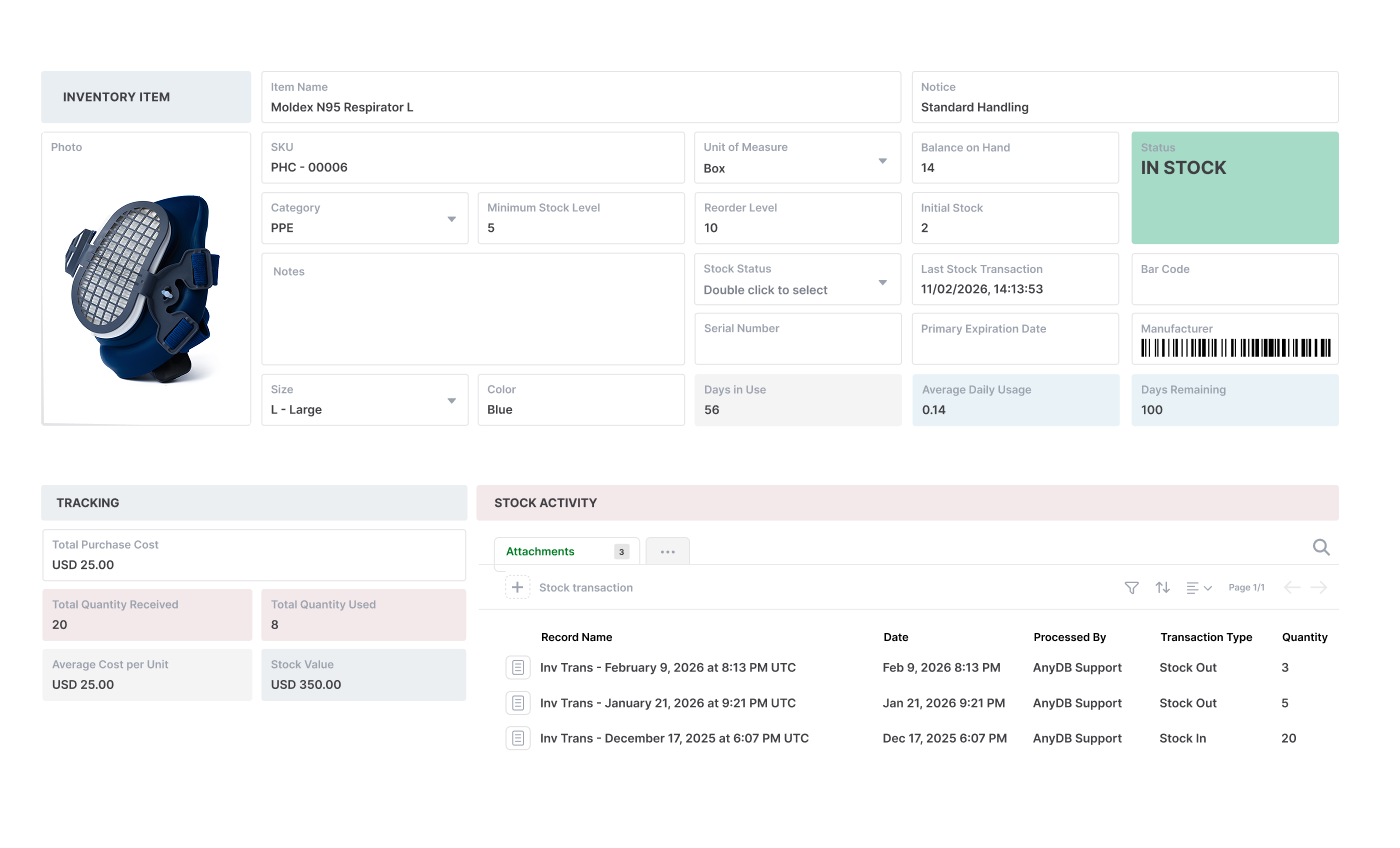
Organize vendors, purchase orders, receipts, and stock records in a connected operational model.
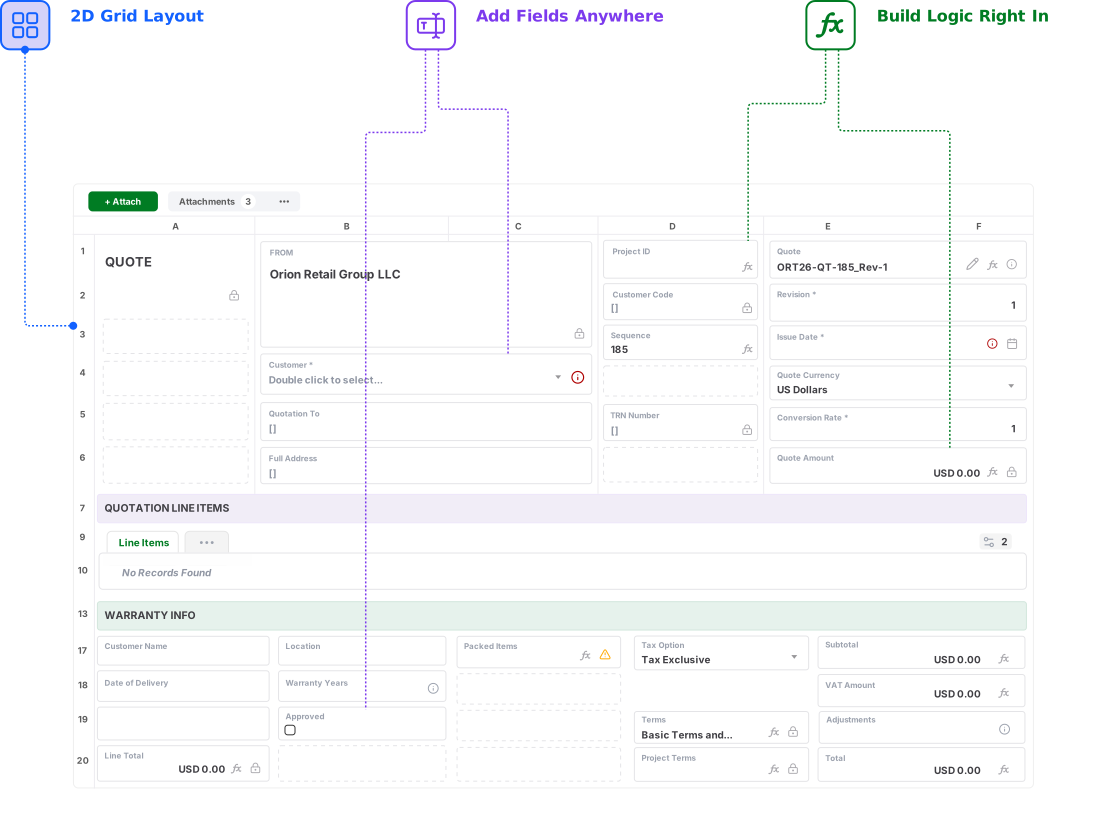
Present the information each team needs without losing the relationships behind the work.
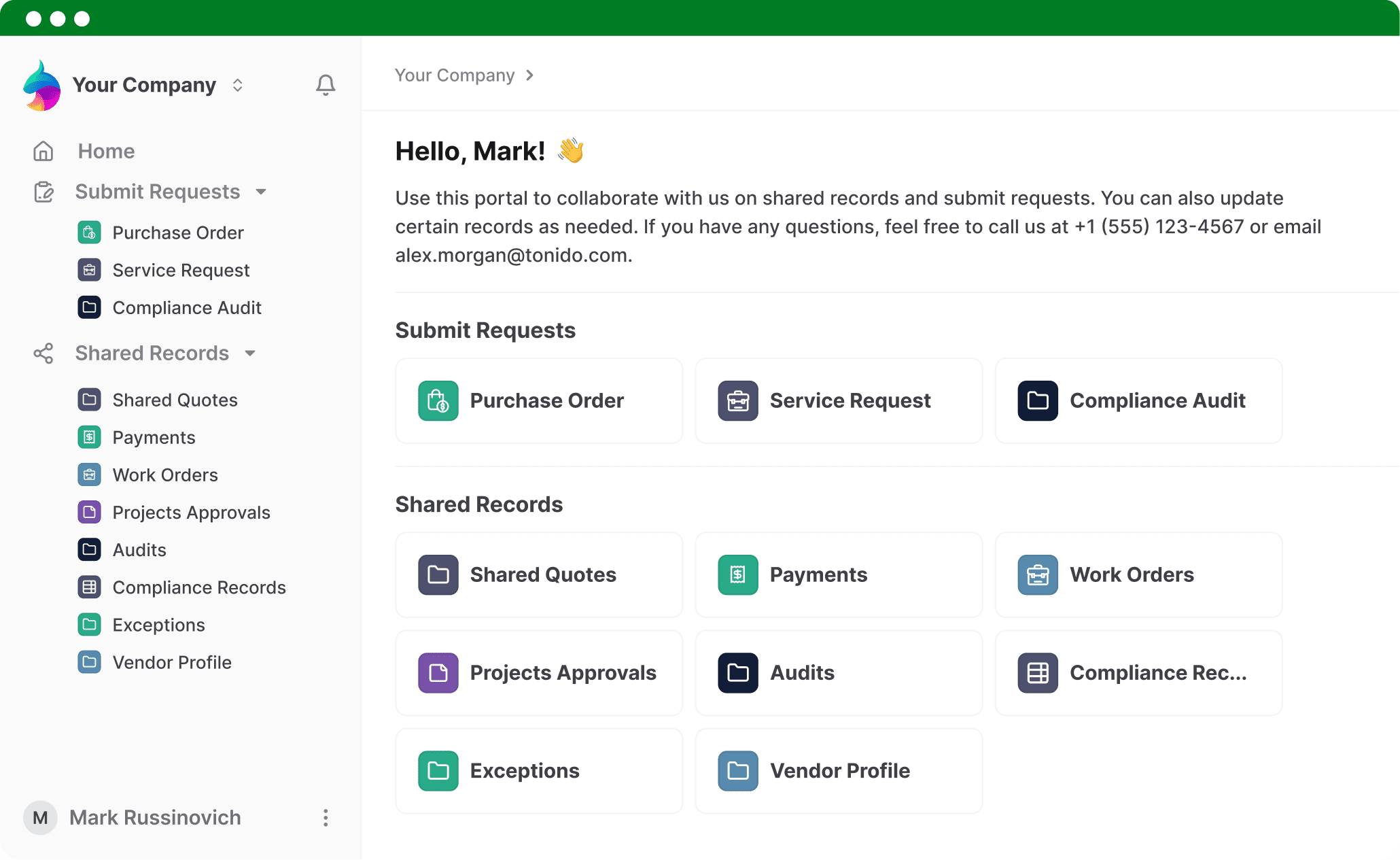
Give customers, vendors, and partners controlled access to relevant records and forms.
Configure rules around operational records and review execution allowances for your chosen plan.
Start with ready-to-use objects, then customize their fields and relationships.
Validate a real workflow with your team before expanding to more departments.

monday.com supports connected boards, dashboards, and automations. Consider AnyDB when the central requirement is a customizable operational model connecting customers, orders, projects, assets, and related work.
This comparison focuses on monday work management. Other monday.com products and enterprise arrangements may differ.
| Consideration | monday.com | AnyDB |
|---|---|---|
| Organizing work | Boards, items, columns, and subitems organize collaborative work. | Customizable business objects represent the records your operation runs on. |
| Related information | Connect Boards links items across boards; Mirror columns surface related information. | Connect related business records and organize operational context around them. |
| Workflows | Automations and integrations use plan-based action allowances. | Workflow allowances vary by plan; review execution limits for your intended process. |
| External collaboration | Evaluate guest access and permissions for your chosen product and plan. | Unlimited guest and shared-view users; internal team users are billed. |
| Starting point | Start with boards and configure views, connections, and workflows. | Start with business objects such as Project, Task, Purchase Order, and Invoice, then customize. |
| Buying decision | Match the monday.com product and plan to your team’s work-management requirements. | Match your record structure, workflow volume, storage, and internal user count to an AnyDB plan. |
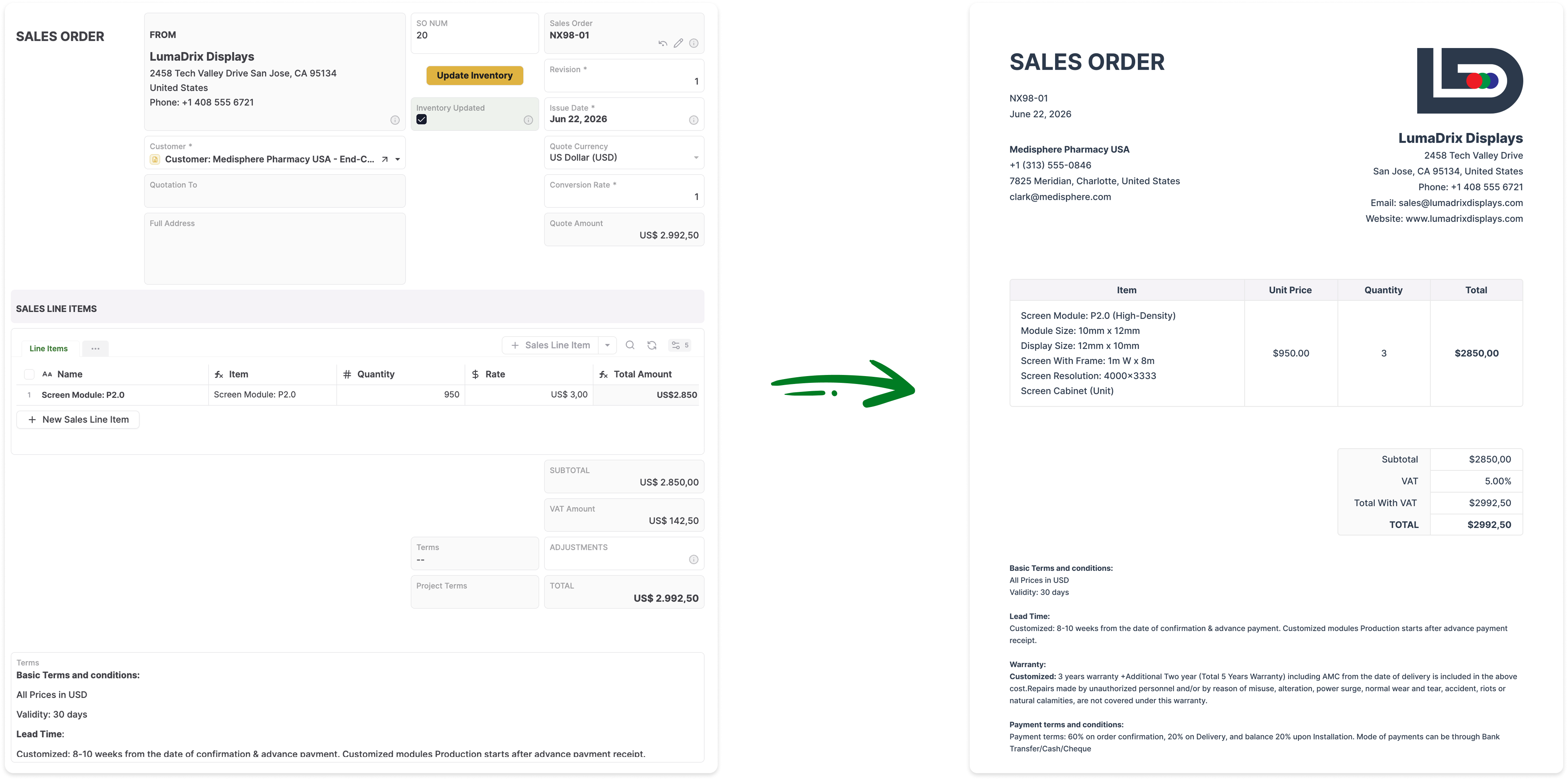
Connect a customer project with its tasks, work orders, purchases, and invoices. Give each team a place to find the records behind its next action.
Connect vendors and purchase orders with incoming goods and inventory records. Model the purchasing process before configuring its views and workflow rules.
Organize assets, service requests, inspections, and work orders. Keep operational history connected to the equipment and work it concerns.
Choose relevant objects from the library, then adapt fields and relationships to your process.
Organize the customer engagement or internal initiative.
Assign a unit of work and track its progress.
Connect the customer to the work your business delivers.
Record an order issued to a vendor.
Represent an item at a location, warehouse, bin, or condition.
Organize billing issued to a customer.
Start with the data you already have. Export your monday.com boards to a spreadsheet, then import the spreadsheet rows into AnyDB as structured business records.
Use the board menu to export your table to a spreadsheet. Choose the board data you want to bring into AnyDB.
Upload your spreadsheet and select the type of record you want to create, such as a Project, Task, or Customer. Use an existing type or create a new one.
Match your spreadsheet columns to fields such as name, status, and due date. Confirm the mapping, then import each row as a structured record.
Check the imported data, connect related records, and configure the views, permissions, and workflows your team needs.