
Stockouts & Overstocking
Reduce lost sales and excess stock with clearer quantities, demand signals, and reorder points.
Track stock, manage inventory across locations, and follow every movement in one connected system. Start with the level you need and expand as your operation evolves.
Need help getting started? We can set up your inventory system at no cost.






Replace scattered processes with reliable inventory information your team can use every day.
Reduce lost sales and excess stock with clearer quantities, demand signals, and reorder points.
Replace duplicate entry and siloed tools with one source of current inventory information.
Connect stock needs, purchase orders, vendors, receiving, and inventory updates.
See where stock is stored, what is available, and what can be used or fulfilled.
Use live reports and dashboards to spot shortages, trends, and issues sooner.
Start free, build the system yourself, or have our team build and manage it for you.
Start with the level your operation needs now. Each option can grow into a broader connected inventory system.
Track items, quantities, and reorder points.
2Control stock across locations and inventory records.
3Connect purchasing, transfers, receiving, and stock movements.
4Shape the structure, fields, and workflows around your business.
Manage daily inventory work in one system that can be customized to fit your operation.
Check stock by item, location, or status using the same current inventory information.
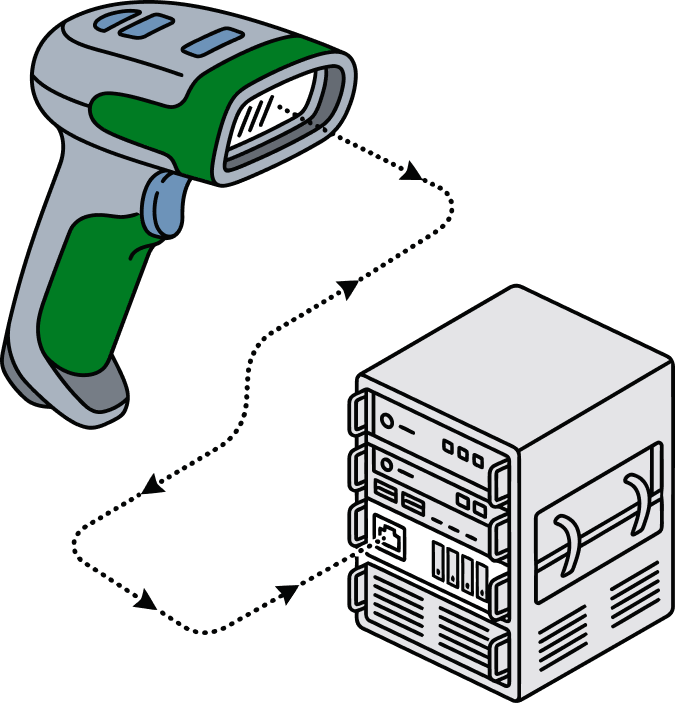
Scan codes with a mobile device or barcode scanner to find items and record movements.
Track inventory across warehouses, storage areas, bins, and other stock locations.
Set thresholds and automate notifications when supplies need attention.
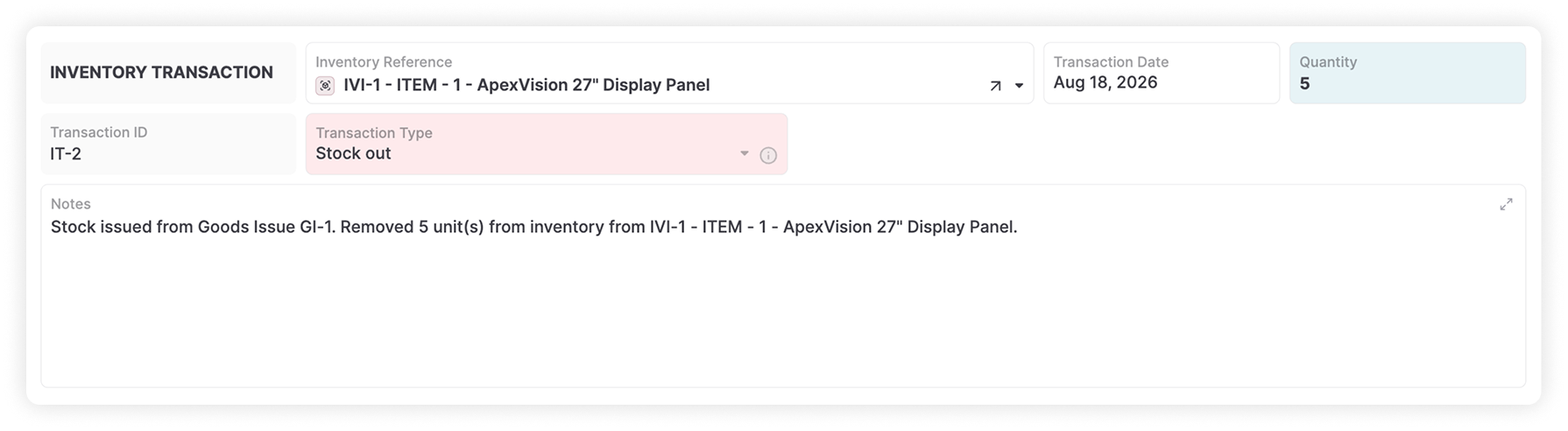
Record receipts, transfers, usage, and adjustments with a traceable history.
Connect vendors, items, quantities, purchase orders, and receipts.
Compare physical counts with recorded quantities and review differences before adjusting stock.
Scan items, upload photos, and update inventory records from the AnyDB mobile app.
Organize item details, files, photos, and related records around your workflow.
Create reports and charts for stock levels, purchasing activity, and movement trends.
Tailor view and update permissions to each person’s responsibilities.
Link inventory with purchasing, fulfillment, manufacturing, sales, and finance.
Keep item details, quantities, and reorder points in one place. Give your team a straightforward way to see what is available and what needs attention.
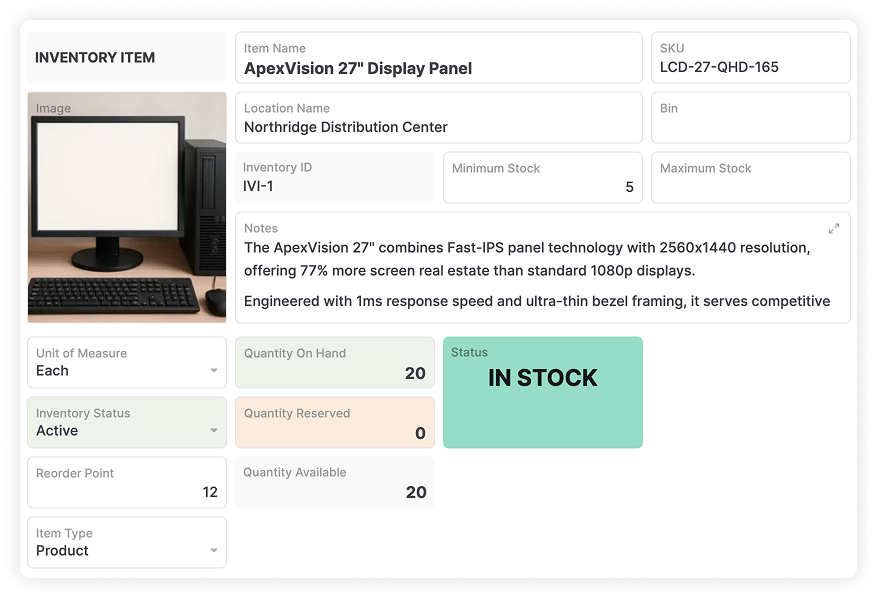
See quantities for each item in one shared inventory view.
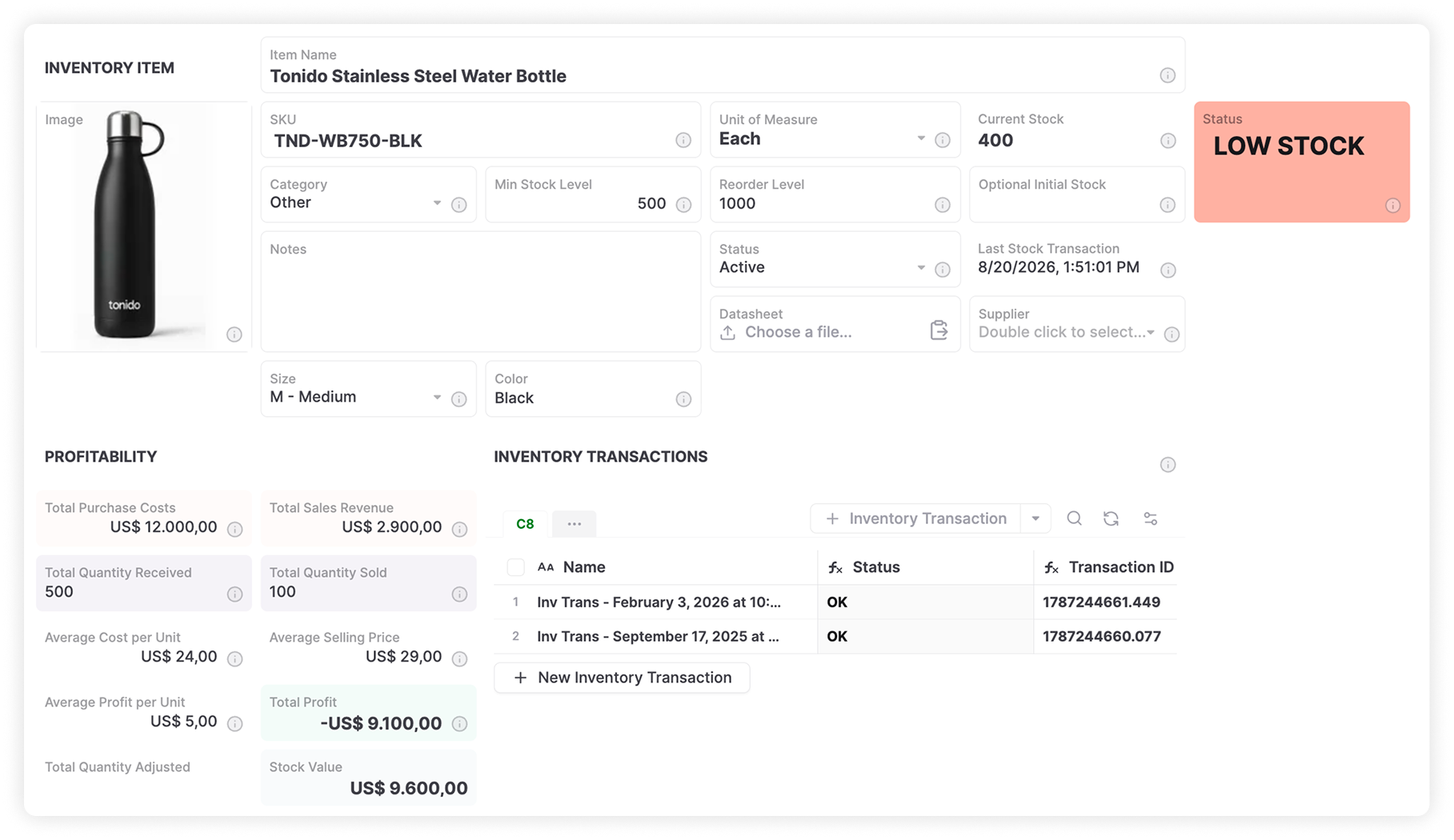
Set minimum stock thresholds and notifications for low supplies.
Keep item codes, photos, files, and descriptions together.
Organize inventory across warehouses, storage areas, and bins. Connect each item to its location and records so teams can check availability without searching separate files.

Track stock by warehouse, storage area, or bin.
Connect items with quantities, locations, and movement history.
Check stock by item, location, or status before planning work.
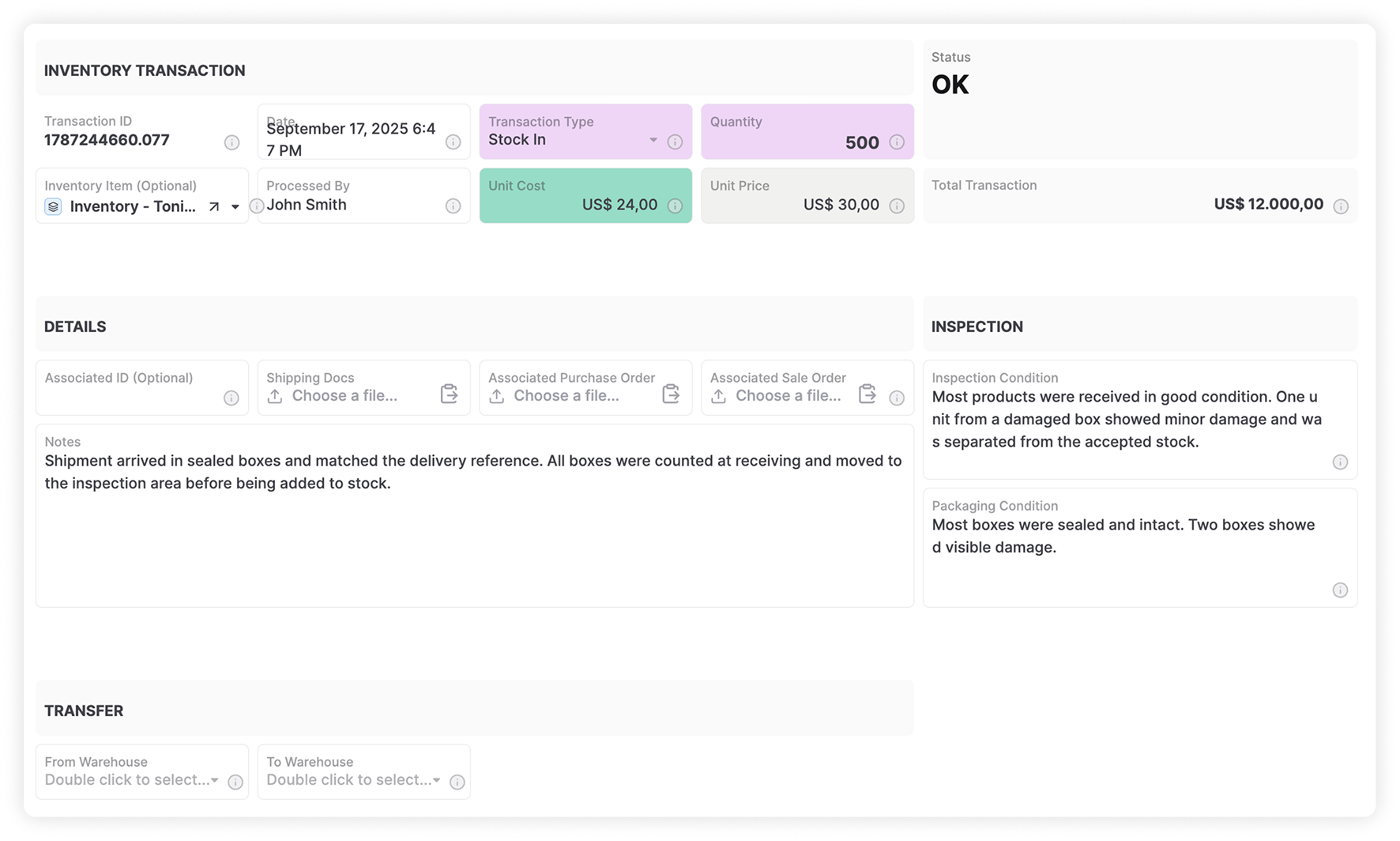
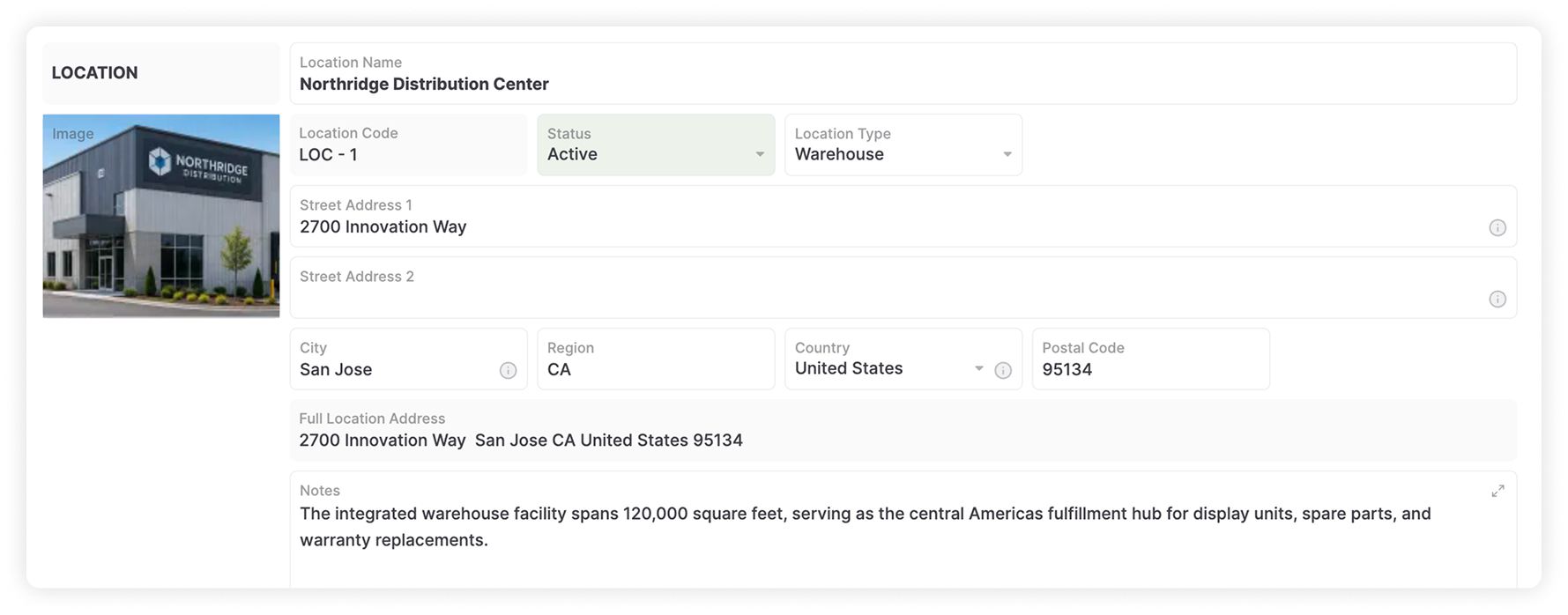
Connect purchase orders, transfers, and receiving to inventory. Record movements as work happens so purchasing and warehouse teams share the same operational information.
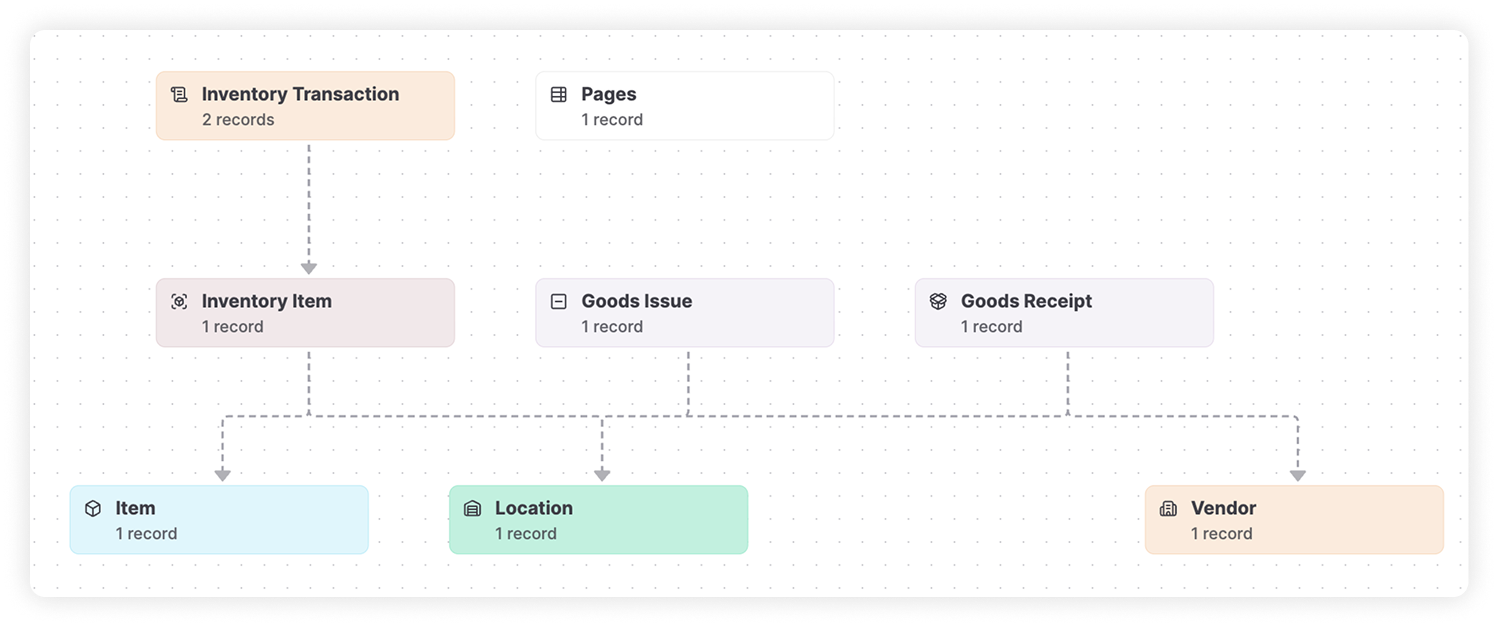
Connect vendors, purchase orders, received quantities, and receiving records.
Track quantities across locations with a clear movement history.
Log outgoing stock and keep each movement connected to its source and destination.
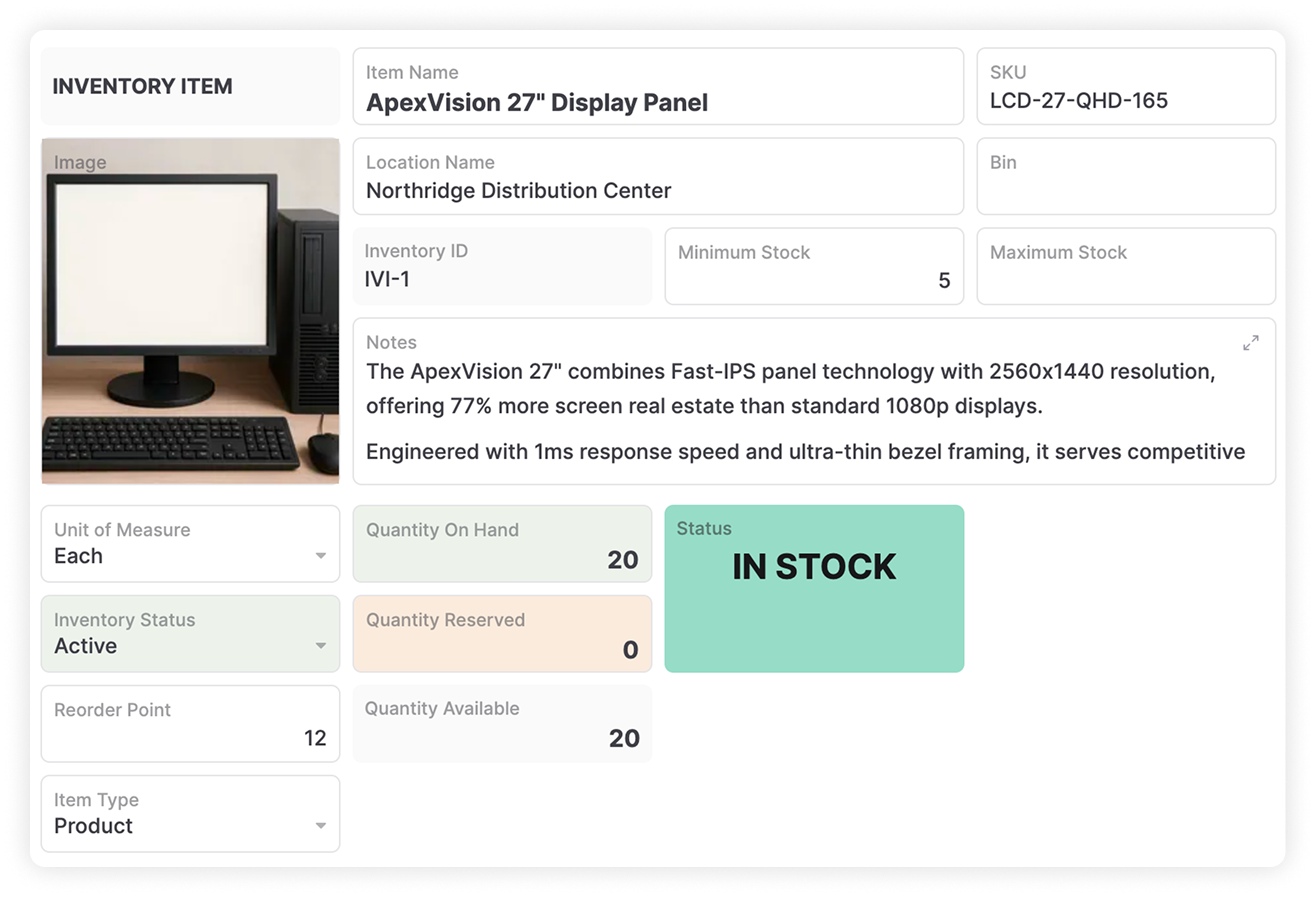
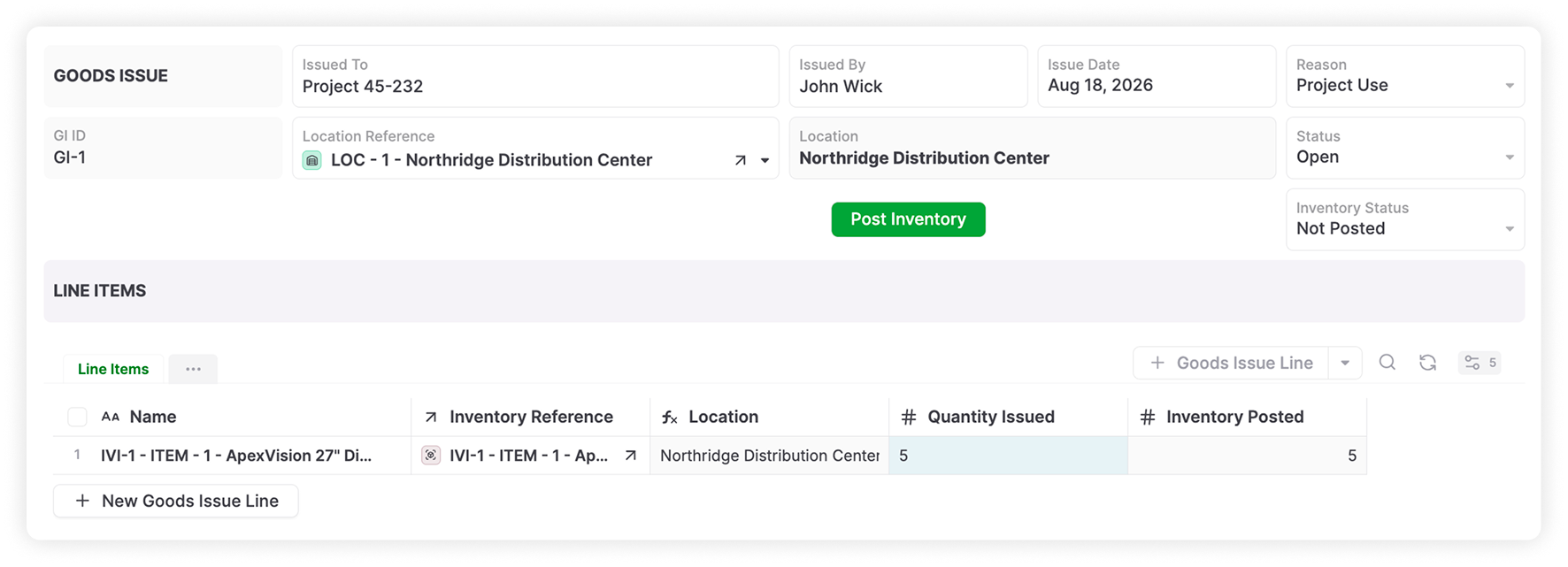
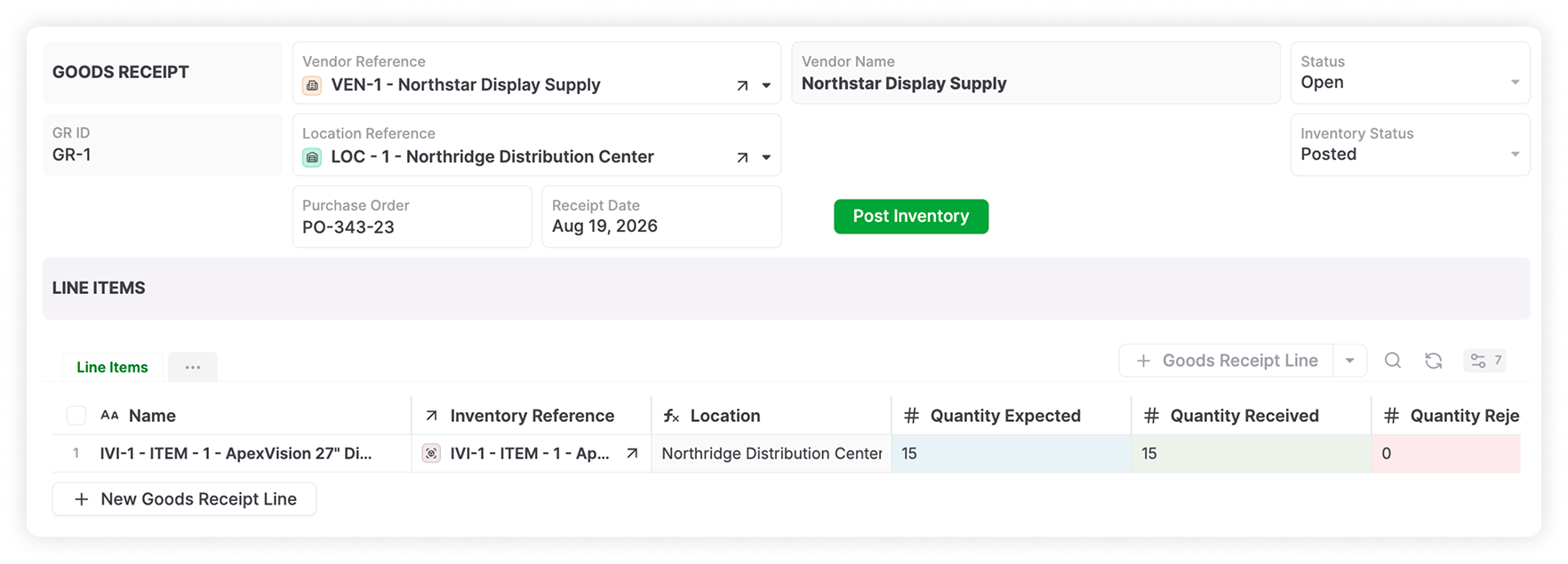
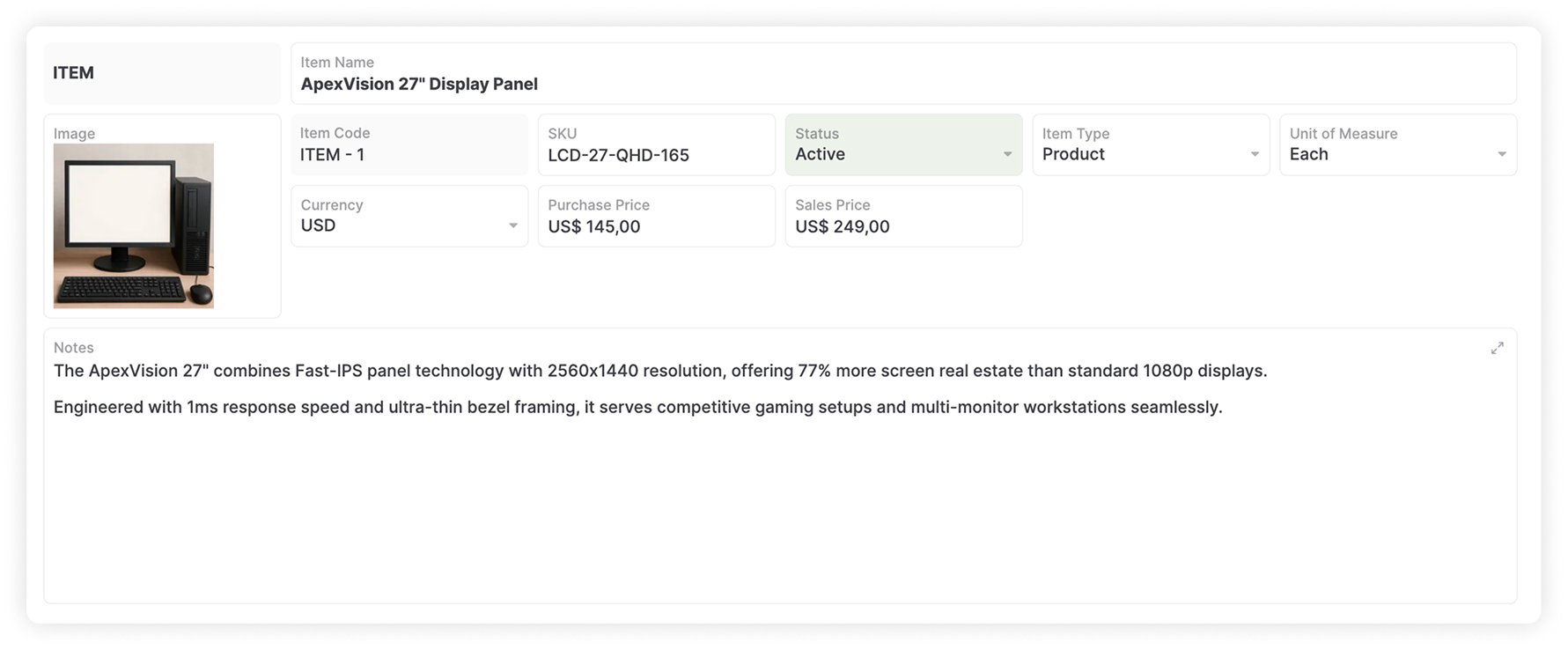
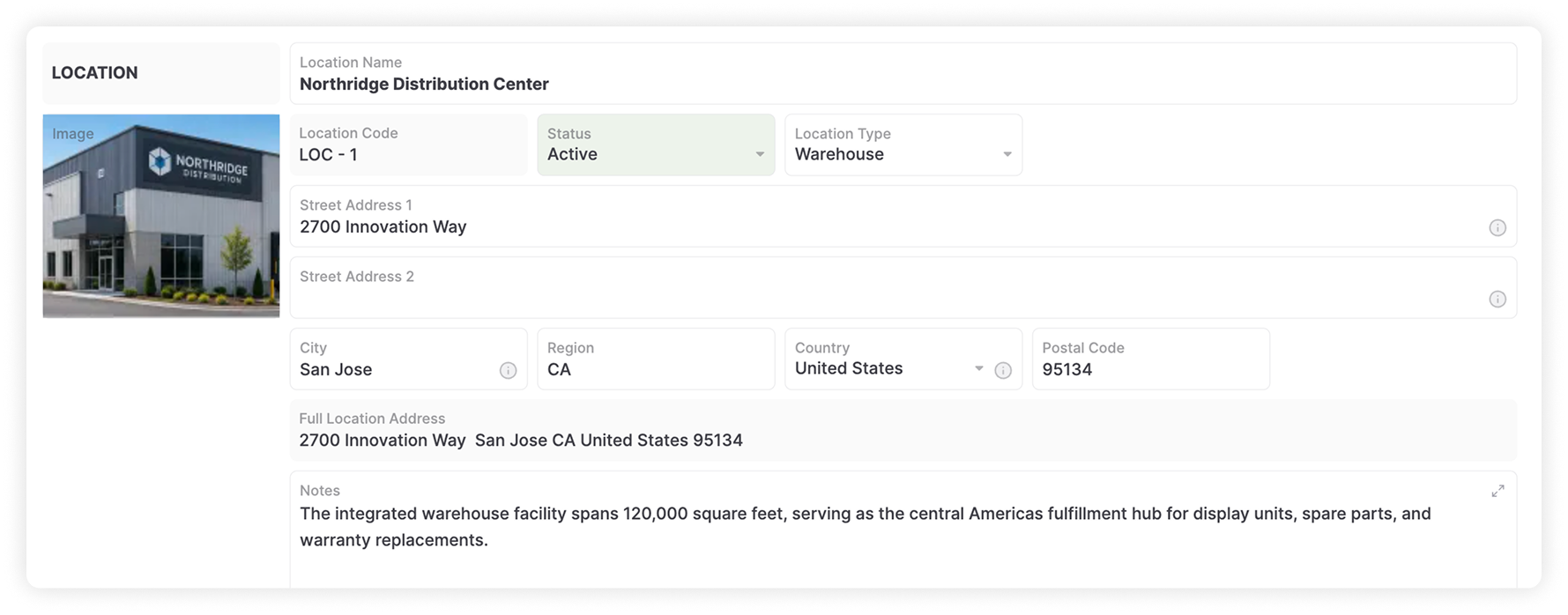
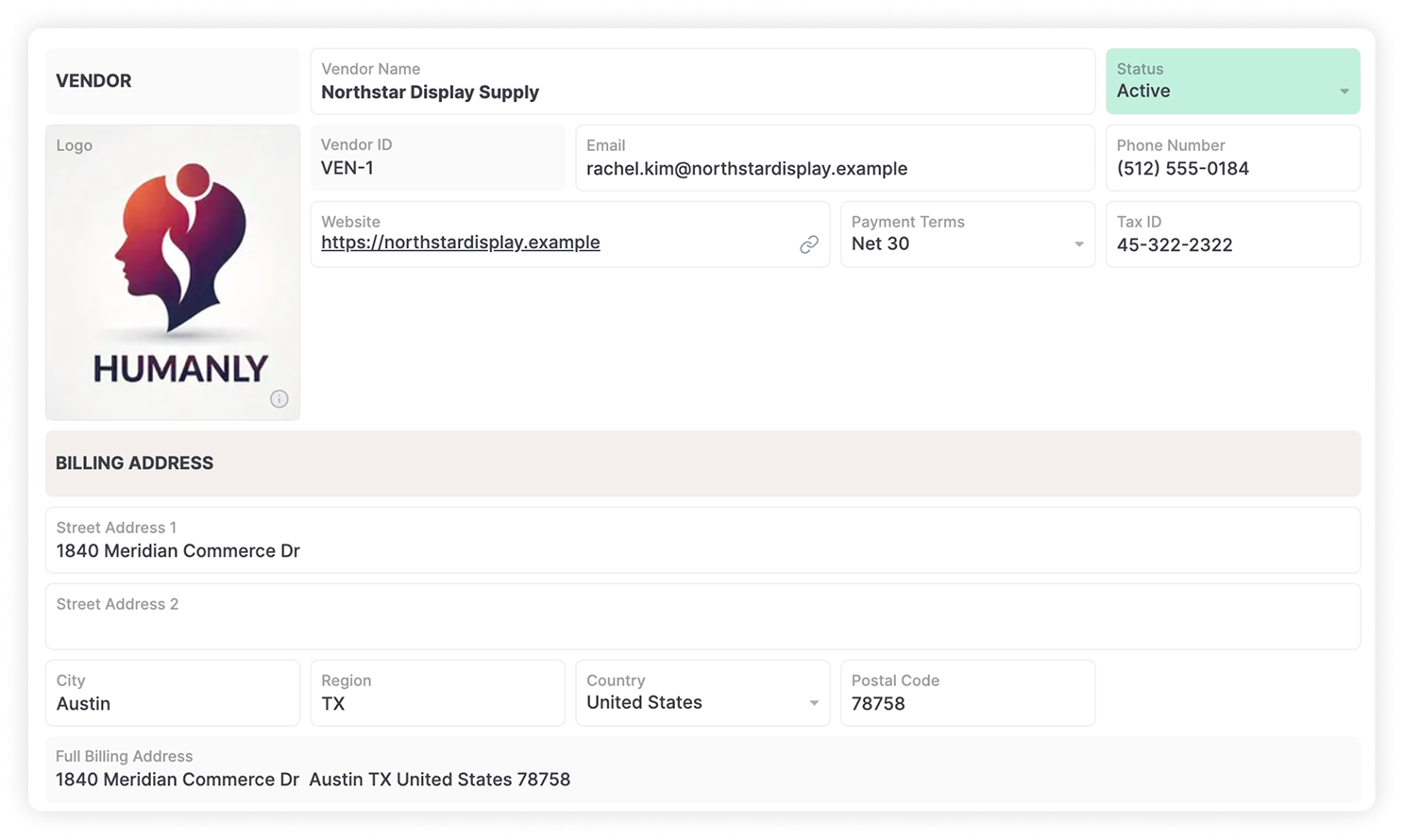
Start faster with ready-to-use objects from the Business Object Library, then customize fields, records, and workflow rules. Connect inventory with the other operational systems your business needs.
Capture item details and operational data that matter to your team.
Set conditions for notifications, approvals, and follow-up actions.
Link inventory with vendors, fulfillment, manufacturing, sales, and finance.
Keep what works and move the operational steps that need more structure, visibility, or flexibility into AnyDB.
Turn spreadsheet-driven work into structured records with relationships, permissions, automations, and history.
Replace a Business Spreadsheet →Run inventory, procurement, work orders, assets, and approvals without forcing every process into one rigid structure.
Explore the ERP Alternative →Keep the CRM focused on customers and sales while managing specialized operational work in AnyDB.
Explore Salesforce for Operations →Bring related inventory processes together without adding another standalone app for every operational need.
Connect Your Operations →
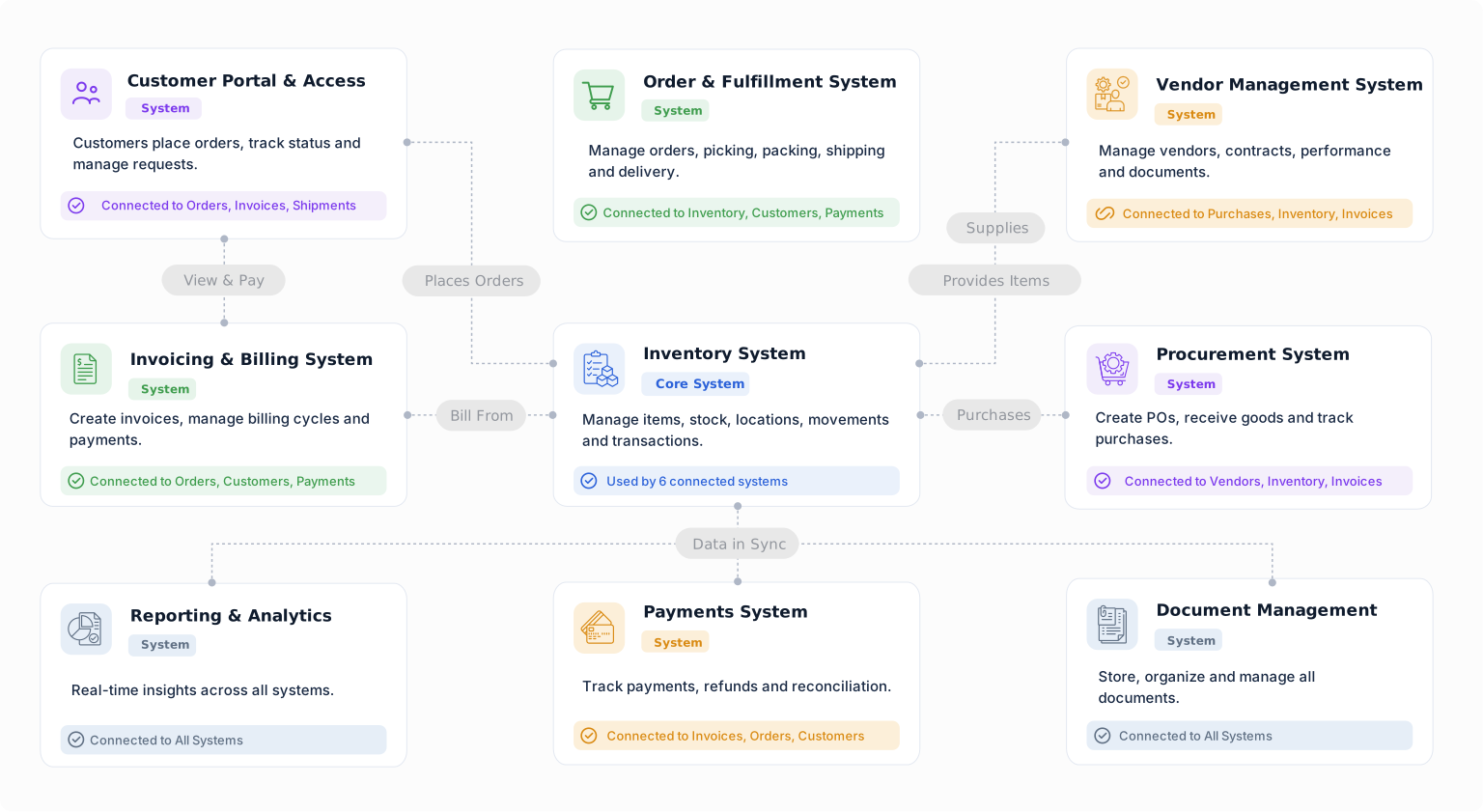
Build a starting point for inventory operations with objects from the Business Object Library. Customize their fields, relationships, forms, views, and workflows around the way your team works.
Track an item at a location, warehouse, bin, or condition.
Keep a record of stock movements and quantity changes.
Organize physical inventory counts and review recorded quantities.
Track inventory moving between locations.
Connect supplier orders with line items, delivery details, and receipts.
Record incoming goods and connect deliveries to vendors and purchase orders.
Choose your starting point, customize the system around your operation, and connect more processes as your business grows.


