
Flat BOM Structures
Represent subassemblies and hierarchy instead of forcing every part into one list.
AnyDB for Bill of Materials
Bring products, components, subassemblies, costs, suppliers, and documents together in one connected product structure.
Start with your BOM, then expand into procurement, inventory, production, quality, and other operations as your requirements evolve.
Need help getting started? We can set up your BOM management system at no cost.





Replace flat part lists, manual cost updates, duplicate components, disconnected files, and unclear assembly costs with one connected product structure.
Represent subassemblies and hierarchy instead of forcing every part into one list.
Keep quantities, component costs, and total assembly costs connected.
Reuse the same component record across products without duplicating its information.
Keep drawings, manuals, specifications, and notes with the relevant item.
See the complete path from individual components to the finished product.
Use the included product structure or customize it around your assemblies, costing, sourcing, documentation, and production requirements.
Connect finished products, subassemblies, components, quantities, and identifiers.
2Maintain shared component records and reuse them across multiple products.
3Roll component and subassembly costs into the finished product.
4Keep sourcing information, drawings, manuals, and notes with each item.
5Adapt fields, relationships, workflows, permissions, and views to your operation.
Manage every product as a connected structure with reusable parts, live costs, supplier context, and supporting documents.
Model products, nested subassemblies, components, and quantities.
Use shared component records across multiple product structures.
Calculate component, subassembly, and finished-product costs.
Connect vendors, source options, pricing, and lead times to each part.
Attach drawings, specifications, manuals, images, and notes.
Connect finished products to BOM records, subassemblies, components, quantities, units, identifiers, ownership, revisions, and status.
Track finished products, owners, versions, effective dates, status, and complete assembly context.
Build nested structures without flattening every item into a single table.
Record part numbers, units, required quantities, alternatives, and position in the assembly.
Give every component its own record, then connect it to as many products and subassemblies as needed without copying the underlying information.
Maintain identifiers, descriptions, units, costs, suppliers, specifications, and files in one place.
Connect one component to multiple BOMs while preserving product-specific quantities.
Track approved alternatives, revisions, changes, and every assembly that uses the item.
Roll component quantities and unit costs through subassemblies to understand material and total assembly costs for pricing, planning, and sourcing decisions.
Connect unit cost, quantity, supplier pricing, and effective dates to each BOM line.
Aggregate the cost of nested components into each reusable subassembly.
Use complete product costs for estimates, sourcing decisions, margins, and production planning.
Attach supplier options, lead times, drawings, manuals, specifications, images, notes, and approvals directly to the product, subassembly, or component they describe.
Connect vendors, part references, pricing, minimum quantities, lead times, and availability.
Keep the current technical files with the exact item or assembly they support.
Generate structured product documents, BOM exports, build sheets, or specifications from live record data.
Customize product and component fields, BOM relationships, approval paths, cost formulas, permissions, views, documents, and automations.
Add procurement, inventory, production, quality, and maintenance connections as your operational requirements evolve.
Model the terminology, attributes, units, classifications, and relationships your products require.
Calculate values and trigger reviews, approvals, notifications, and follow-up work.
Give engineering, procurement, inventory, and operations the right product context.
Each product becomes one connected structure for assemblies, parts, quantities, costs, suppliers, drawings, decisions, and related operational work.
Follow every relationship from the finished product to nested assemblies and individual parts.
Update shared component context once and keep related structures aligned.
See component, subassembly, and total product costs for planning and pricing.
Keep suppliers, drawings, specifications, manuals, notes, and files with the right records.
Connect the BOM with procurement, inventory, production, quality, and maintenance systems.
Use connected records for every layer of the product structure.
Complete product context, owner, active BOM, status, documents, and related operations.
Version, effective dates, quantities, relationships, approvals, and history.
Reusable nested structure with its own components, quantities, costs, and documents.
Part number, unit, cost, supplier, specification, alternatives, and usage.
Approved sources, pricing, lead times, part references, and purchasing context.
Drawings, manuals, specifications, images, notes, and generated documents.
Each finished product stays connected to every component and subassembly, including required quantities, costs, suppliers, drawings, and supporting documents.
Capture the finished product, owner, version, status, and assembly requirements.
Connect subassemblies and components in the correct multi-level structure.
Roll quantities and component costs through every assembly level.
Attach approved suppliers, pricing, lead times, and purchasing information.
Maintain drawings, specifications, manuals, approvals, and history with each item.
Reduce duplication, keep costs visible, align teams, and scale product structures without rebuilding them in disconnected spreadsheets.
Represent nested product structures without flattening or rebuilding them.
Reuse components and subassemblies while preserving one underlying record.
Keep material and assembly costs available for pricing and planning.
Attach drawings, manuals, specifications, and notes to the right item.
Give engineering, procurement, inventory, production, and operations one structure.
Explore AnyDB for free, build your own BOM system, or have our team build and manage it with you.
Explore connected BOM management and see how the structure fits.
Start FreeCustomize and run your own bill of materials system.
View PlansHave your BOM system built and managed for you.
Talk to Us
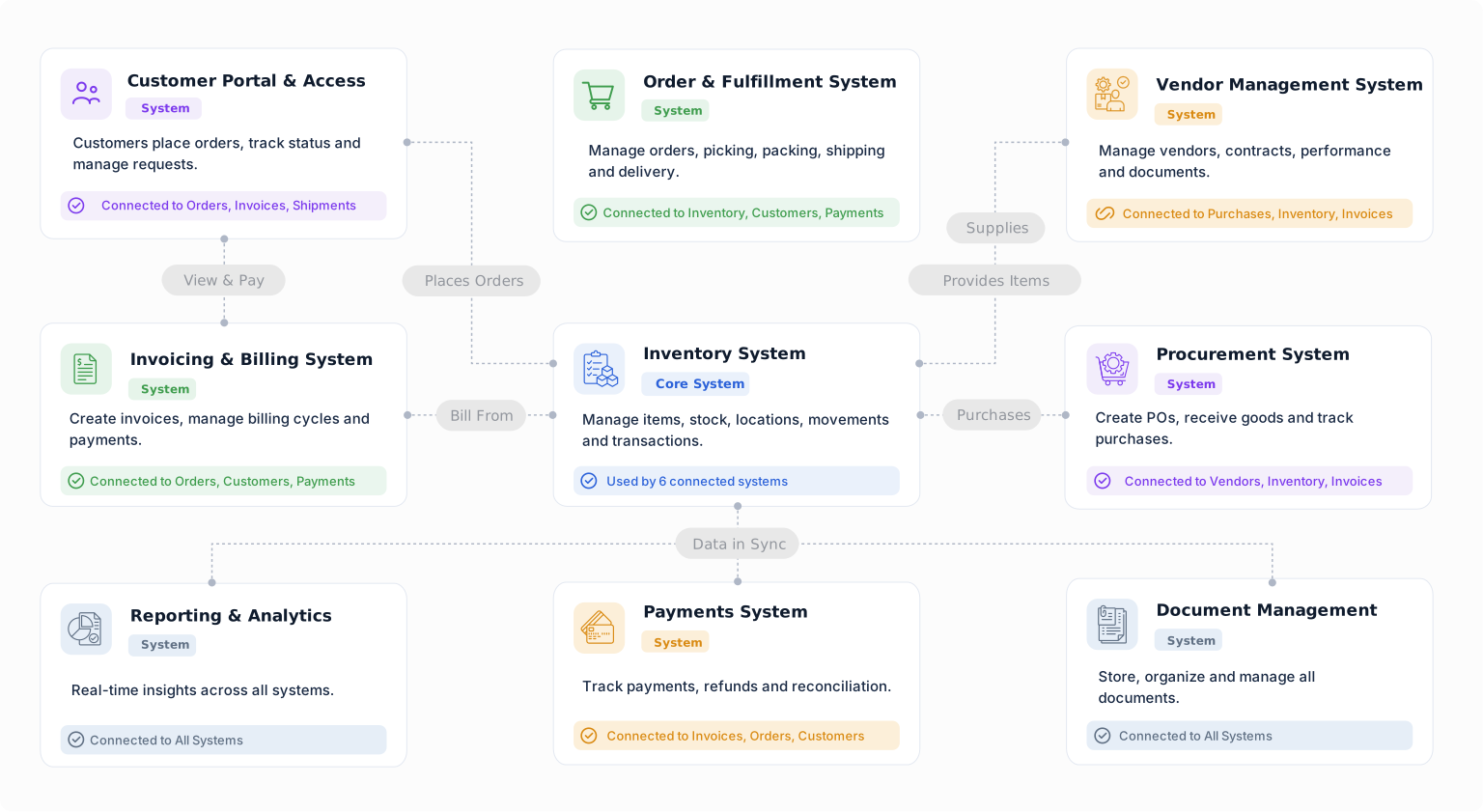
Start with your product structure today and connect procurement, suppliers, inventory, production, and other systems as your needs grow.


