AnyDB For Inventory Management

Inventory Software That Fits Your Business

Bring inventory, stock movements, and barcode scanning together in one connected workspace.
Start with inventory. Expand as your business grows.

Need help? We’ll help you set up your inventory system at no cost.
Why Inventory Management Why Inventory Management Breaks Down?

Teams begin checking physical stock before confirming orders.
Purchasing compares multiple files before reordering.
Warehouse updates arrive too late, and no one knows which number is accurate.

  • Manual Updates Slow Stock Movements

  • Stock Visibility Breaks Across Locations

  • Reorder Needs Are Hard to Predict

  • Outdated Data Spreads Across Teams

  • Inventory Stays Disconnected from Operations

  • Delayed Updates Lead to Stockouts

Inventory that grows with your business

Start with the inventory features you need today.
Add purchasing, vendors, warehouses, fulfillment, manufacturing, and other connected systems when needed.

Every inventory movement is automatically tracked, giving your team accurate stock levels and a complete history.

Everything works together

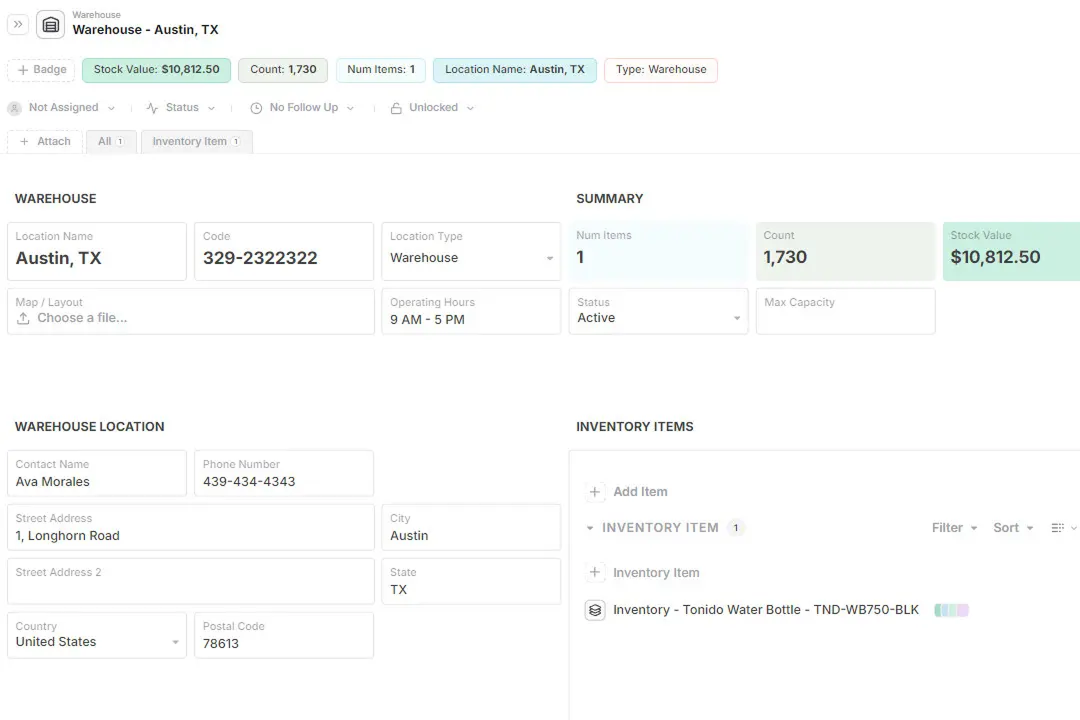
  • Track inventory across multiple warehouses
  • Scan barcodes and QR codes with mobile devices
  • Record every stock movement
  • Connect items to suppliers and purchase orders
  • Keep a complete audit history
  • Expand into purchasing, fulfillment, manufacturing, and more

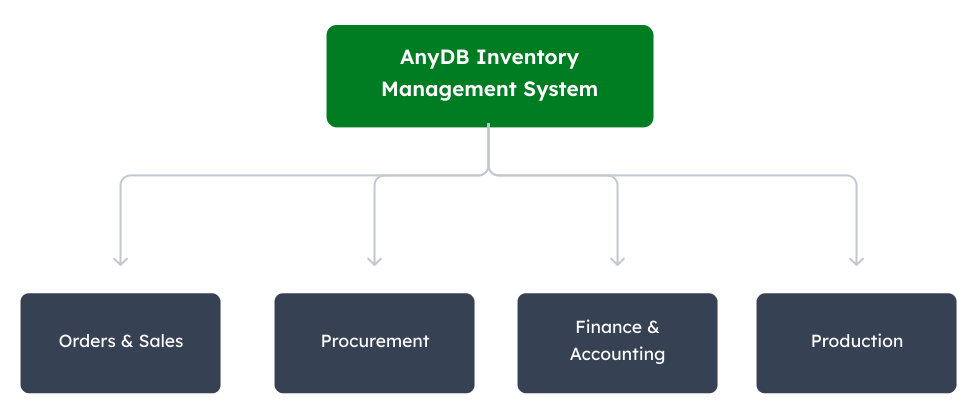
AnyDB Connects Inventory to the Rest of Your Operations

Start with one inventory system. Add more systems as your operation expands. Keep everything connected.


Inventory System

How It Works in Practice

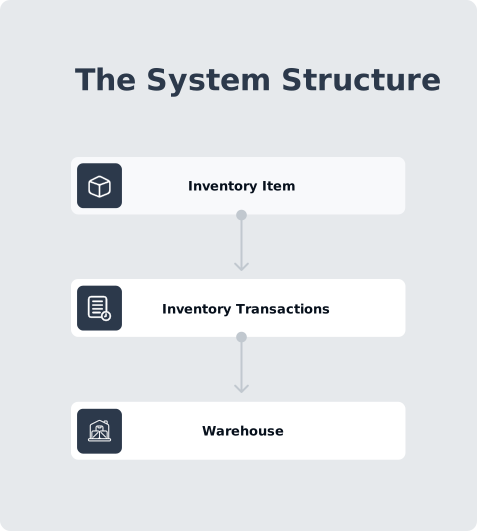
Inventory goes beyond item lists and stock levels.

It connects the records, movements, documents, approvals, and operational context behind every stock decision.

AnyDB brings that structure into one custom operational system, keeping inventory data connected, updates visible, and each process aligned as operations grow.

Operational Benefits

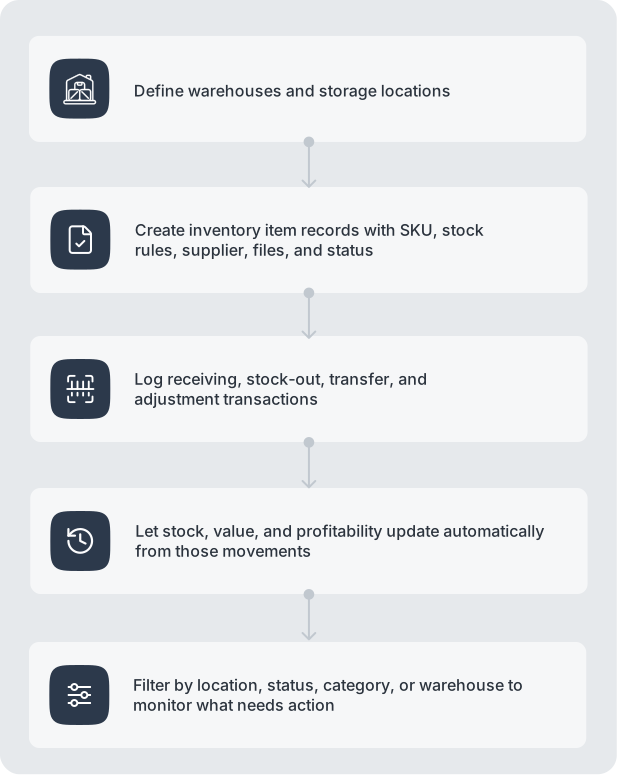
  • Log receipts, transfers, and adjustments directly in each record
  • Check stock by location, status, or item without manual reconciliation
  • Record movements with barcode scanners or through the AnyDB mobile app
  • Keep stock values, costs, documents, and transaction history traceable
  • Give every team access to the same live inventory data

Barcode and QR Scanning in AnyDB

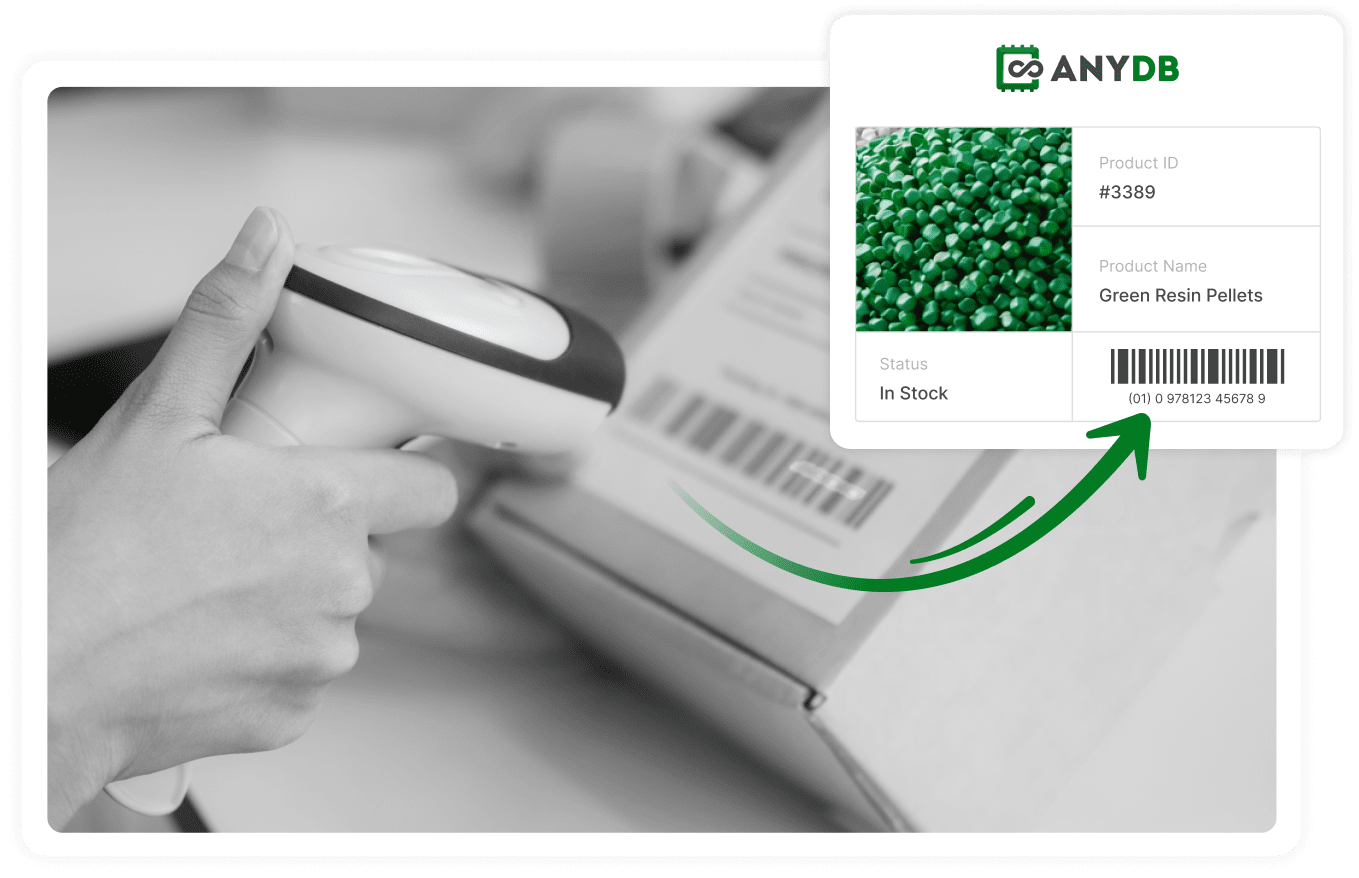
Manual entry is usually one of most common inventory management erros. Typing codes slows teams down, creates mistakes, and disconnects physical movements from system records.
AnyDB removes this friction by supporting both barcode scanner devices and QR/barcode scanning through the mobile app.

Common Problems

  • Manual entry creates stock errors

  • Teams waste time on follow-up updates

  • Physical items and records fall out of sync

  • Stock data becomes unreliable

  • Movement history is hard to trace

How AnyDB Solves This

  • Use barcode scanners to record movements in seconds

  • Scan barcodes or QR codes from the mobile app

  • Keep stock, status, and location updated live

  • Connect every scan to the right record and history

  • Remove manual typing and duplicate entry

Resources

Support Page

Search Barcodes & QR Codes

AnyDB Barcode Cell

Get a Inventory SystemThat Fits Your Business

Start with inventory today. Connect other systems as your needs grow.
Start today, or let us set it up for you at no cost.