
Event Details Spread Across Messages
Keep the customer, event date, venue, guest count, timing, and instructions connected.
AnyDB for Catering Order Management
Keep customers, event details, menus, pricing, preparation, delivery, tasks, documents, and payments together in one connected Catering Order system.
Start with the ready-to-use solution, then customize its records, menus, workflows, documents, permissions, and views to fit how your team operates.
Need help getting started? We can set up your Catering Order system at no cost.





Replace scattered customer requests, menu spreadsheets, preparation lists, delivery messages, and payment trackers with one structured system.
Keep the customer, event date, venue, guest count, timing, and instructions connected.
Keep menu items, quantities, dietary categories, and service additions current.
Assign preparation, packing, delivery, setup, and follow-up to the right team.
See which orders are quoted, confirmed, preparing, ready, delivering, or complete.
Record deposits, installments, balances, and due dates with the relevant order.
Start free, build the system yourself, or have our team build and manage it for you.
Explore the included features or customize the system to fit your menus, pricing, fulfillment process, teams, and customer requirements.
Keep customer, venue, schedule, and service information together.
2Add items, quantities, rates, fees, discounts, and taxes.
3Assign preparation, packing, delivery, setup, and follow-up.
4Record payments, balances, and generate customer documents.
5Adapt records, statuses, workflows, permissions, and views.
Manage catering orders in a system customized to fit your customers, menus, teams, and fulfillment workflow.
Keep contacts, dates, guest counts, venues, schedules, requirements, and previous orders connected.
Use reusable food, beverage, rental, and service items with quantities and prices.
Assign preparation, packing, transport, setup, and follow-up with owners and deadlines.
Record payments, calculate balances, and generate quotes or invoices from live records.
Give sales, kitchen, delivery, finance, and management focused views.
Create a central Catering Order containing the customer, contact, event type, date, venue, schedule, guest count, service requirements, files, and instructions.
Keep contact, billing, previous orders, notes, and files together.
Record dates, venue, address, guest count, timing, and access instructions.
Capture dietary needs, service style, setup, delivery, equipment, and requests.
Create preparation, packing, delivery, setup, service, and follow-up tasks directly from the Catering Order. Assign owners, set deadlines, and keep progress visible.
Create preparation, equipment, packing, quality-check, and dispatch tasks.
Keep delivery windows, contacts, drivers, setup instructions, and status together.
See which tasks are not started, in progress, ready, delayed, or complete.
Record deposits, installments, payment dates, references, and the remaining balance. Generate formatted quotes and invoices from current customer, event, menu, pricing, and payment information.
Record amounts, dates, methods, references, and receipts with the order.
Compare order value with payments and see the remaining balance and due date.
Generate formatted quotes and invoices from live Catering Order information.
Adapt customer, event, menu, task, fulfillment, payment, and document records to fit your terminology, pricing, services, responsibilities, and order process.
Connect Catering Orders with the operational systems that support preparation, staffing, delivery, and billing.
Capture event, menu, dietary, pricing, instruction, and internal details.
Create stages, assignments, reminders, approvals, and follow-up rules.
Extend into inventory, purchasing, staffing, equipment, invoicing, and portals.
Manage catering orders without piecing together information from spreadsheets, emails, kitchen lists, documents, and payment trackers.
Add the customer, date, venue, guest count, menu, services, and notes.
Add items, quantities, services, fees, discounts, taxes, terms, and total.
Assign preparation and packing tasks using the latest information.
Manage delivery, setup, on-site requirements, completion, and follow-up.
Generate the final invoice, record payment, and complete the order.
Give sales, kitchen, delivery, finance, and management focused views of the information relevant to their work.
See inquiries, open quotes, events, follow-ups, customer communication, and confirmed orders.
Work from guest counts, menu quantities, dietary categories, deadlines, and tasks.
See windows, venue contacts, addresses, instructions, assignments, and status.
Review totals, deposits, payments, balances, due dates, invoices, and documents.
Monitor order volume, workload, revenue, fulfillment, tasks, and overdue actions.
Generate consistent customer and operational documents from information already stored in the Catering Order.
Generate a formal quote with customer, event, menu, pricing, terms, and total.
Create invoices using order lines, fees, taxes, deposits, payments, and balance.
Generate preparation lists, packing lists, delivery sheets, and event summaries.
Use templates to maintain consistent formatting, branding, terms, and information.
Reuse current order information without manually rebuilding each document.
AnyDB Document Generation creates formatted PDF, DOCX, and XLSX files from live records. Explore Document Generation →
Set automations to evaluate order conditions and trigger assignments, reminders, notifications, and follow-up work.
Create or assign work when an order is confirmed or reaches preparation.
Notify owners about confirmations, preparation, delivery, and overdue tasks.
Move orders through inquiry, quotation, preparation, delivery, completion, and payment.
Alert sales, kitchen, delivery, or finance when information changes.
Generate tasks for customer responses, payments, delivery confirmation, or post-event work.
Extend Catering Order management into inventory, purchasing, staffing, equipment, and billing.
Connect menu requirements with ingredients, quantities, stock, and replenishment.
Link ingredient and equipment requirements with suppliers, purchase orders, and costs.
Track tables, chairs, serving equipment, linens, décor, and other rentals.
Connect chefs, servers, drivers, coordinators, and temporary staff with events.
Keep quotes, invoices, payments, receipts, and balances connected to the order.
Keep every Catering Order organized from the first customer request through completion and payment.
Explore AnyDB for free, build your own Catering Order system, or have our team build and manage it with you.
Load the ready-to-use solution and see how it fits your customers, menus, and process.
Start FreeCustomize and run your own Catering Order system using AnyDB.
View PlansHave your system built and managed for you.
Talk to Us


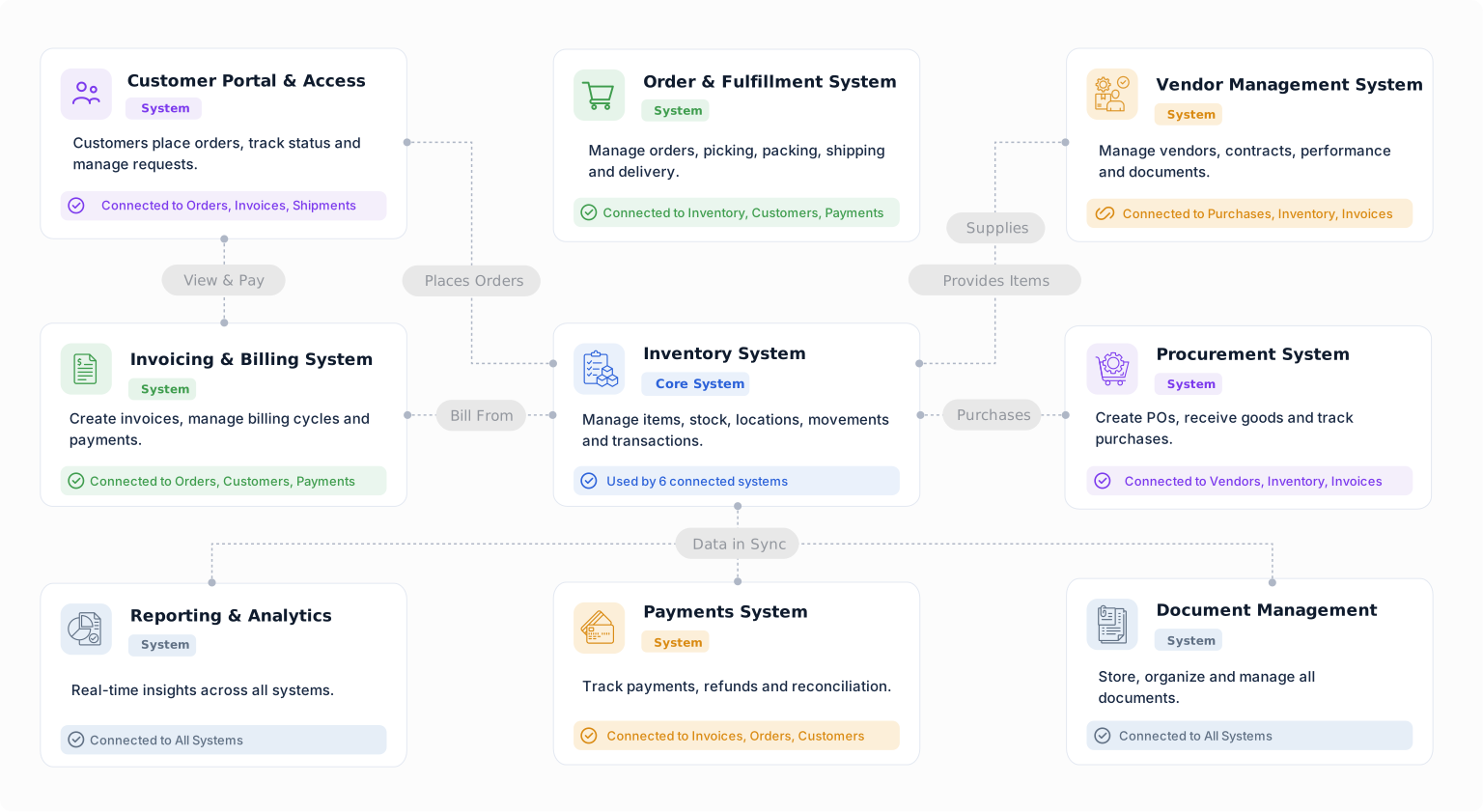
Manage customers, events, menus, preparation, delivery, documents, and payments in a Catering Order system built around your operation.


