Share Operational Data Without Exposing Your System

Give teams, vendors, and clients exactly the information they need without exports, duplicated files, or full system access. Shared views let you turn live operational data into focused, controlled portals in seconds.
Free Demo / Setup
Book a demo and let us set up AnyDB for you. Free of charge!
The Real Problem With Sharing Operational Data

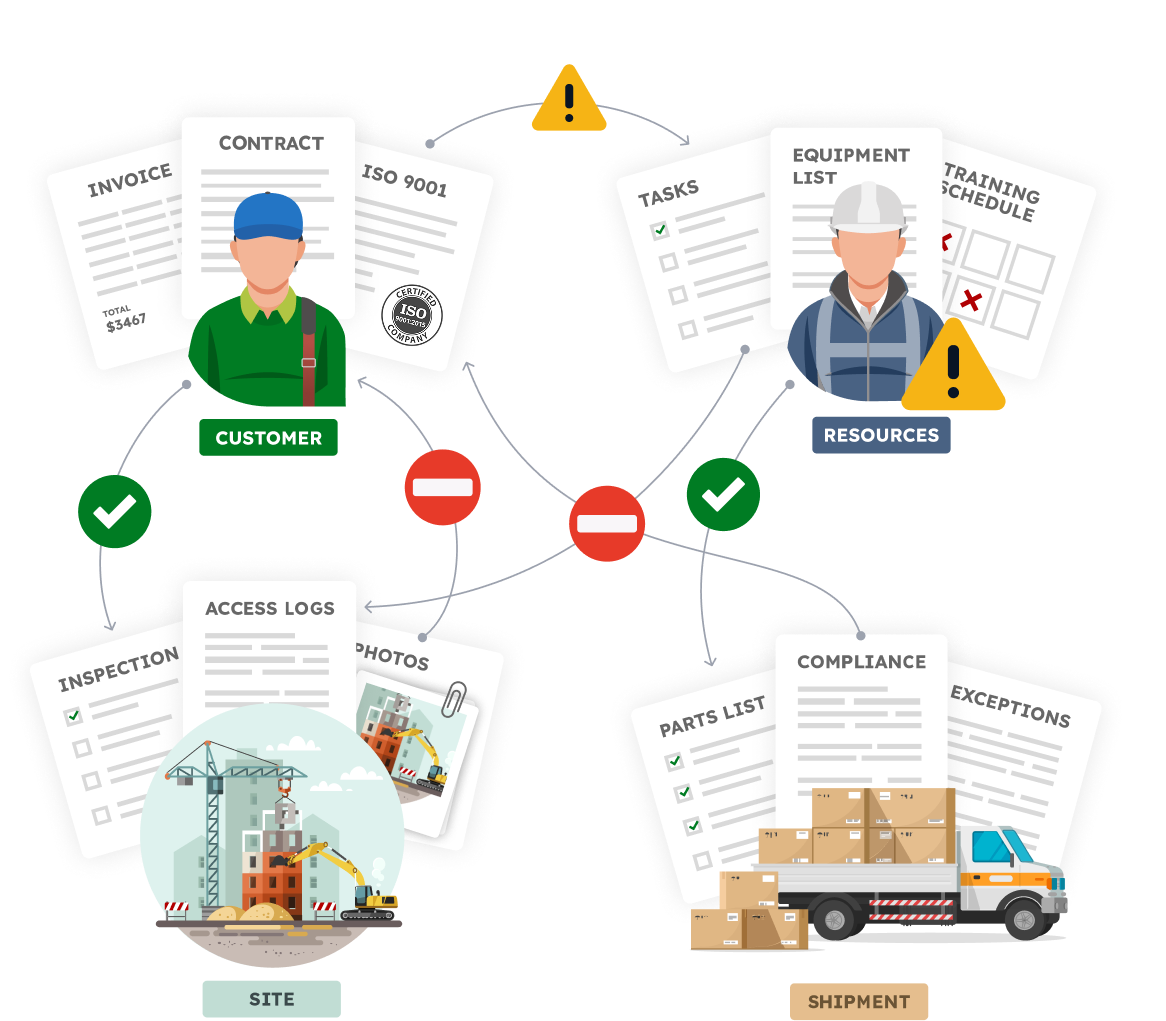
Operational data needs to move across teams and outside the company. That is where things usually break.

Teams end up exporting spreadsheets, sending screenshots, copying rows between tools, or granting full access just so people can stay informed.

As operations change, those shared files fall out of sync. People ask which version is correct. Time is wasted reconciling data instead of moving work forward.

The key problem is sharing access to a subset of data from your single source of truth.

Operations need a way to expose live data without duplicating it or opening the entire system.

What is a View in AnyDB

In AnyDB, a view is a live window into a database.

A view is created by defining:
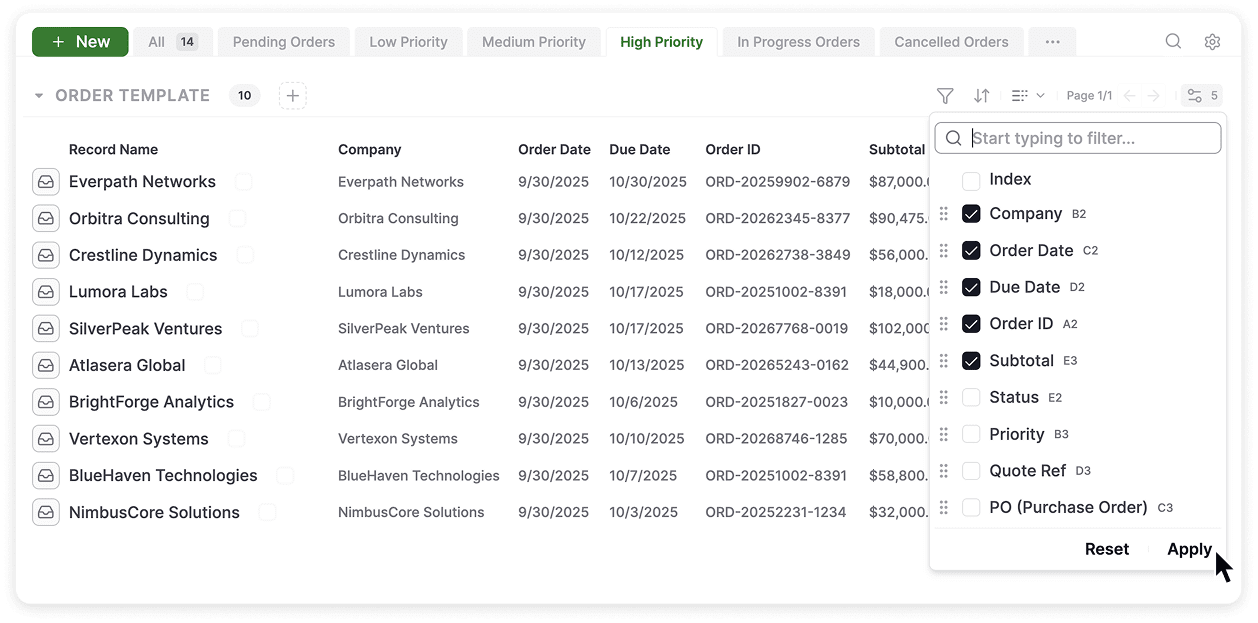
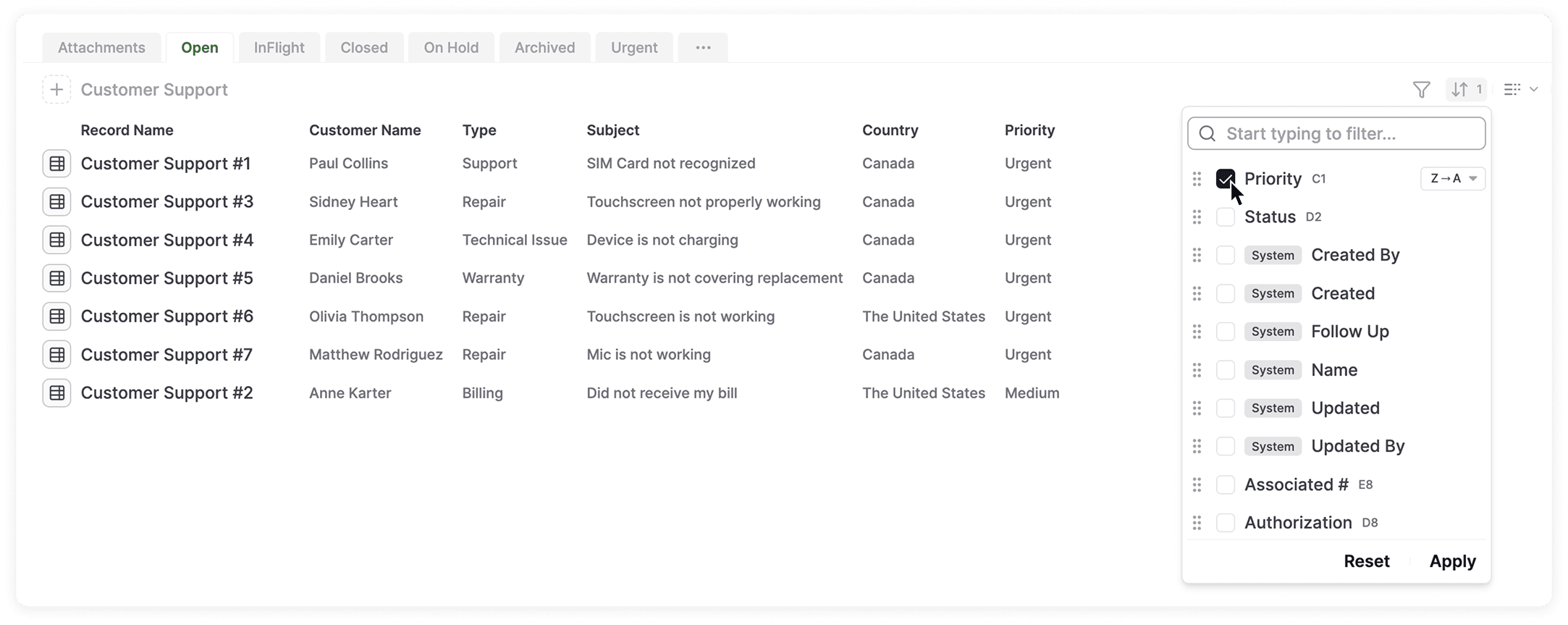
  • Filters such as status, owner, client, or priority
  • Sorting and grouping rules
  • Which fields are visible for each record
Views are built on top of real operational databases, such as:
  • A vendor database
  • An orders database
  • An inventory database
  • A projects database

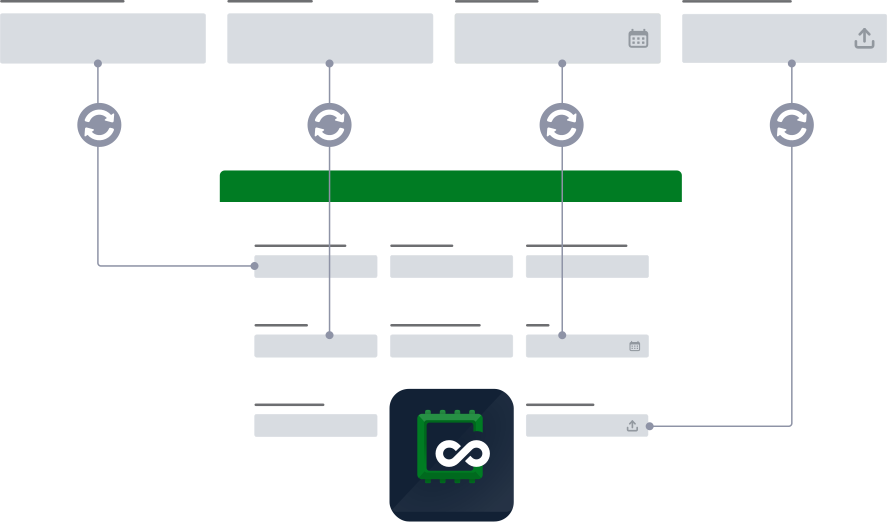
Because views are connected to the underlying records, they stay current as the data changes. When records are updated, added, or removed, the view updates automatically.

Shared views simply make these live views accessible to others, internally or externally, without exposing the full database.

This works because AnyDB is built around real operational records that stay whole, connected, and consistent across the system.

Create Multiple Views From the Same Operational Data

The same operational database often needs to be seen differently by different people.
With shared views, teams can create multiple focused views from the same data, each designed for a specific audience or purpose.

Common examples include:
  • A vendor task list filtered by status and owner
  • An order status view shared with a client
  • A work order queue for field teams
  • A progress dashboard for managers

Each view shows only what is relevant, while the underlying data remains centralized and trusted.

No records are duplicated.
No separate systems are created.

External Portals With Controlled Access

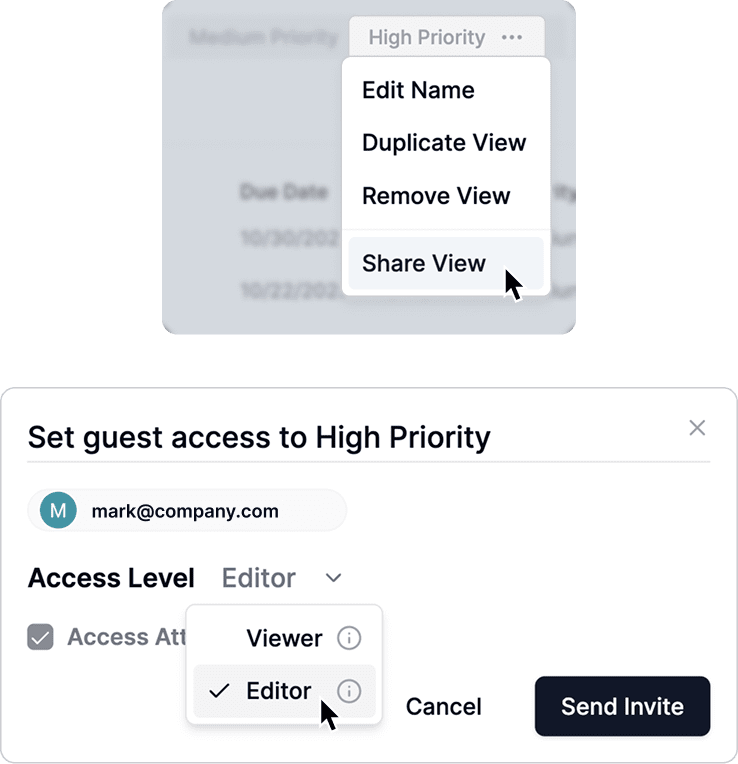
Shared views can be published as portals for external collaborators.

Vendors, clients, and partners can access shared views through secure portals without logging into your full system.

AnyDB supports unlimited free guest accounts, so collaboration scales without added cost or administrative overhead.

External users only see the records and fields included in the shared view. Permissions are respected, and access can be adjusted or revoked at any time.

This makes it easy to:

  • Share order or project status with clients
  • Give vendors visibility into deliverables or requests
  • Collect updates or documents in a structured way

Collaboration happens inside your operational system, without creating risk or friction.

Always Up to Date Without Manual Work

Shared views stay connected to live records.

This eliminates:
  • Duplicate spreadsheets
  • Manual status updates
  • Version confusion
  • Time spent explaining what changed

Teams spend less time maintaining visibility and more time running operations.

Because shared views are part of AnyDB’s object-based system, they continue working as complexity grows, without adding maintenance work.

Share the right data with the right people without breaking your system.

Turn any operational view into a live, controlled portal

Share operational data without exposing your system in just a few clicks.