
Enquiries Spread Across Channels
Capture customer requests, event details, dates, locations, equipment needs, and notes in one structured record.
AnyDB for Event Rental Operations
Manage enquiries, quotes, equipment availability, event bookings, partner assignments, delivery, setup, and collection in one connected system.
Start with the ready-to-use Event Rental Operations solution, then customize its records, workflows, permissions, and documents around the way your rental business works.
Need help getting started? We can set up your Event Rental Operations system at no cost.




Replace disconnected enquiries, quote documents, equipment spreadsheets, calendars, and delivery lists with a structured system for each rental.
Capture customer requests, event details, dates, locations, equipment needs, and notes in one structured record.
Build quotes from rental items, services, quantities, rates, delivery fees, setup costs, and other charges.
See which items are available, reserved, assigned, delivered, collected, or unavailable for a specific event period.
Keep delivery times, setup instructions, venue contacts, assigned partners, and collection details connected to the booking.
Confirm what was collected, record missing or damaged items, and keep follow-up visible until it is resolved.
Start free, build the system yourself, or have our team build and manage it for you.
Use the ready-to-use Event Rental Operations solution as your starting point. Keep its existing structure or customize it around your equipment, services, partners, and event process.
Capture rental requests and prepare detailed quotes.
2Track quantities and reservations across event dates.
3Keep people, equipment, venues, and schedules connected.
4Track equipment through every operational stage.
5Shape the system around the way your business works.
Manage the complete rental process in one system that can be customized to fit your equipment, events, and operational workflow.
Turn customer requests into structured quotes and confirmed bookings without re-entering the same information.
Keep equipment, quantities, event dates, reservations, and current status connected.
Coordinate venues, delivery windows, setup instructions, responsibilities, partners, and schedules.
Track preparation, dispatch, onsite setup, collection, and return checks.
Generate rental documents, monitor upcoming events, and automate reminders and follow-up.
Capture the customer’s event details, dates, venue, equipment needs, services, delivery requirements, and instructions in one enquiry record. Use that information to prepare a detailed quote without rebuilding the request in a separate document.
Capture event dates, venues, guest counts, equipment, services, notes, and customer requirements.
Organize quoted items, quantities, rates, service charges, delivery fees, discounts, taxes, and terms.
Generate formatted quotes from current enquiry, customer, equipment, pricing, and service information.
Connect equipment records with quantities, event dates, reservations, locations, and status. Give sales and operations a clearer view of what is available before confirming a quote or booking.
Keep descriptions, categories, quantities, photos, files, rates, locations, and details together.
Connect reserved equipment with the customer, event, booking period, venue, and status.
Review what is reserved and what remains available for a specific date or rental period.
Use the event booking as the central record for the customer, venue, schedule, equipment, services, team members, external partners, documents, and operational notes.
Keep dates, venue details, requirements, schedules, equipment, services, and files together.
Assign internal teams, delivery crews, setup teams, suppliers, and event partners.
Coordinate delivery windows, setup deadlines, event times, collection periods, and milestones.
Plan what needs to leave the warehouse, when it should arrive, who is responsible for setup, and when each item should be collected. Record return details so missing, damaged, or incomplete items remain visible.
Organize addresses, venue contacts, time windows, vehicles, teams, instructions, and status.
Track schedules, collected quantities, returned items, dates, and responsible team members.
Record missing equipment, damage, incomplete returns, charges, photos, notes, and follow-up.
Start with the ready-to-use Event Rental Operations solution, then customize its records, fields, terminology, pricing structure, views, permissions, and workflows.
Connect rental operations with customers, inventory, purchasing, maintenance, invoicing, payments, and other parts of your business as your requirements evolve.
Capture the equipment details, event requirements, pricing, instructions, and internal information your team needs.
Create workflows for follow-up, approval, confirmation, preparation, reminders, and return checks.
Connect rentals with customer management, inventory, maintenance, purchasing, invoicing, payments, and reporting.
Manage the full event rental process without switching between separate spreadsheets, calendars, quote documents, folders, and task lists.
Record requirements, check availability, calculate pricing, generate the quote, and confirm the booking.
Reserve items, assign partners and team members, organize schedules, and prepare for dispatch.
Track delivery, confirm arrival, follow setup instructions, and record when the venue is ready.
Confirm quantities and condition, then create follow-up for missing or damaged equipment.
Manage equipment as operational records with quantities, rates, locations, reservations, movement history, photos, files, and condition information.
Maintain categories, descriptions, quantities, rental prices, replacement values, photos, and documents.
Group related items into packages for common event types, venue setups, or service combinations.
See which events used each item, when it was reserved, and the assigned quantities.
Record condition before dispatch and after collection, including notes, photos, and damage.
Create maintenance or repair work before returned equipment’s next rental.
Use information stored in customer, enquiry, quote, booking, equipment, delivery, and return records to generate formatted documents.
Generate professional quotes using current customer details, equipment, quantities, rates, services, discounts, taxes, and terms.
Create confirmations, agreements, equipment lists, delivery sheets, setup instructions, and collection documents.
Use document templates to produce consistent files without repeatedly copying information into separate documents.
AnyDB Document Generation creates formatted PDF, DOCX, and XLSX files from live records. Templates can include fields, linked information, tables, images, barcodes, QR codes, and other relevant content. Explore Document Generation →
Keep everyone involved in the event connected to the right booking, schedule, responsibilities, and documents.
Assign drivers, vehicles, delivery windows, warehouse departure times, and venue contacts.
Share setup instructions, floor plans, equipment lists, deadlines, and onsite contacts.
Connect suppliers, technicians, entertainment providers, decorators, caterers, and other partners.
Use permissions, shared views, or portals to give each person relevant information.
Create tasks for preparation, delivery, setup, collection, return checks, and exception resolution.
Keep the working record of every rental in one connected system instead of rebuilding the full picture across separate tools.
Explore AnyDB for free, build your own Event Rental Operations system, or have our team build and manage it for you.
Load the ready-to-use solution and see how its structure fits your equipment, events, and rental process.
Start FreeCustomize and run your own Event Rental Operations system using the full AnyDB platform.
View PlansHave your Event Rental Operations system built and managed for you so your team can focus on running events.
Talk to Us

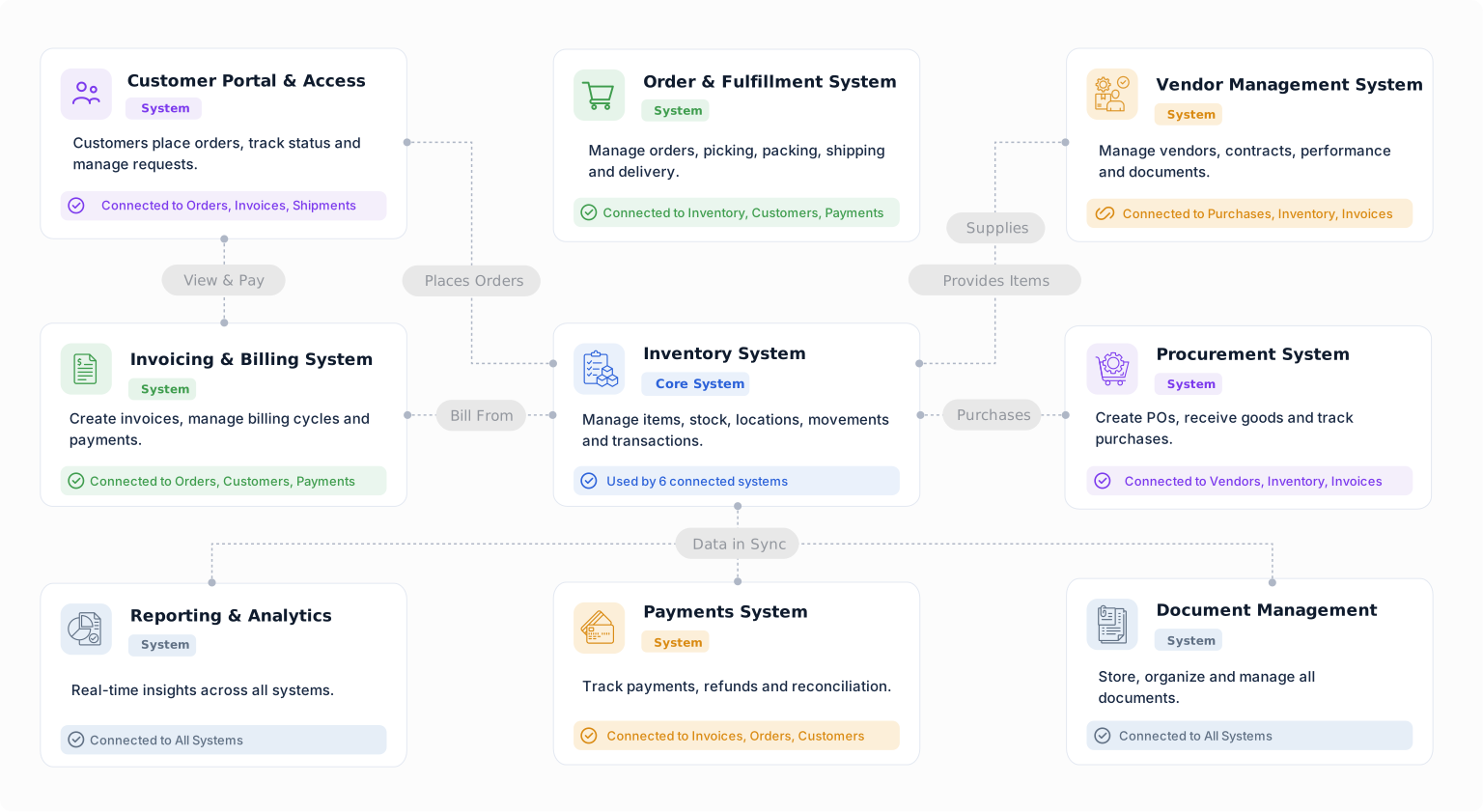
Load the ready-to-use solution, add your equipment, and begin organizing your next event rental. Start on the free plan, then add more capacity or advanced capabilities when needed. Paid plans start at $50 per month.
Need help setting it up? We’ll help you get your Event Rental Operations system started at no cost.
Manage enquiries, quotes, equipment availability, bookings, partner assignments, delivery, setup, collection, and returns from an Event Rental Operations system you can customize as your business evolves.


