Build Reports From the Data Running Your Business

Create focused reports from structured AnyDB records.
Group information, calculate results, apply filters, and save reports for recurring analysis.
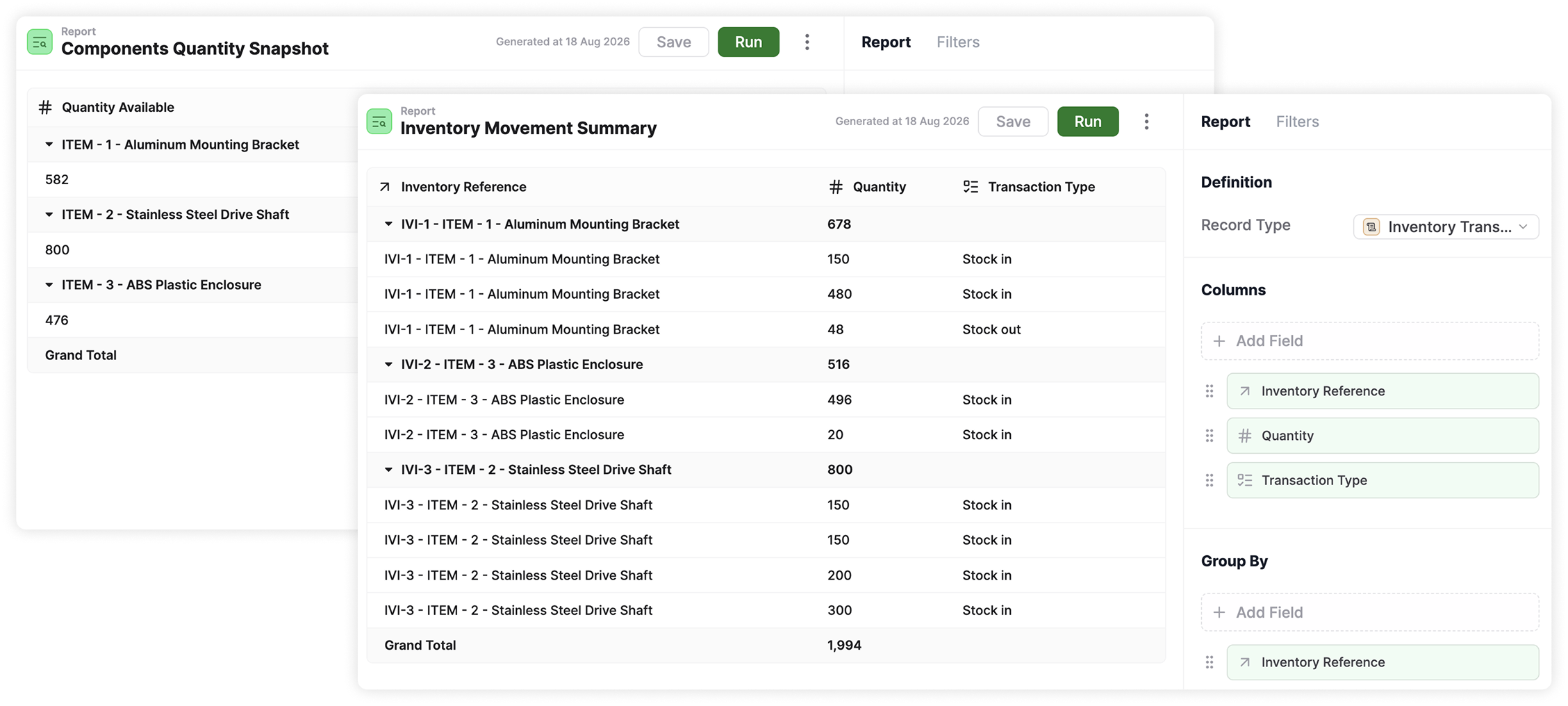
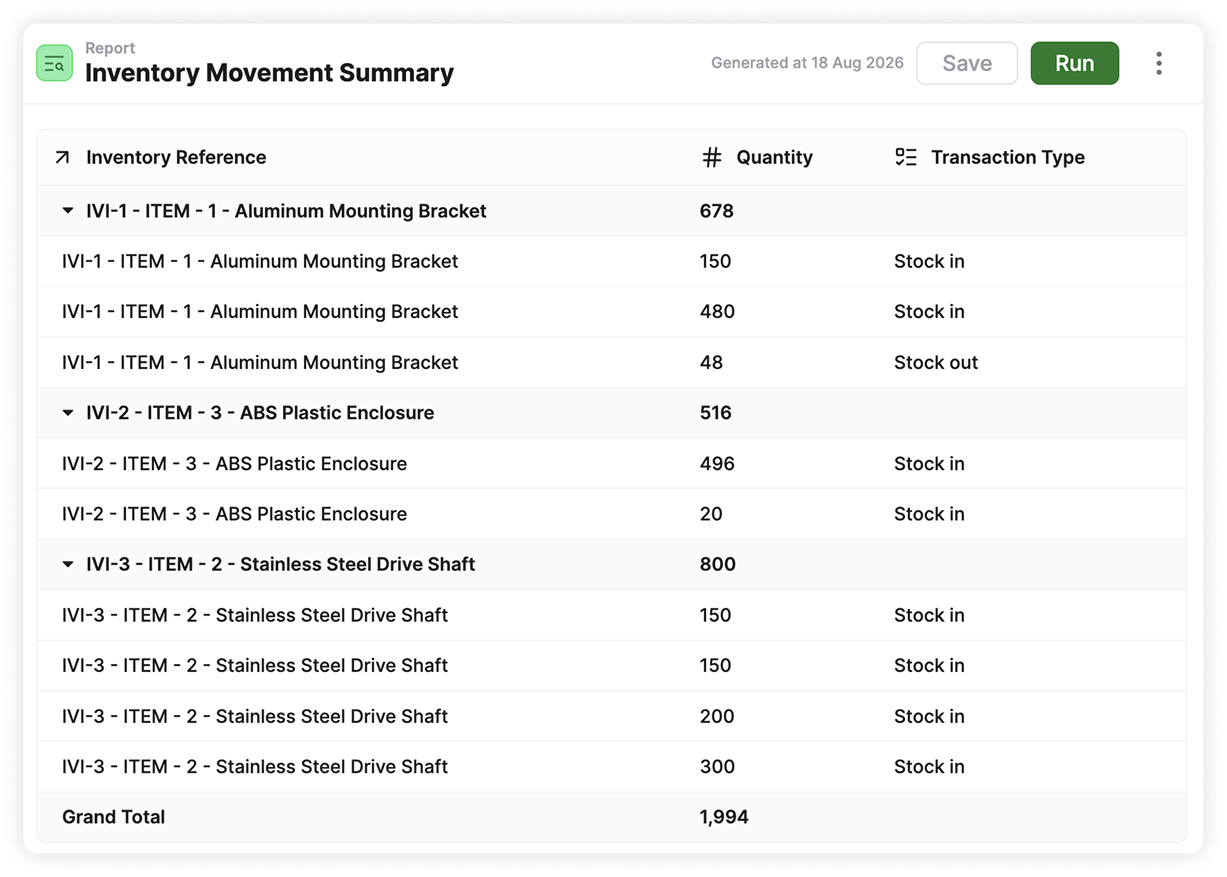
AnyDB reports showing an inventory movement summary and components quantity snapshot

Choose The Records And
Fields You Need

Build reports directly from your AnyDB data.

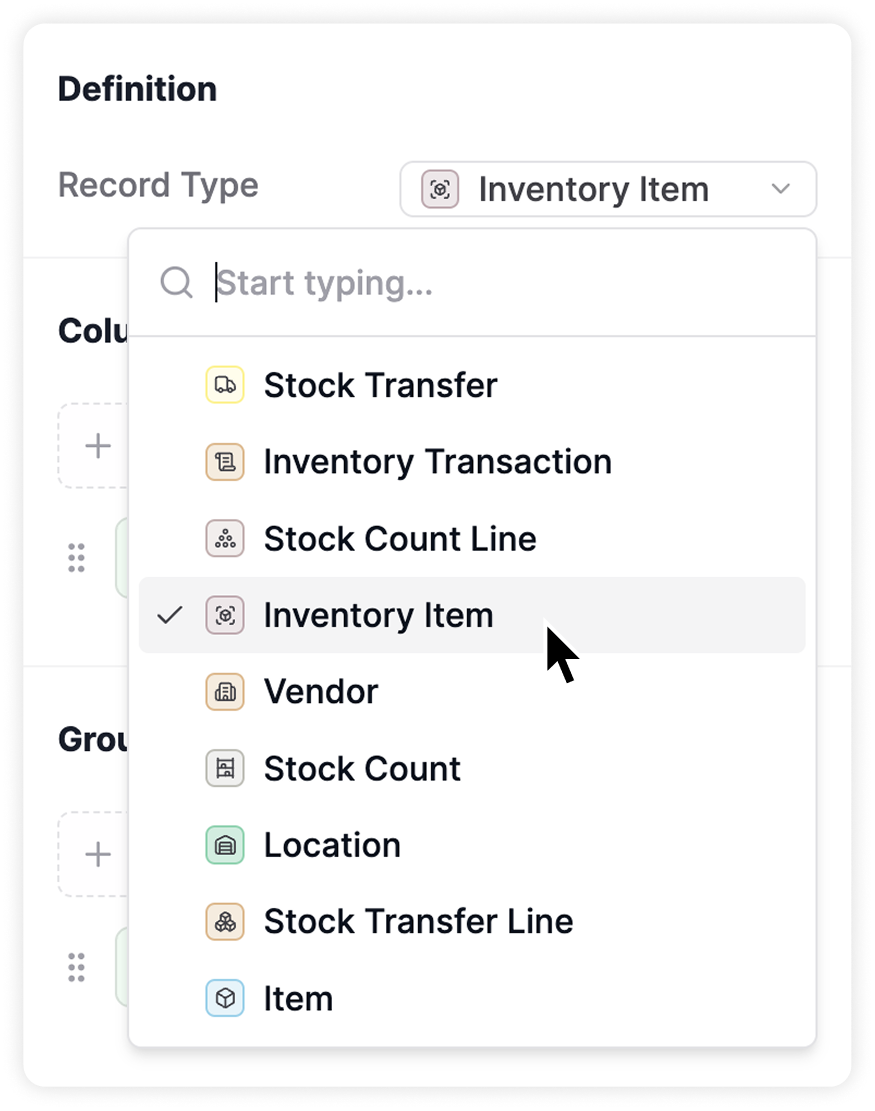
Start by choosing a record type and add the fields you want to see as report columns. You can analyze the information without copying it into a separate file.

  • Choose an available record type
  • Add the relevant fields
  • Organize columns around your question
Selecting an AnyDB record type for a report
An AnyDB inventory movement summary report

Group Data And Calculate Results

Turn detailed records into useful summaries.

Group records by quarter, status, customer, location, supplier, assignee, quantity, or another field.
Use aggregations to calculate totals, sums, averages, and other summaries across each group.

  • Group records by business fields
  • Summarize numerical information
  • Compare results across categories
  • Customize field aggregations

“Your Operational Data Should Answer Questions Guide Decisions, And Help Your Team Act.”

Focus Reports With Filters
And Sorting

Find the information relevant to each question.

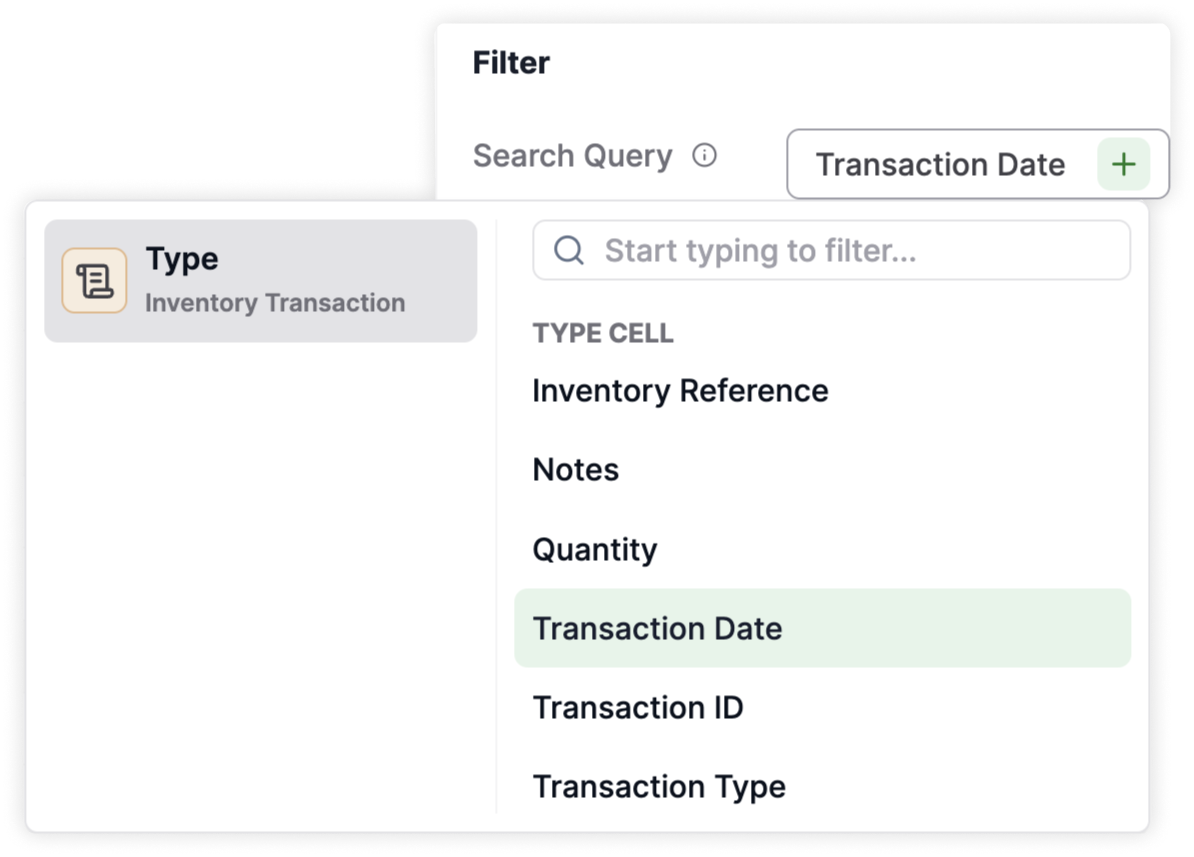
Filter records by date, status, location, owner, customer, or other details.
Sort the results to make priorities and patterns easier to review.

  • Apply filters using record fields
  • Sort results by relevant values
  • Review specific periods or conditions
  • Adjust criteria as questions change
Selecting a transaction date filter for an AnyDB report
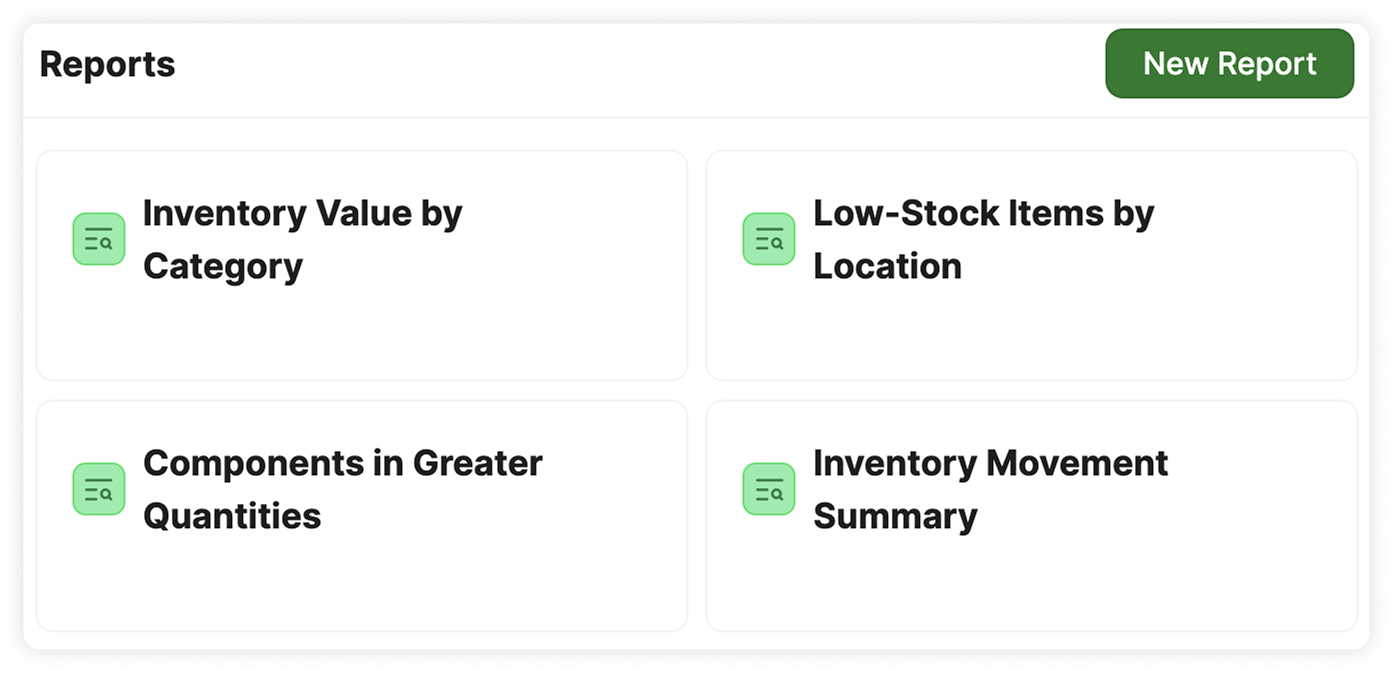
Saved AnyDB inventory reports

Save Reports For Future Analysis

Preview the results and save the report for future use. Your selected columns, groups, filters, sorting, and calculations remain available. Reports can also be updated as your operation and reporting needs change.

  • Preview results before saving
  • Preserve the report configuration
  • Return to recurring reports
  • Update reports when needed

“Turn Connected Business Records Into Clear Reports Your Team Can Return To Anytime.”

Give Your Team a Clearer View of Operations

Build focused reports that help your team monitor results, identify issues, and make informed decisions.