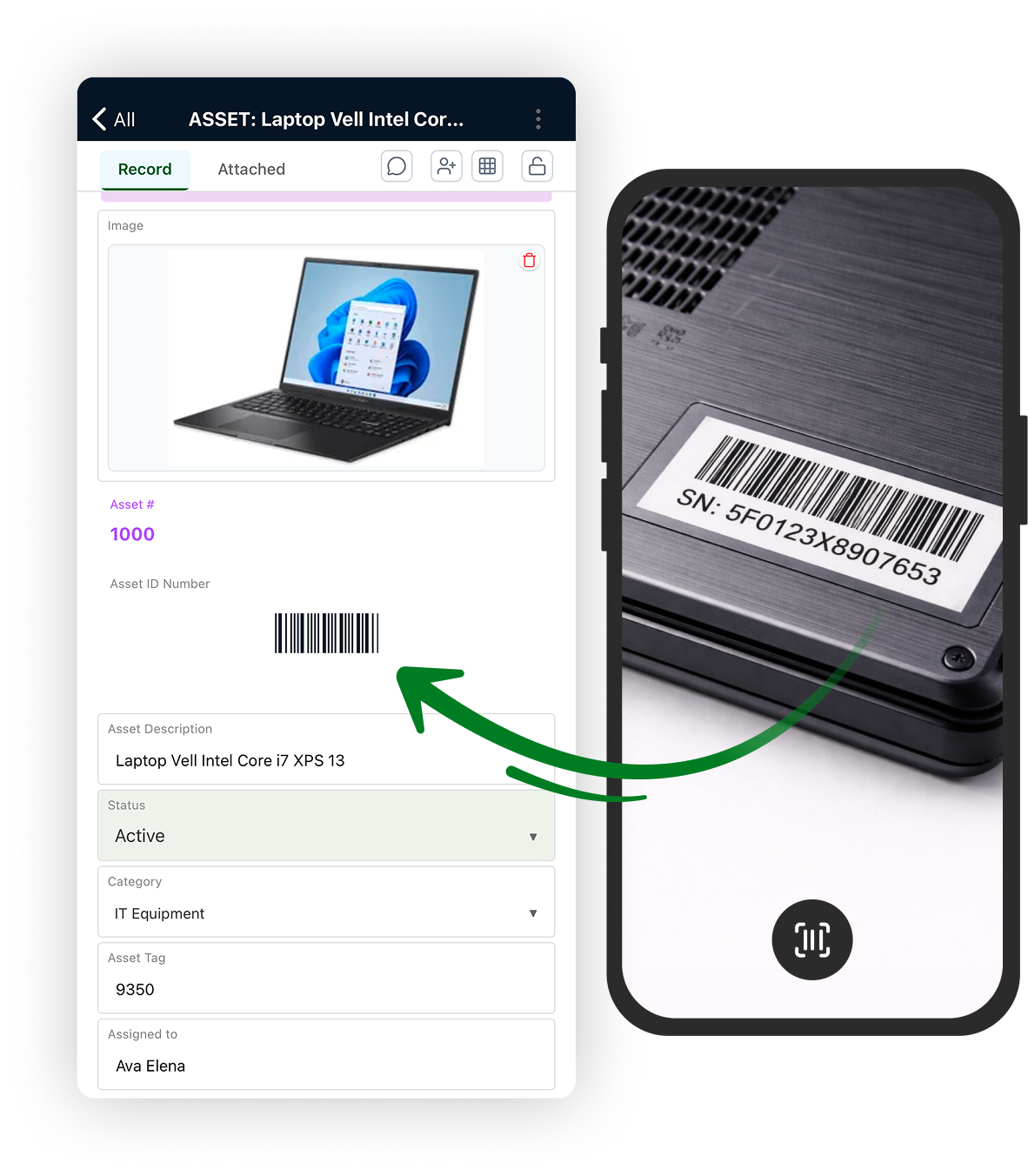
Turn Every Barcode and QR Code into an Operational Action
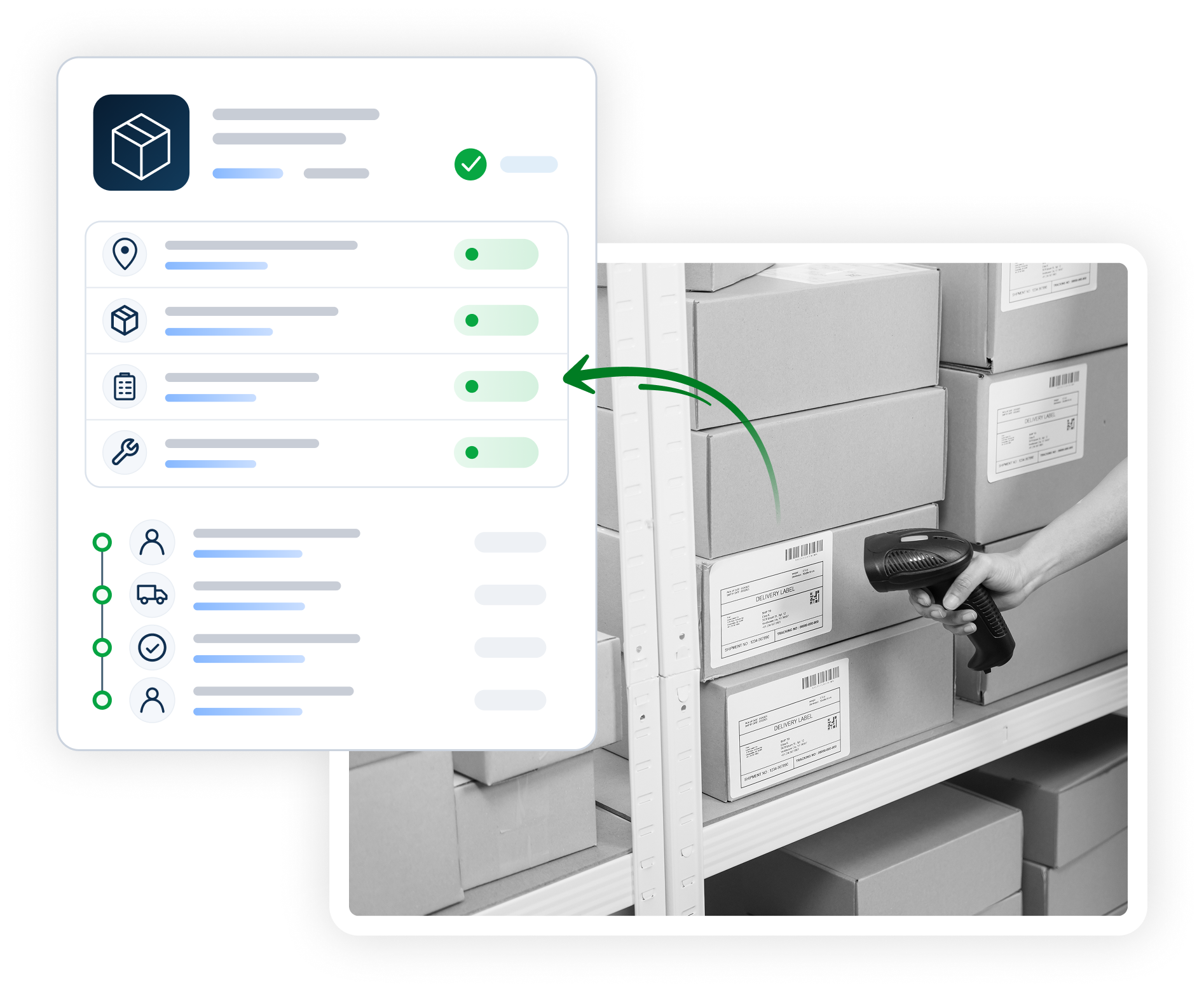
Scan with AnyDB Mobile or a hardware scanner to open the right record and continue working from it.
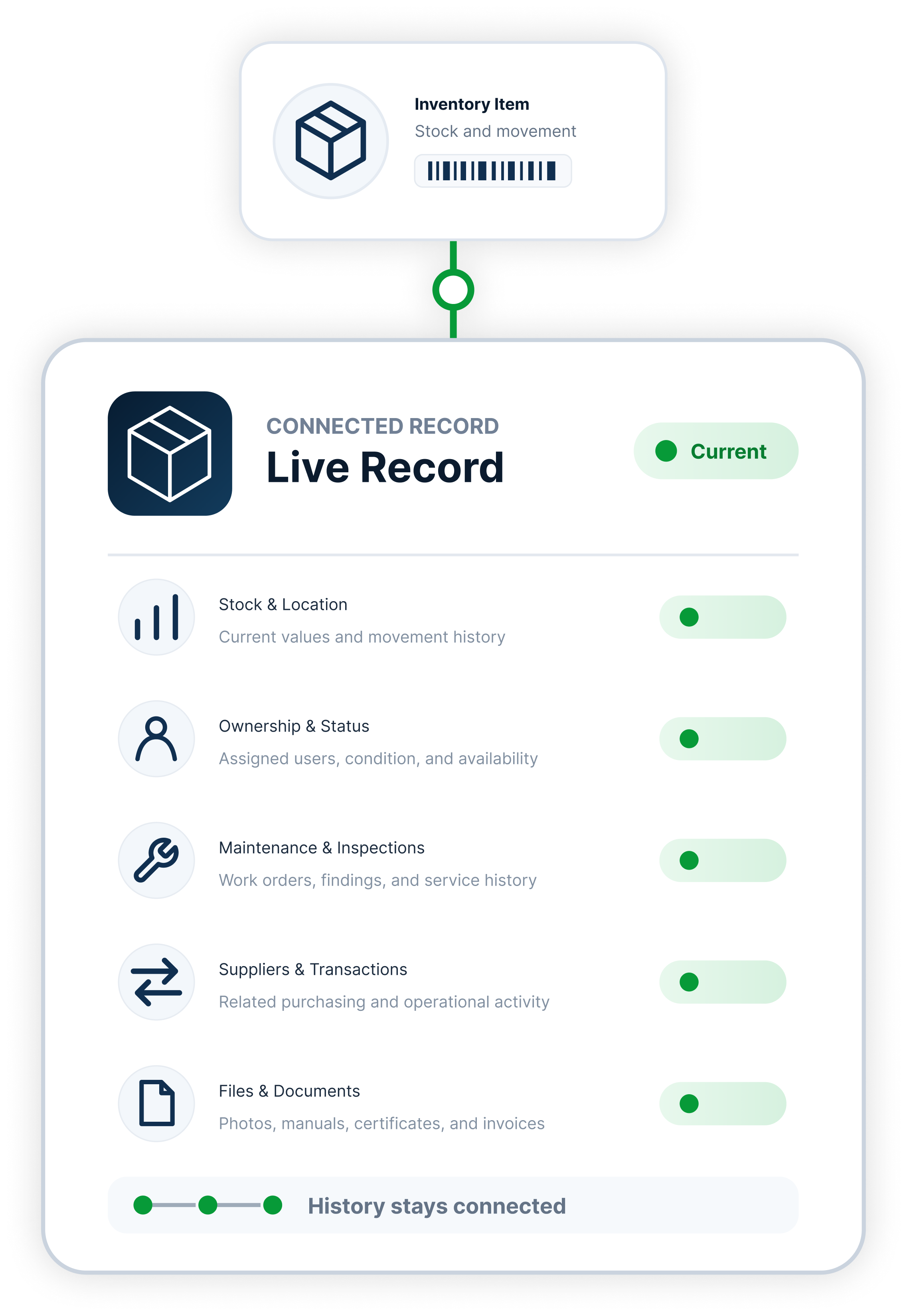
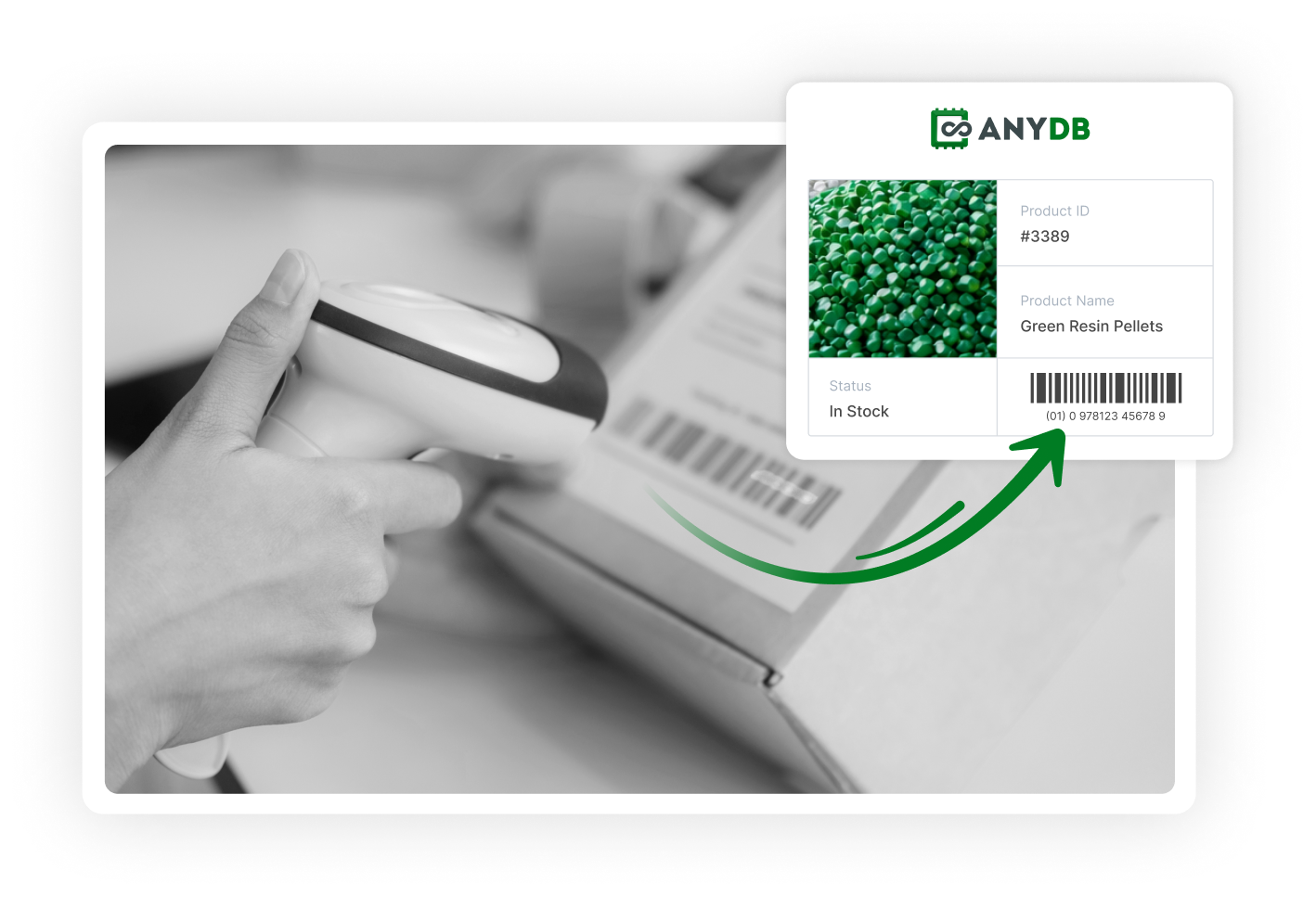
Scan a barcode or QR code to identify a physical item and open its matching record in seconds.
Users can review and update:
Store an existing barcode value in the corresponding AnyDB record. When someone scans the label, AnyDB searches for the matching value and opens the correct record.
Connect identifiers such as:
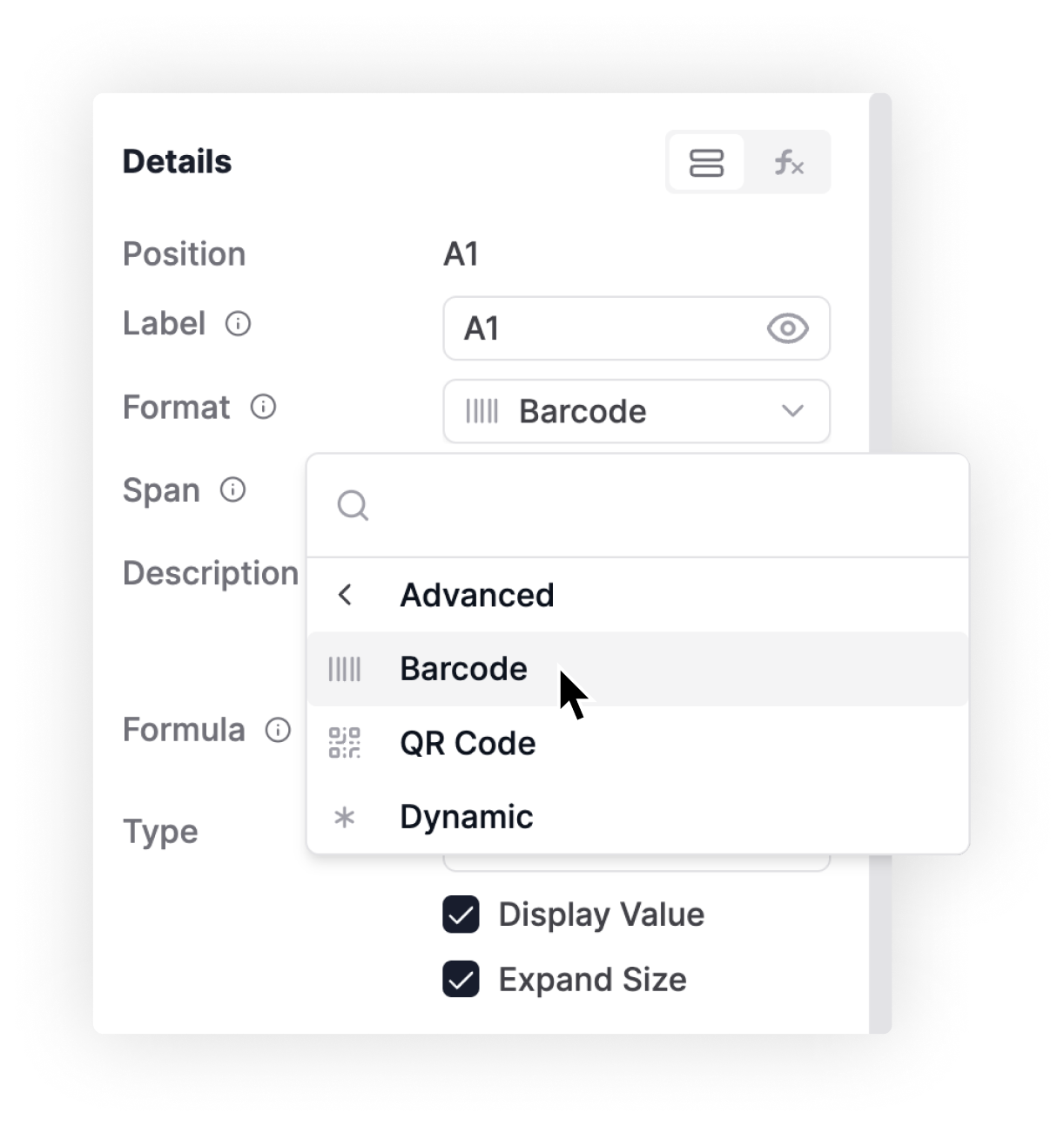
Barcode and QR Code cells render numeric or alphanumeric identifiers stored in your records as scannable codes.
Each AnyDB record can also generate a unique QR code. Authorized users can scan it to open that record directly.
Use generated codes to label:
AnyDB supports Code 39, Code 128, ITF, MSI, Pharmacode, and Codabar. You can display the encoded value below the barcode and expand the code for easier scanning.
Use short, stable identifiers to keep printed labels reliable throughout the lifecycle.
AnyDB Mobile lets users scan barcodes and QR codes from the iOS or Android app. The scan opens the matching record, where users can review its current information and history.
Authorized users can then:
Mobile updates appear in the same live system used by office and management teams, while permissions continue to control access.
Hardware scanners work with AnyDB’s barcode and QR code search by entering scanned values into the focused search field.
Teams can also enter a code manually when a label is damaged or a scanner is unavailable.
Scanning finds the record. The configured AnyDB workflow guides the action that follows.
Scan items to record receipts, transfers, counts, returns, and adjustments with a traceable movement history.
Scan equipment to access its history, report issues, add photos, and update maintenance work.
Scan assets or inspection points to complete checks and keep findings connected to the right record.
Scan materials, components, batches, and products to update statuses and maintain traceability.
Scan items to access batch details, expiration dates, compliance files, and approval history.