User Settings
To access your user settings, click on your profile picture in the bottom left corner of the AnyDB interface and choose "Profile" from the dropdown menu.
This opens up your user settings, where you can manage various aspects of your account and preferences.
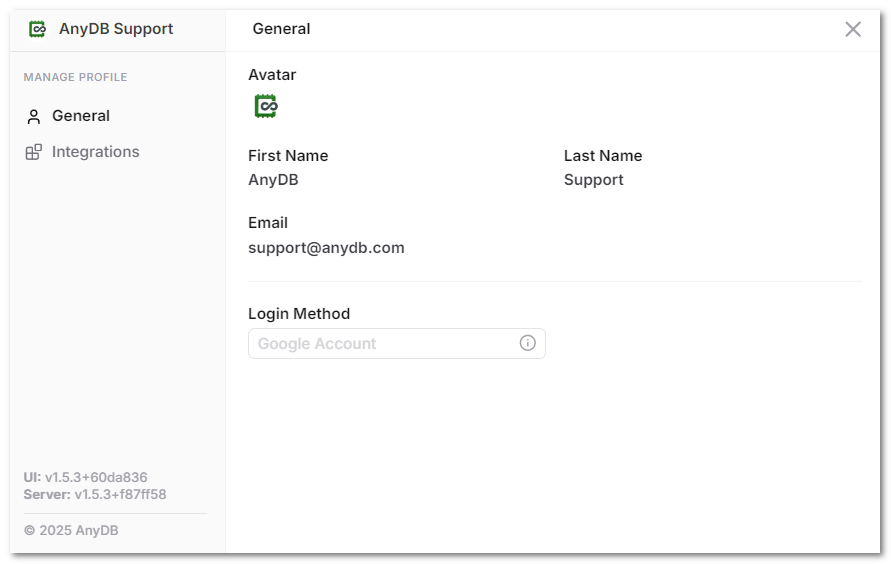
You can view your profile information, including Avatar, Name and email. You can also set a password for your account if you are using Magic Link to sign in. If you are using SSO to sign in, you will not be able to set a password and will need to use your SSO provider to manage your account.
Integrations
In the "Integrations" tab, you can manage your connected integrations. You can access your API key and rotate the API key if needed as well. You can use your API key to use AnyDB API or the AnyDB SDK and other tools (like browser extenstions) that require an API key to connect to your AnyDB account.
Change Language
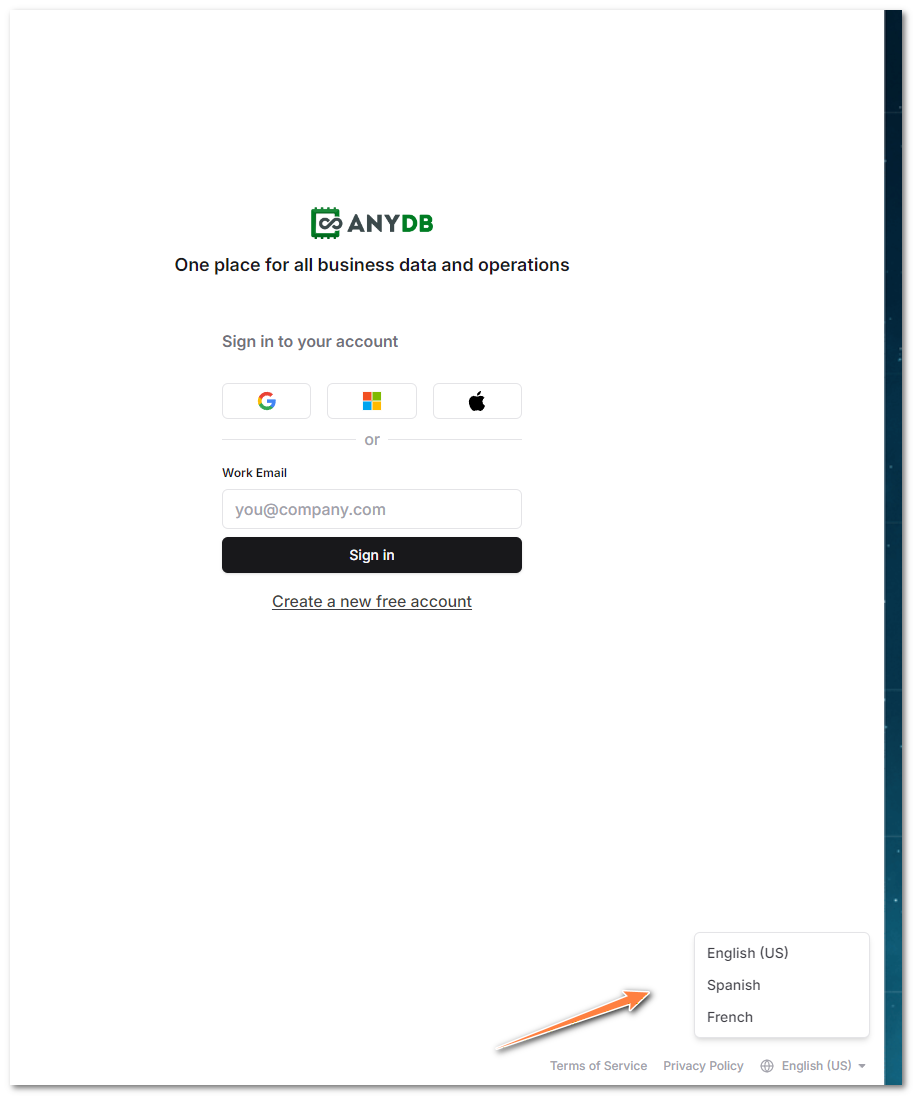
To change the language of the AnyDB interface, click on the "Language" dropdown menu in the login screen in the bottom right corner. We support a few languages including English, Spanish and French and we are working on adding more languages in the future.