AI Teammates
An AI Teammate is an AI worker that joins your AnyDB team like a person. You give it a job, add it to the workspaces it should work in, and then hand it work: assign it a record, @mention it in a comment, message it, or let it check in on a schedule. Everything it does is shown under its own name, so you can always see who did what.
A Teammate is not a general assistant, and it is not a workflow with an AI step. You don't draw the steps. You describe the job, and it works out what to do each time: it reads the records, weighs what it finds, asks a colleague (another Teammate or a person) when it needs something it doesn't have, and picks the work back up when the answer arrives. It follows your team's rules, and asks before it does anything you have not allowed it to do on its own.
What a Teammate is good for
- Follow-up and reminders. Sweep open tickets every morning, @mention owners of anything stale, and post a summary to your chat space.
- Triage and research. When a record is assigned to it, collect the background, add a short summary, and fill in missing fields.
- Data quality. Look for missing or inconsistent values and flag them for the record's owner.
- Reporting. Summarise what changed this week and share it with the team.
- Hand-offs. Pass work to another Teammate whose job it is, and pick the answer back up when it arrives.
How it differs from AnyBot and workflows
| AnyBot | Workflows | AI Teammates | |
|---|---|---|---|
| Who starts the work | You, in a conversation | A trigger (record created, updated, schedule) | A task: assignment, @mention, chat, schedule, another Teammate or agent |
| How it decides | Answers your request | Follows fixed steps you built | Uses judgement within its job and policy |
| Identity | Acts as you | Runs as the workflow owner | Acts as itself, a member of the team |
| Builds types, reports, workflows | Yes | No | No: that is AnyBot's job |
| Asks before acting | You confirm in the conversation | Never | According to its policy (see Job and access) |
Use a workflow when the steps are always the same. Use a Teammate when the work needs reading, judgement and follow-up.
Where to find it
There are two places, depending on who you are.
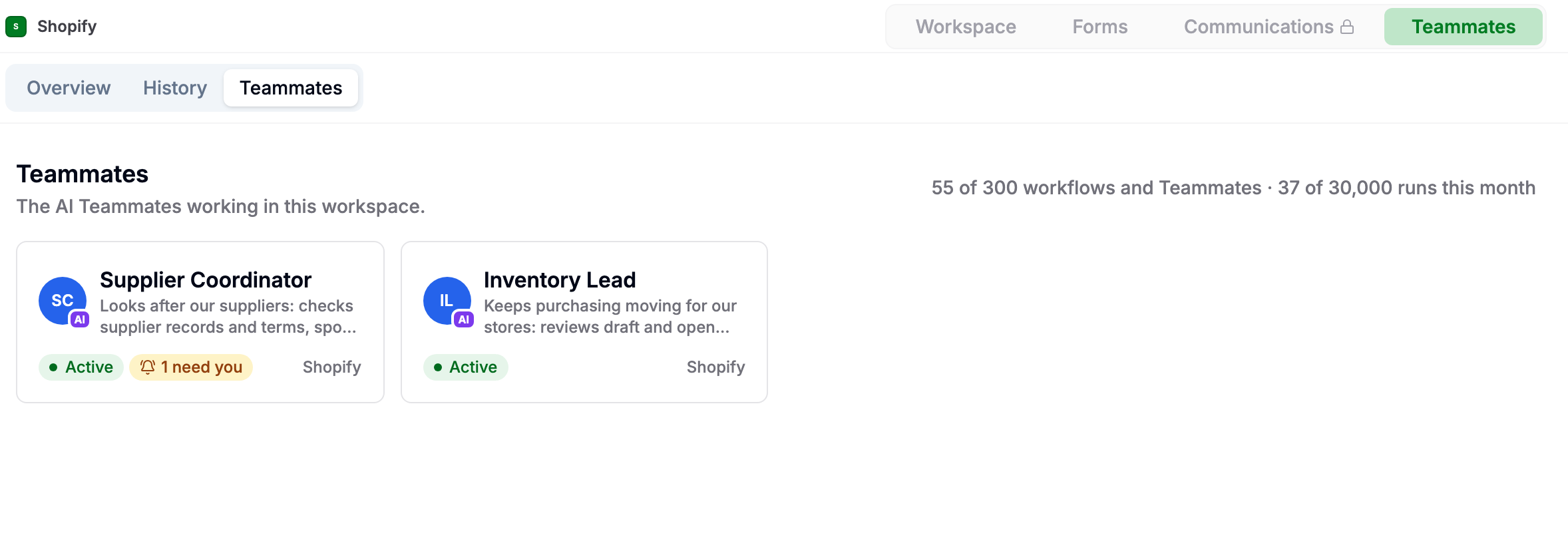
In a workspace, for everyone in it. Open the workspace and choose Teammates in the bar at the top. You see the Teammates that work in that workspace, and nothing else.
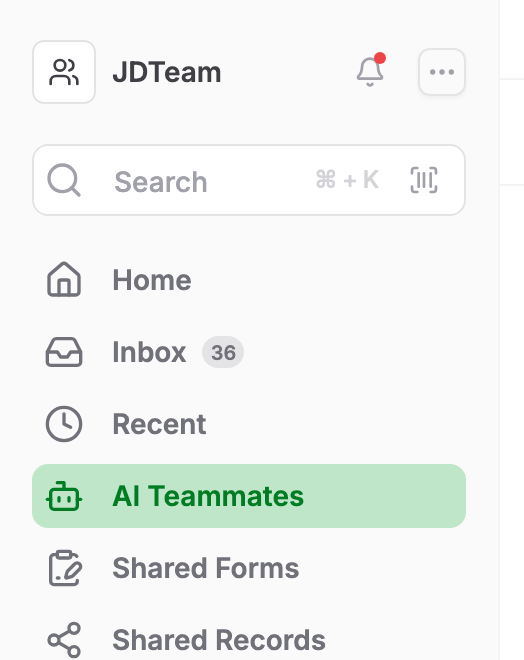
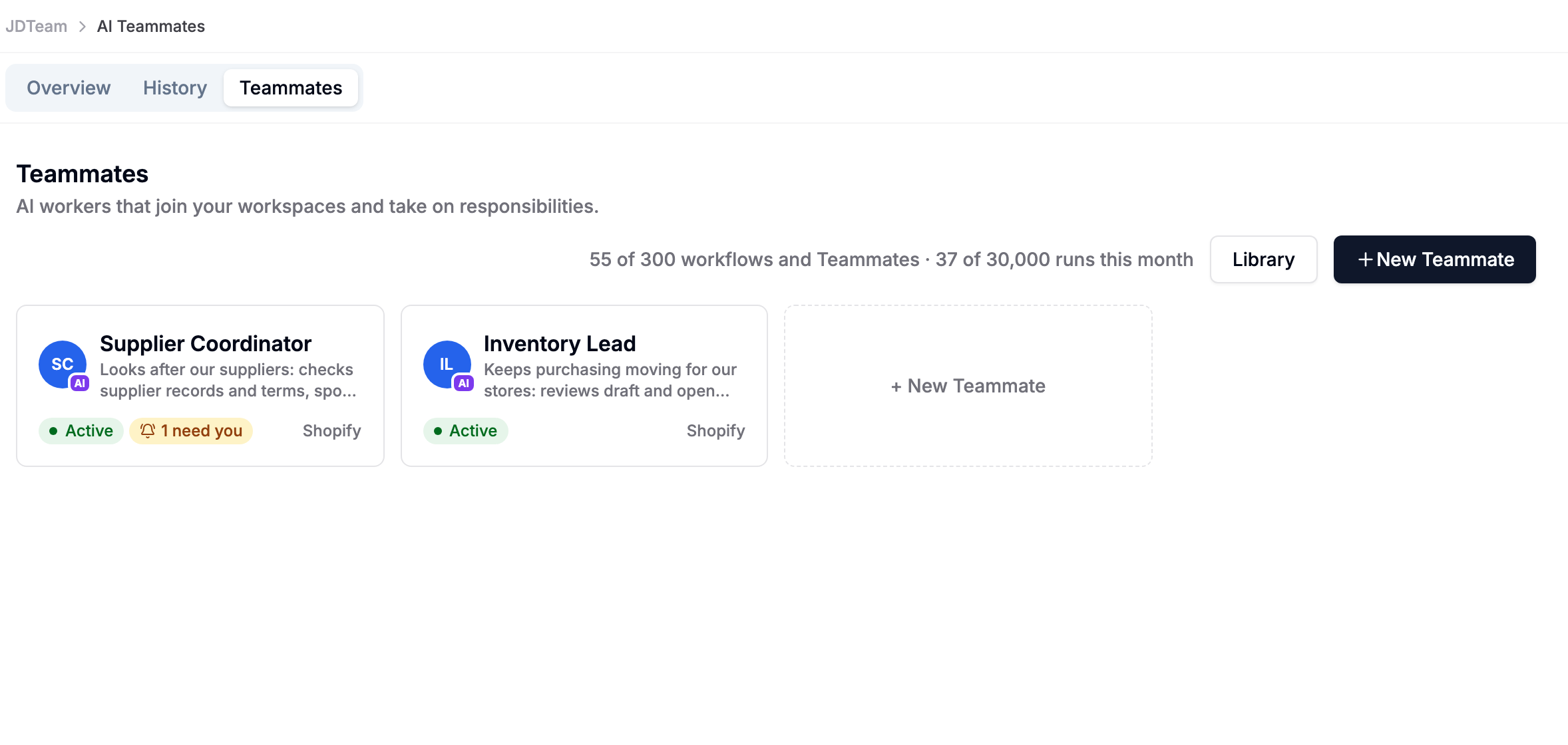
AI Teammates in the left navigation, for team admins. Below Recent, team admins see AI Teammates. It shows every Teammate in the team, the Library and New Teammate. Other members don't see this link.
Both pages have three tabs:
- Overview: how the Teammates are doing, and anything that needs you. See The Teammates dashboard.
- History: every task they worked on, with outcome, duration and credits.
- Teammates: the list of Teammates. On the team admins' page, it also has New Teammate and the Library.
Who can see and change a Teammate depends on its workspaces. See Who can see and change a Teammate.
If you don't see Teammates, the feature is not yet turned on for your team. Contact AnyDB support to enable it.
Plans and limits
Teammates are available on every plan. They share your plan's workflow allowance: active Teammates and enabled workflows count against the same limit, and each Teammate run counts as one execution, like a workflow run. See Limits, budgets and credits.