Canceling Your Account
If you no longer need your workspace, you can permanently cancel your account by deleting your team.
Deleting a team permanently removes:
- All databases
- All records and files
- All users and permissions
- All history
This action cannot be undone.
How to Cancel Your Account
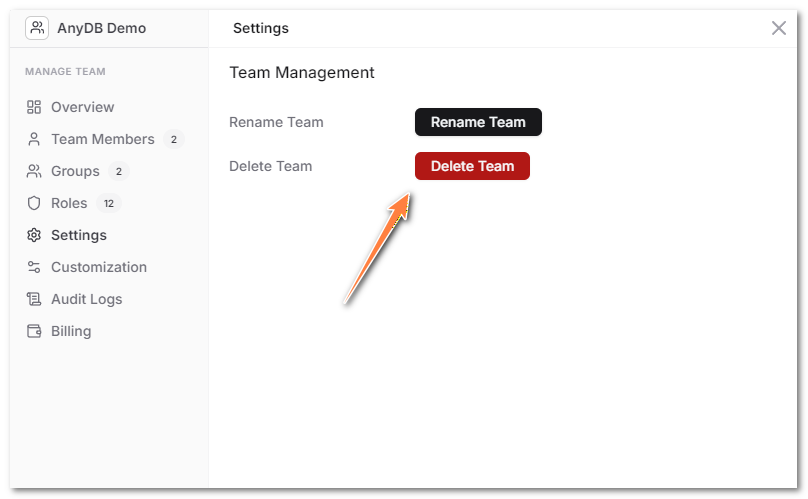
Step 1: Open Team Management
- Click your team name in the top left.
- Go to Settings.
- Select Team Management from the left sidebar.
Step 2: Delete Team
- Click Delete Team.
- Confirm the deletion when prompted.
Once confirmed, your account and all associated data will be permanently removed.
Important Notes
- Only team owners can delete a team.
- If you are on a paid plan, billing will stop once the team is deleted.
- If you simply want to downgrade or pause usage, contact support instead of deleting the team.
If you have any issues canceling your account, contact support (email support@anydb.com) for assistance.