Editing AnyDB Types
To modify a type from a record:
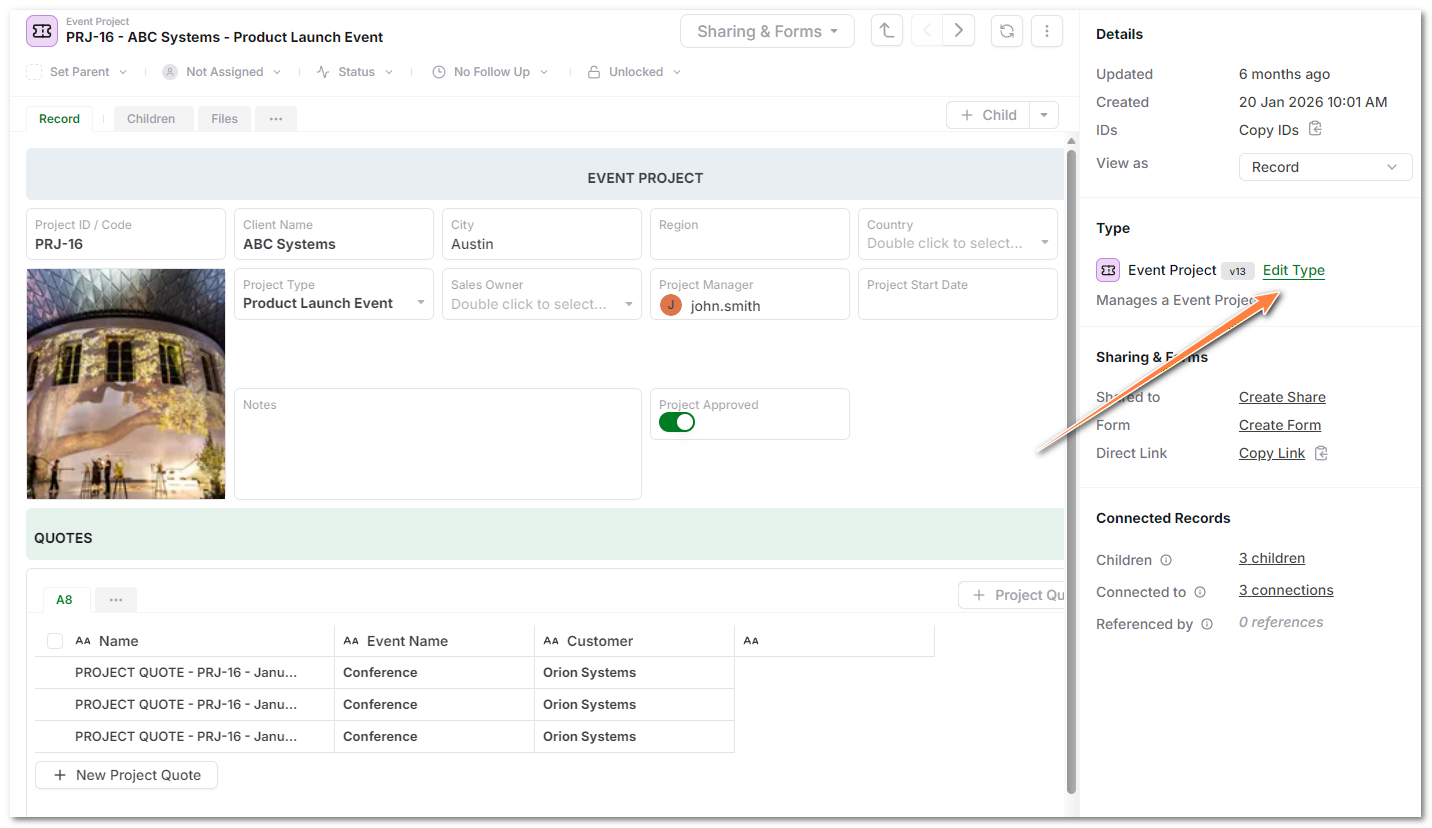
- Open an existing record whose type you want to edit.
- In the Record tab, select Edit Type.
- The Type Designer opens with that type for editing.
- Make any changes you want in the Type Designer and Save Type.
- Select whether to migrate existing records from the previous version of the type to the new version.
- The migration will start and depending upon the number of records, the migration can take some time to finish.