Create Record Type from Scratch
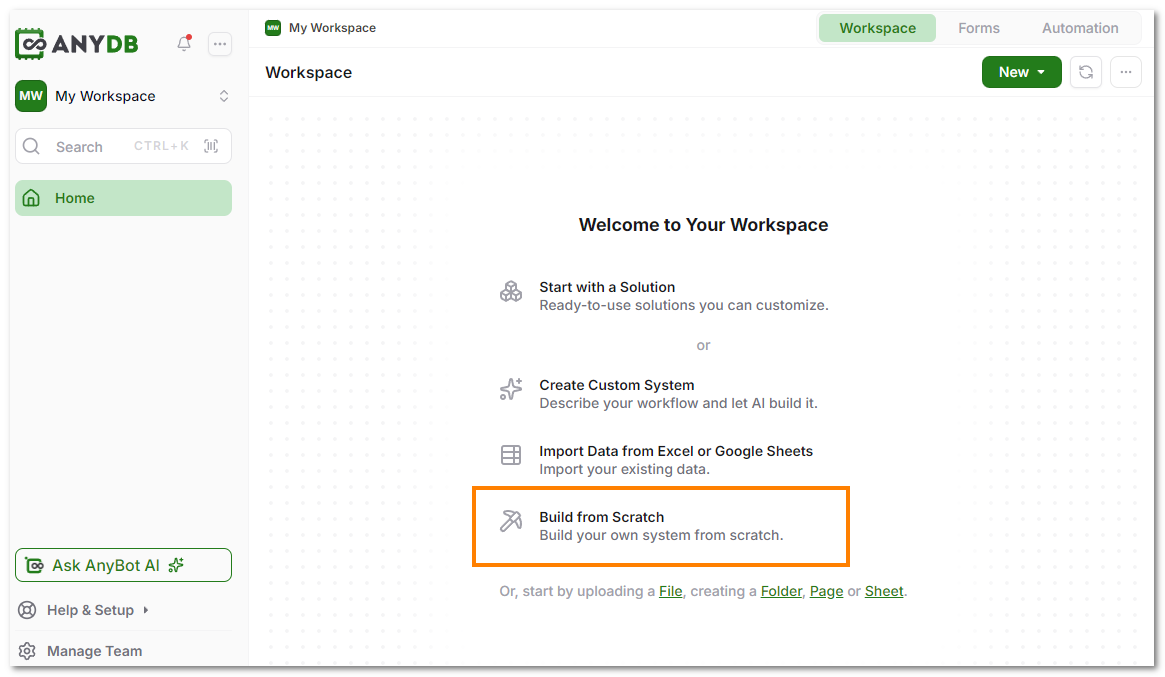
- Create a new Workspace and select the "Build from Scratch" option.
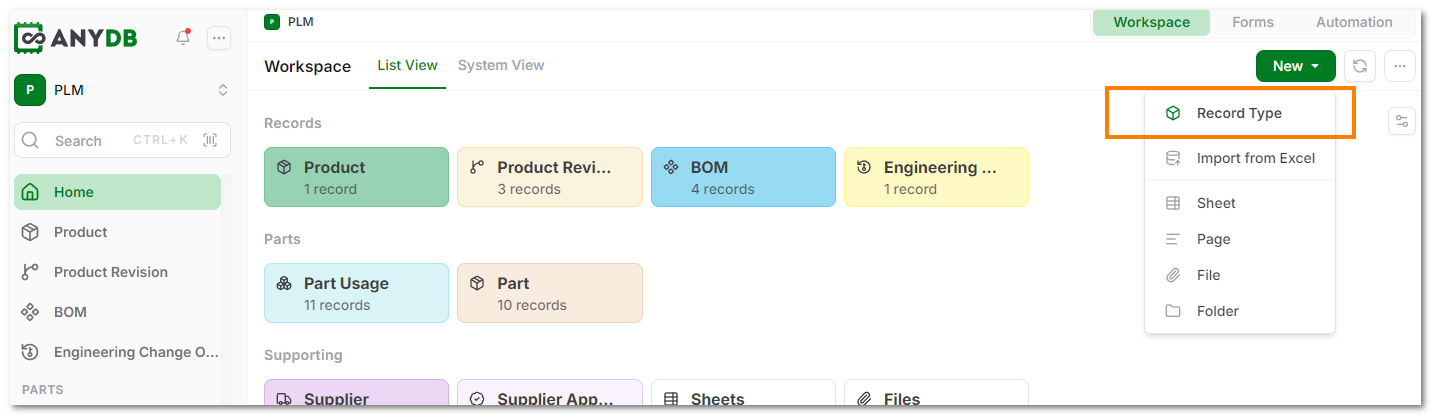
Alternatively, in your Workspace Home screen, click on the 'New' button and select 'New Record Type' option.
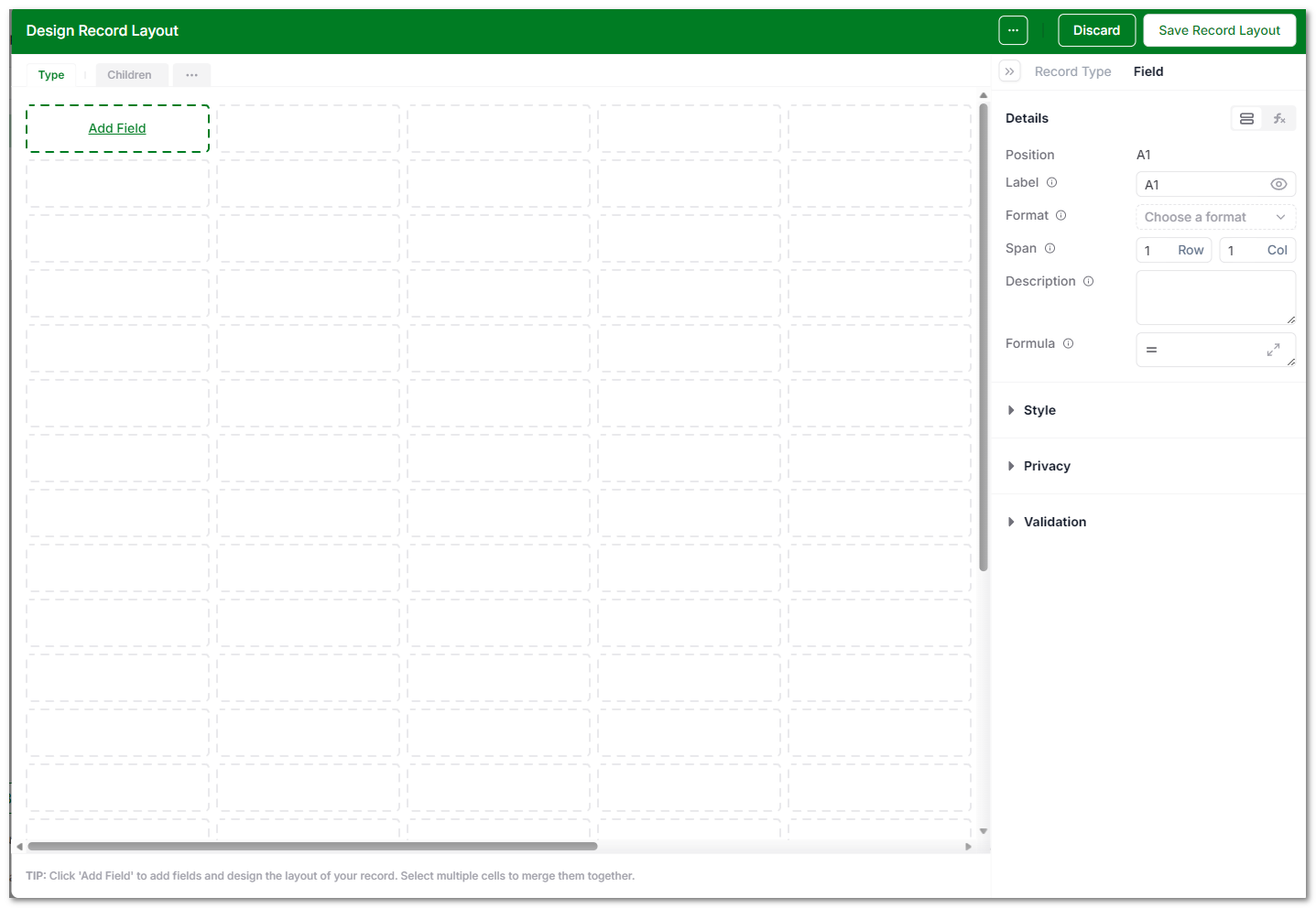
- The Type Designer opens with a blank sheet that you can start editing. See more information about the type designer in the Type Designer documentation.
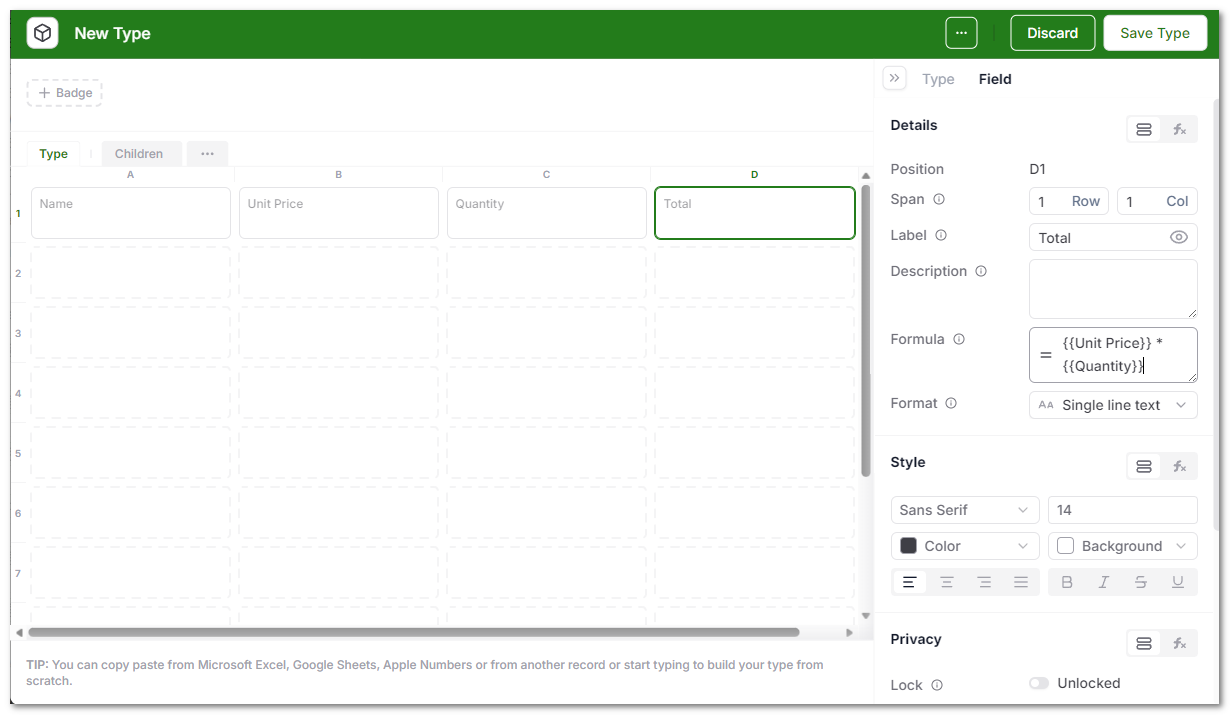
- After adding fields and formatting them as needed, click Save Type in the top-right corner.
- You are now ready to create a new record from that type.