Objects, Types and Records
Getting Started Guide
We recommend reading the getting started guide first if you haven't read that yet.
What is an object?
Your business contains many real things.
Customers, orders, projects, assets.
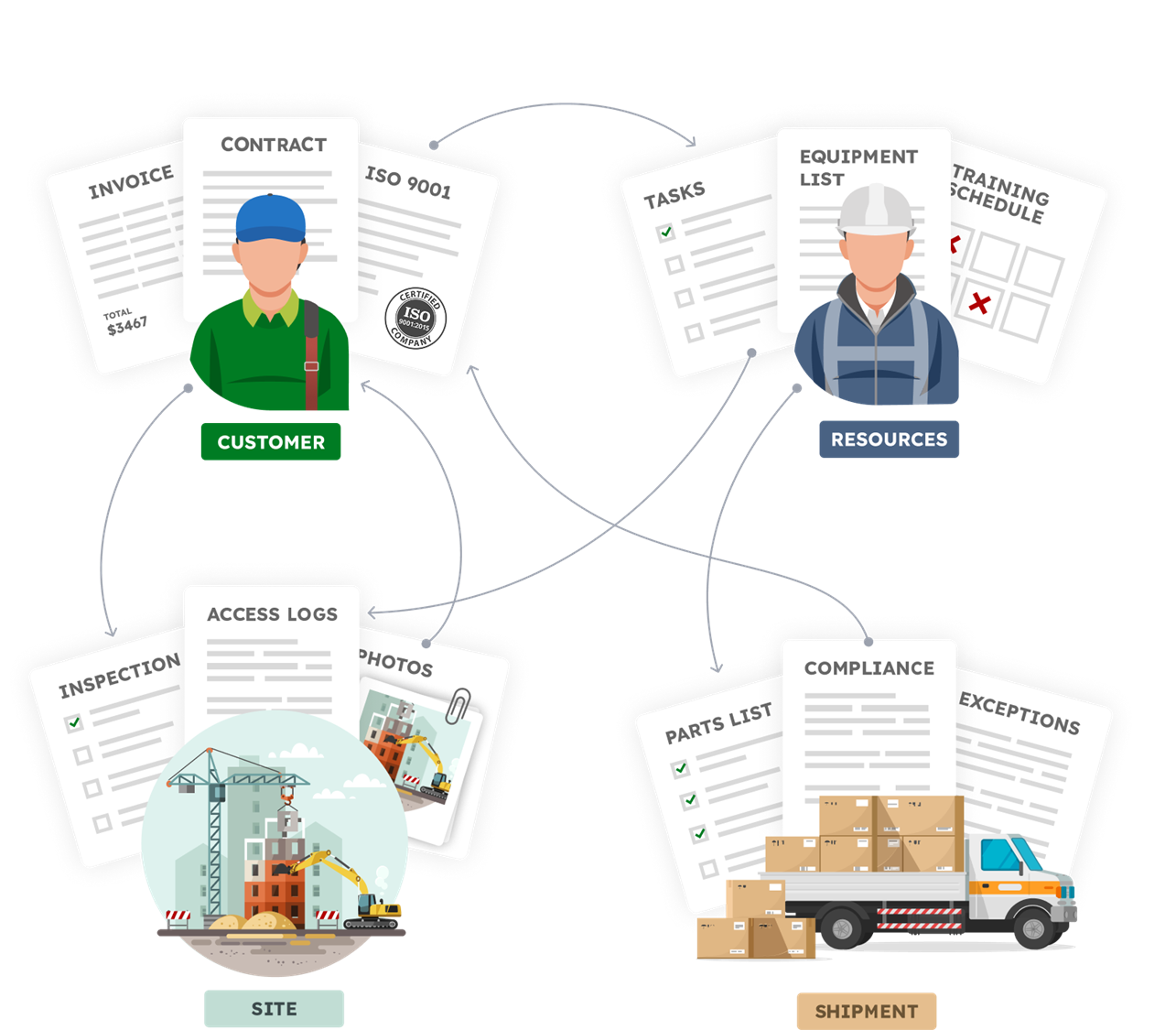
In AnyDB we call them Objects.
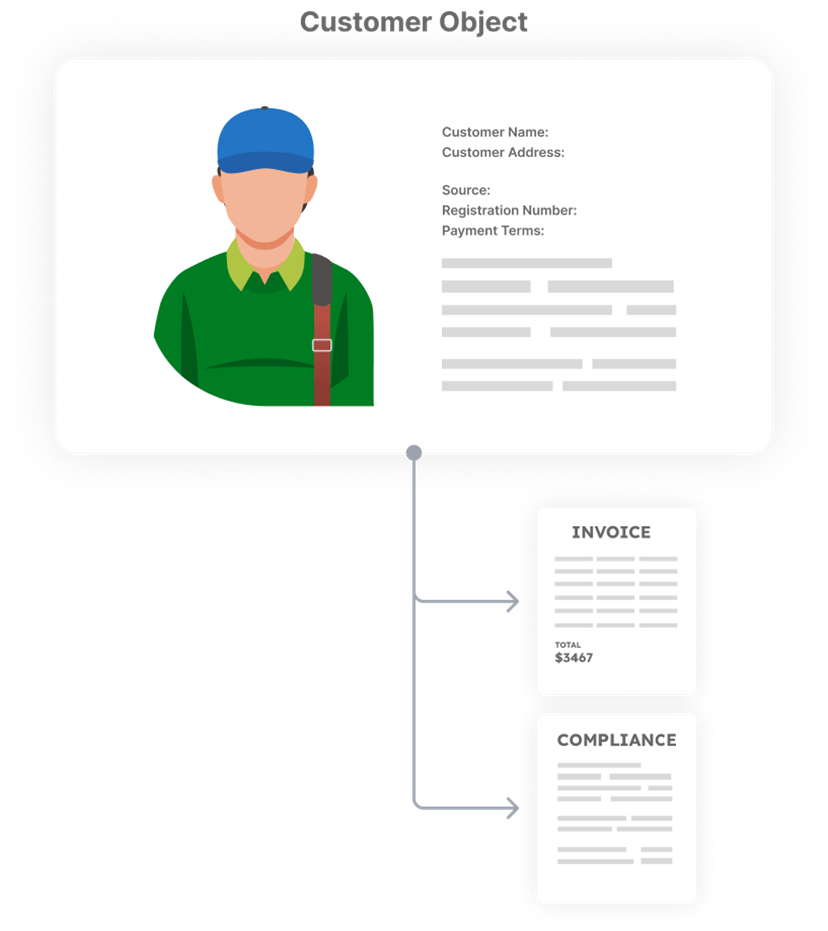
An object in AnyDB represents a real business entity.
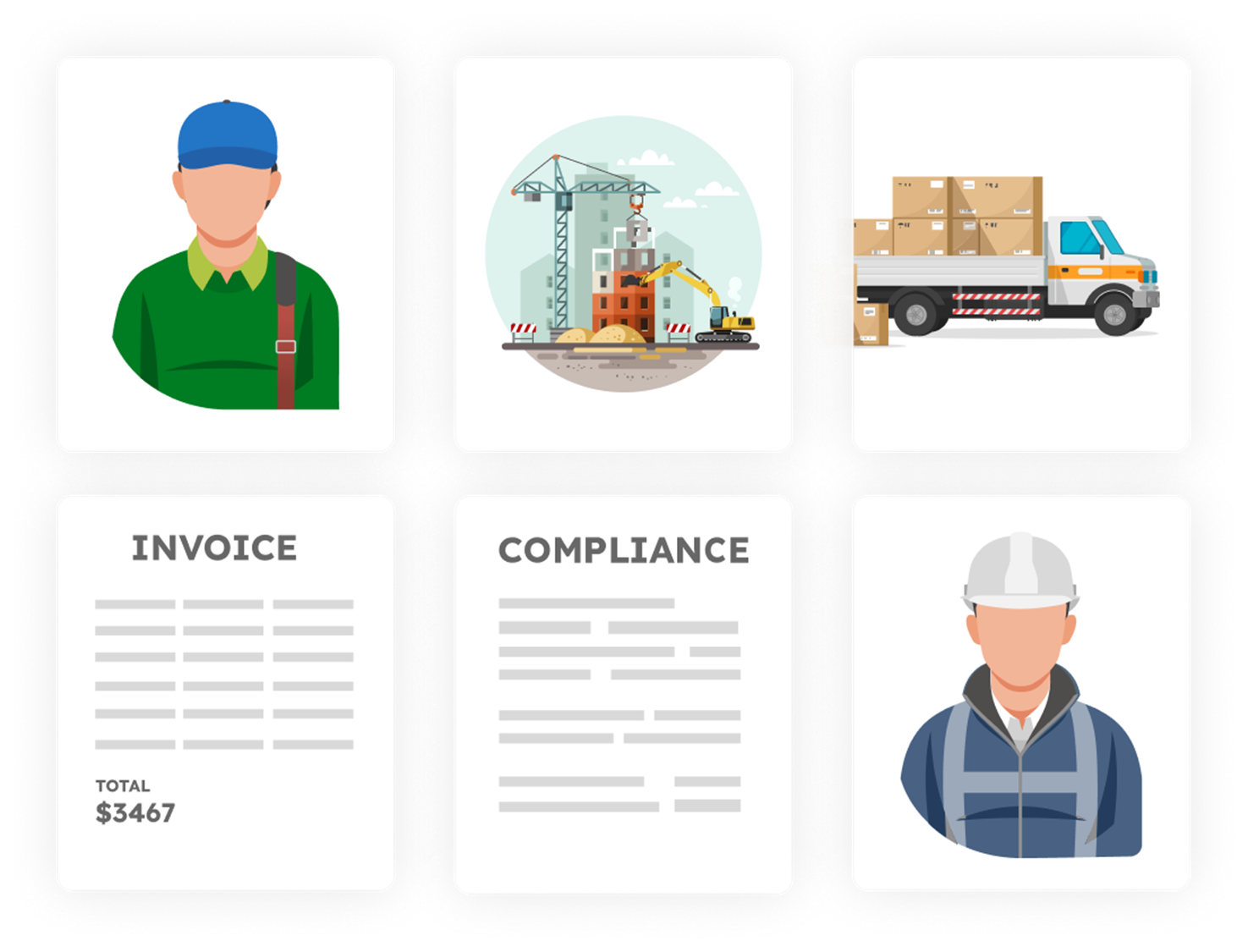
Examples:
- customer
- vendor
- project
- order
- warehouse
- inspection
What an object contains
Each object can include:
- fields such as dates, numbers, and status
- files and documents
- comments and activity
- child objects
- links to other objects
- buttons to trigger actions and workflows
You open one object and see everything in one place.
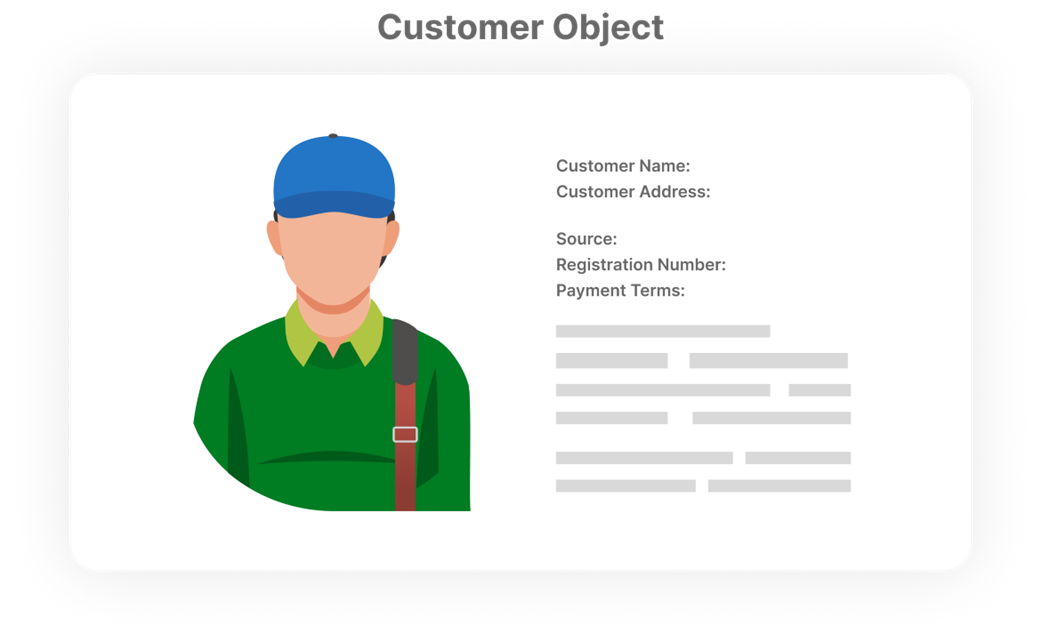
Objects can also contain other objects.
Types and Records
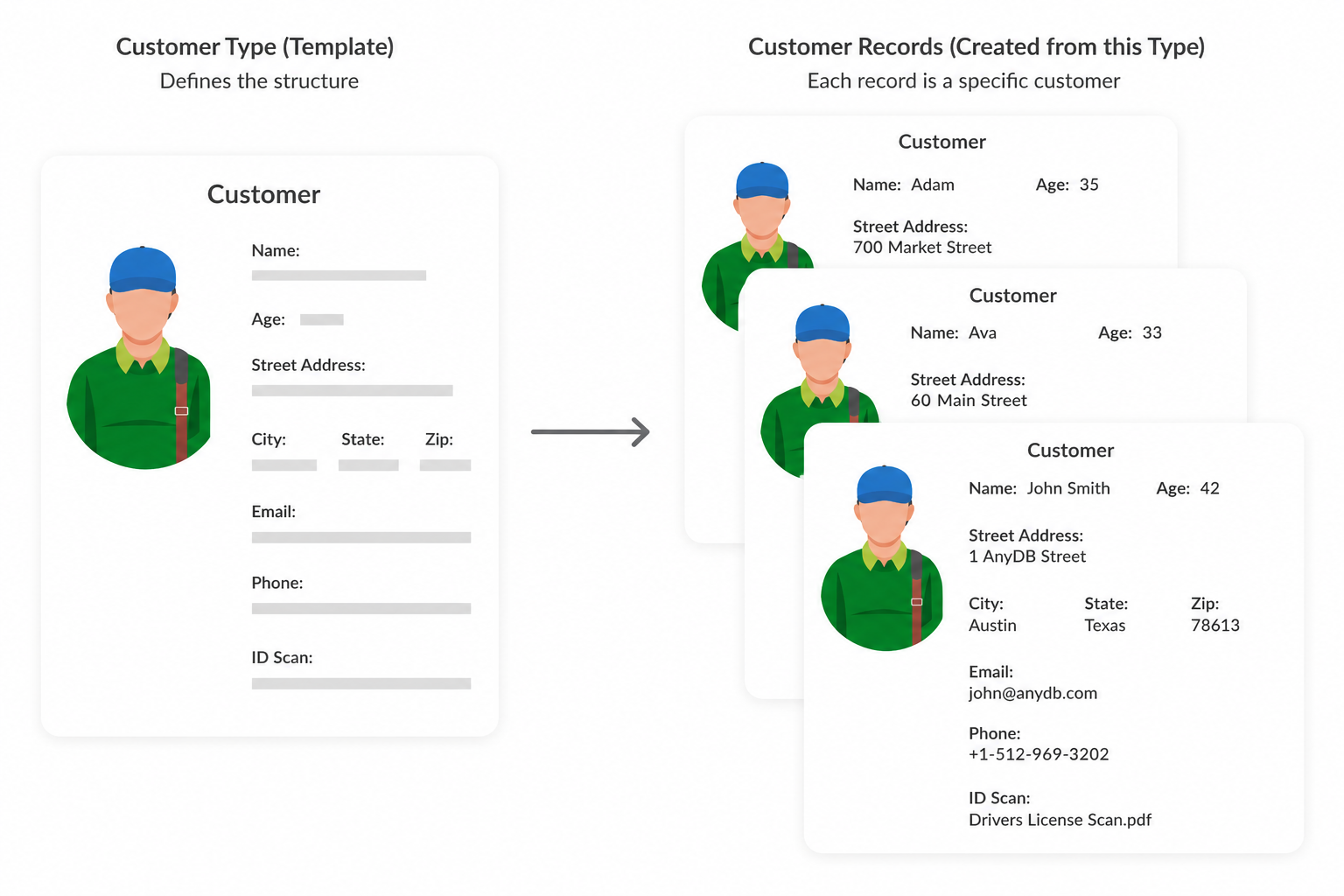
A Type defines the structure of an object.
A Record is one item of that type.
Example:
- Customer -> type
- Acme Corp -> record
- Globex Inc -> record
Types help you:
- keep data consistent
- scale without redesigning structure
- evolve layouts over time
For example, if you need to create a new customer profile, select the Customer Profile type. This will automatically generate a repeatable structured business record for capturing customer information.