Connecting Objects
Overview
AnyDB has exactly two ways to connect objects:
- Child Objects - place one object inside another (parent → child)
- Link - connect one object to another (reference)
Child Objects: placing objects inside other objects
A parent object can contain other child objects. This creates one object with many related parts.
Think of it as:
- something that belongs to the parent
- something that lives inside the parent
Examples:
- order lines inside an order
- tasks inside a project
- inspection records inside a job
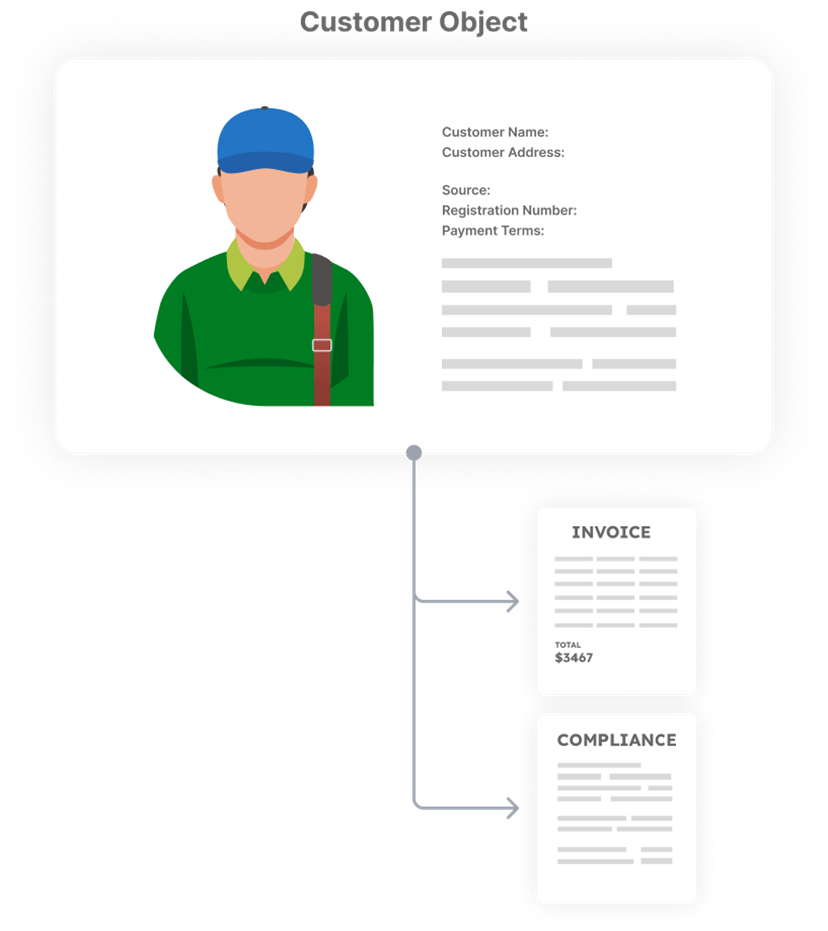
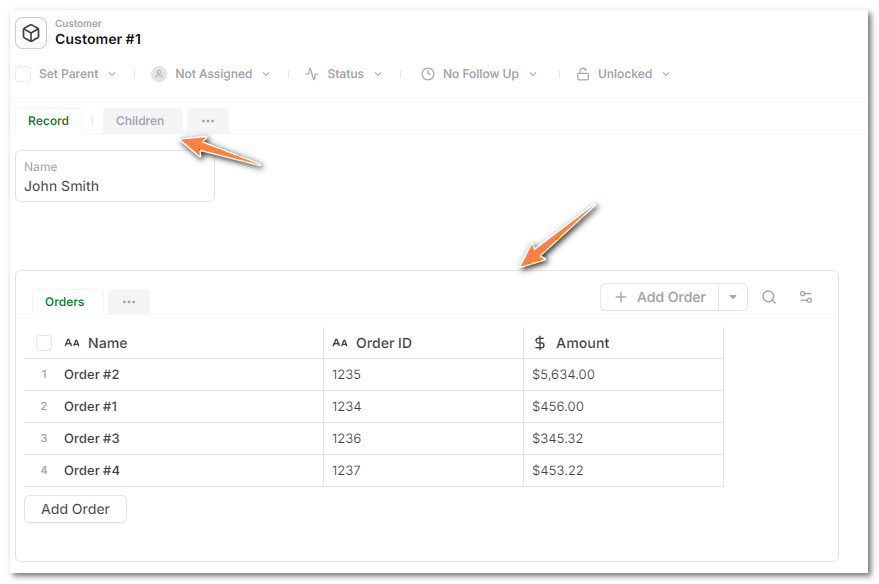
In AnyDB, child objects are shown either:
- inside a Children Records cell
- or in the Children tab
Link: connecting independent objects
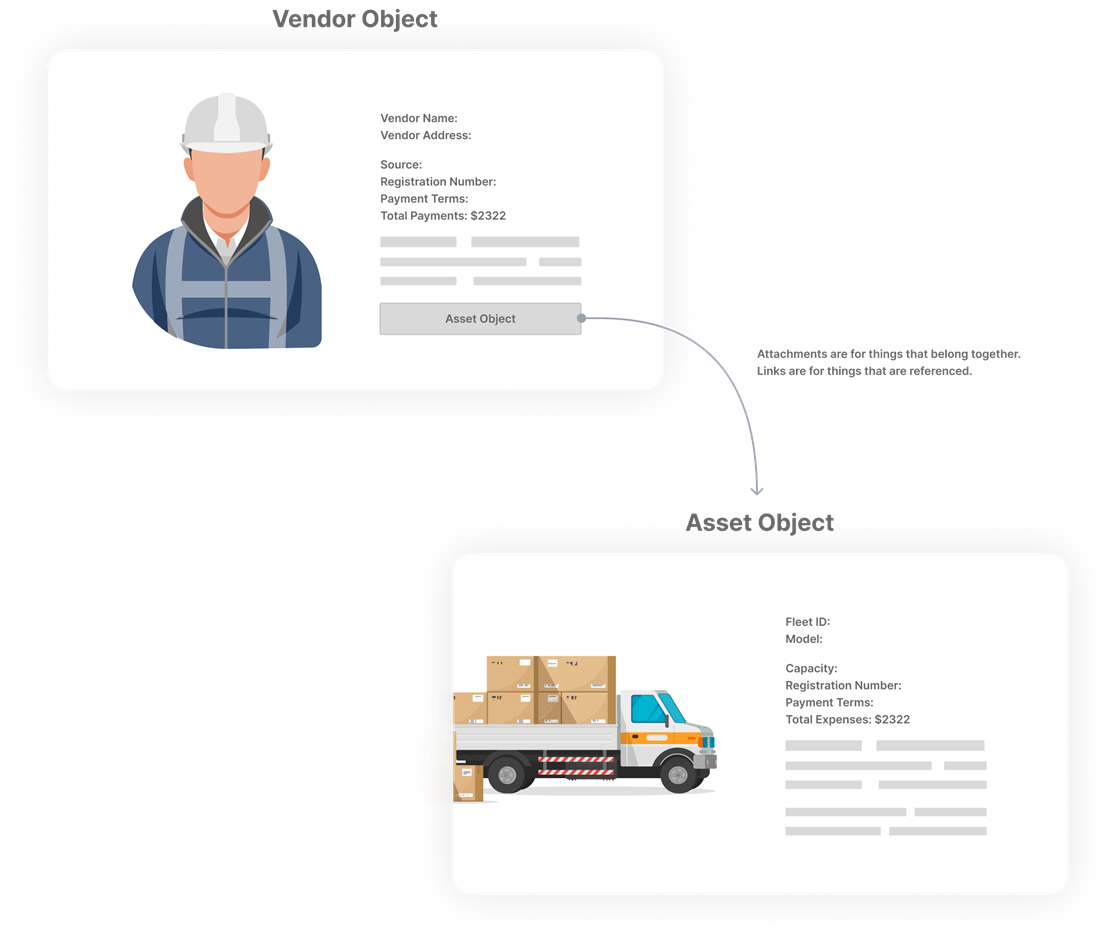
A link connects one object to another without placing it inside.
Think of it as:
- one object pointing to another
- something being used, not owned
Examples:
- an order linked to a customer
- a project linked to a vendor
- a record linked to a product
Linked objects:
- exist independently
- can be reused in many places
- are not deleted when other objects are removed
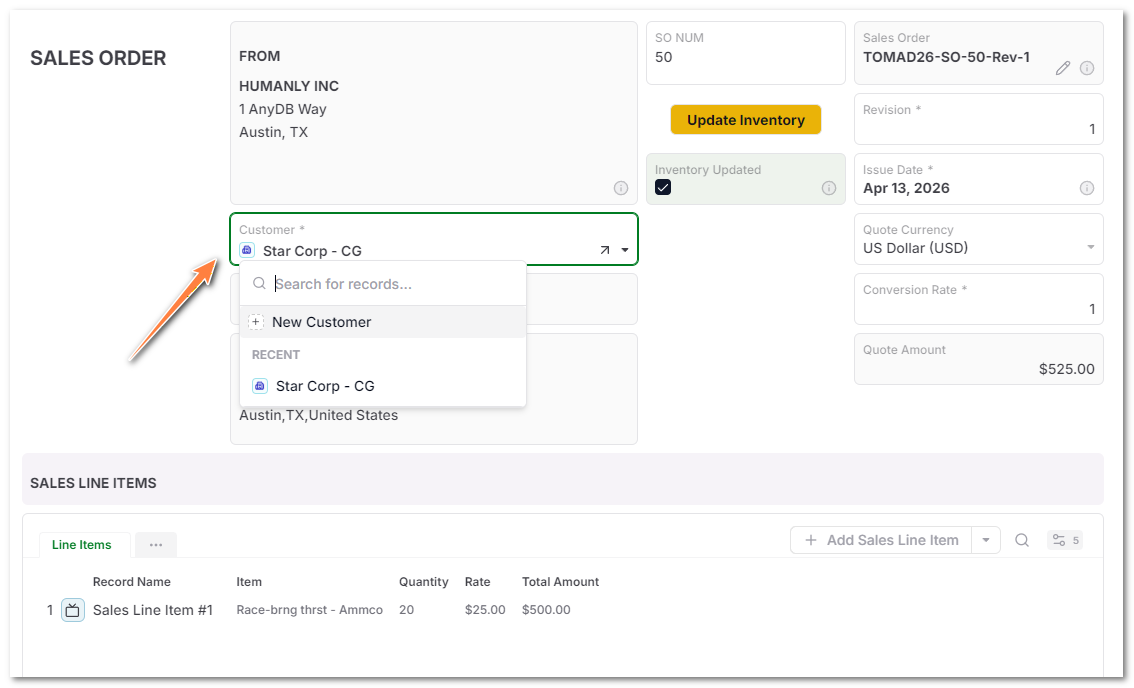
To create a link, add a Reference cell.
When to use which
Ask:
Should this object be able to exist without having a parent object?
- If yes → Link
- If no → Child Object
This is the simplest way to model relationships in AnyDB.