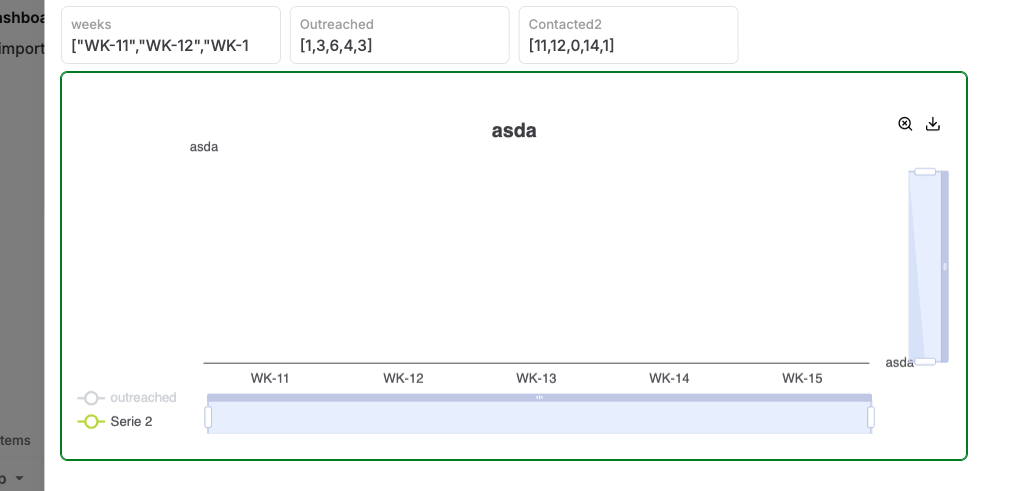
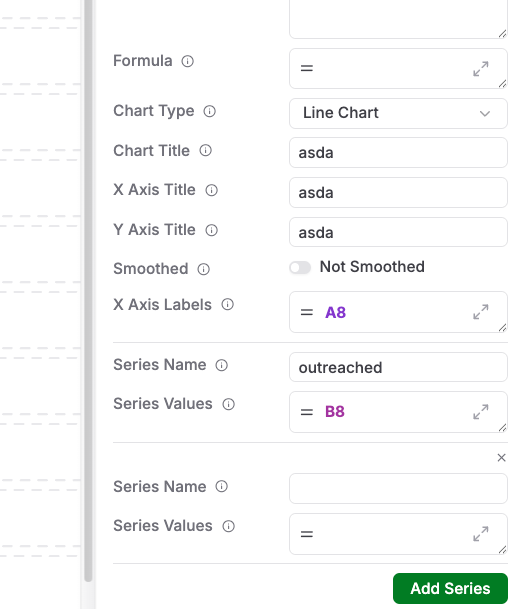
I created a new Chart cell but somehow and old series (“serie 2” keeps showing up while it is not in the type definition.
Thanks for checking, we will check this.
This should be resolved now, please refresh your browser to reload the app.
I can delete a Series now but now I can not add new Series to a chart-cell. The button to add new Series is gone.

Thanks for reporting this one too. We are investigating.
This issue should be fixed now.

In type design I can add and delete series to a chart cell but the content of the second series is never shown. Not in Line and not in Pie. Only the first series is shown.
No problem if your support team goes into my app.
I just discovered the cause of the problem. The number of Rows was too low. I increased it with 2 and now the second series also shows. But this very frustrating because there was no mention of this flaw anywhere. The cell contect should have been fitted into the cell space or there should be a vertical scroll bar.
I see, so your chart was too small and was not showing the extra data?
Thanks for reporting, we will look into improving this.