 AnyDB TIP: Connect a cell value in one record to another
You can build complex data structures and workflows by linking data from different records.
As example, let’s assume that you attached an employee vacation tracker record to an employee record (How to Attach Additional Records to a Record).
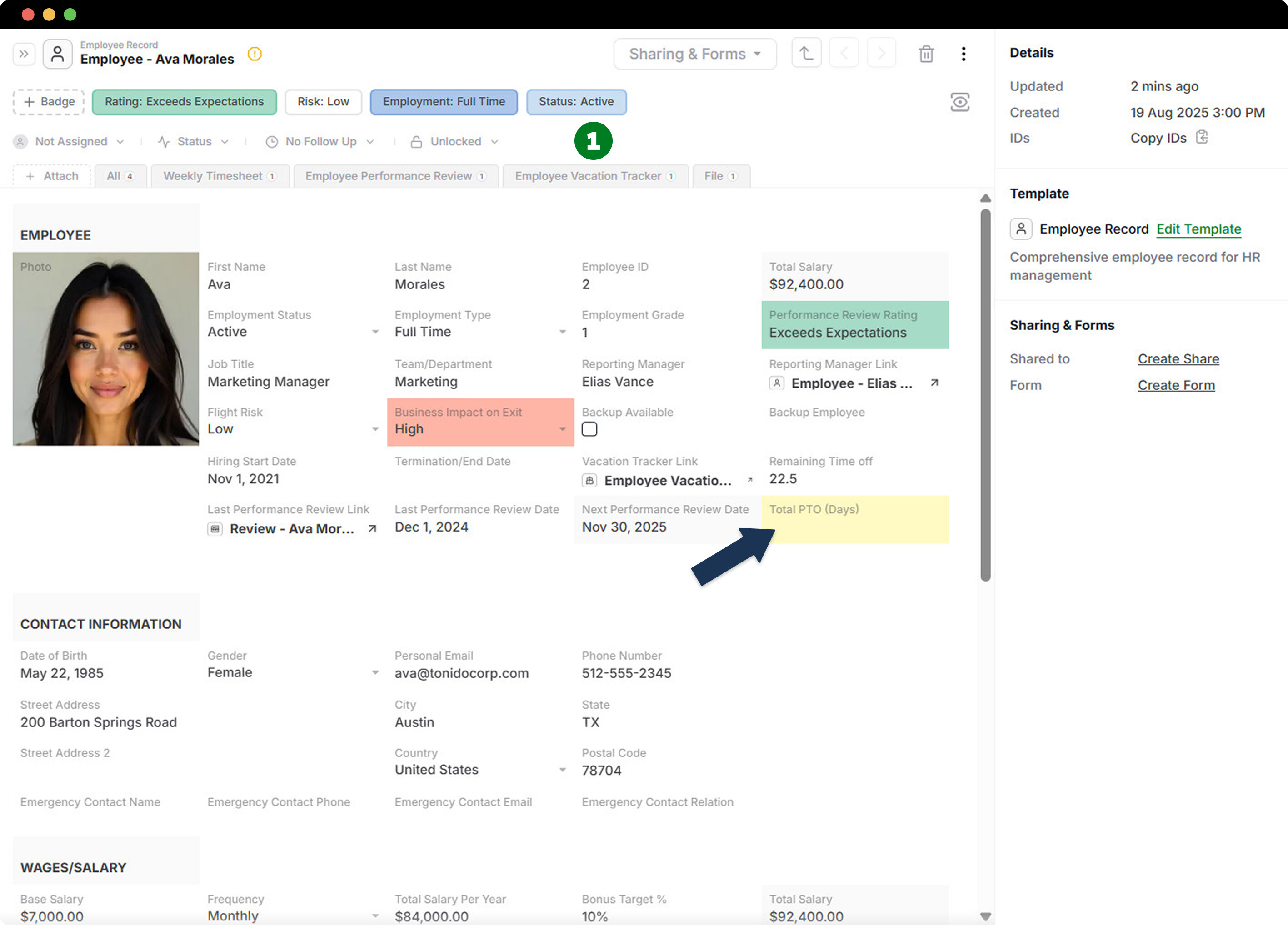
Then you want to see the Paid Time Off days value, in the employee profile record:
-
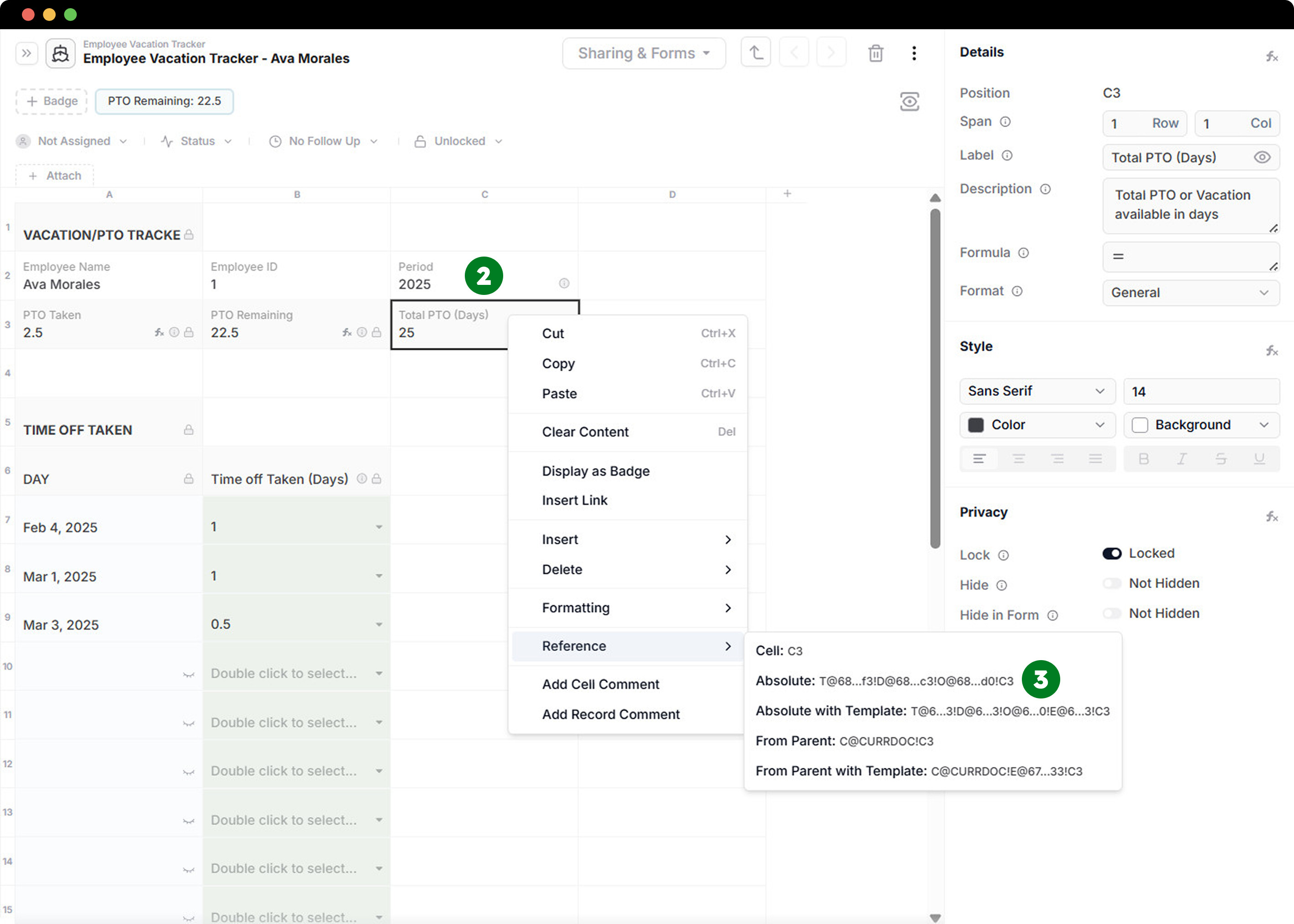
Go to employee vacation tracker record attached to Employee Record
-
Click on the cell you want to copy the reference from (example: Total PTO Days)
-
Right click to bring up the cell context menu and select Reference and then Absolute option.
- The cell reference will be copied to your clipboard.
-
Click on the cell you want to connect to the copied reference.
-
Go to formula fied and paste the copied reference value and press enter.

The benefits:
You can run the process multiple times to link a data cell value to another record cell in order to summarise information.
To see more, please check out our website: AnyDB Templates