Happy Thanksgiving! 
We are thrilled to launch our Data View just before thanksgiving week!
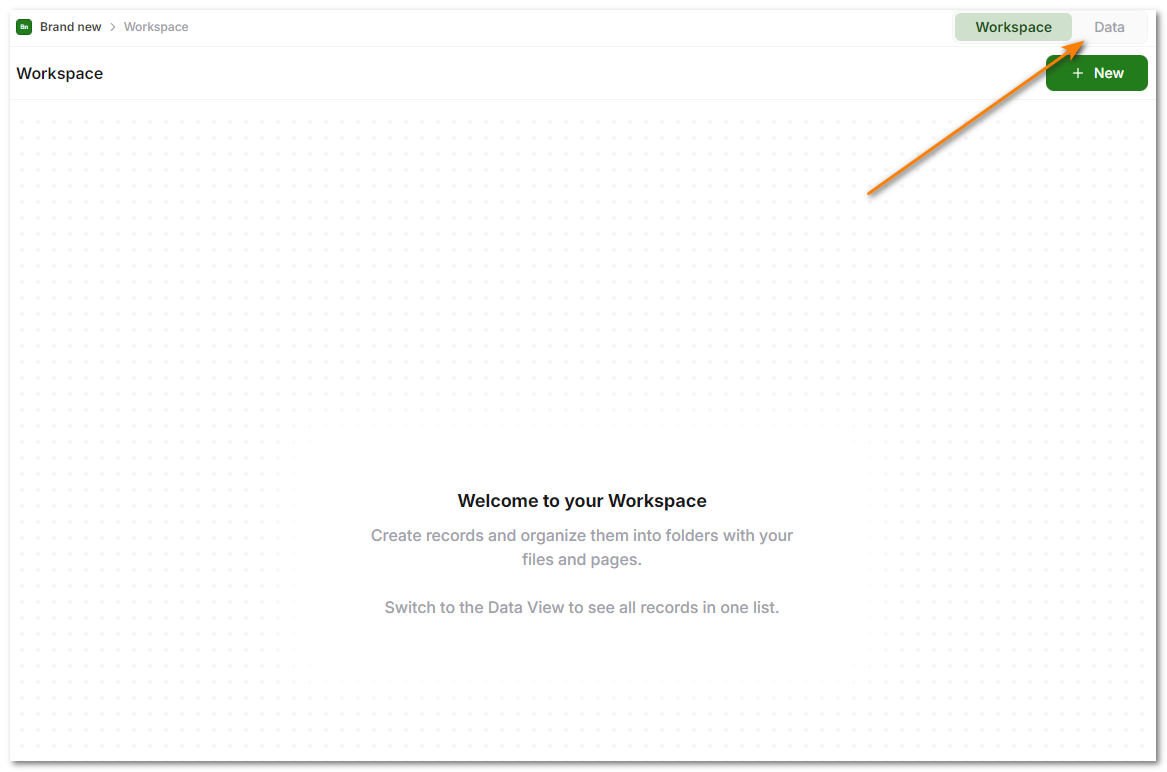
To open the Data view, simply click the “Data View” on the top right corner in any Database.
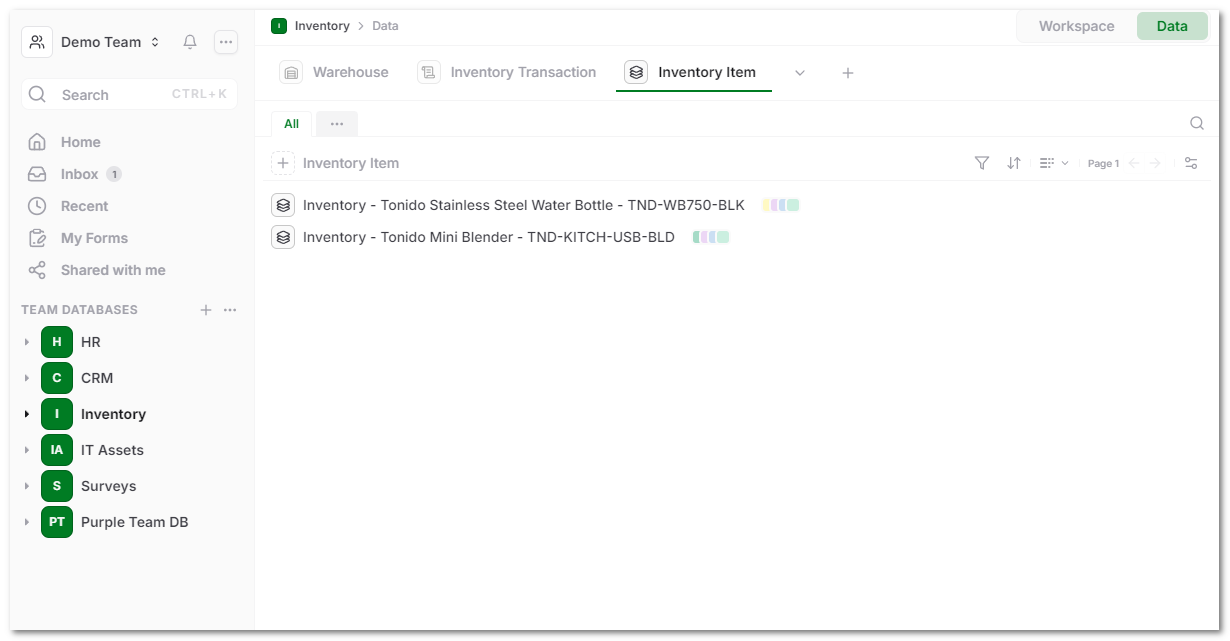
The Data View shows all the available records in a single view that you can customize to how you want.
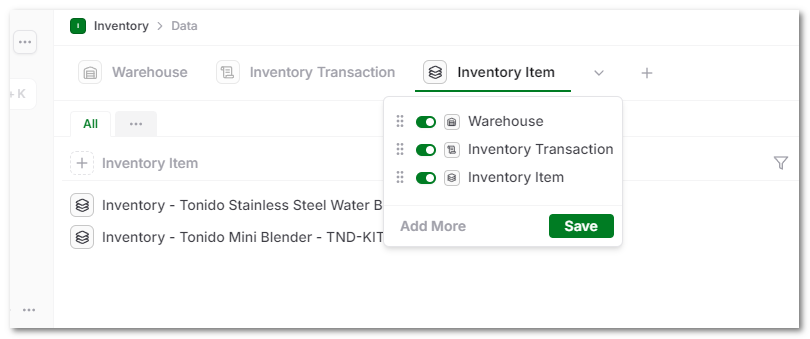
You can also add new templates by clicking on the ‘+’ to create a new Template and add to the list of records you are viewing.
Bug Fixes
- Fixed view tabs not showing correctly under some conditions
- Changed to show the sort in the URL only when there are local changes
- Added to show existing tabs if specified in the template even when there are no attachments
- Removed total count and total pages when the UI doesn’t have this information
- Changed References right click menu to use Name Based Template names instead of Template IDs