 New Features
AI Based Template Creator
It is now possible to generate templates in seconds by using AI prompts. Simply describe the type of template you want and it will create a full fledged template. Once created you can edit the template and customize it to what you want. You can remove fields and add new fields.
To create a AI based template, click on Add and New Record and select “New Template using AI”
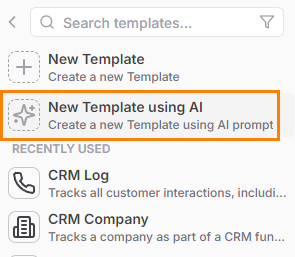
You will get a prompt box to describe the template you want, hit generate to generate the template
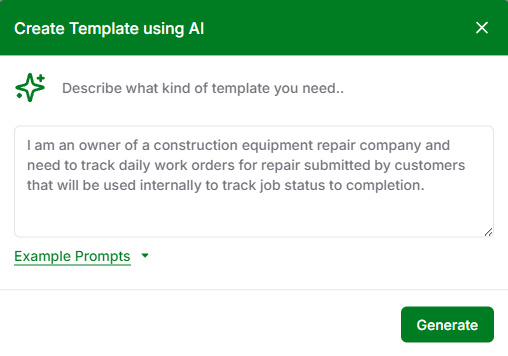
New Template Designer Screen
Templates are created or edited using the new Template Designer screen.
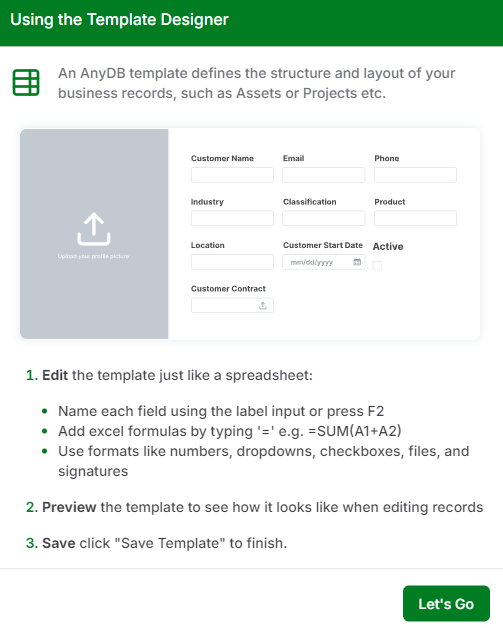
You can edit and create a template from scratch in this screen.
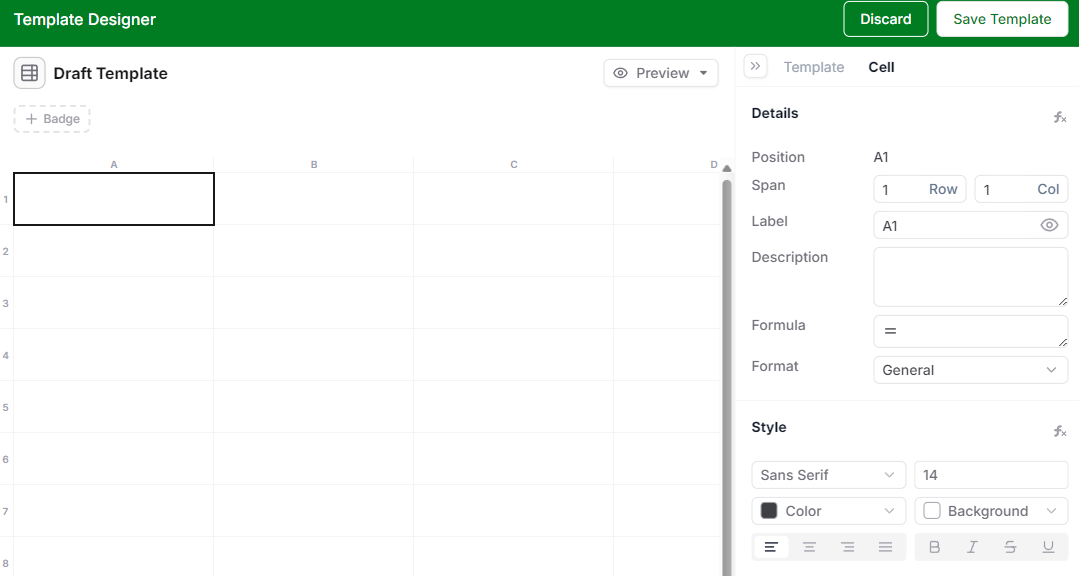
Once created, you can save it as a new template.
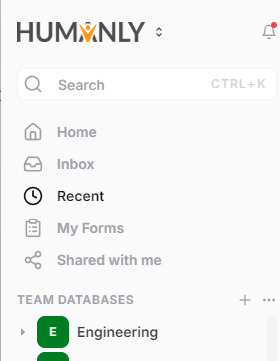
Team Logo Support
If you have pro or business subscription, you can go to Team settings and select a logo and apply it. The logo will appear in the user interface and when sharing any records or creating a form.
Group Form submissions by Folders based on Day, Week, Month, Year
Form submissions can now be automatically grouped by folders based on day, week, month or year.
 Bug Fixes
- Fix issues with filters sometimes not working
- Fix issues with data export
- Fix: Refreshes current record, when adding new attachment
- Fix: Support rendering images in records in grid view
- Fix: Show error when trying to assign items when record is locked
- Fix: Export as PDF renders full record
- Fix: Disable right click options that don’t work in record/form mode
- New: Supports toggle option for checkbox