Save images and page screenshots to AnyDB


Download From:
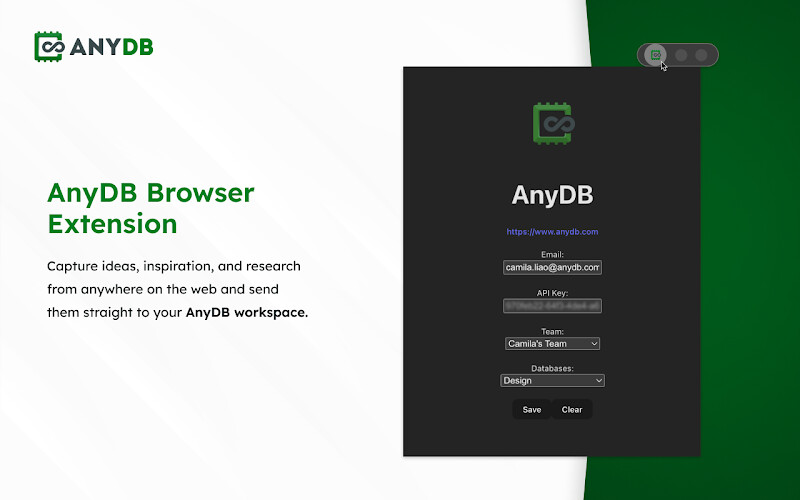
Capture ideas, inspiration, and research from anywhere on the web and send them straight to your AnyDB workspace.
With the AnyDB Extension, you can:
 Save full-page screenshots into AnyDB with one click.
Save any image from the web directly into your AnyDB account.
Capture inspiration, research, or references as you browse. No more hunting through folders later.
Keep your saved items organized and connected inside AnyDB alongside your projects, clients, or workflows.
Whether you’re researching competitors, collecting creative assets, or storing visual references for your team, AnyDB makes sure everything is captured in one place: safe, searchable, and connected.
Why Use the AnyDB Extension?
Replace scattered bookmarks, Drive folders, or endless screenshot files.
Keep your web clippings instantly linked to the right project, client, or database inside AnyDB.
Collaborate with your team by sharing saved visuals in real time.
How It Works
- Install the extension.
- Right-click any image or page → “Save to AnyDB”.
- Choose your database or record destination.
- Done! Your inspiration is stored and organized in AnyDB.
Perfect for: founders, team leaders, designers, marketers, researchers, and teams who want their web inspiration and references organized, not lost in browser tabs or desktop folders.